
Admins run ulimit -a when services fail with Too many open files or when database engines hit process caps. Pair with systemd for daemon limits.
Read ulimit -a
Soft limits apply to the shell; hard limits cap how high soft can go.
bashshow
ulimit -a
ulimit -Ha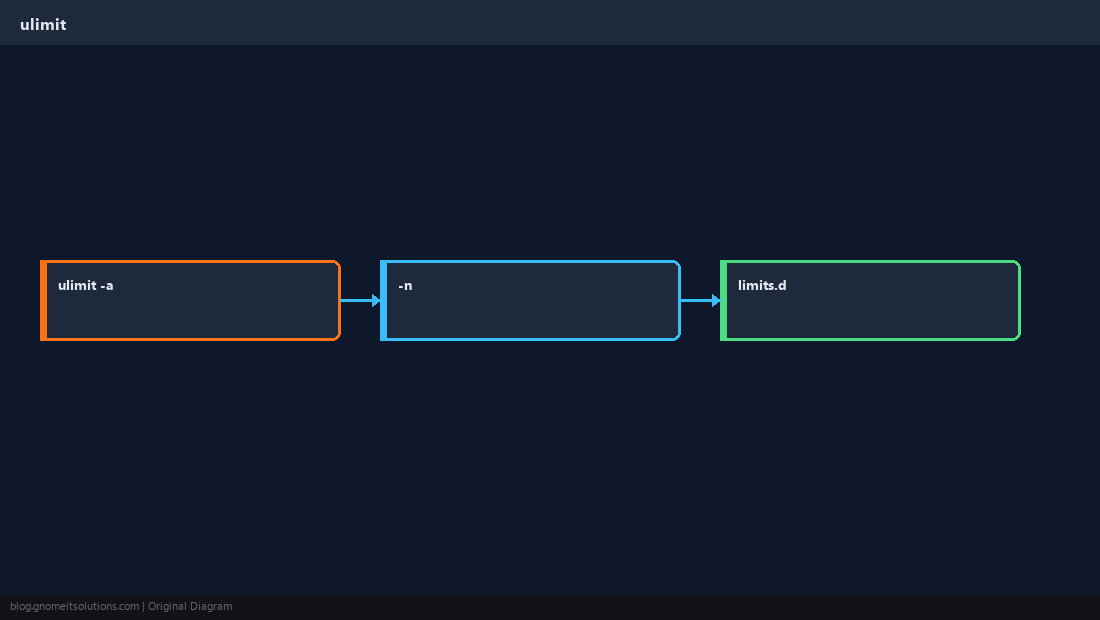
Open files (-n)
Web and DB servers often need thousands of FDs.
bashraise session
ulimit -n 65536
lsof -p $$ | wc -lMax processes (-u)
Fork bombs and runaway workers hit ulimits.
bashcheck
ulimit -u
ps -eLf | wc -lPersist system-wide
Use /etc/security/limits.d/ and systemd LimitNOFILE=.
inilimits.d
* soft nofile 65536
* hard nofile 65536Quick Reference
- Session:
ulimit -n - Persist:
/etc/security/limits.d/+ systemd drop-in
Related tutorials
Diagrams are original illustrations by Gnome IT Solutions. Tutorial text © Gnome IT Solutions.