Forgetting the database root password is common, and on modern distributions you may not need to “reset” anything at all: Ubuntu, Debian and MariaDB often let the
system root user log in through the local socket. If that does not work, a short recovery procedure lets you set a new password safely.
Quick answer: first try sudo mysql. If it opens a prompt, run ALTER USER 'root'@'localhost' IDENTIFIED BY 'NewStrongPass';. Otherwise use the skip-grant-tables method below.
Check the Version and Service Name
MySQL and MariaDB use slightly different syntax and service names, so check which one you have first.
mysql --version
systemctl status mysql 2>/dev/null | head -3
systemctl status mariadb 2>/dev/null | head -3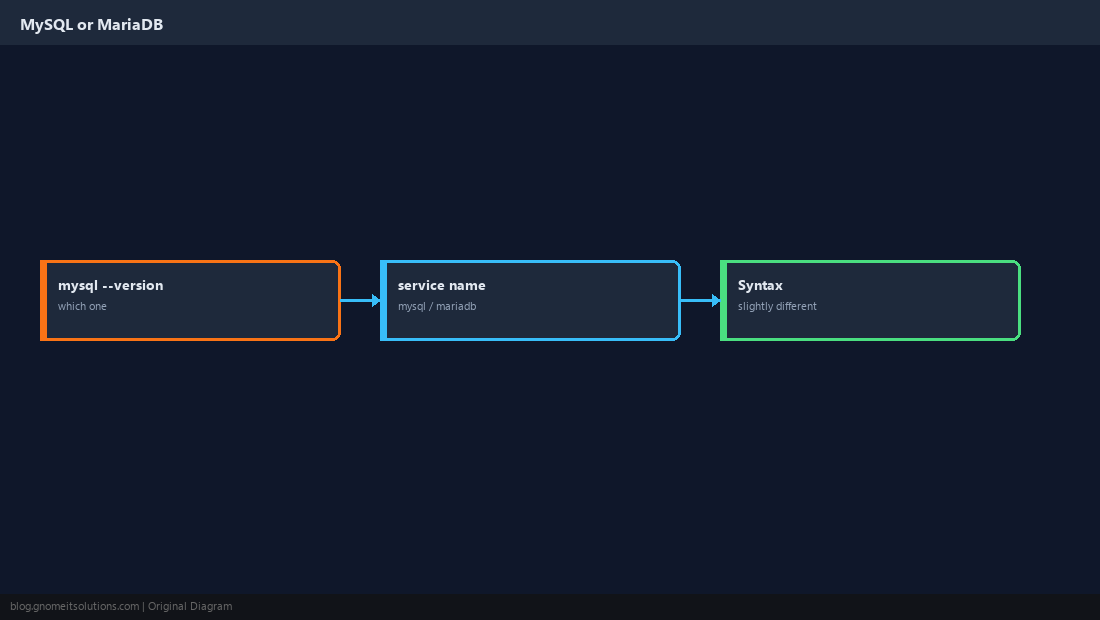
Try sudo mysql (Socket Authentication)
On Ubuntu with MySQL 8 and on MariaDB 10.4+, root often uses the auth_socket or unix_socket plugin: the Linux root user can log in without a password.
sudo mysqlALTER USER 'root'@'localhost' IDENTIFIED BY 'NewStrongPass!2026';
FLUSH PRIVILEGES;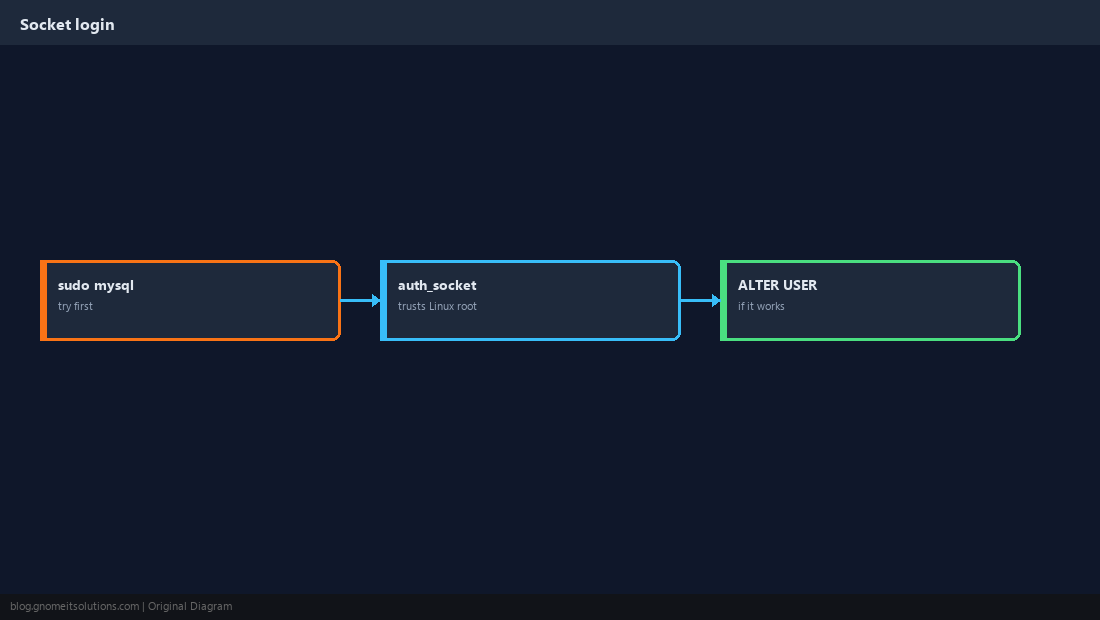
Stop the Database Server
If socket login fails, you need recovery mode. Stop the service first.
sudo systemctl stop mysql # or: sudo systemctl stop mariadb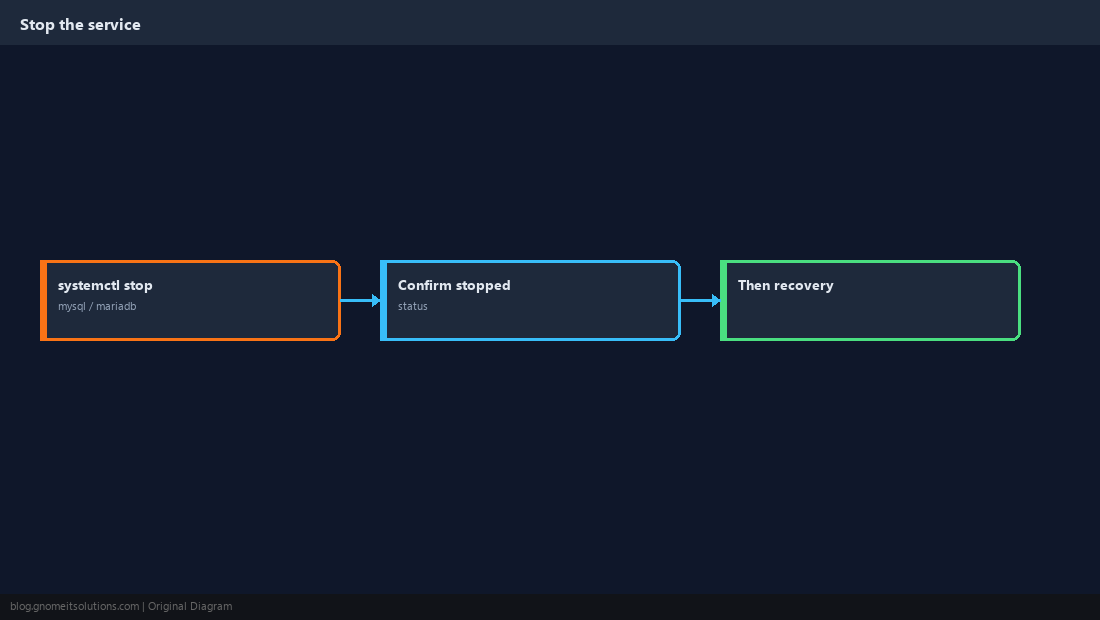
Start in Recovery Mode With skip-grant-tables
--skip-grant-tables starts the server without checking passwords. --skip-networking keeps it off the network while it is unprotected.
sudo systemctl set-environment MYSQLD_OPTS="--skip-grant-tables --skip-networking"
sudo systemctl start mysqlsudo mysqld_safe --skip-grant-tables --skip-networking &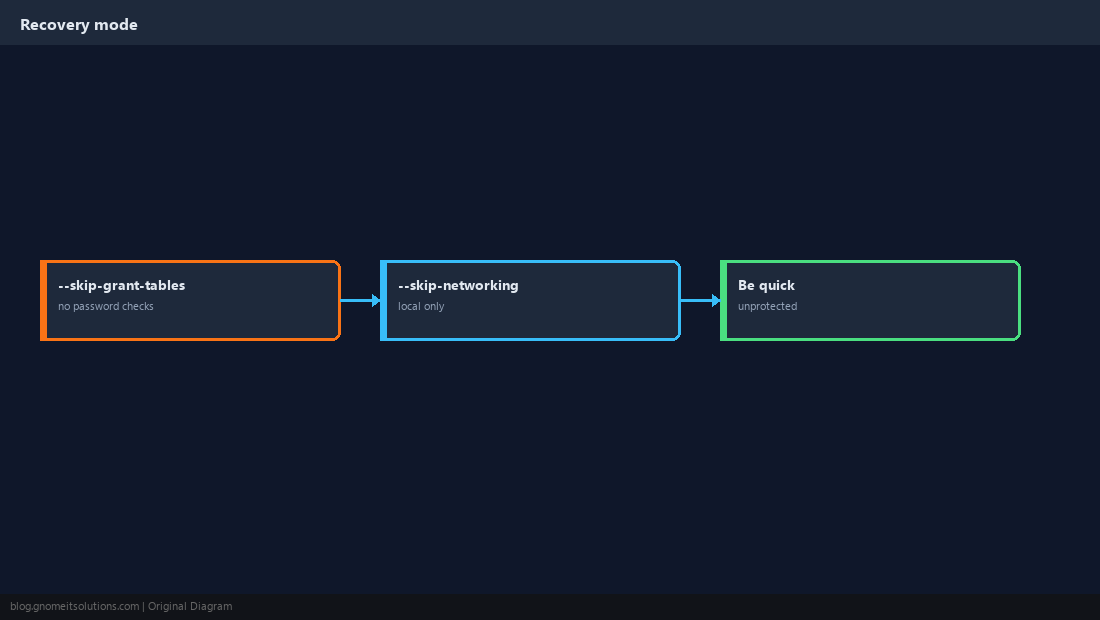
Set the New Root Password
Log in without a password, reload the grant tables so ALTER USER works, then set the new password.
mysql -u rootFLUSH PRIVILEGES;
ALTER USER 'root'@'localhost' IDENTIFIED BY 'NewStrongPass!2026';FLUSH PRIVILEGES;
UPDATE mysql.user SET authentication_string=PASSWORD('NewStrongPass!2026') WHERE User='root';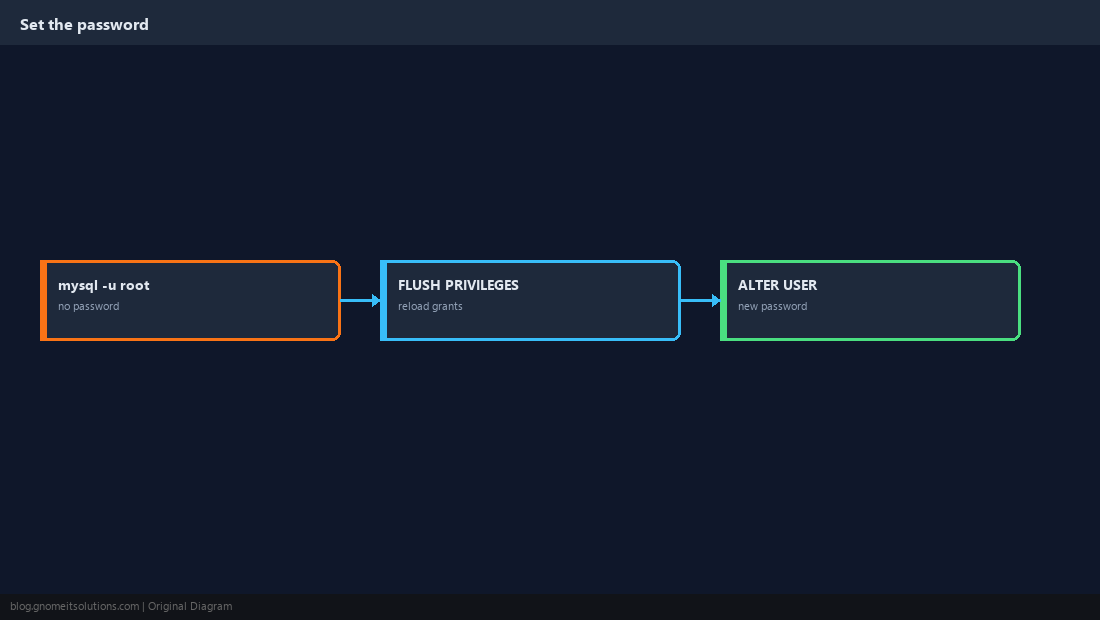
Restart Normally
Remove the recovery options and restart, so password checks and networking are back on.
sudo systemctl unset-environment MYSQLD_OPTS
sudo systemctl restart mysqlsudo mysqladmin -u root -p shutdown
sudo systemctl start mariadb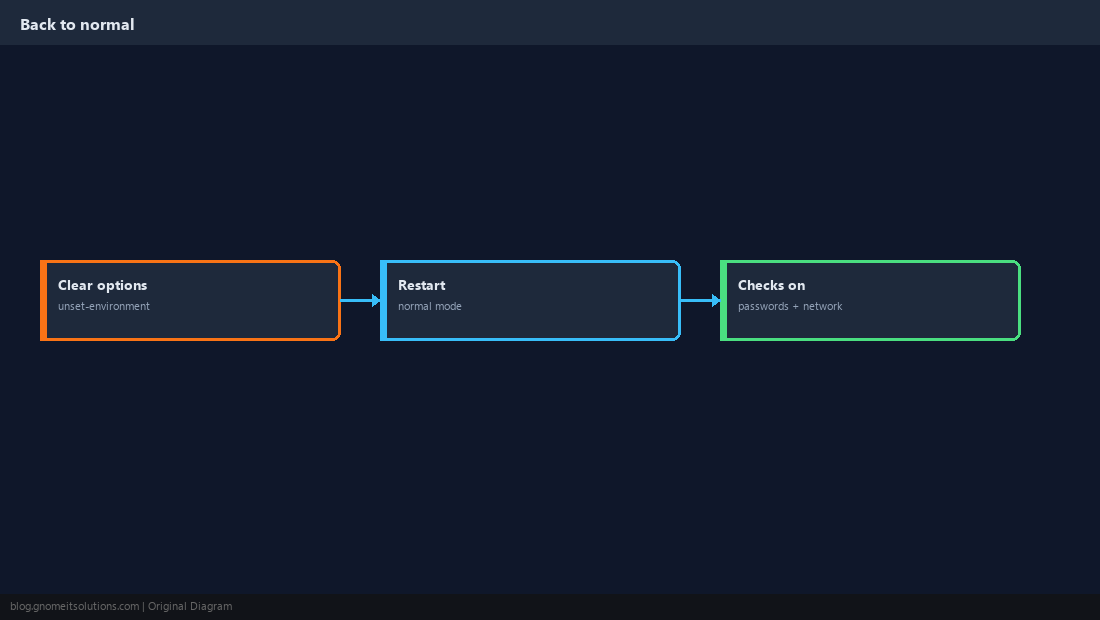
Test the New Password
Log in with the password and confirm which authentication plugin root now uses.
mysql -u root -pSELECT user, host, plugin FROM mysql.user WHERE user='root';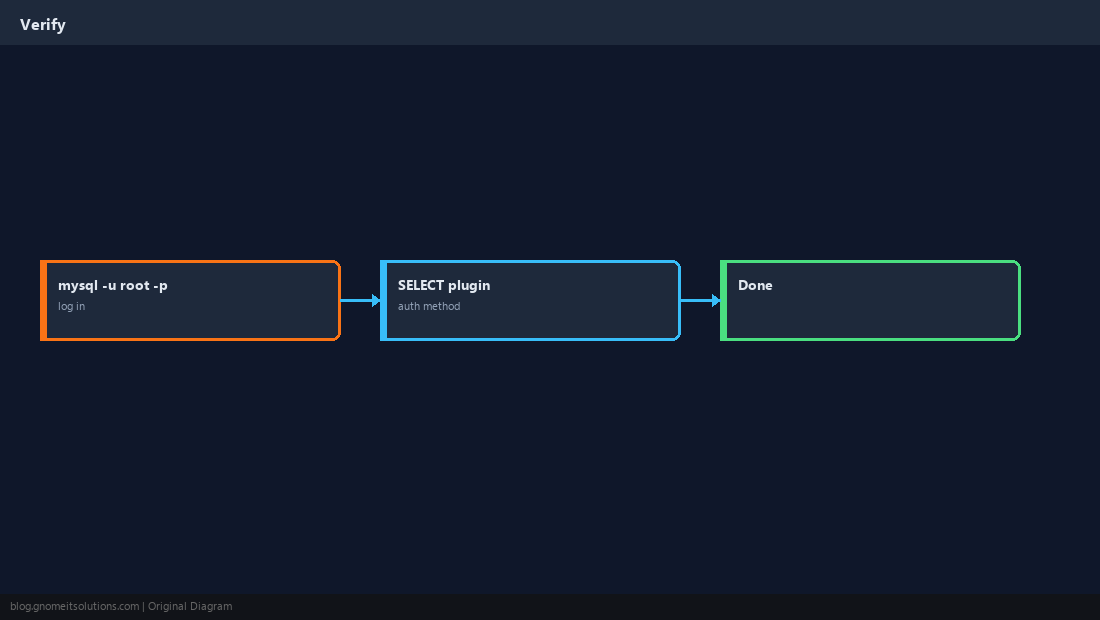
Secure the Server Afterwards
Use the reset as a chance to tighten things: strong passwords, no remote root login, and separate users for applications.
sudo mysql_secure_installation # or mariadb-secure-installationCREATE USER 'appuser'@'localhost' IDENTIFIED BY 'AnotherStrongPass!';
GRANT ALL PRIVILEGES ON appdb.* TO 'appuser'@'localhost';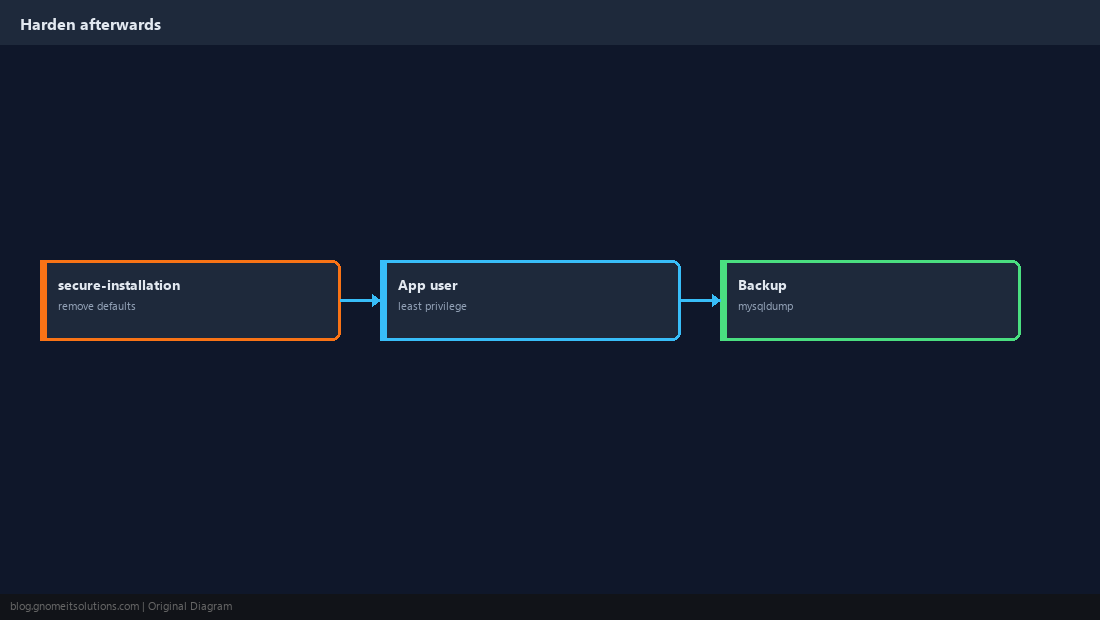
Quick Reference
How do I reset the MySQL root password if I forgot it?
First try sudo mysql. If that fails, stop MySQL, start it with –skip-grant-tables –skip-networking, run FLUSH PRIVILEGES and ALTER USER, then restart normally.
Why can I log in with sudo mysql without a password?
Root uses the auth_socket or unix_socket plugin, which trusts the Linux root user connecting through the local socket.
What is the ALTER USER syntax for the root password?
ALTER USER 'root'@'localhost' IDENTIFIED BY 'NewPassword'; on MySQL 5.7.6+, MySQL 8 and MariaDB 10.4+.
Is skip-grant-tables safe?
Only briefly. It disables all password checks, so combine it with –skip-networking and restart normally as soon as the password is set.
Does this work for MariaDB?
Yes. Use the mariadb service name and mysqld_safe for recovery mode; ALTER USER works on MariaDB 10.4 and later.
Cheat Sheet
sudo mysql,ALTER USER 'root'@'localhost' IDENTIFIED BY '...';--skip-grant-tables --skip-networking,FLUSH PRIVILEGES;,mysql_secure_installation
Related tutorials
Diagrams are original illustrations by Gnome IT Solutions. Tutorial text © Gnome IT Solutions.