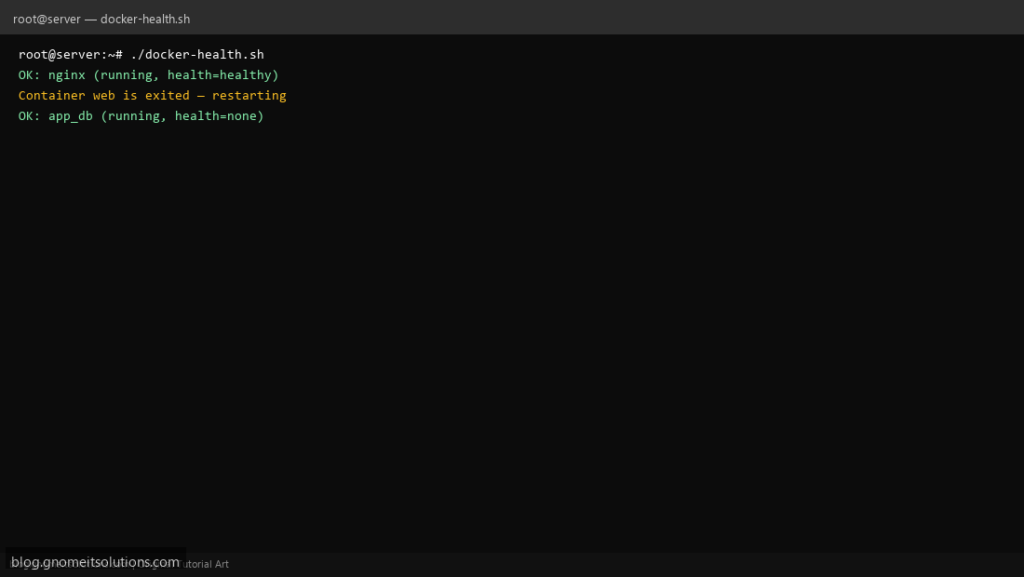
Keep Docker stacks running with a container health check script — detects stopped or unhealthy containers and restarts them automatically.
What this script does
- Checks running state of named containers
- Reads Docker health status (healthy/unhealthy)
- Restarts failed containers with docker start/restart
- Optional email alert when restart occurs
- Logs all actions for post-incident review
Prerequisites
- Docker installed and running
- Containers with known names
- Optional: mail for alerts
Step 1: Save the script
sudo nano /usr/local/bin/docker-health.sh
sudo chmod +x /usr/local/bin/docker-health.sh
Step 2: Full script (scroll to read)
docker-health.sh
#!/usr/bin/env bash
set -euo pipefail

CONTAINERS="nginx web app_db redis"
COMPOSE_DIR=""               # e.g. /opt/myapp — leave empty to skip compose
ALERT_EMAIL="[email protected]"
LOG="/var/log/docker-health.log"

log(){ echo "[$(date '+%F %T')] $*" | tee -a "$LOG"; }
alert(){ [[ -n "$ALERT_EMAIL" ]] && command -v mail >/dev/null && echo "$1" | mail -s "Docker alert: $(hostname -s)" "$ALERT_EMAIL" || true; }

ISSUES=0
for c in $CONTAINERS; do
  STATE=$(docker inspect -f '{{.State.Status}}' "$c" 2>/dev/null || echo "missing")
  HEALTH=$(docker inspect -f '{{if .State.Health}}{{.State.Health.Status}}{{else}}none{{end}}' "$c" 2>/dev/null || echo "missing")

  if [[ "$STATE" != "running" ]]; then
    log "Container $c is $STATE — restarting"
    docker start "$c" 2>/dev/null || docker restart "$c" 2>/dev/null || ISSUES=$((ISSUES+1))
    alert "Container $c was $STATE and was restarted on $(hostname -s)"
  elif [[ "$HEALTH" == "unhealthy" ]]; then
    log "Container $c is unhealthy — restarting"
    docker restart "$c"
    alert "Container $c was unhealthy and restarted on $(hostname -s)"
  else
    log "OK: $c ($STATE, health=$HEALTH)"
  fi
done

if [[ -n "$COMPOSE_DIR" && $ISSUES -gt 0 ]]; then
  log "Attempting docker compose up in $COMPOSE_DIR"
  (cd "$COMPOSE_DIR" && docker compose up -d) >> "$LOG" 2>&1
fi

exit $ISSUES
Scroll inside the box to read the full script.
Step 3: Configure settings
CONTAINERS— space-separated list of container namesCOMPOSE_DIR— optional path to run docker compose up -dALERT_EMAIL— notify on restart events
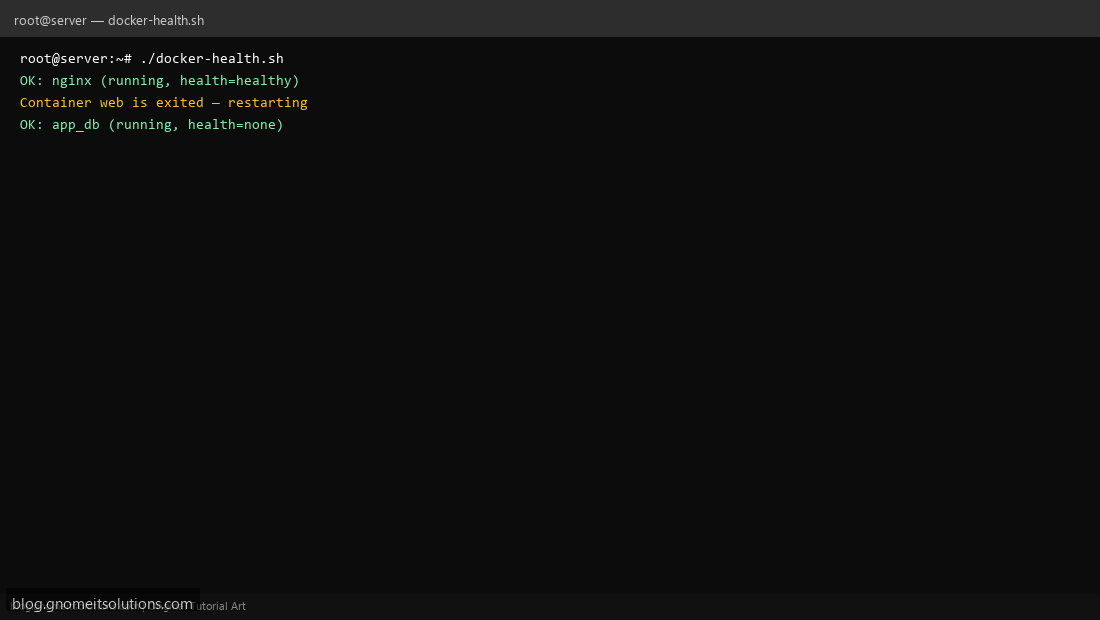
Step 4: Test manually
docker ps -asudo /usr/local/bin/docker-health.shSchedule with cron
sudo crontab -eAdd:
*/5 * * * * /usr/local/bin/docker-health.sh >> /var/log/docker-health.log 2>&1Related tutorials
- Linux Backup Shell Script: Files & Database to Remote Server
- Cron Jobs in Linux: Schedule Tasks with crontab
- SSH Key Authentication on Linux Servers
Terminal screenshot is an original illustration created for Gnome IT Solutions (blog.gnomeitsolutions.com).