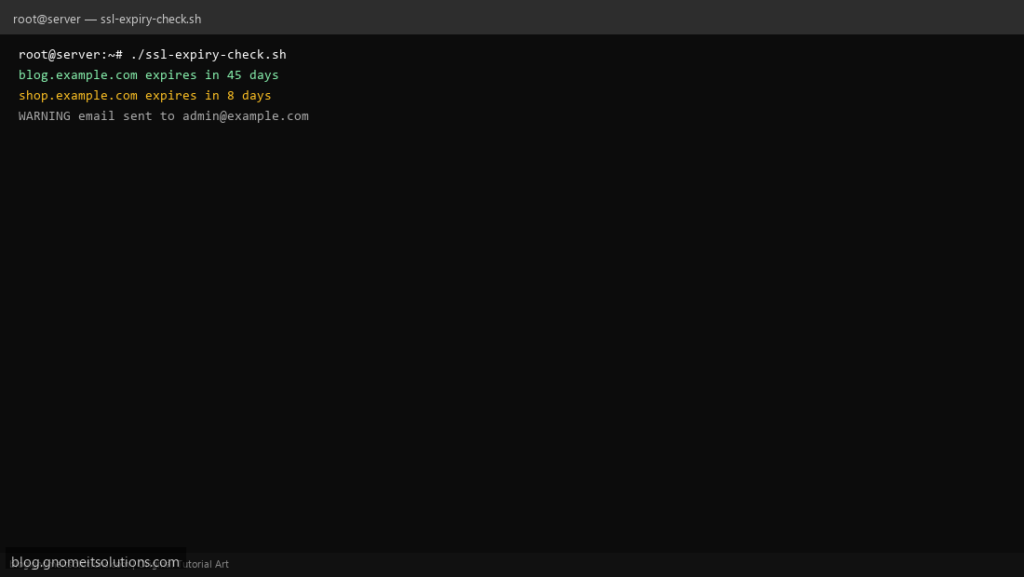
Never miss an SSL renewal — this certificate expiry checker monitors domains and alerts you before they expire.
What this script does
- Checks SSL expiry for multiple domains
- Warns when cert expires within N days
- Uses
openssl s_client— no extra tools needed - Optional email alert summary
- Ideal for cron on monitoring servers
Prerequisites
- openssl installed
- Outbound HTTPS from server
- Optional: mail command for alerts
Step 1: Save the script
sudo nano /usr/local/bin/ssl-expiry-check.sh
sudo chmod +x /usr/local/bin/ssl-expiry-check.sh
Step 2: Full script (scroll to read)
ssl-expiry-check.sh
#!/usr/bin/env bash
set -euo pipefail

DOMAINS=("blog.example.com" "shop.example.com")
WARN_DAYS=14
ALERT_EMAIL="[email protected]"
LOG="/var/log/ssl-check.log"

log(){ echo "[$(date '+%F %T')] $*" | tee -a "$LOG"; }
ALERTS=""

check_domain(){
  local domain="$1"
  local end date_left days
  end=$(echo | openssl s_client -connect "${domain}:443" -servername "$domain" 2>/dev/null | openssl x509 -noout -enddate | cut -d= -f2)
  date_left=$(date -d "$end" +%s)
  days=$(( (date_left - $(date +%s)) / 86400 ))
  log "$domain expires in $days days ($end)"
  if (( days <= WARN_DAYS )); then ALERTS+="WARNING: $domain expires in $days days\n"; fi
}

for d in "${DOMAINS[@]}"; do check_domain "$d"; done

if [[ -n "$ALERTS" && -n "$ALERT_EMAIL" ]] && command -v mail >/dev/null; then
  echo -e "$ALERTS" | mail -s "SSL expiry alert on $(hostname -s)" "$ALERT_EMAIL"
fi
Scroll inside the box to read the full script.
Step 3: Configure settings
DOMAINS— space-separated list of hostnamesWARN_DAYS— alert threshold (default 14)ALERT_EMAIL— notification address
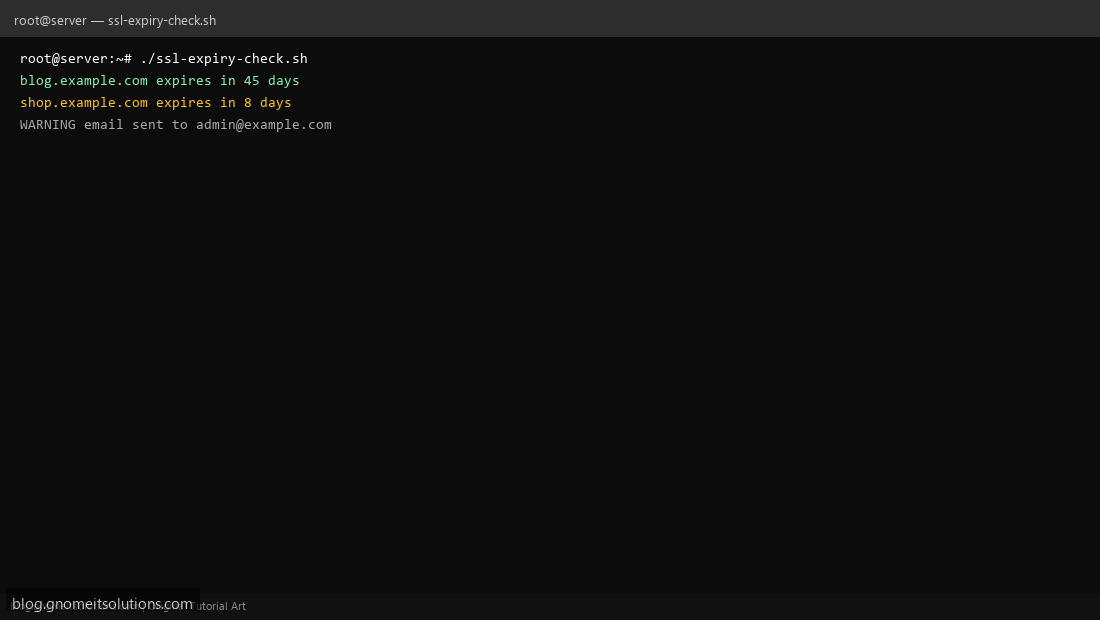
Step 4: Test manually
sudo /usr/local/bin/ssl-expiry-check.shopenssl s_client -connect google.com:443 -servername google.com </dev/null 2>/dev/null | openssl x509 -noout -datesSchedule with cron
sudo crontab -eAdd:
0 8 * * * /usr/local/bin/ssl-expiry-check.sh >> /var/log/ssl-check.log 2>&1Related tutorials
- Linux Disk Monitor Shell Script
- Linux Backup Shell Script: Files & Database to Remote Server
- Cron Jobs in Linux: Schedule Tasks with crontab
- SSH Key Authentication on Linux Servers
Terminal screenshot is an original illustration created for Gnome IT Solutions (blog.gnomeitsolutions.com).