
dmidecode reads SMBIOS/DMI tables from firmware — the inventory console admins want when lscpu only prints “QEMU Virtual CPU” in the cloud. On bare metal, the Version field under processor type clearly states whether you have an AMD EPYC or Intel Xeon part number for your CMDB.
Combine: lscpu,
bash inventory patterns in our scripting series, and
smartctl for disks.
Processor records
Type 4 entries list socket designation, manufacturer, and version string.
sudo dmidecode -t processor | grep -E 'Socket|Manufacturer|Version|Max Speed' -A1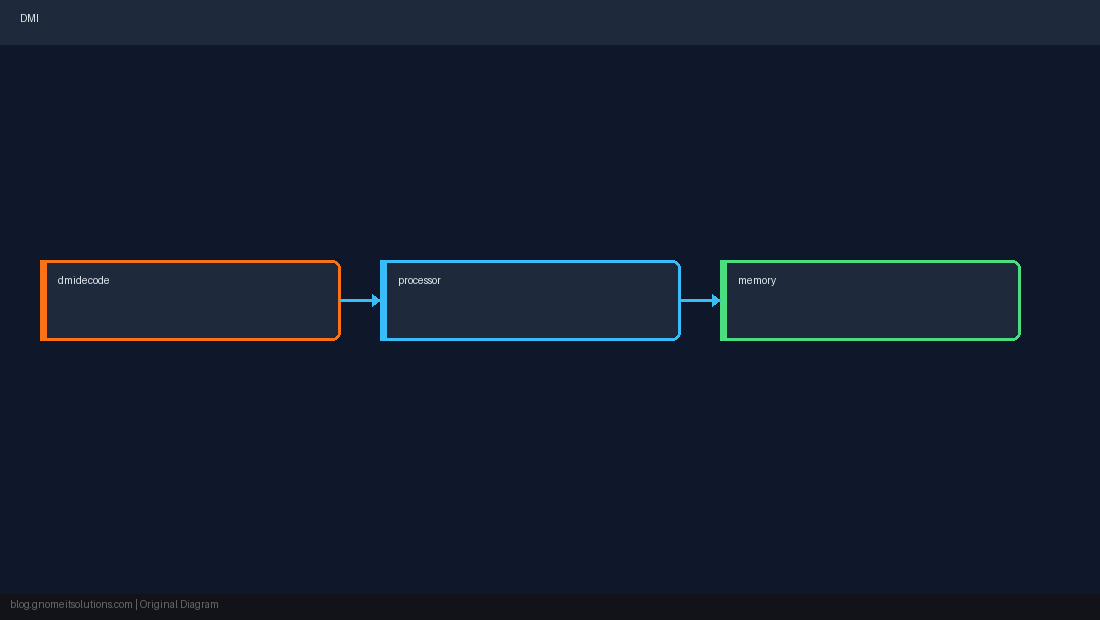
Memory modules
Type 17 shows DIMM size, speed, and locator — useful when planning an AMD vs Intel upgrade with the same DDR generation.
sudo dmidecode -t memory | grep -E 'Size:|Locator:|Speed:|Manufacturer:' | head -40System and board
Type 1/2 for vendor, serial, UUID — tie into warranty and license seats.
sudo dmidecode -s system-serial-number
sudo dmidecode -s system-product-nameVMs and containers
Hypervisors often synthesize DMI; trust cloud metadata APIs and lscpu for vCPU count. Compare physical hosts after rack install with both dmidecode and mprime/stress-ng burn-in if policy allows.
Quick Reference
- CPU:
dmidecode -t processor - RAM:
dmidecode -t memory - Quick:
dmidecode -s system-product-name
Related tutorials
Diagrams are original illustrations by Gnome IT Solutions. Tutorial text © Gnome IT Solutions.