
lscpu is the fastest answer to “how many CPUs does this host really expose?” — and whether an AMD box is one big L3 domain or split across NUMA nodes. Intel hosts show the same fields; values differ by generation (Xeon Gold vs older E5).
Also read: AMD vs Intel comparison,
load average & cores.
Human summary
Default lscpu prints sockets, cores, threads, model name, and hypervisor hint.
lscpu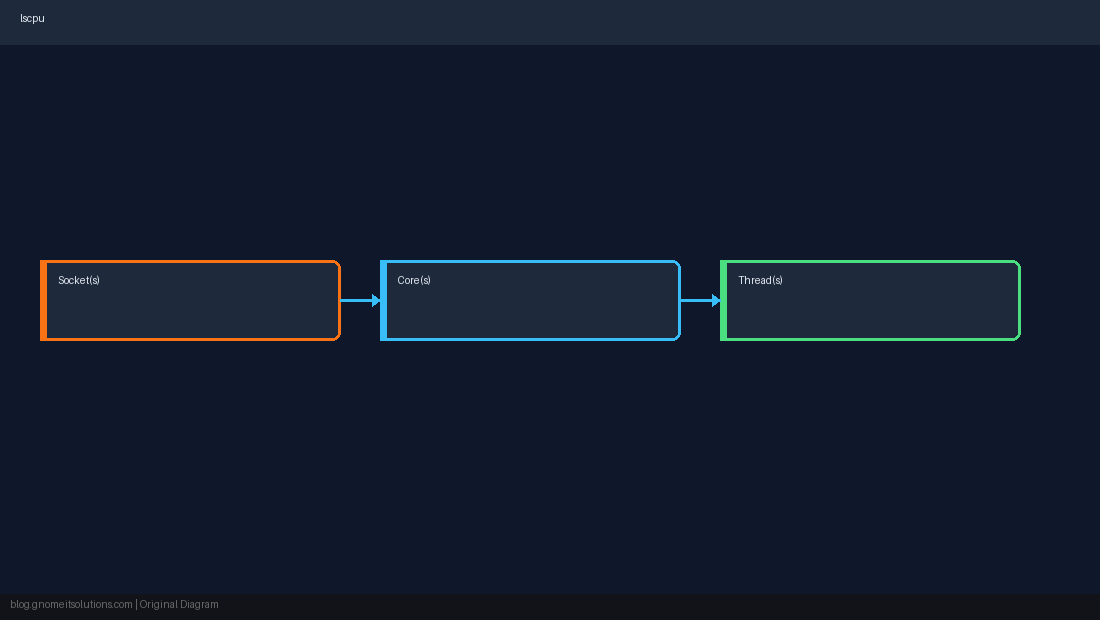
Extended CPU list
lscpu -e or -e -a lists each logical CPU with socket, core, and NUMA node — essential for pinning.
lscpu -e -a | head
lscpu -p=CPU,CORE,SOCKET,NODE | headCaches and flags
L1d/L1i/L2/L3 and Flags (vmx/svm for virtualization) help before enabling KVM or nested virt.
lscpu | grep -E 'Model name|Flags|L3'
# Flags: ... svm ...   (AMD-V)
# Flags: ... vmx ... (Intel VT-x)AMD vs Intel on the same field
NUMA node(s) may read 1 on a laptop but 4+ on dual-socket EPYC. Intel single-socket Xeon often shows NUMA node 0 only — still run numactl --hardware on large DB hosts.
cpuset, cgroup v2 cpu.max) can make nproc lie about the whole machine — check limits inside and outside the namespace.Quick Reference
- Quick:
lscpu - Table:
lscpu -e -a - vCPU flags:
vmx/svm
Related tutorials
Diagrams are original illustrations by Gnome IT Solutions. Tutorial text © Gnome IT Solutions.