
locate answers “where is something named like X?” in milliseconds using an indexed database. find walks the live filesystem — slower but authoritative for “modified in the last hour” or “larger than 1G”. That tradeoff drives most comparison searches.
See: find command guide,
find large files,
which & whereis.
locate — indexed name search
Install plocate or mlocate; run as normal user for paths they can read.
locate nginx.conf
locate -i '*.service' | grep systemd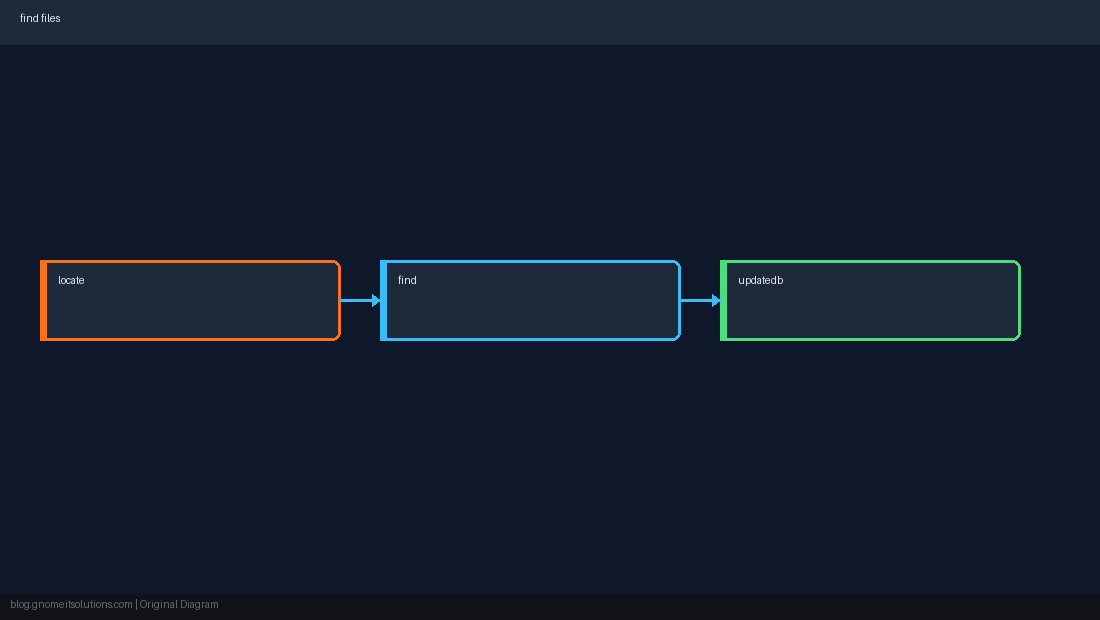
updatedb — refresh the index
New files are invisible to locate until the database rebuilds (nightly cron on many distros).
sudo updatedb
locate mynew-deploy.shfind — live criteria
Use for size, mtime, type, exec — anything locate cannot express.
find /var/www -name '*.php' -mtime -1
find /var -xdev -type f -size +100M 2>/dev/null | headlocate vs find decision
Know the filename pattern → try locate first. Audit disk by age/size → find. Security: locate may list paths you cannot open — still leakage.
find with -xdev so you do not stray onto NFS mounts during cleanup.Quick Reference
- Fast name:
locate pattern - Refresh DB:
sudo updatedb - Live rules:
find path -name …
Related tutorials
Diagrams are original illustrations by Gnome IT Solutions. Tutorial text © Gnome IT Solutions.