Searches for fail2ban report usually mean an admin needs a quick audit: which jails are active, which IPs are banned, and whether a legitimate user was blocked. Start after you install Fail2ban or tune Nginx jails.
Global status
fail2ban-client status lists enabled jails.
bashstatus
sudo fail2ban-client status
sudo fail2ban-client status sshd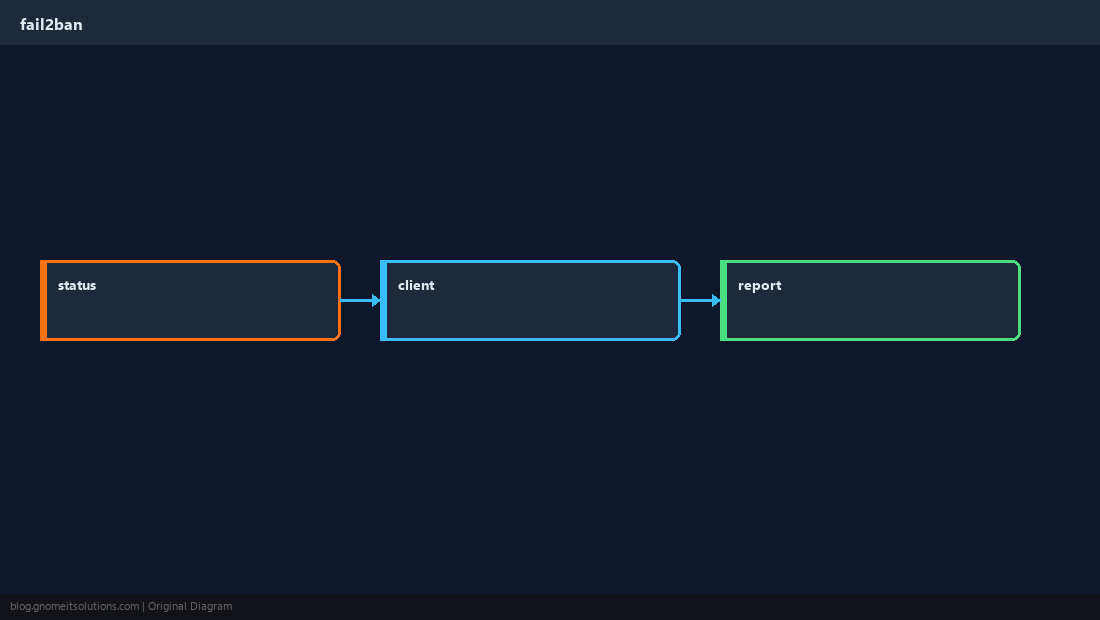
Banned IPs per jail
Second status call shows currently banned addresses and fail counts.
bashsshd
sudo fail2ban-client status sshd | grep -E 'Banned|Currently'Unban and reload
Unblock one IP after verification; reload after config edits.
bashunban
sudo fail2ban-client set sshd unbanip 203.0.113.10
sudo fail2ban-client reloadTest filters
fail2ban-regex validates a filter against real auth logs.
bashregex
sudo fail2ban-regex /var/log/auth.log /etc/fail2ban/filter.d/sshd.conf | tailQuick Reference
- Overview:
sudo fail2ban-client status - Per jail:
status JAIL - Unban:
set JAIL unbanip IP
Related tutorials
Diagrams are original illustrations by Gnome IT Solutions. Tutorial text © Gnome IT Solutions.