
Operators search for cmp vs diff when a script must know whether two files are identical (release tarball, checksum policy) versus what changed (config review). comm is a third tool: it answers set questions on already-sorted lists — not a full diff.
Deep dives: diff,
comm,
sha256sum.
cmp — byte-by-byte identity
cmp stops at the first differing byte; exit 0 if identical, 1 if not — ideal for automation.
cmp -s fileA fileB && echo same || echo different
cmp -l fileA fileB | head   # list differing bytes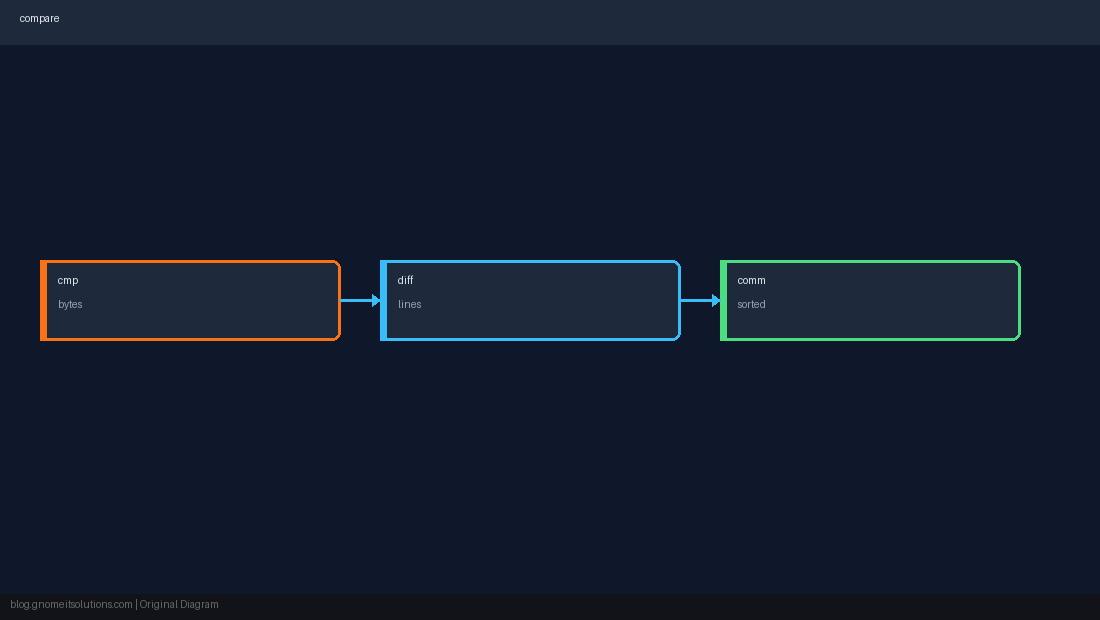
diff — line-oriented changes
diff -u shows unified patches for humans and patch; use when you need context, not just yes/no.
diff -u /etc/nginx/nginx.conf /tmp/nginx.conf.new | headcomm — sorted set logic
Requires sorted input. comm -12 = lines in both; -23 = only in file2. Faster mental model than diff for username/package lists.
sort -u old-users.txt > /tmp/a
sort -u new-users.txt > /tmp/b
comm -12 /tmp/a /tmp/bComparison cheat sheet
Binary identity → cmp or sha256sum. Readable changelog → diff. Two sorted columns → comm.
cmp -s or sha256sum -c beats parsing diff output for pass/fail gates.Quick Reference
- Identical files:
cmp -s a b - What changed:
diff -u a b - Sorted overlap:
comm -12 a b
Related tutorials
Diagrams are original illustrations by Gnome IT Solutions. Tutorial text © Gnome IT Solutions.