
Persistent sysctl on Linux is searched when admins raise connection limits, tune TCP buffers, or adjust swappiness — and need settings to survive reboot. Drop-in files under /etc/sysctl.d/ beat editing legacy sysctl.conf alone.
See: sysctl basics,
ulimit nofile,
network config.
Temporary vs persistent
sysctl -w changes runtime values; files in /etc/sysctl.d/ reload on boot.
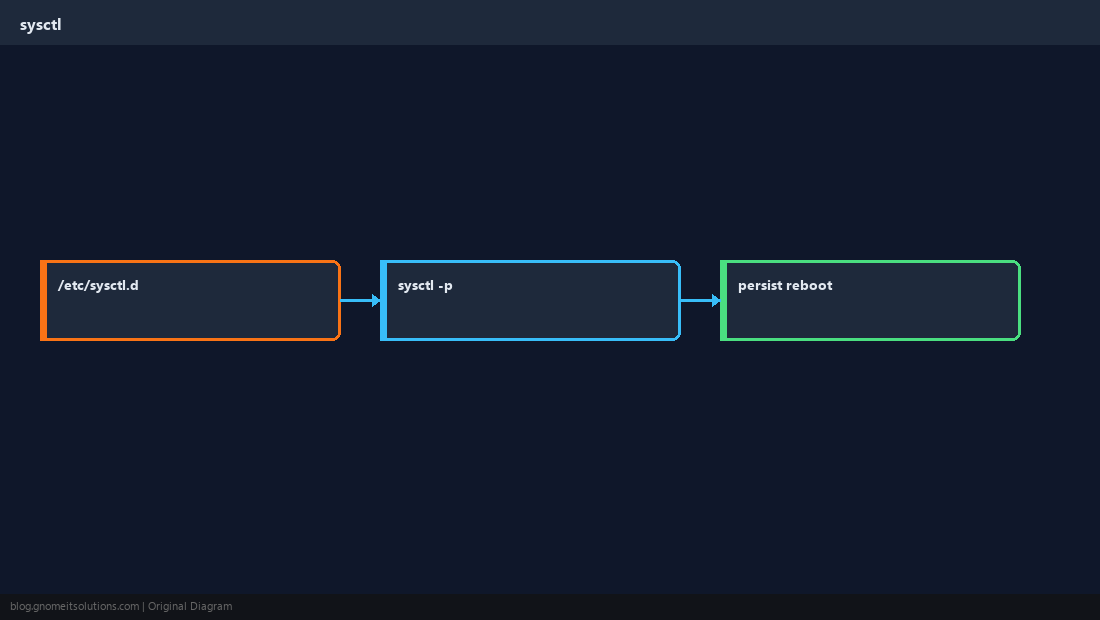
Create a drop-in file
Use a high number prefix so your file loads after defaults.
bashexample
sudo tee /etc/sysctl.d/99-custom.conf <<'EOF'
net.core.somaxconn = 4096
vm.swappiness = 10
EOFApply now
Load all configs without reboot when keys are safe to change live.
bashapply
sudo sysctl --system
sysctl net.core.somaxconn vm.swappinessValidate after reboot
Document why each knob changed — future you will thank you.
TipSome keys require empty conntrack tables or service restarts — test in staging first.
Quick Reference
- Store tunables in
/etc/sysctl.d/*.conf - Apply:
sudo sysctl --system - Check:
sysctl name
Related tutorials
Diagrams are original illustrations by Gnome IT Solutions. Tutorial text © Gnome IT Solutions.