nohup on Linux is searched constantly — you start a backup or data import over SSH, close the laptop, and wonder if the process died. nohup (no hang up) tells the shell to ignore the hangup signal so the child keeps running when your session ends.
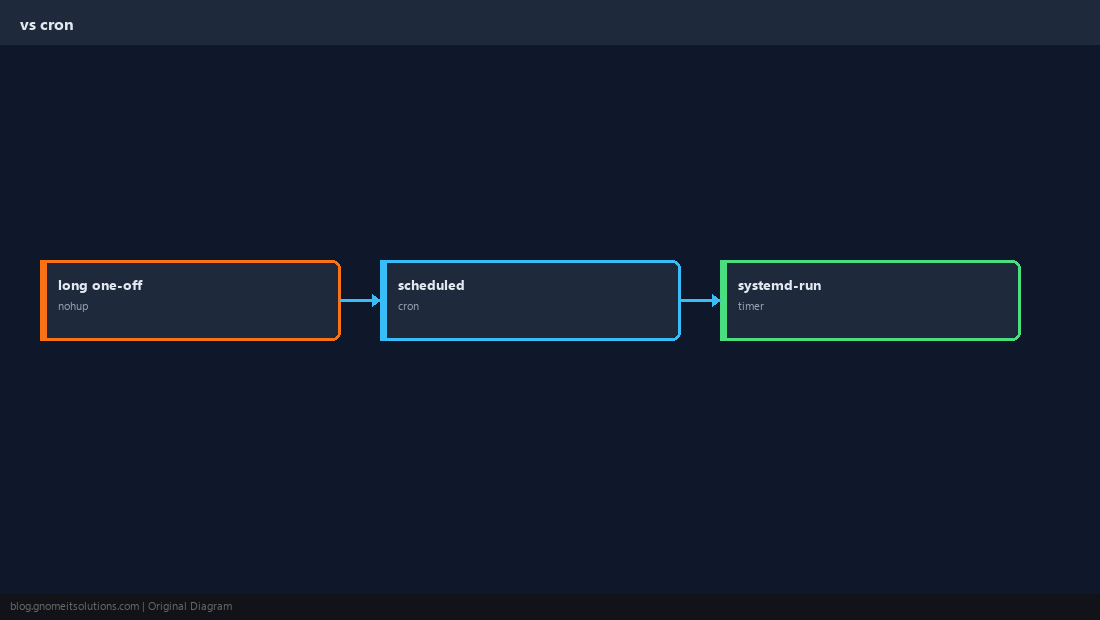
Alternatives: tmux,
cron,
systemd services.
What nohup Does
When SSH disconnects, the kernel sends SIGHUP to your shell — by default that kills background jobs unless they are immune.

Basic nohup Syntax
Append & to run in the background; capture the PID for later checks.
bashlong job
nohup ./long-backup.sh >> /var/log/backup.log 2>&1 &
echo $! > /var/run/backup.pid
Redirect stdout and stderr
Default nohup.out in the current directory is messy — always point logs somewhere explicit.
bashredirect
nohup myjob.sh > /var/log/myjob.log 2>&1 &
bashdetach
./slow-task.sh &
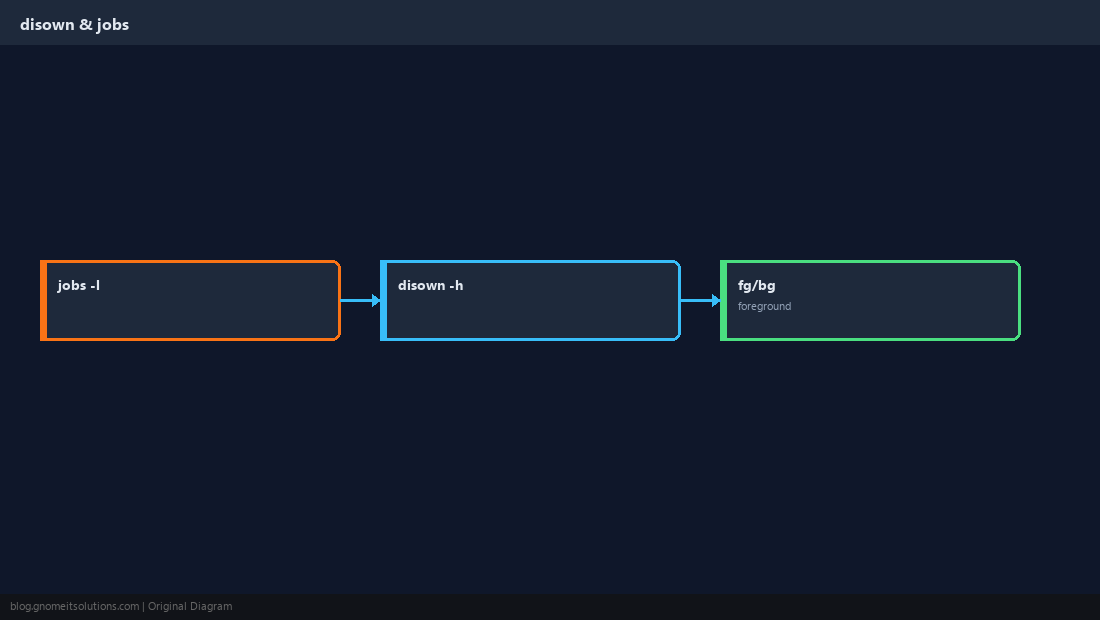
jobs -l
disown -h %1