
Search Console clusters proxmox update without subscription, proxmox update repository no subscription, and proxmox free repository setup — the fix is the same workflow: point apt at the community repo, then upgrade. Full repo deep dive: Proxmox no-subscription repository.
Disable enterprise repo
Comment out pve-enterprise if you do not have a subscription — otherwise apt update returns 401.
bashdisable enterprise
ls /etc/apt/sources.list.d/
# sudo sed -i 's/^deb /# deb /' /etc/apt/sources.list.d/pve-enterprise.list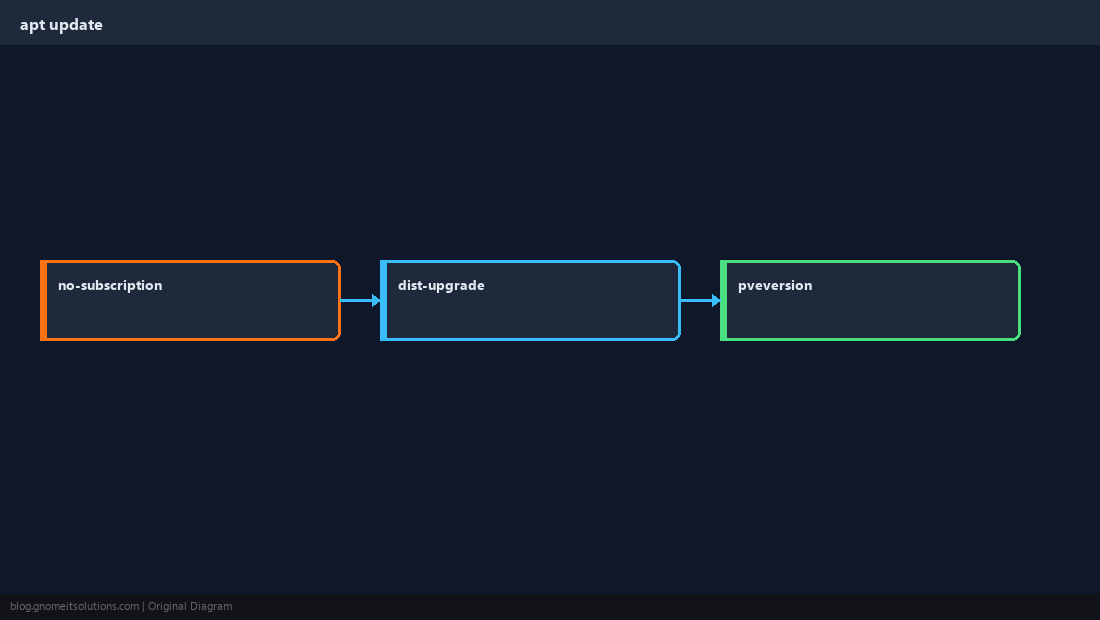
Enable no-subscription
Add the official community line for your major PVE release.
bashadd repo
echo 'deb http://download.proxmox.com/debian/pve bookworm pve-no-subscription' | sudo tee /etc/apt/sources.list.d/pve-no-subscription.listUpdate and upgrade
Refresh indexes, review what will change, then dist-upgrade.
bashupgrade
sudo apt update
sudo apt dist-upgradeReboot and verify
New kernels require reboot; confirm cluster quorum after.
bashverify
pveversion
pvecm status 2>/dev/null || trueQuick Reference
- No subscription → use
pve-no-subscription, not enterprise - Related: 401 apt fix
Related tutorials
Diagrams are original illustrations by Gnome IT Solutions. Tutorial text © Gnome IT Solutions.