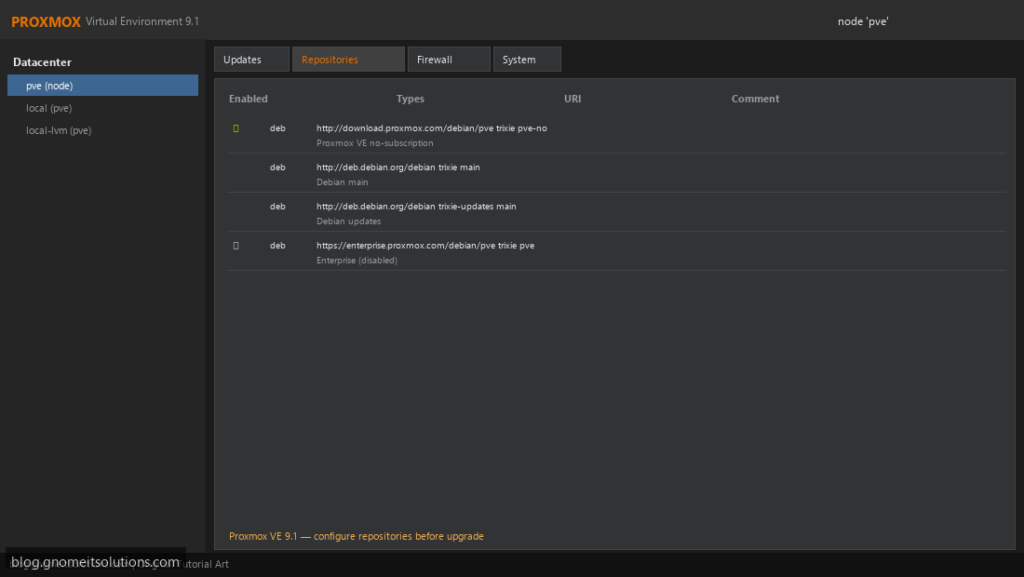
A fresh Proxmox VE install points at the enterprise repository, which needs a paid subscription key. Without one, apt update
fails with a 401 Unauthorized error and the node never receives updates. The fix is to disable the enterprise repository and enable the free
no-subscription repository instead.
This guide does it from the web UI or the shell, covers the Ceph repository people forget, and explains which repository suits production. Once updates work,
follow upgrading Proxmox VE safely.
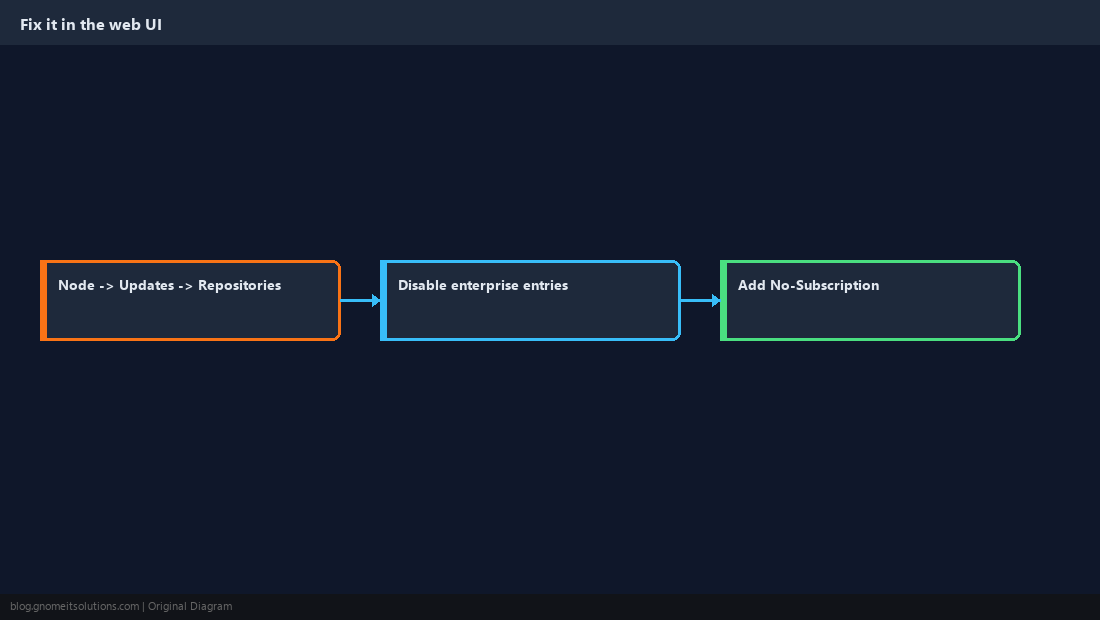
Quick answer: Node → Updates → Repositories, disable the enterprise entries, add No-Subscription, then apt update && apt full-upgrade.
Understand the Three Repository Types
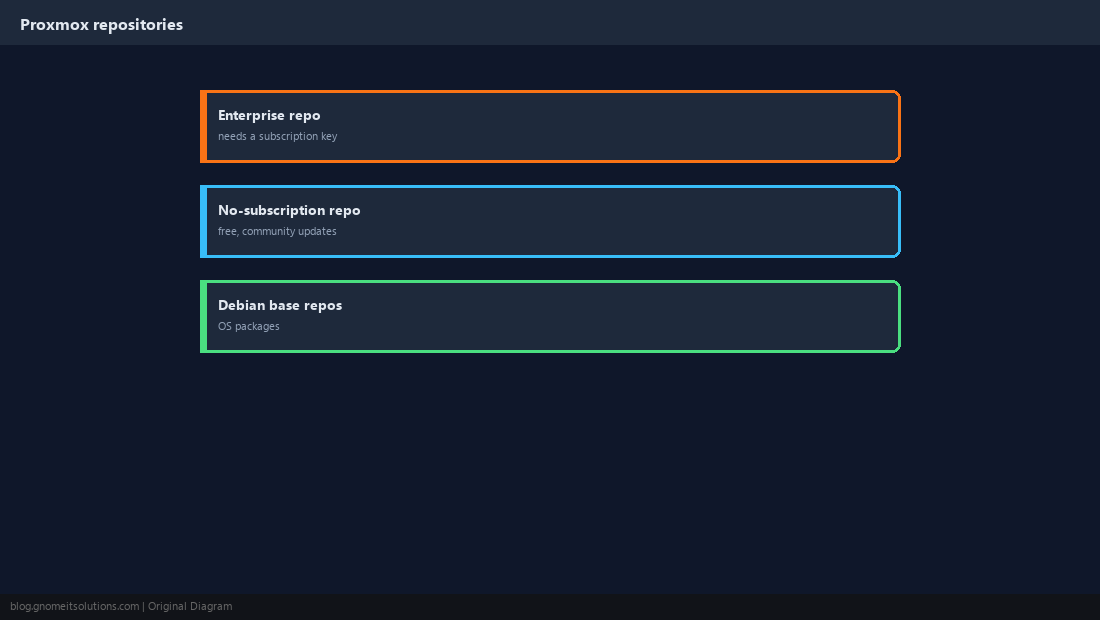
Proxmox has three sources: enterprise (stable, tested, requires a subscription), no-subscription (free, same packages released a little earlier, recommended for testing and homelabs), and the Debian base repositories for the operating system itself.
Recognise the Error
Running apt update on a node without a subscription shows the enterprise repository failing with a 401. Everything else may update, but Proxmox packages will not.
Err:4 https://enterprise.proxmox.com/debian/pve bookworm InRelease
  401  Unauthorized [IP: ...]
E: Failed to fetch https://enterprise.proxmox.com/debian/pve/dists/bookworm/InRelease  401  Unauthorized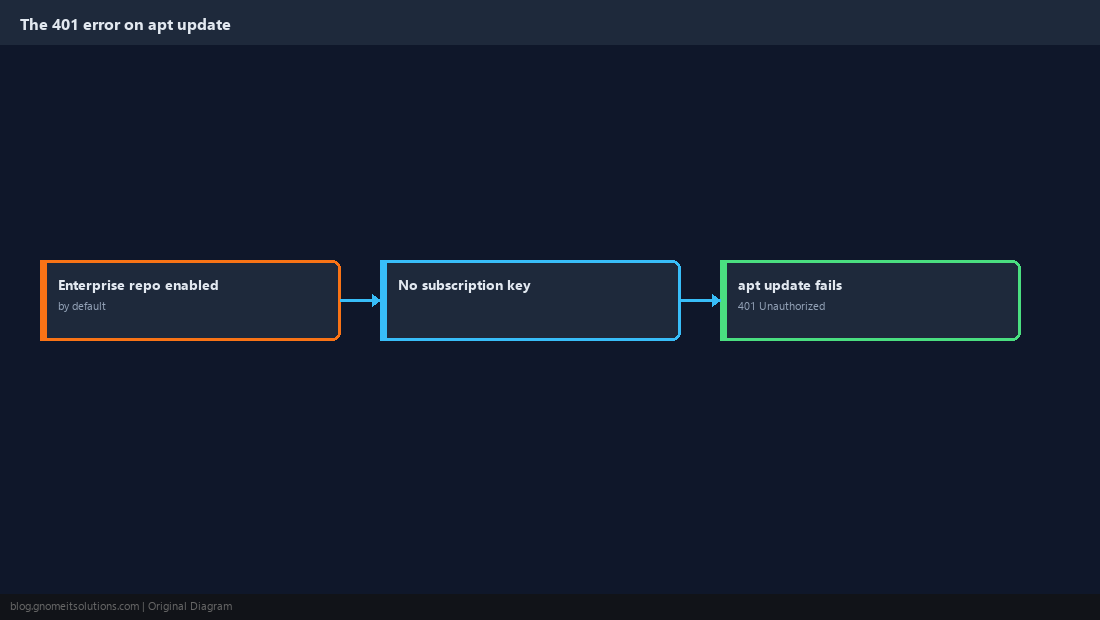
Fix It in the Web UI (Easiest)
Open Node → Updates → Repositories. Select each enterprise.proxmox.com entry and click Disable. Then click Add, choose No-Subscription, and confirm. The status panel at the top should turn green.
Or Fix It From the Shell
Proxmox VE 8 (Debian bookworm) uses one-line .list files. Proxmox VE 9 (Debian trixie) uses the deb822 .sources format. Use the block that matches pveversion.
sed -i 's/^deb/#deb/' /etc/apt/sources.list.d/pve-enterprise.list
echo "deb http://download.proxmox.com/debian/pve bookworm pve-no-subscription" \
  > /etc/apt/sources.list.d/pve-no-subscription.list
apt updateTypes: deb
URIs: http://download.proxmox.com/debian/pve
Suites: trixie
Components: pve-no-subscription
Signed-By: /usr/share/keyrings/proxmox-archive-keyring.gpgecho 'Enabled: no' >> /etc/apt/sources.list.d/pve-enterprise.sources
apt update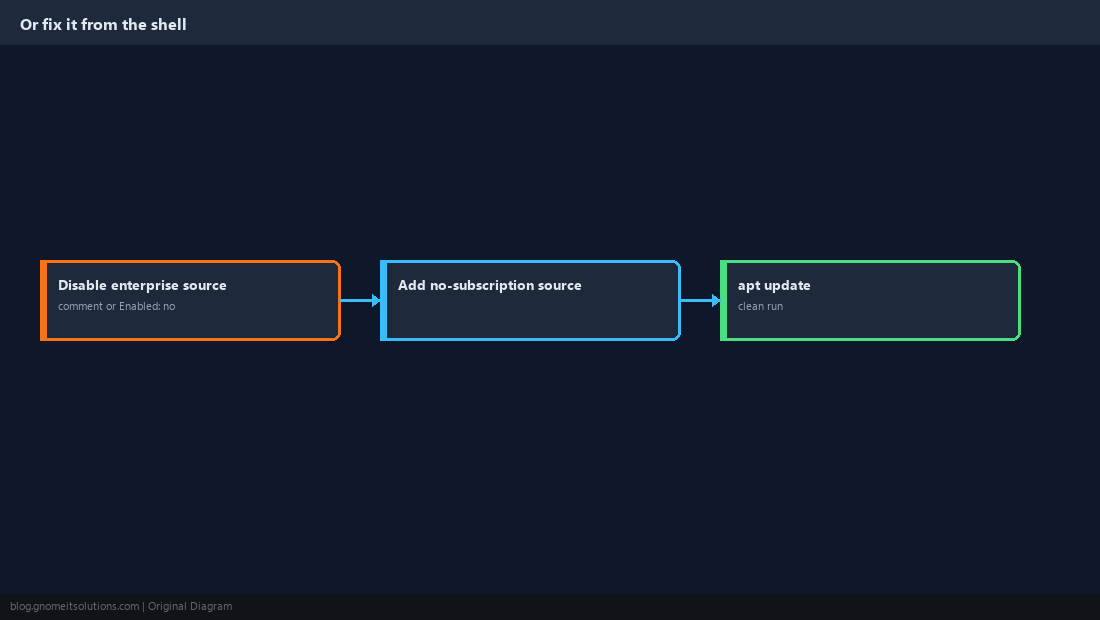
Don’t Forget the Ceph Repository
If Ceph is installed, its repository also defaults to enterprise and throws the same 401. Switch it to the matching no-subscription entry for your Ceph release.
echo "deb http://download.proxmox.com/debian/ceph-reef bookworm no-subscription" \
> /etc/apt/sources.list.d/ceph.listceph --version). In the web UI, the Repositories panel offers a Ceph no-subscription option directly.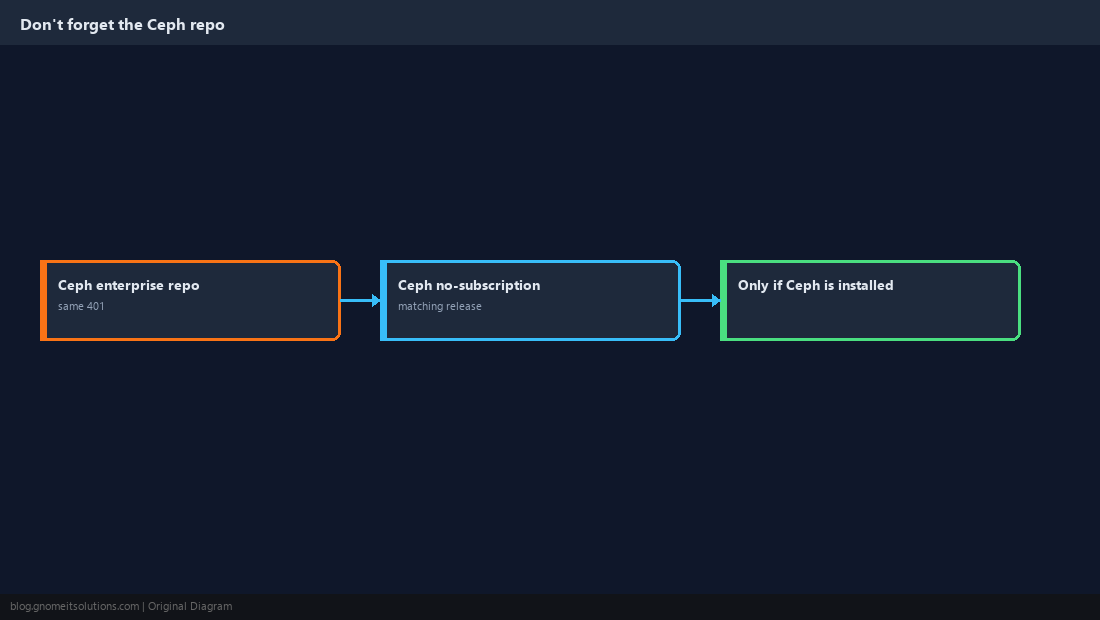
About the Subscription Notice
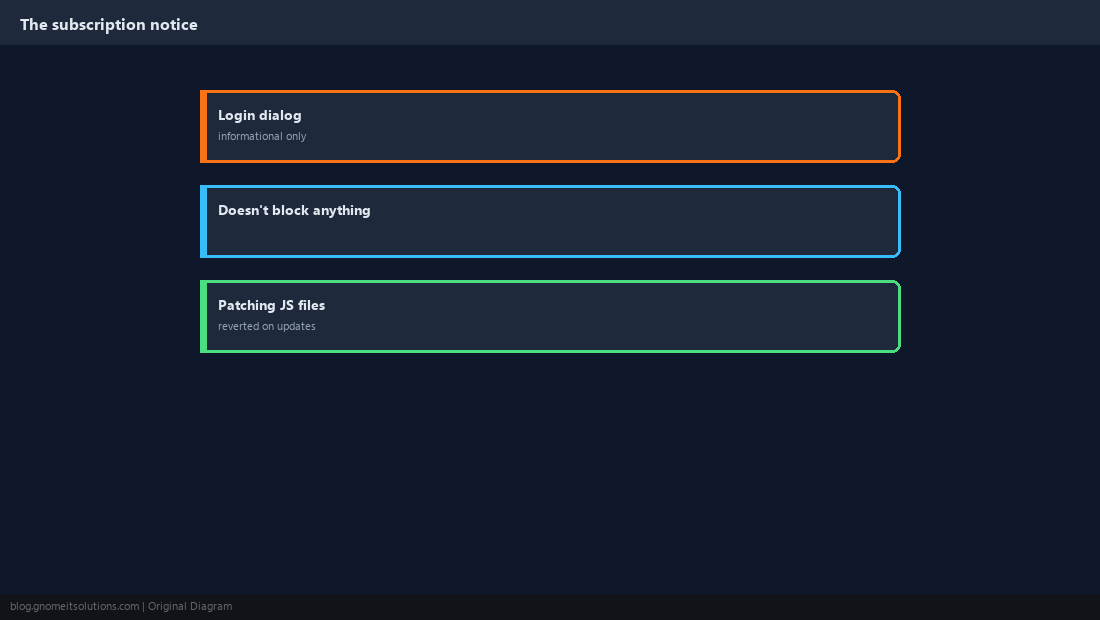
After login, Proxmox shows a “No valid subscription” dialog. It is informational only and does not limit any feature. Guides that patch the JavaScript to hide it are overwritten on every update, so they are not worth the maintenance.
Update the Right Way
Always use full-upgrade (or dist-upgrade) on Proxmox, never plain apt upgrade: Proxmox updates often add or remove packages, and plain upgrade can leave the system half-updated.
apt update
apt full-upgrade
pveversion -v | head -5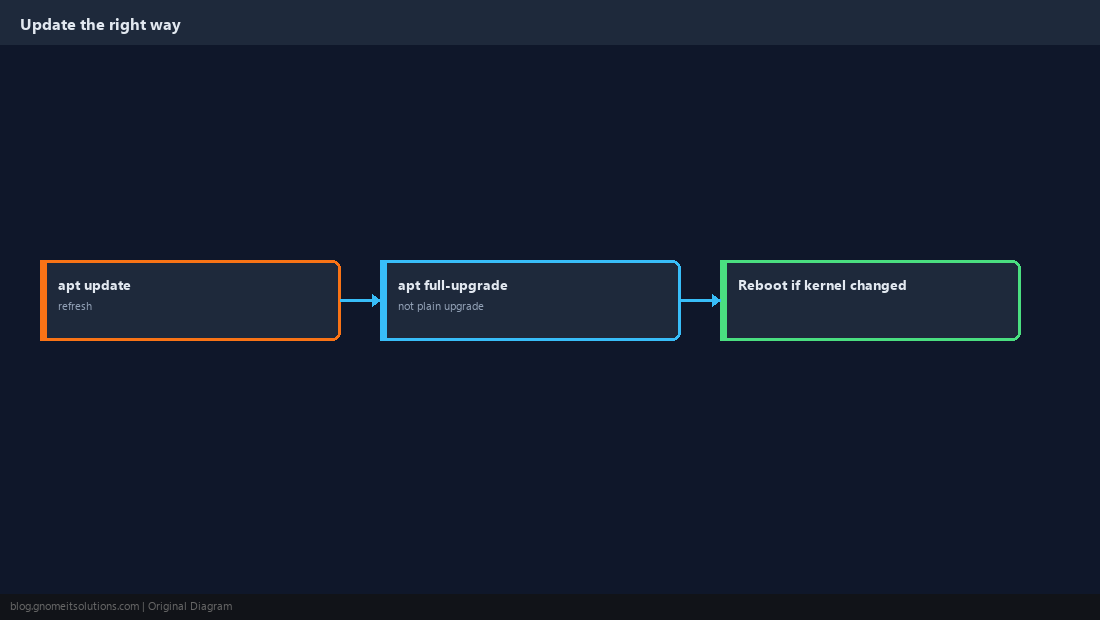
Choose the Right Repository for Production
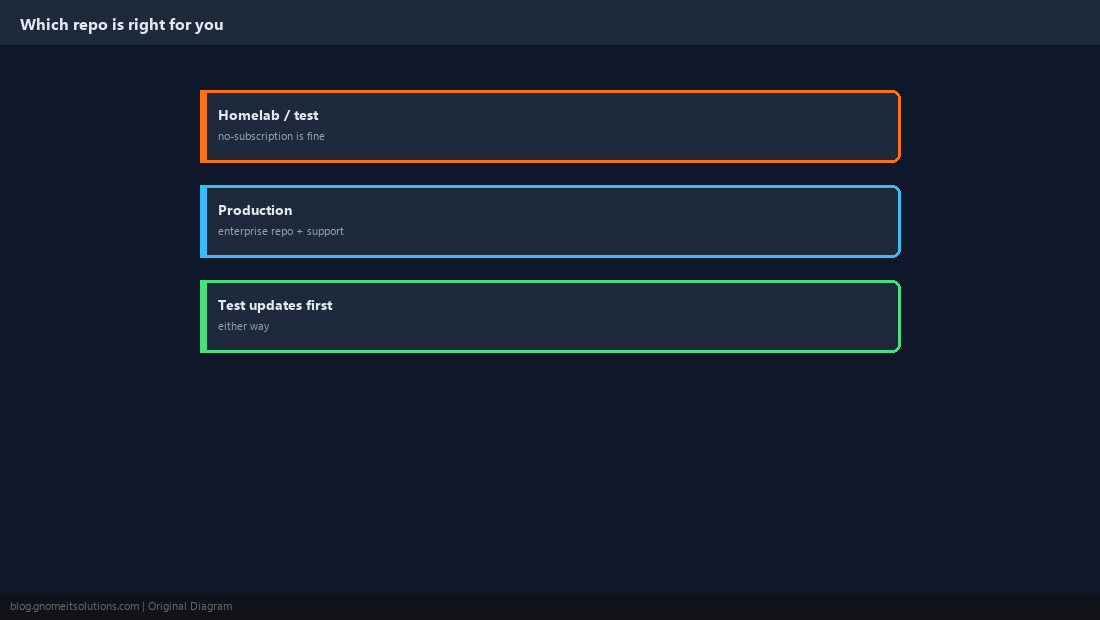
No-subscription is fine for homelabs, testing and many small deployments. For business-critical clusters, the enterprise repository’s extra testing and the vendor support that comes with a subscription are worth the cost. Whichever you choose, test updates on one node before rolling them out.
Is the Proxmox no-subscription repository safe?
Yes. It is an official Proxmox repository with the same packages as enterprise, released a little earlier and with less testing. It is widely used for homelabs and many production setups.
Why does apt update fail with 401 Unauthorized on Proxmox?
The enterprise repository is enabled by default and requires a subscription key. Without one, the server rejects the request with 401.
Do I need to do this on every cluster node?
Yes. Repository configuration is per node, so disable enterprise and enable no-subscription on each one.
Should I use apt upgrade or apt full-upgrade on Proxmox?
Always full-upgrade (or dist-upgrade). Proxmox updates can change package dependencies, and plain upgrade may hold them back and leave the system inconsistent.
Can I remove the no valid subscription popup?
It can be patched out, but the patch is overwritten by updates. The notice does not restrict any functionality.
Cheat Sheet
- Disable
enterprise.proxmox.comentries; addpve-no-subscription(and Ceph if used) - Always
apt full-upgrade, never plainupgrade
Related tutorials
Diagrams are original illustrations by Gnome IT Solutions. Tutorial text © Gnome IT Solutions.