
Crontab Every 5 Minutes on Linux: */5 Syntax, Examples and PATH
Run a cron job every 5 minutes on Linux: crontab -e, */5 in the minute field, full paths,…
Read tutorial →Browse step-by-step tutorials in this topic.
Run a cron job every 5 minutes on Linux: crontab -e, */5 in the minute field, full paths,…
Read tutorial →
Terraform vs Ansible explained: provision cloud infra with state vs configure servers over SSH, when to use each,…
Read tutorial →
Create systemd timer units on Linux: OnCalendar schedules, linked oneshot services, list-timers, enable on boot, and migrate from…
Read tutorial →
Organise Ansible playbooks into reusable roles: directory layout, tasks, templates, handlers, defaults, testing and requirements.yml.
Read tutorial →
Automate ViciDial's MySQL backups with a mysqldump script, a systemd timer, and a guarded restore script that won't…
Read tutorial →
Use the Asterisk Manager Interface (AMI) for ViciDial operations: connect and authenticate, originate calls, monitor queues, and build…
Read tutorial →
Automate Proxmox VM template creation with Packer: define the build in HCL, provision cloud-init and QEMU Guest Agent,…
Read tutorial →
Automate Proxmox VE with its REST API: create scoped API tokens, explore endpoints with pvesh, and call the…
Read tutorial →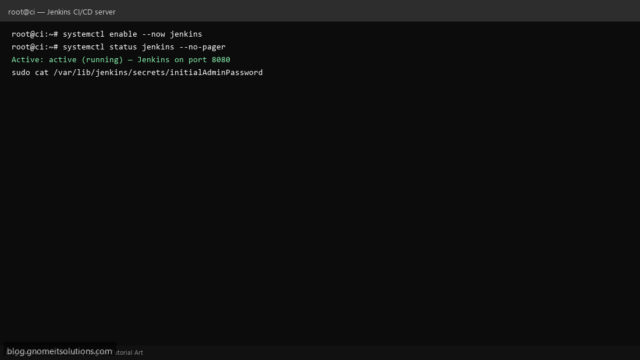
Install Jenkins on Ubuntu or AlmaLinux for CI/CD. Enable service, open firewall, install plugins, and run your first…
Read tutorial →Complete Linux shell scripting guide with 17 Bash tutorials: backup, monitoring, security, log analysis, and automation scripts for…
Read tutorial →