systemd timers are the modern way to schedule recurring work on distributions that use systemd as init. You get dependency ordering, unified logging in
journalctl, and calendar syntax that is easier to read than some crontab lines.
Classic cron still works — see crontab basics — but timers fit naturally next to the services they maintain.
Timer Unit + Service Unit
A .timer unit triggers a .service unit. Keep the script logic in the service; the timer only decides when.
.timer (schedule) --> triggers --> .service (ExecStart script) --> journald logs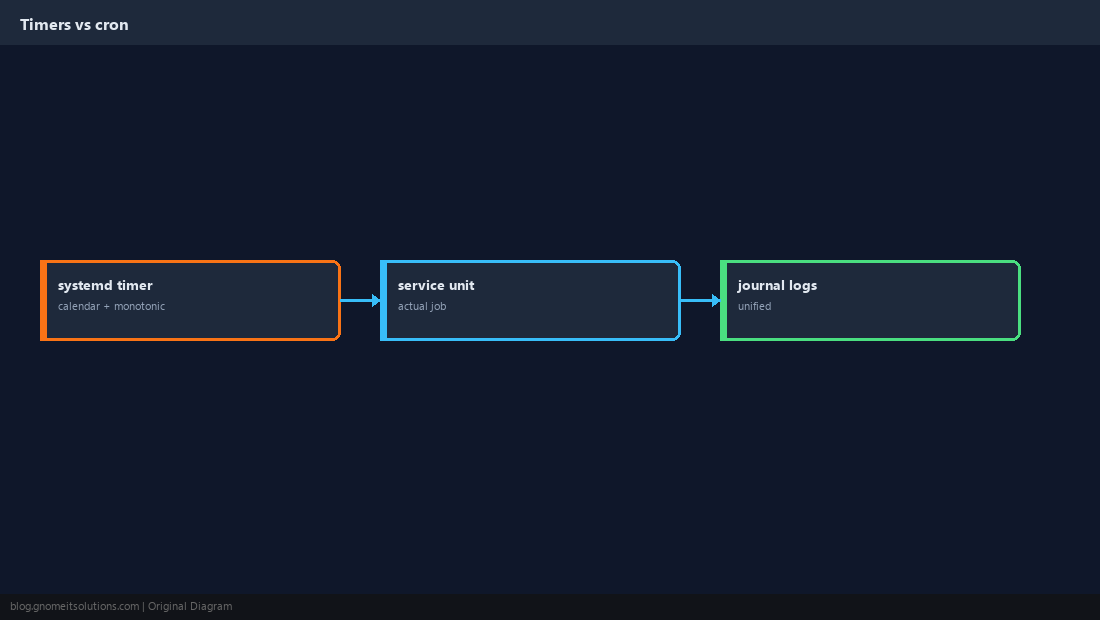
Write the Timer Unit
Use OnCalendar for wall-clock schedules or OnUnitActiveSec for relative intervals.
[Unit]
Description=Daily MySQL backup

[Timer]
OnCalendar=*-*-* 02:30:00
Persistent=true

[Install]
WantedBy=timers.target![[Timer] section](https://blog.gnomeitsolutions.com/wp-content/uploads/2026/09/custom-tmr-unit.png)
Write the Service Unit
Use Type=oneshot for scripts. Set User= if the job should not run as root.
[Unit]
Description=MySQL backup job

[Service]
Type=oneshot
ExecStart=/usr/local/bin/mysql-backup.sh
User=backup![[Service] section](https://blog.gnomeitsolutions.com/wp-content/uploads/2026/09/custom-tmr-service.png)
OnCalendar Examples
Read man systemd.time for full grammar. Test expressions with systemd-analyze calendar.
systemd-analyze calendar '*-*-* 02:30:00'
systemd-analyze calendar 'Mon *-*-* 03:00:00'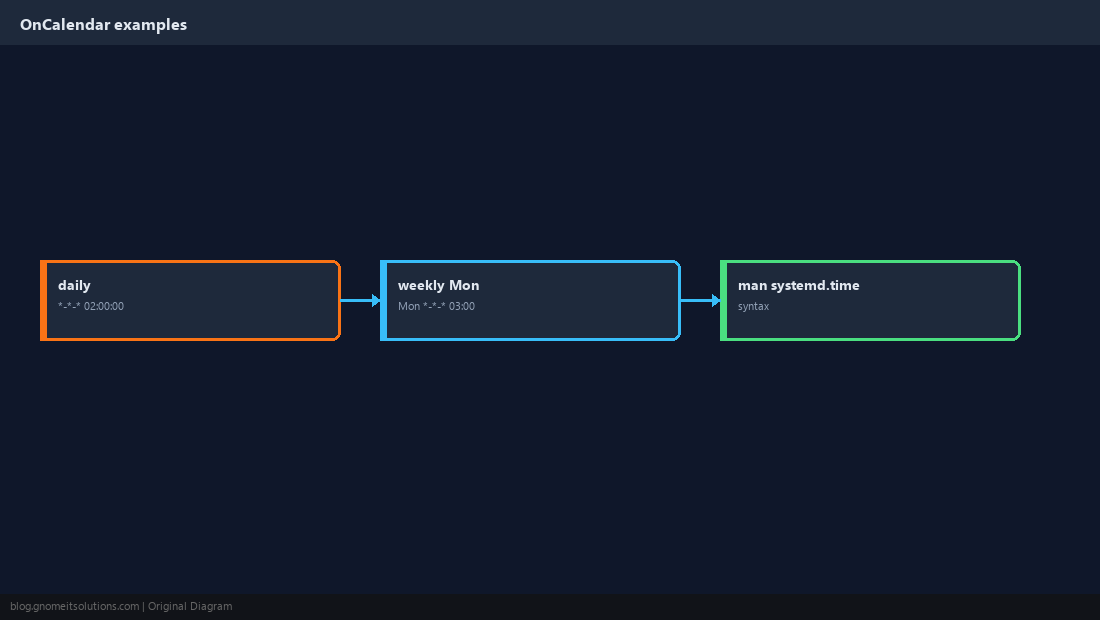
List and Inspect Timers
list-timers shows next and last run times. Logs belong to the service unit.
systemctl list-timers --all
journalctl -u backup-db.service --since today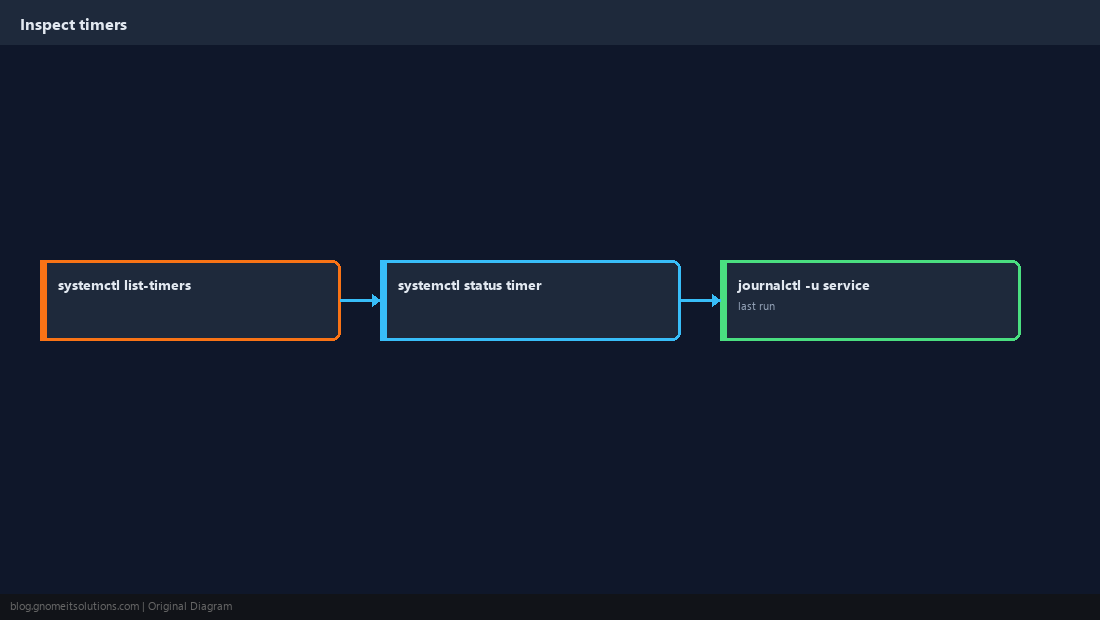
Enable and Dry-Run
Reload systemd after editing units. Start the service once manually before waiting for the timer.
sudo systemctl daemon-reload
sudo systemctl enable --now backup-db.timer
sudo systemctl start backup-db.service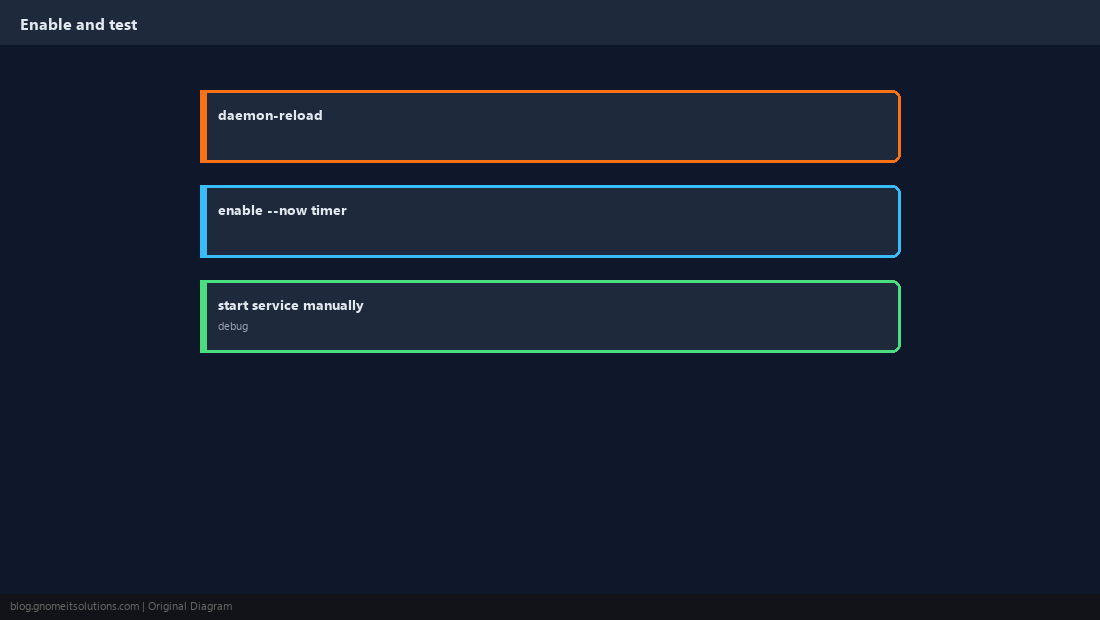
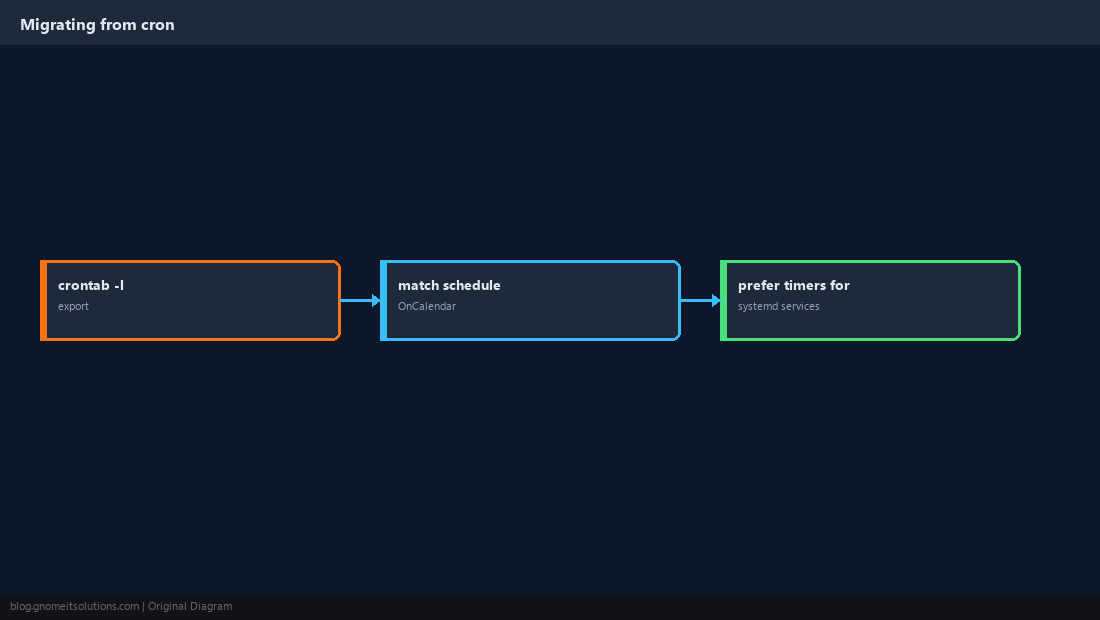
When to Keep cron
User crontabs without root, or legacy systems without systemd, still use cron. On systemd servers, prefer timers for system jobs.
Quick Reference
- Pair
.timerwith a.service(oftenType=oneshot) systemctl list-timersfor next run- Logs:
journalctl -u your.service
Related tutorials
Diagrams are original illustrations by Gnome IT Solutions. Tutorial text © Gnome IT Solutions.