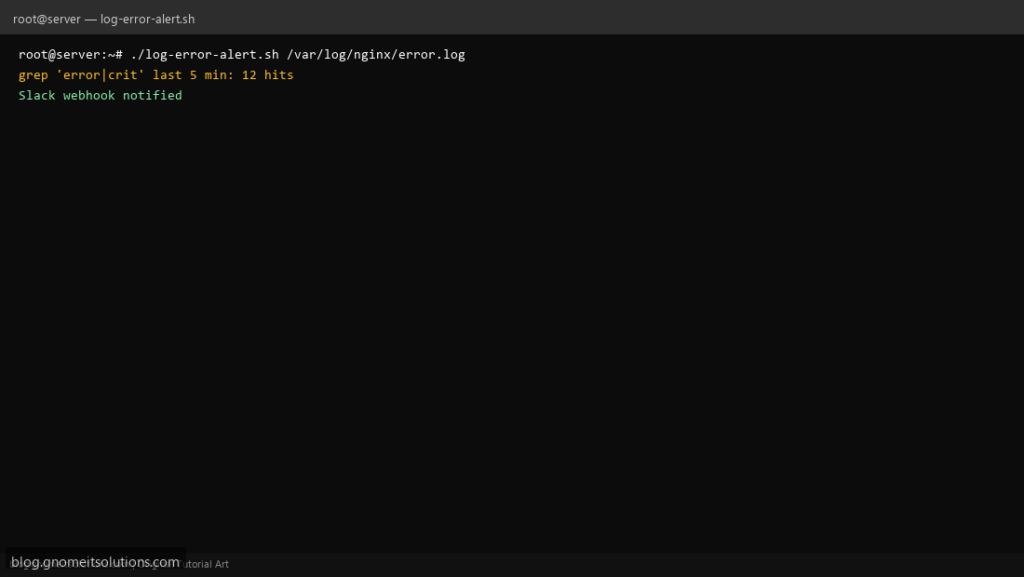
Ops teams search grep log errors shell script when dashboards lag but users report failures — a small cron job that scans the last few minutes of error.log and pings Slack beats reading megabytes by hand.
What this script does
- Takes log file path and optional grep extended regex
- Limits scan to lines newer than N minutes (mtime or tail heuristic)
- Posts to Slack incoming webhook or falls back to email
- Cooldown file prevents alert storms on noisy apps
- Exit 0 when clean, 1 when matches found (Nagios-friendly)
Prerequisites
- grep and tail
- Slack webhook URL or local mail
- Read access to target log
Step 1: Save the script
sudo nano /usr/local/bin/log-error-alert.sh
sudo chmod +x /usr/local/bin/log-error-alert.sh
Step 2: Full script (scroll to read)
log-error-alert.sh
#!/usr/bin/env bash
set -euo pipefail

LOG="${1:?usage: log-error-alert.sh /path/to/log}"
PATTERN="${PATTERN:-error|crit|alert|fatal|emerg}"
WEBHOOK_URL="${WEBHOOK_URL:-}"
COOLDOWN_SEC="${COOLDOWN_SEC:-300}"
STATE="/var/run/log-error-alert.state"
OUT="/var/log/log-error-alert.log"

log(){ echo "[$(date '+%F %T')] $*" | tee -a "$OUT"; }

[[ -f "$LOG" ]] || { log "missing log: $LOG"; exit 2; }

# last ~500 lines — tune for busy logs
chunk=$(tail -n 500 "$LOG")
matches=$(echo "$chunk" | grep -iE "$PATTERN" | tail -n 20 || true)

if [[ -z "$matches" ]]; then
  log "OK no matches in tail of $LOG"
  exit 0
fi

now=$(date +%s)
last=$(cat "$STATE" 2>/dev/null || echo 0)
if (( now - last < COOLDOWN_SEC )); then
  log "SKIP alert (cooldown) matches found"
  exit 1
fi

msg="Log alert on $(hostname -s): $LOG\n---\n$matches"
if [[ -n "$WEBHOOK_URL" ]]; then
  payload=$(printf '%s' "$msg" | python3 -c 'import json,sys; print(json.dumps({"text":sys.stdin.read()}))')
  curl -fsS -X POST -H 'Content-type: application/json' --data "$payload" "$WEBHOOK_URL" >/dev/null
  log "Slack notified"
else
  echo -e "$msg" | mail -s "[log] errors on $(hostname -s)" "${ALERT_TO:-root@localhost}" 2>/dev/null || log "mail failed"
fi

echo "$now" >"$STATE"
exit 1
Scroll inside the box to read the full script.
Step 3: Configure settings
- Pair with nginx log analyzer for trends
- Use email alert wrapper for cron jobs
- For streaming use journalctl — this script targets classic files under
/var/log
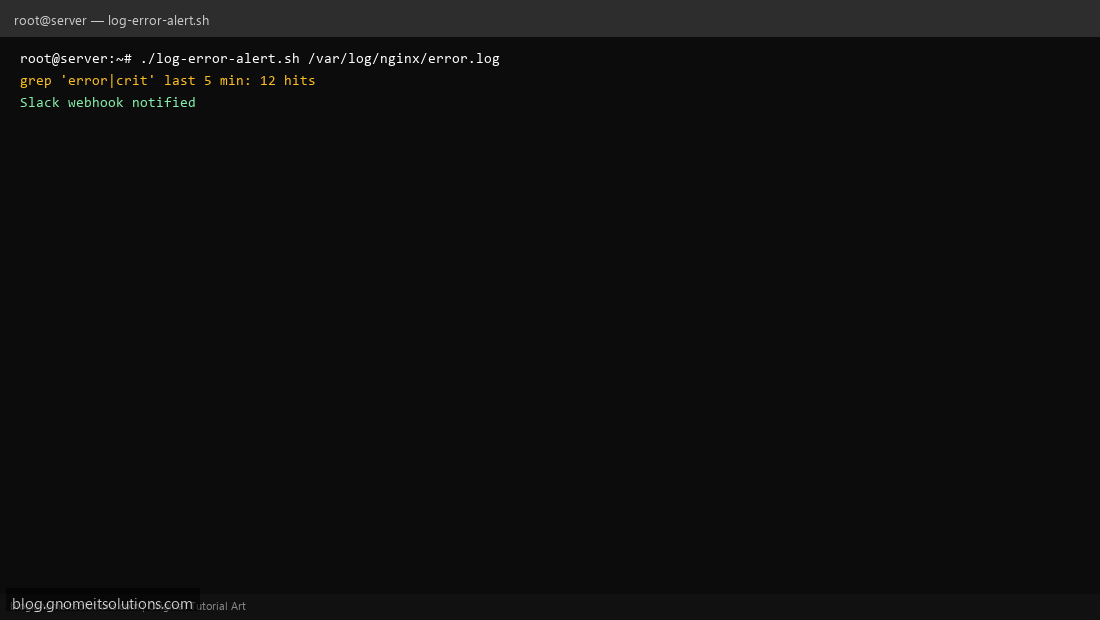
Step 4: Test manually
WEBHOOK_URL='https://hooks.slack.com/...' ./log-error-alert.sh /var/log/nginx/error.logecho exit=$?Schedule with cron
sudo crontab -eAdd:
*/5 * * * * /usr/local/bin/log-error-alert.sh /var/log/nginx/error.log >> /var/log/log-error-alert.log 2>&1Related tutorials
- Linux Backup Shell Script: Files & Database to Remote Server
- Cron Jobs in Linux: Schedule Tasks with crontab
- SSH Key Authentication on Linux Servers
Terminal screenshot is an original illustration created for Gnome IT Solutions (blog.gnomeitsolutions.com).