logrotate on Linux prevents /var/log from filling the disk — nginx, Apache, and app logs grow forever unless something truncates or archives them. The logrotate daemon runs daily from cron/systemd timer and reads snippets under /etc/logrotate.d/.
Related: custom log rotation script,
journalctl,
tail -f logs.
How logrotate fits
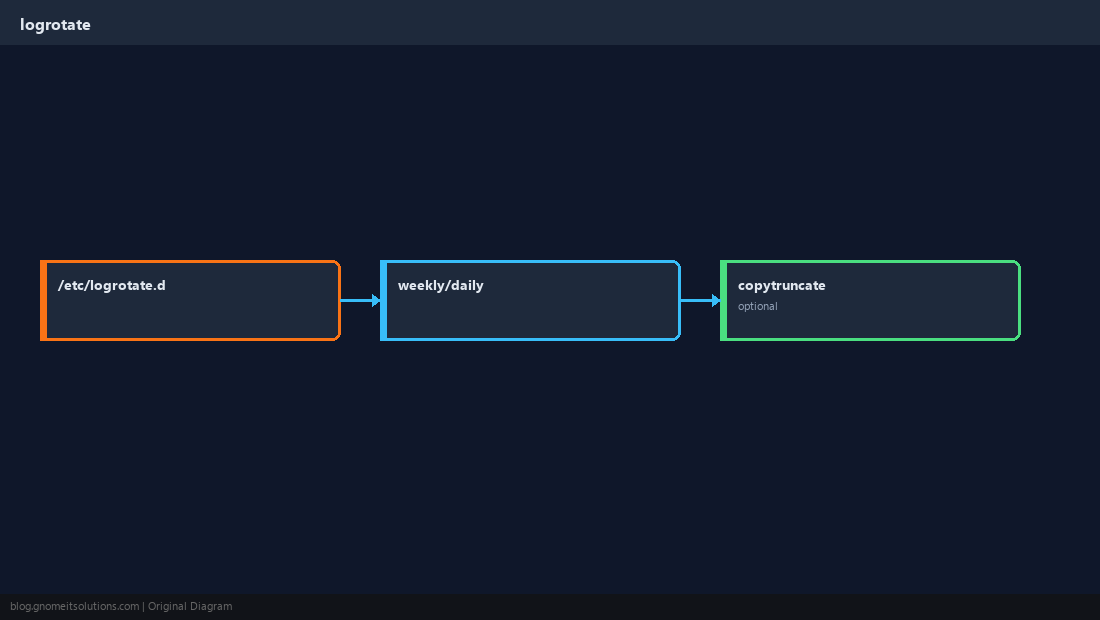
Package logrotate ships defaults in /etc/logrotate.conf and includes /etc/logrotate.d/*.
Example: nginx logs
Rotate when large or daily; keep two weeks; compress old files.
/var/log/nginx/*.log {
    daily
    missingok
    rotate 14
    compress
    delaycompress
    notifempty
    sharedscripts
    postrotate
        systemctl reload nginx 2>/dev/null || true
    endscript
}copytruncate vs create
copytruncate copies then truncates in place — apps that keep file handles open may need it; otherwise default rename+create is cleaner.
sudo logrotate -d /etc/logrotate.conf for a dry-run.Force and debug
Use logrotate -f to force one cycle during testing; watch disk before/after.
sudo logrotate -d /etc/logrotate.conf 2>&1 | tail -30Quick Reference
- App configs:
/etc/logrotate.d/APP - Test:
logrotate -d - Keep
rotate Nandcompressfor space
Related tutorials
Diagrams are original illustrations by Gnome IT Solutions. Tutorial text © Gnome IT Solutions.