Slow disks in a VM are often a configuration problem, not a hardware one. Proxmox exposes several knobs — the virtual controller, per-disk IO threads, cache
mode, TRIM — and the defaults are conservative. The right combination depends on the storage underneath and how much risk you accept.
This guide changes one setting at a time and measures each. Pair it with the ZFS pool guide, the
Ceph setup, and CPU and NUMA pinning for CPU-side tuning.
Map the I/O Path
A write travels from the guest filesystem through the virtual controller into QEMU, then to the host’s storage stack. Each layer can add overhead or buffer data.
guest fs --> virtual controller --> QEMU (aio, cache) --> host LVM-thin / ZFS / Ceph --> disks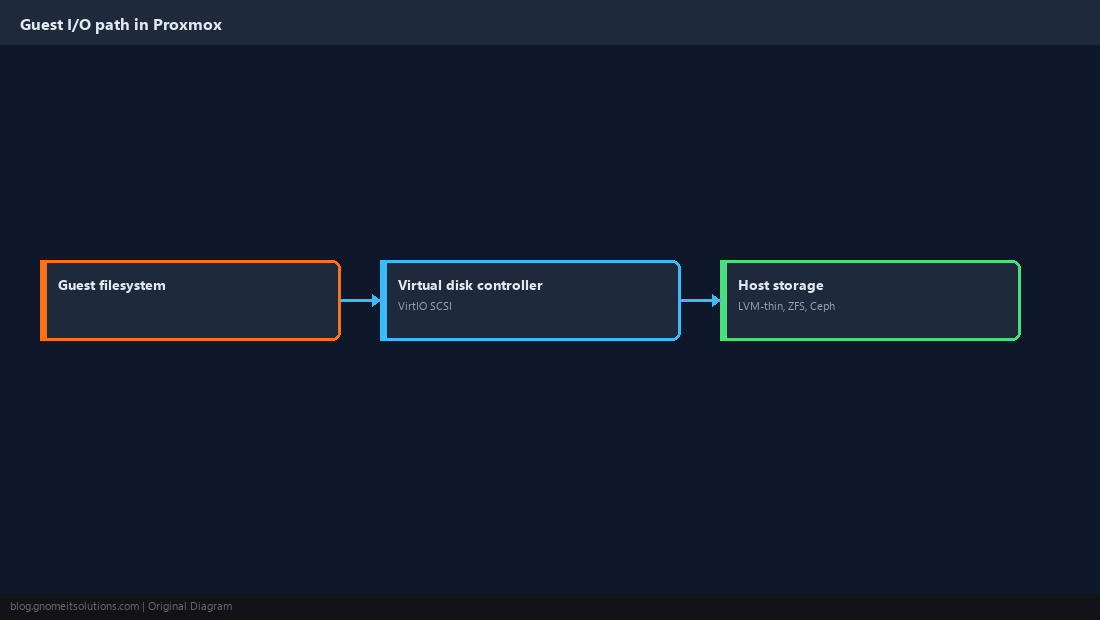
Benchmark First
Measure the current state with a repeatable fio job inside the guest. Save the numbers; without a baseline you cannot tell whether a change helped.
fio --name=randrw --filename=/var/tmp/fio.test --size=2G --rw=randrw --rwmixread=70 \
--bs=4k --iodepth=32 --numjobs=4 --direct=1 --runtime=60 --time_based --group_reportingfio --name=seqw --filename=/var/tmp/fio.test --size=4G --rw=write --bs=1M --direct=1 --runtime=30 --time_based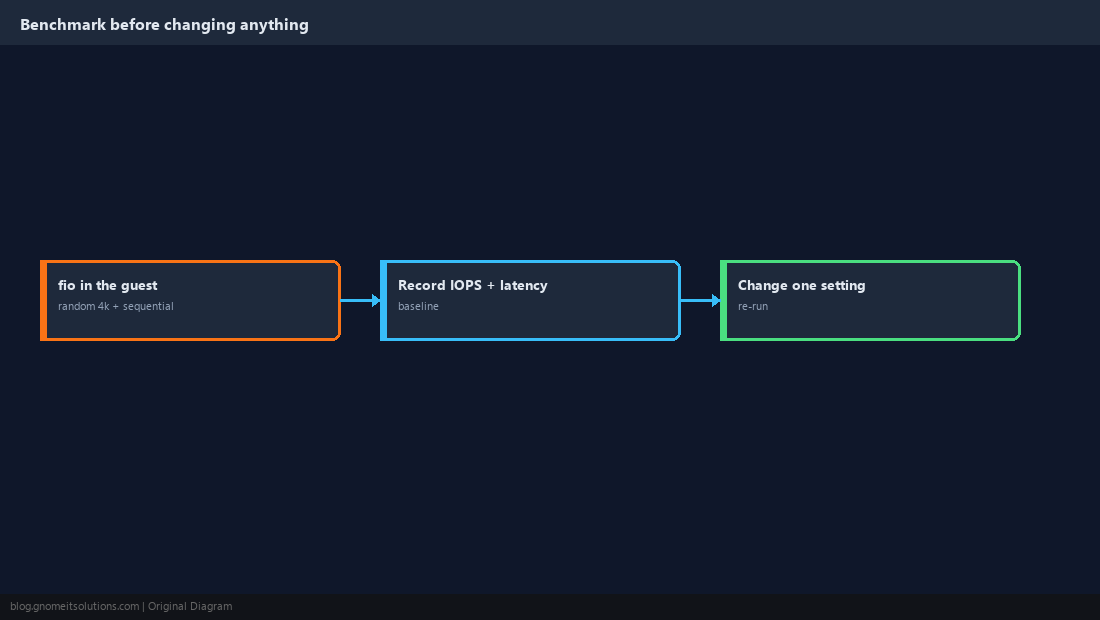
Use the VirtIO SCSI single Controller
VirtIO devices are paravirtualised and far faster than emulated IDE or SATA. VirtIO SCSI single gives each disk its own controller, which is what allows a dedicated IO thread per disk.
qm set 101 --scsihw virtio-scsi-single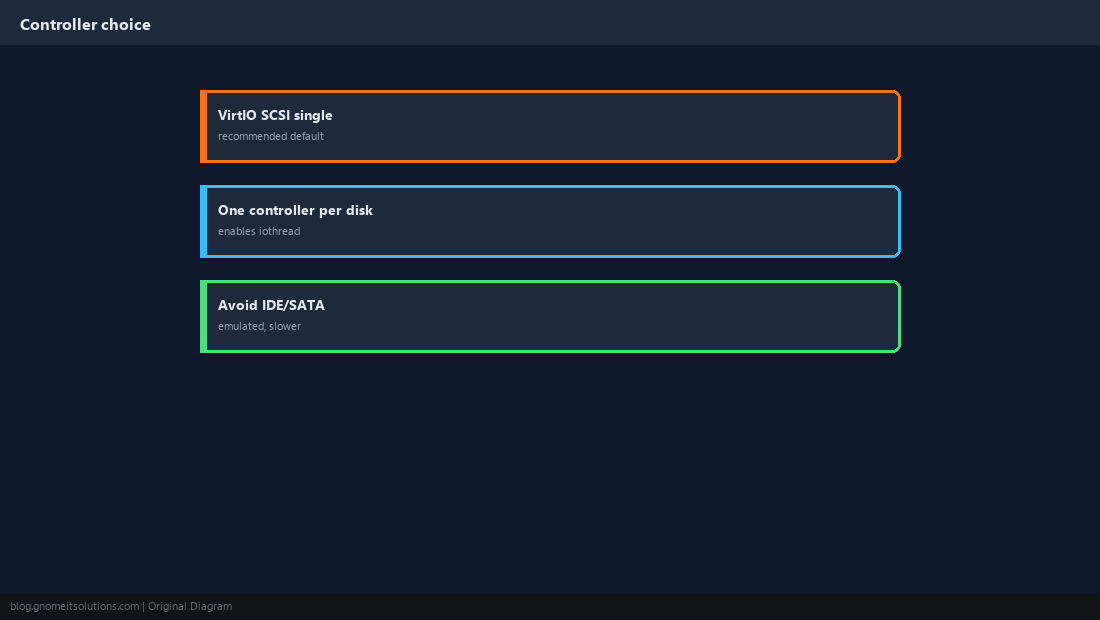
Enable IO Threads
With iothread=1 each disk’s I/O is handled by its own thread instead of sharing QEMU’s main loop. It mostly helps VMs with several busy disks or many parallel requests.
qm set 101 --scsi0 local-lvm:vm-101-disk-0,iothread=1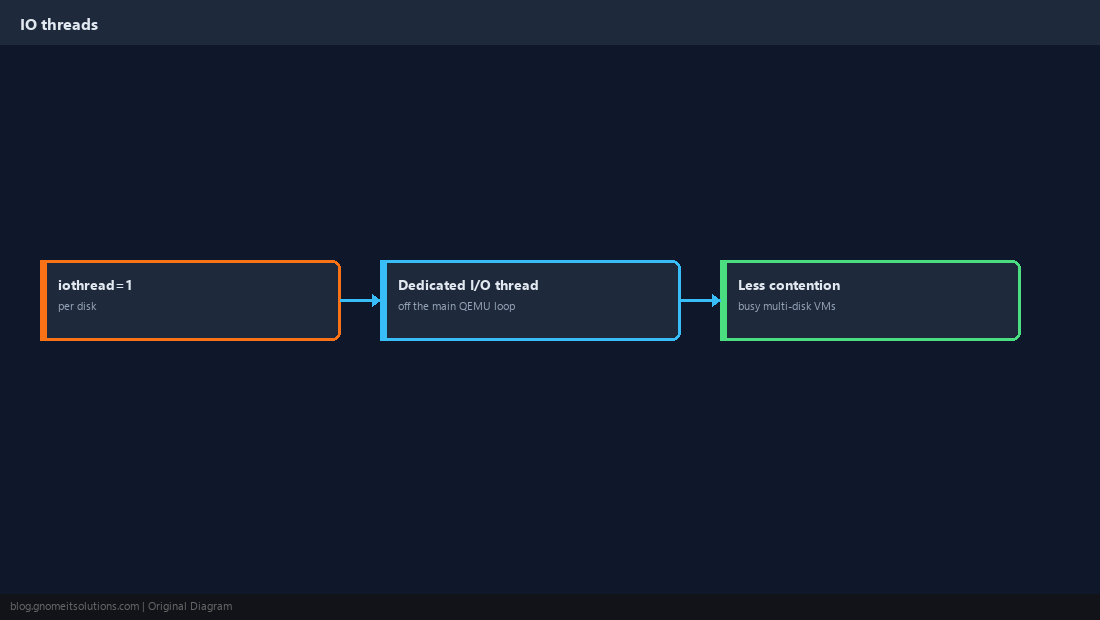
Pick a Cache Mode You Can Defend
none (no host caching) is the safe default and works well with modern storage. writeback is faster but can lose recent writes on power failure unless you have a UPS or battery-backed cache.
qm set 101 --scsi0 local-lvm:vm-101-disk-0,iothread=1,cache=nonecache=unsafe for data you care about; it ignores flush requests.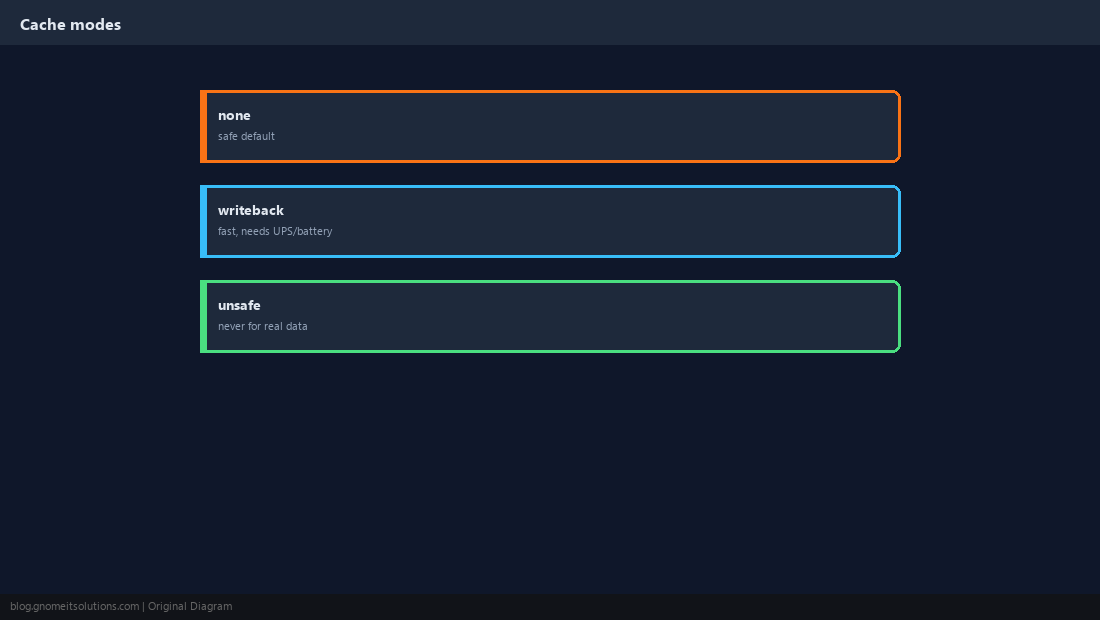
Turn On Discard and SSD Emulation
With discard=on the guest’s TRIM commands free blocks on thin-provisioned storage, so deleted data stops consuming host space. ssd=1 tells the guest to treat the disk as an SSD.
qm set 101 --scsi0 local-lvm:vm-101-disk-0,iothread=1,discard=on,ssd=1sudo systemctl enable --now fstrim.timer
sudo fstrim -av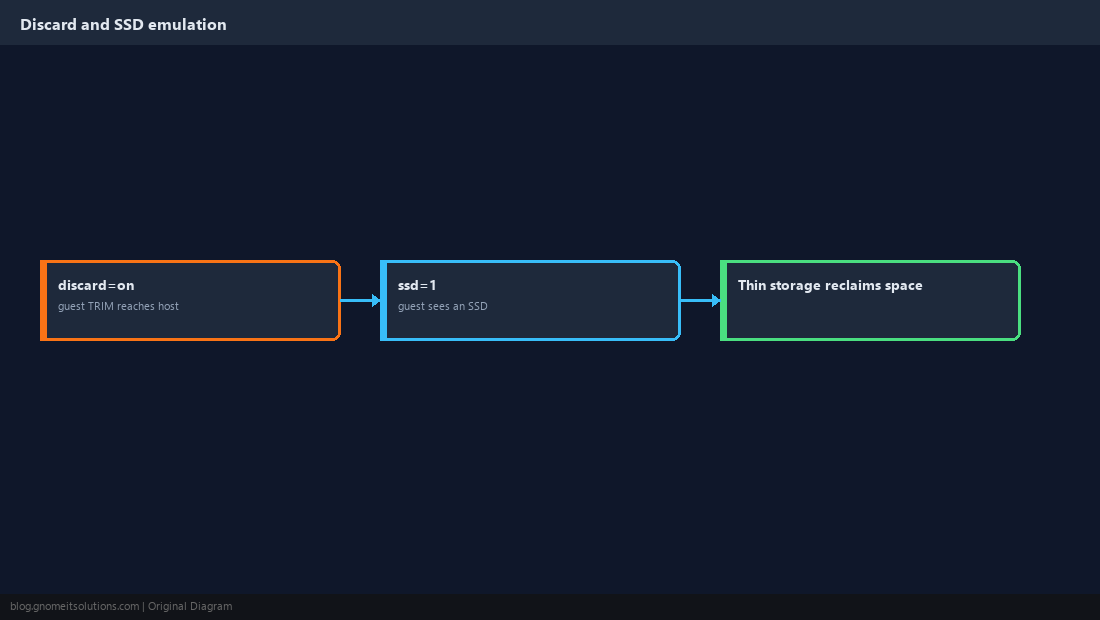
Understand Async I/O and Disk Format
Recent Proxmox versions default to io_uring. Raw volumes on LVM-thin or ZFS zvols carry less overhead than qcow2 files, which trade speed for snapshots and flexibility.
qm config 101 | grep -E 'scsihw|scsi0'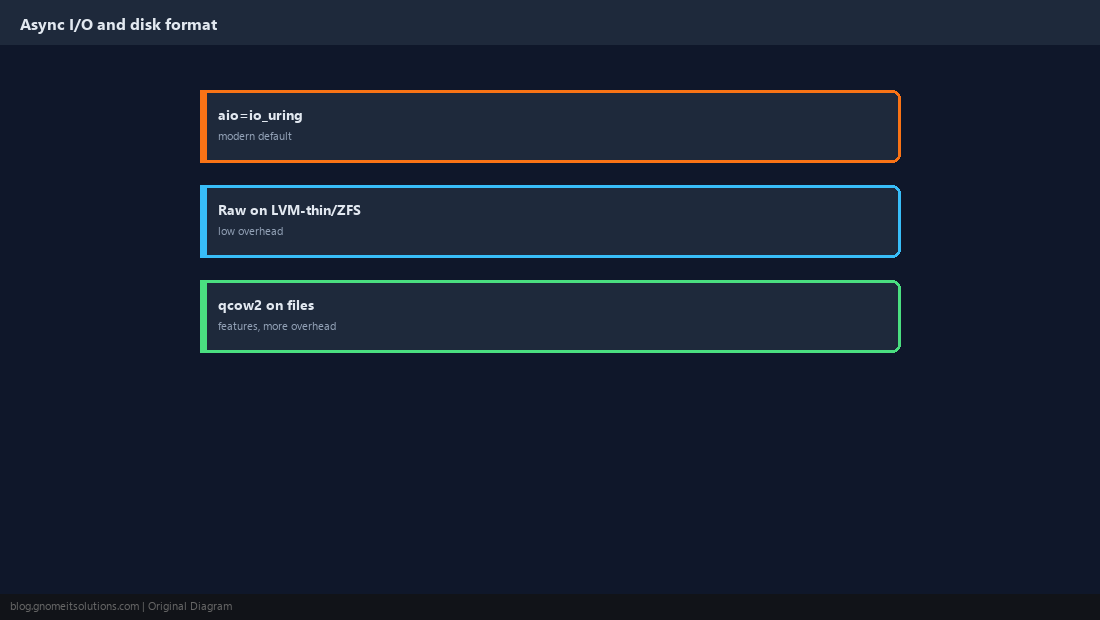
Re-Test and Record the Result
Run the identical fio jobs after each change and keep the setting only if IOPS or latency improved. Note the final configuration alongside the storage type so the next VM starts from a known-good baseline.
scsihw: virtio-scsi-single
scsi0: local-lvm:vm-101-disk-0,iothread=1,discard=on,ssd=1,cache=none,size=64G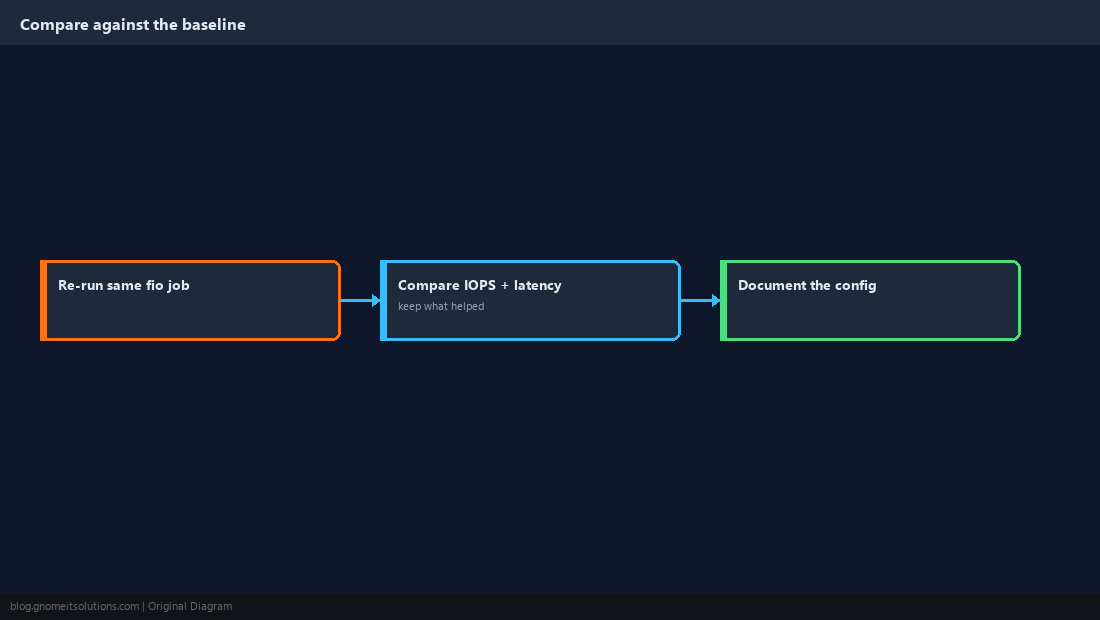
Quick Reference
virtio-scsi-single+iothread=1;cache=noneunless you have power protectiondiscard=on+ guestfstrim; measure with fio before and after
Related tutorials
Diagrams are original illustrations by Gnome IT Solutions. Tutorial text © Gnome IT Solutions.