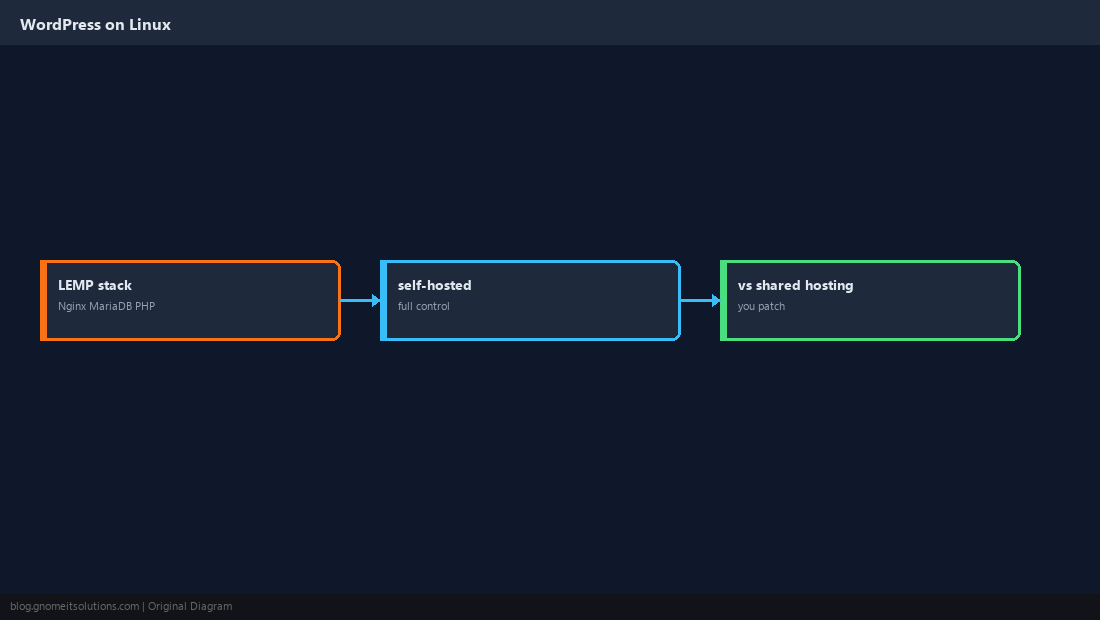
Install WordPress on Ubuntu is among the highest-volume Linux hosting searches — bloggers, agencies, and small businesses moving off shared hosting all land on the same path: a VPS, a LEMP stack (Linux, Nginx, MariaDB, PHP), and the tarball from wordpress.org.
This is a full walkthrough from empty server to the installation wizard. Prerequisites are covered in our
PHP install guide,
MariaDB security, and
Certbot for HTTPS once DNS points at the box.
What You Are Building
Nginx serves static files and passes PHP to php-fpm. MariaDB stores posts and options. WordPress code lives under /var/www/yoursite owned by the web user.
Prepare the Server
Use Ubuntu LTS, create a sudo user, point your domain A record at the server IP, and patch the OS before installing stacks.
sudo apt update && sudo apt upgrade -y
sudo ufw allow OpenSSH
sudo ufw enable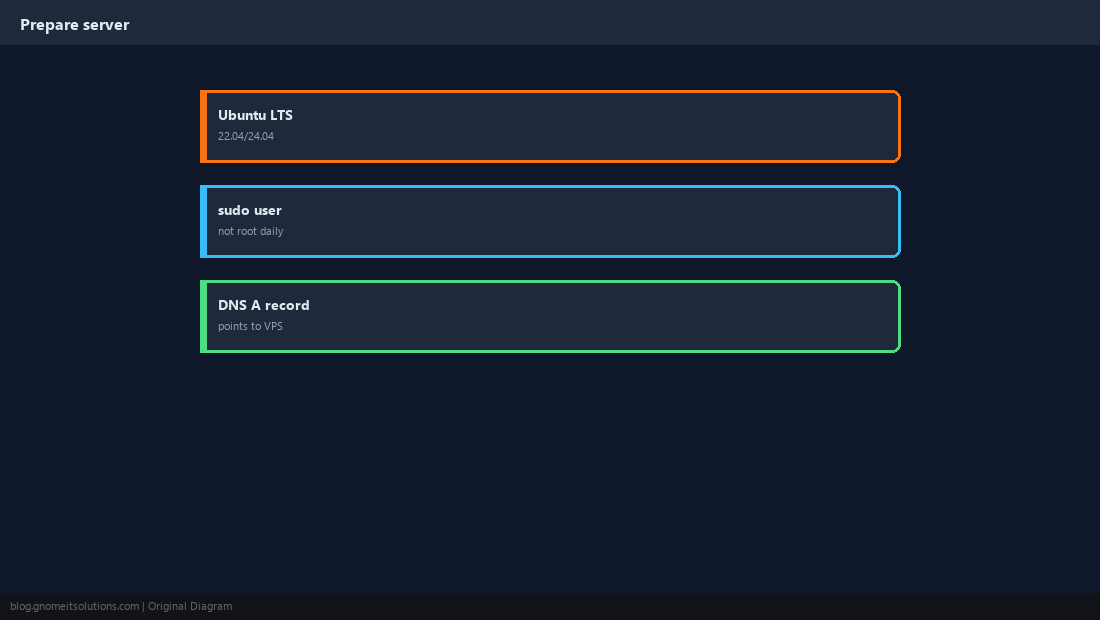
Install Nginx
Install the web server and allow HTTP/HTTPS through the firewall.
sudo apt install -y nginx
sudo systemctl enable --now nginx
sudo ufw allow 'Nginx Full'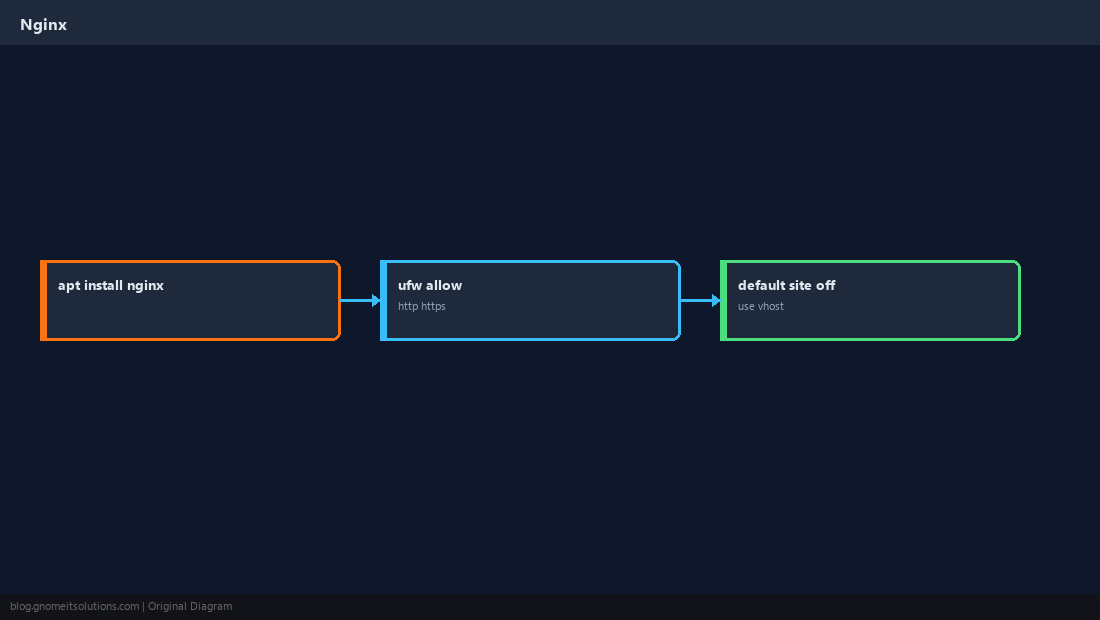
Install MariaDB
WordPress needs a MySQL-compatible server; MariaDB is the common Ubuntu default.
sudo apt install -y mariadb-server
sudo mysql_secure_installation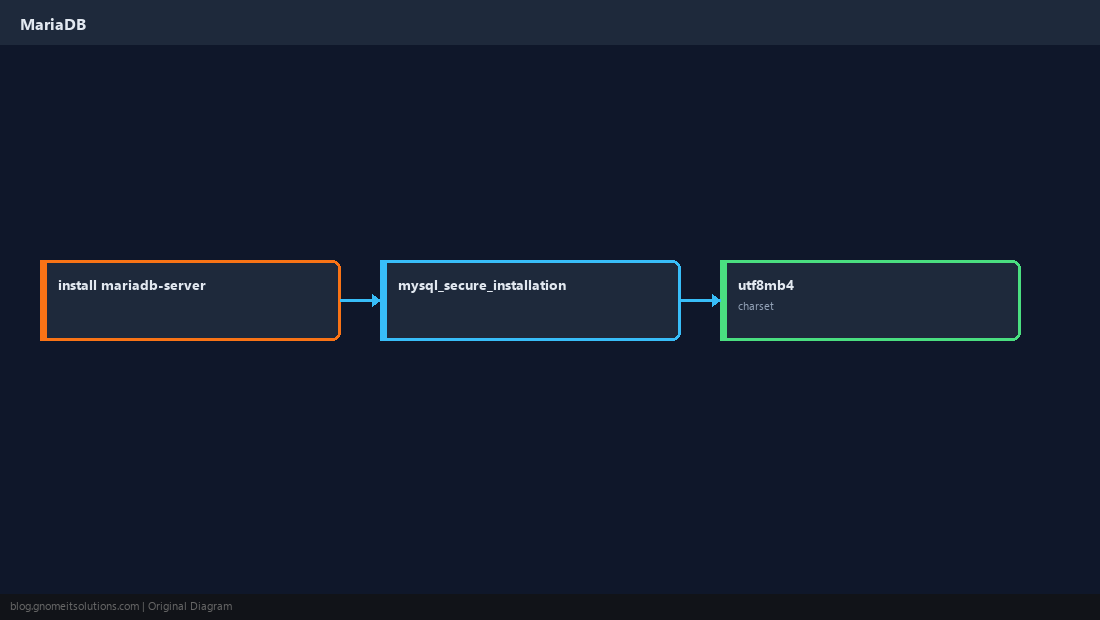
Install PHP-FPM and Extensions
WordPress expects mysqli, curl, mbstring, xml, zip, and gd for media.
sudo apt install -y php-fpm php-mysql php-curl php-mbstring php-xml php-zip php-gd
php -v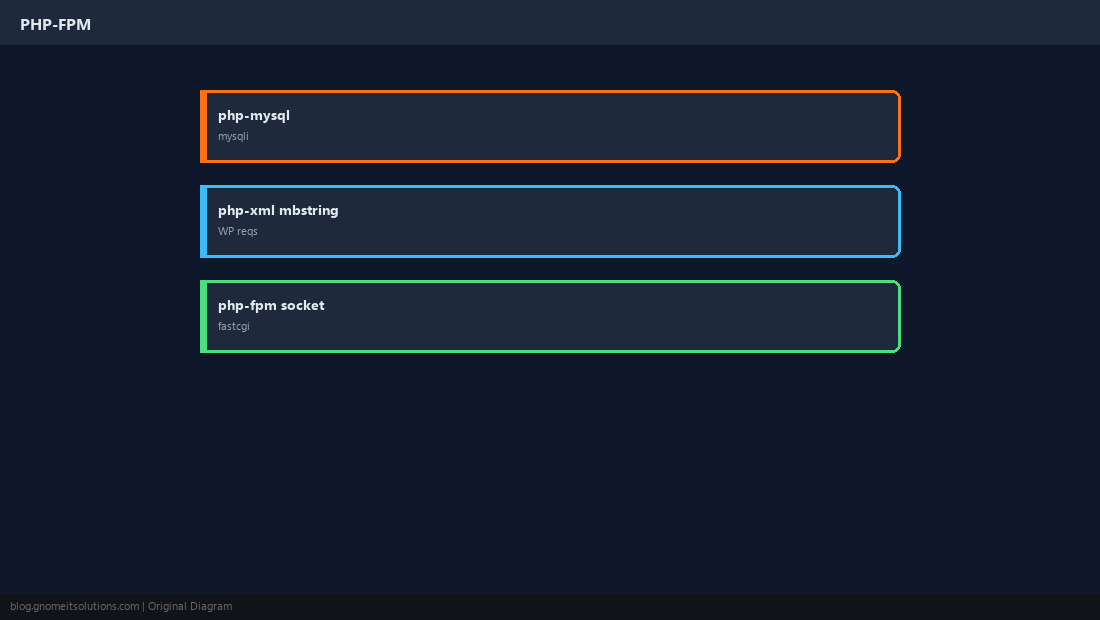
Create the WordPress Database
Use a dedicated database and user — not root — with grants only from localhost.
CREATE DATABASE wordpress CHARACTER SET utf8mb4 COLLATE utf8mb4_unicode_ci;
CREATE USER 'wpuser'@'localhost' IDENTIFIED BY 'LONG_RANDOM_PASSWORD';
GRANT ALL ON wordpress.* TO 'wpuser'@'localhost';
FLUSH PRIVILEGES;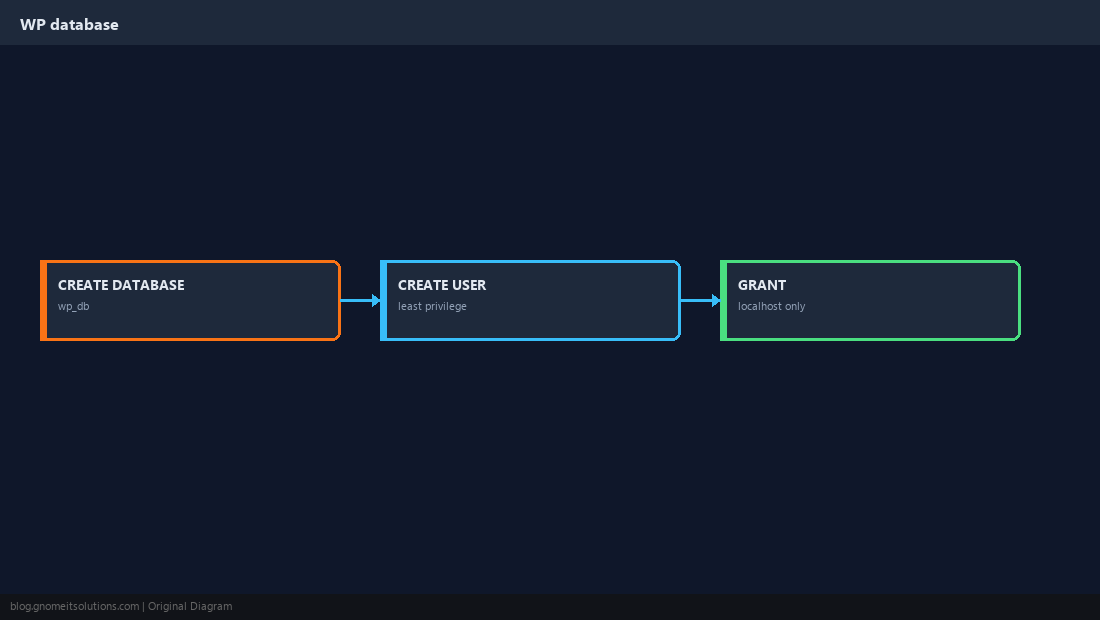
Download and Configure WordPress
Unpack under your web root, copy wp-config-sample.php to wp-config.php, and insert database credentials and unique salts from the WordPress salt generator.
sudo mkdir -p /var/www/example.com
 cd /tmp && wget https://wordpress.org/latest.tar.gz
sudo tar -xzf latest.tar.gz -C /var/www/example.com --strip-components=1
sudo chown -R www-data:www-data /var/www/example.com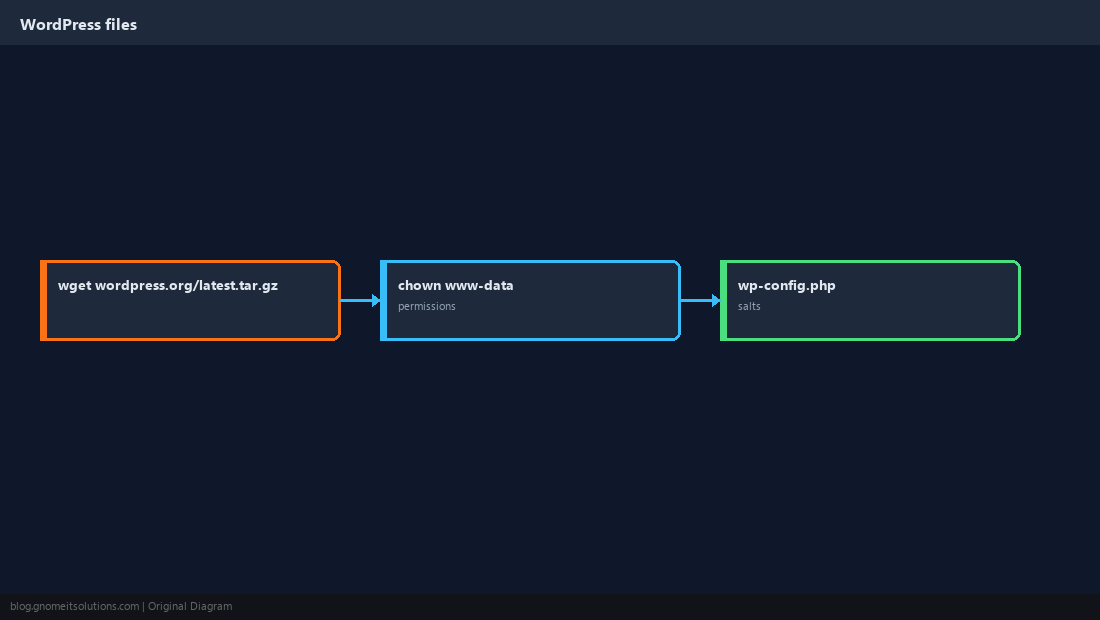
Nginx Virtual Host for WordPress
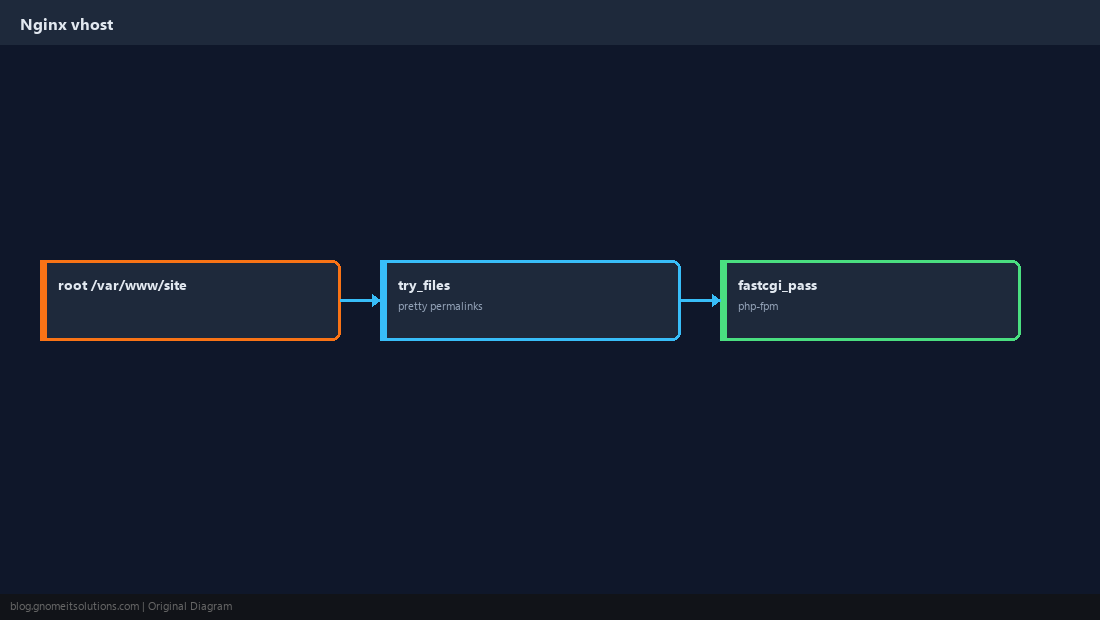
Pretty permalinks need try_files and a PHP location block pointing at the correct FPM socket.
server {
    listen 80;
    server_name example.com www.example.com;
    root /var/www/example.com;
    index index.php;
    location / { try_files $uri $uri/ /index.php?$args; }
    location ~ \.php$ {
        include snippets/fastcgi-php.conf;
        fastcgi_pass unix:/run/php/php8.3-fpm.sock;
    }
}
Verify, Harden, Add TLS
Complete the web installer, disable theme/plugin editor in wp-config.php if desired, schedule backups, then run Certbot.
sudo ln -s /etc/nginx/sites-available/example.com /etc/nginx/sites-enabled/
sudo nginx -t && sudo systemctl reload nginxdefine('DISALLOW_FILE_EDIT', true); in wp-config on production sites.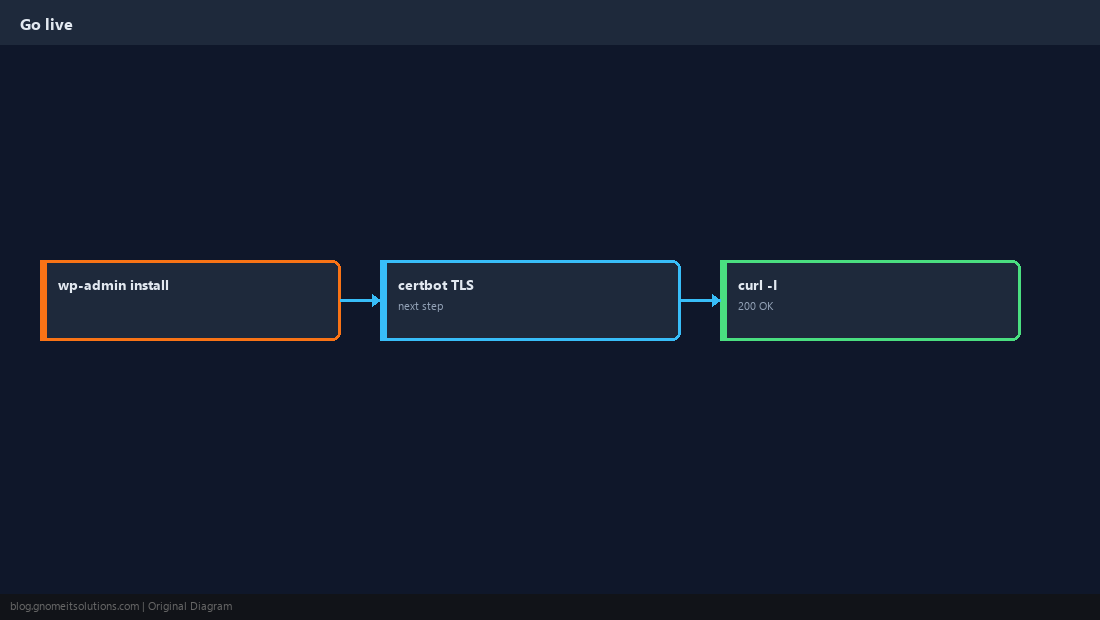
Quick Reference
- Stack: Nginx + MariaDB + php-fpm
- DB user with least privilege on one database
- HTTPS: Certbot after DNS works
Related tutorials
Diagrams are original illustrations by Gnome IT Solutions. Tutorial text © Gnome IT Solutions.