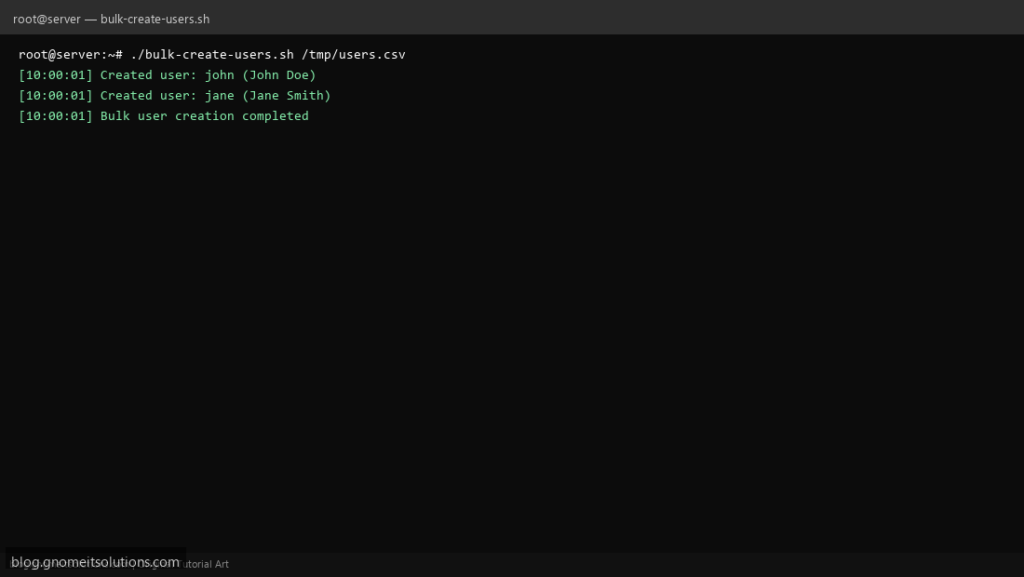
Create many Linux users at once from a CSV file — ideal for labs, classrooms, and new server setup.
What this script does
- Reads username, full name, and shell from CSV
- Creates home directories automatically
- Sets passwords interactively or from file
- Skips users that already exist
- Logs all created accounts
Prerequisites
- Root access
- CSV file with user data
- standard Unix tools: useradd, chpasswd
Step 1: Save the script
sudo nano /usr/local/bin/bulk-create-users.sh
sudo chmod +x /usr/local/bin/bulk-create-users.sh
Step 2: Full script (scroll to read)
bulk-create-users.sh
#!/usr/bin/env bash
set -euo pipefail

CSV_FILE="${1:-/root/users.csv}"
DEFAULT_SHELL="/bin/bash"
LOG="/var/log/bulk-users.log"

[[ -f "$CSV_FILE" ]] || { echo "CSV not found: $CSV_FILE"; exit 1; }

log(){ echo "[$(date '+%F %T')] $*" | tee -a "$LOG"; }

while IFS=',' read -r username fullname shell; do
  [[ -z "$username" || "$username" == username ]] && continue
  shell=${shell:-$DEFAULT_SHELL}
  if id "$username" &>/dev/null; then
    log "Skip existing user: $username"
    continue
  fi
  useradd -m -c "$fullname" -s "$shell" "$username"
  log "Created user: $username ($fullname)"
done < "$CSV_FILE"

log "Bulk user creation completed"
Scroll inside the box to read the full script.
Step 3: Configure settings
- CSV format:
username,Full Name,/bin/bash CSV_FILE— path to input file- Set passwords with
chpasswdafter creation
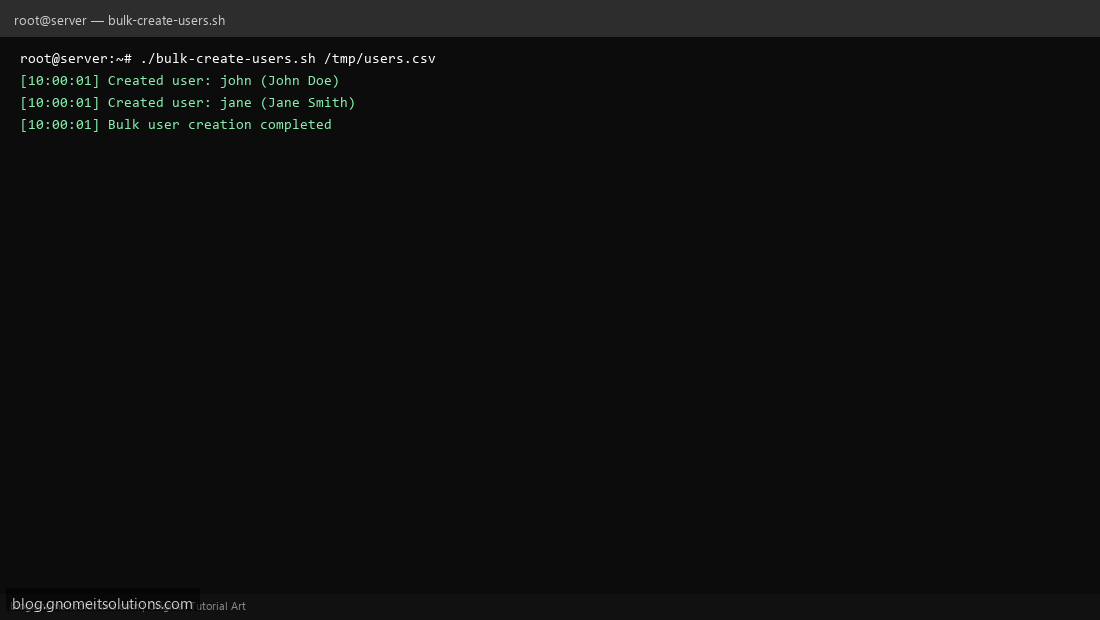
Step 4: Test manually
echo 'john,John Doe,/bin/bash' | sudo tee /tmp/users.csvsudo /usr/local/bin/bulk-create-users.sh /tmp/users.csvid johnRelated tutorials
- Linux Disk Monitor Shell Script
- Linux Backup Shell Script: Files & Database to Remote Server
- Cron Jobs in Linux: Schedule Tasks with crontab
- SSH Key Authentication on Linux Servers
Terminal screenshot is an original illustration created for Gnome IT Solutions (blog.gnomeitsolutions.com).