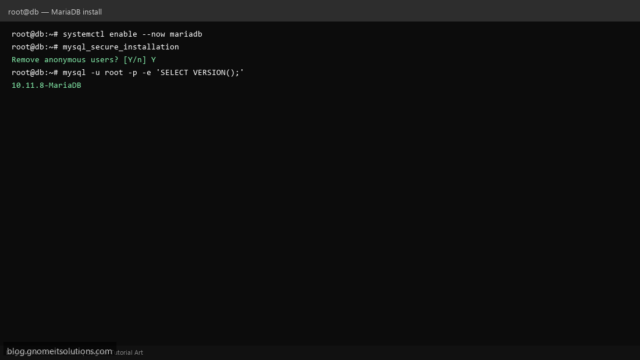
Install and Secure MariaDB on Linux (Ubuntu & AlmaLinux)
Install MariaDB on Ubuntu and AlmaLinux. Secure with mysql_secure_installation, create users, and enable remote access safely.
Read tutorial →Browse step-by-step tutorials in this topic.
Install MariaDB on Ubuntu and AlmaLinux. Secure with mysql_secure_installation, create users, and enable remote access safely.
Read tutorial →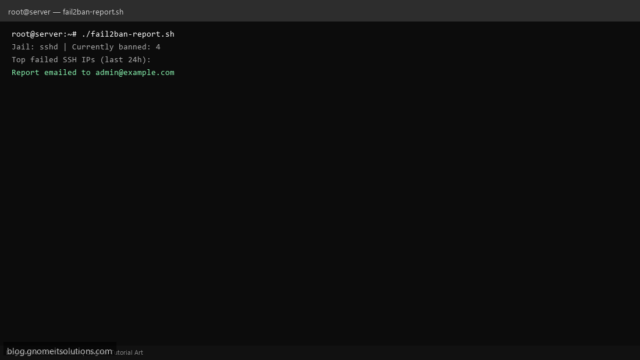
Generate a daily Fail2ban ban report on Linux. List banned IPs per jail, top attackers, and email summary…
Read tutorial →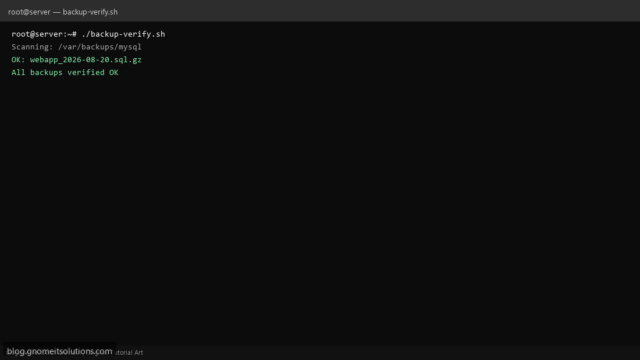
Verify backup integrity on Linux with a Bash script. Test gzip archives, SQL dumps, and tar files before…
Read tutorial →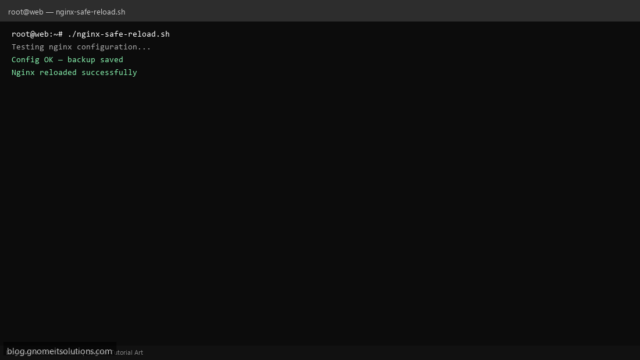
Safely test and reload Nginx on Linux with a Bash script. Validates config before reload and rolls back…
Read tutorial →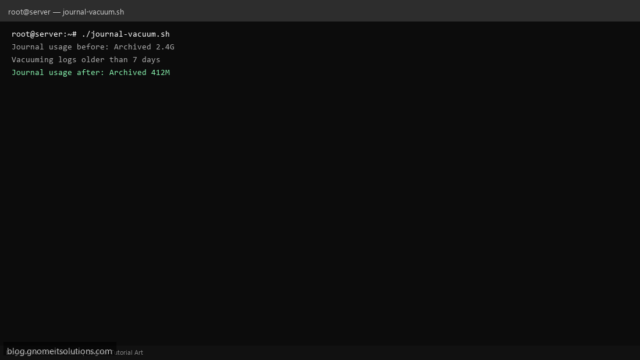
Free disk space on Linux by vacuuming systemd journal logs with a safe Bash script. Set size limits…
Read tutorial →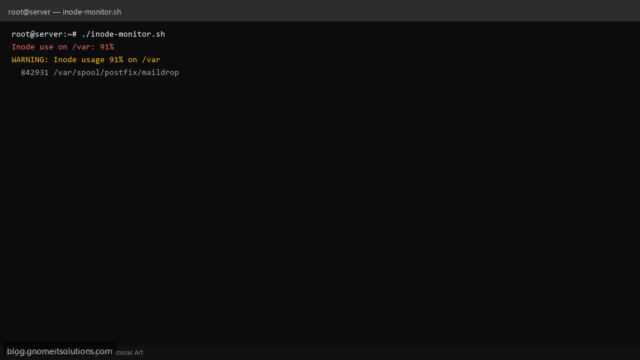
Monitor inode usage on Linux filesystems with a Bash script. Alert before small-file exhaustion crashes MySQL, mail, or…
Read tutorial →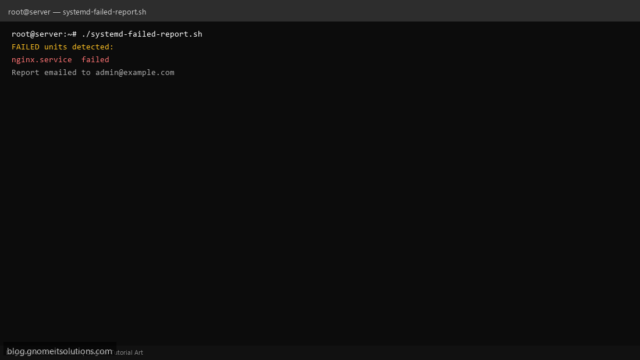
List failed systemd units on Linux with a Bash script. Daily report of failed services, timers, and mounts…
Read tutorial →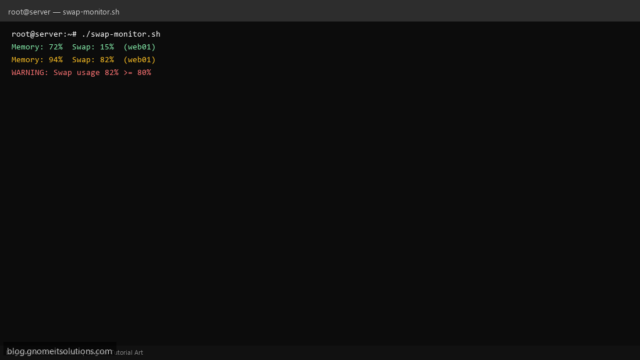
Monitor Linux swap and memory usage with a Bash script. Alert when RAM or swap exceeds threshold before…
Read tutorial →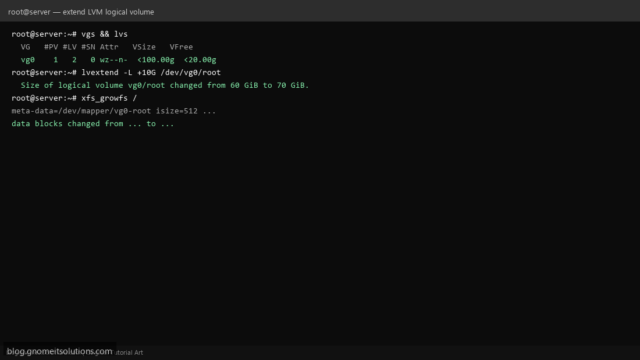
Extend an LVM logical volume on Linux when disk is full. Add PV, extend VG/LV, and grow XFS…
Read tutorial →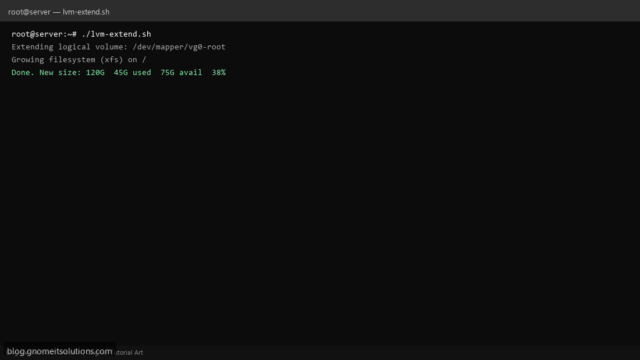
Extend LVM logical volumes on Linux with a safe Bash script. Grow partitions, PV, VG, LV, and filesystem…
Read tutorial →