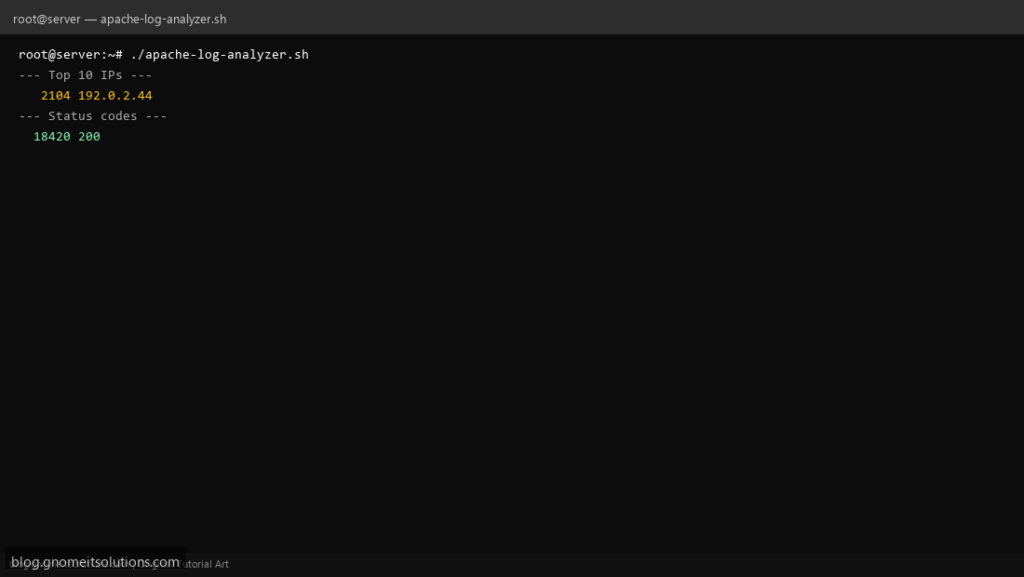
Parse Apache access and error logs with a Bash script — top IPs, URLs, and HTTP status breakdown.
What this script does
- Analyzes Apache combined access log format
- Reports top visitor IPs and requested pages
- Summarizes HTTP status codes
- Lists recent errors from error.log
- Supports gzip rotated logs
Prerequisites
- Apache installed
- Logs at /var/log/apache2/ or /var/log/httpd/
Step 1: Save the script
sudo nano /usr/local/bin/apache-log-analyzer.sh
sudo chmod +x /usr/local/bin/apache-log-analyzer.sh
Step 2: Full script (scroll to read)
apache-log-analyzer.sh
#!/usr/bin/env bash
set -euo pipefail

ACCESS_LOG="/var/log/apache2/access.log"
ERROR_LOG="/var/log/apache2/error.log"
[[ -f /var/log/httpd/access_log ]] && ACCESS_LOG="/var/log/httpd/access_log"
[[ -f /var/log/httpd/error_log ]] && ERROR_LOG="/var/log/httpd/error_log"

read_log(){ [[ "$1" == *.gz ]] && zcat "$1" || cat "$1"; }

echo "=== Apache Access Log: $ACCESS_LOG ==="
TMP=$(mktemp); read_log "$ACCESS_LOG" > "$TMP"
echo "--- Top 10 IPs ---"
awk '{print $1}' "$TMP" | sort | uniq -c | sort -rn | head -10
echo "--- Top 10 URLs ---"
awk '{print $7}' "$TMP" | sort | uniq -c | sort -rn | head -10
echo "--- Status codes ---"
awk '{print $9}' "$TMP" | sort | uniq -c | sort -rn
rm -f "$TMP"

echo
echo "=== Recent errors: $ERROR_LOG ==="
tail -20 "$ERROR_LOG"
Scroll inside the box to read the full script.
Step 3: Configure settings
ACCESS_LOG— path to access logERROR_LOG— path to error log- Adjust paths for Debian vs RHEL
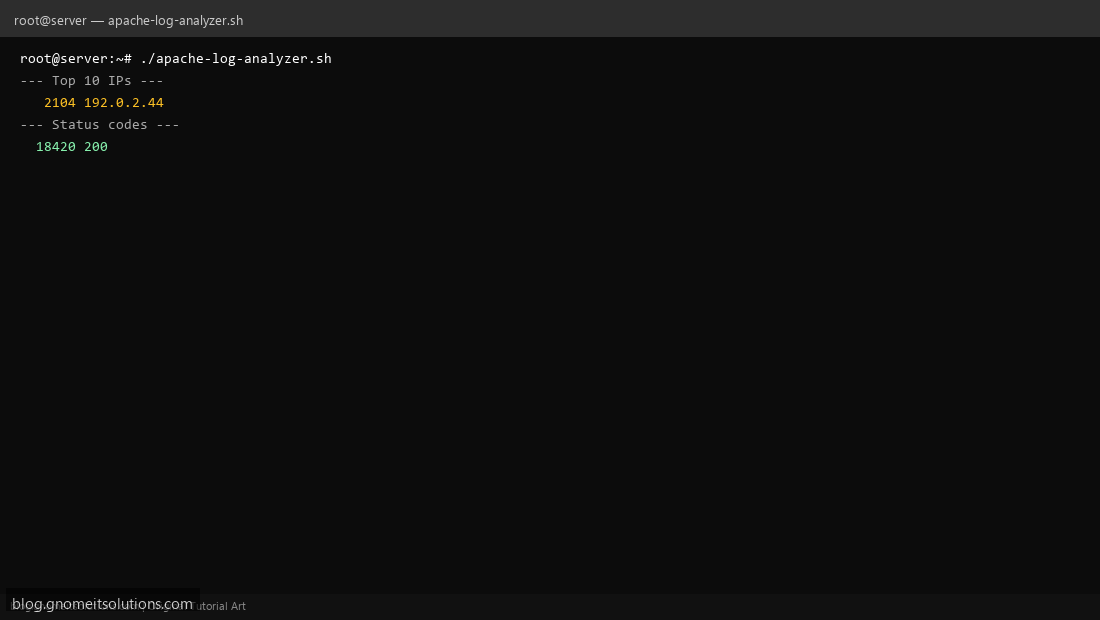
Step 4: Test manually
sudo /usr/local/bin/apache-log-analyzer.shsudo tail /var/log/apache2/access.logSchedule with cron
sudo crontab -eAdd:
0 6 * * 1 /usr/local/bin/apache-log-analyzer.sh | mail -s 'Apache weekly report' [email protected]Related tutorials
- Linux Backup Shell Script: Files & Database to Remote Server
- Cron Jobs in Linux: Schedule Tasks with crontab
- SSH Key Authentication on Linux Servers
Terminal screenshot is an original illustration created for Gnome IT Solutions (blog.gnomeitsolutions.com).