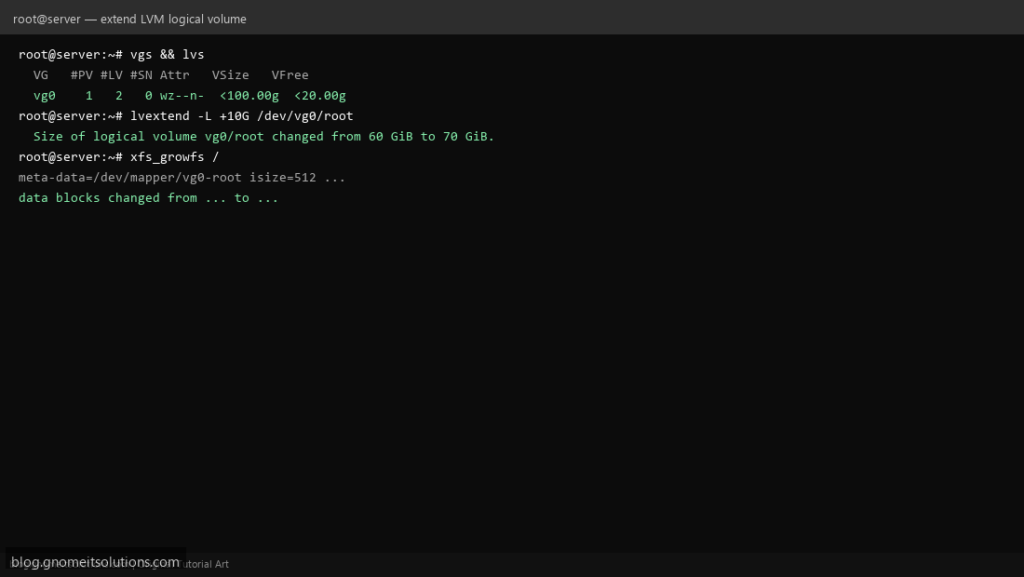
When a Linux server runs out of root disk space, LVM (Logical Volume Manager) lets you extend volumes online without reinstalling. This guide covers adding a new disk or free PEs, extending the logical volume, and growing the filesystem.
Step 1: Check Volume Group Free Space
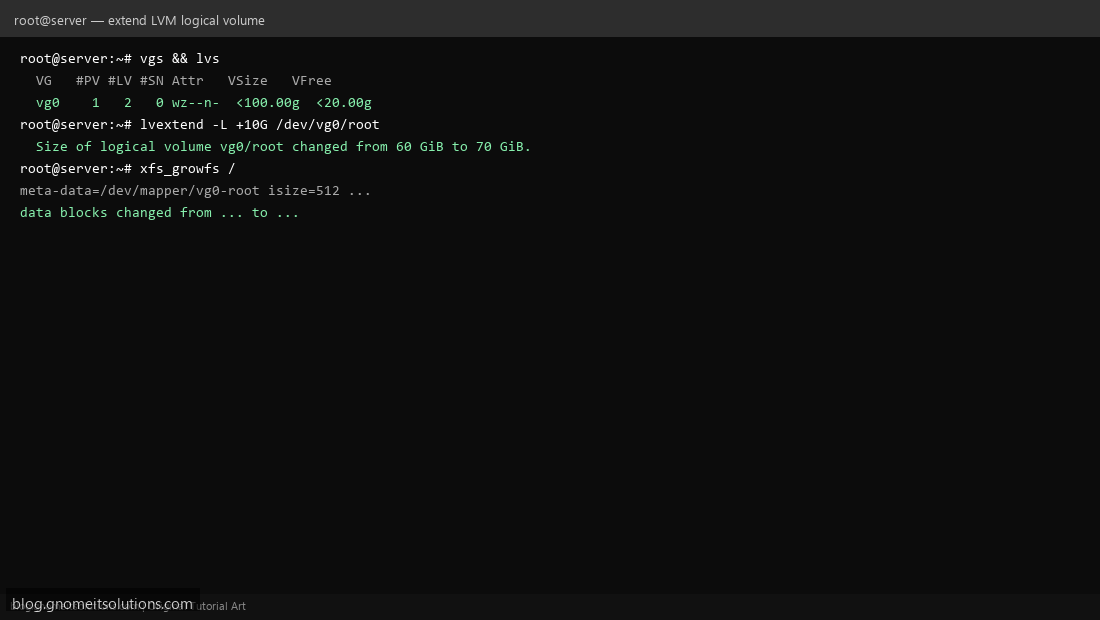
Run vgs and lvs to see VG free space and LV sizes before extending.
Step 2: Extend the Logical Volume
Use lvextend -L +10G /dev/vg0/root or lvextend -l +100%FREE to consume remaining VG space.
Step 3: Grow the Filesystem
For XFS run xfs_growfs /. For ext4 use resize2fs /dev/vg0/root. Verify with df -h.
Add a new physical disk (optional)
lsblk
pvcreate /dev/sdb
vgextend vg0 /dev/sdb
lvextend -l +100%FREE /dev/vg0/root
xfs_growfs /
Related tutorials
Terminal screenshots are original illustrations created for Gnome IT Solutions (blog.gnomeitsolutions.com).