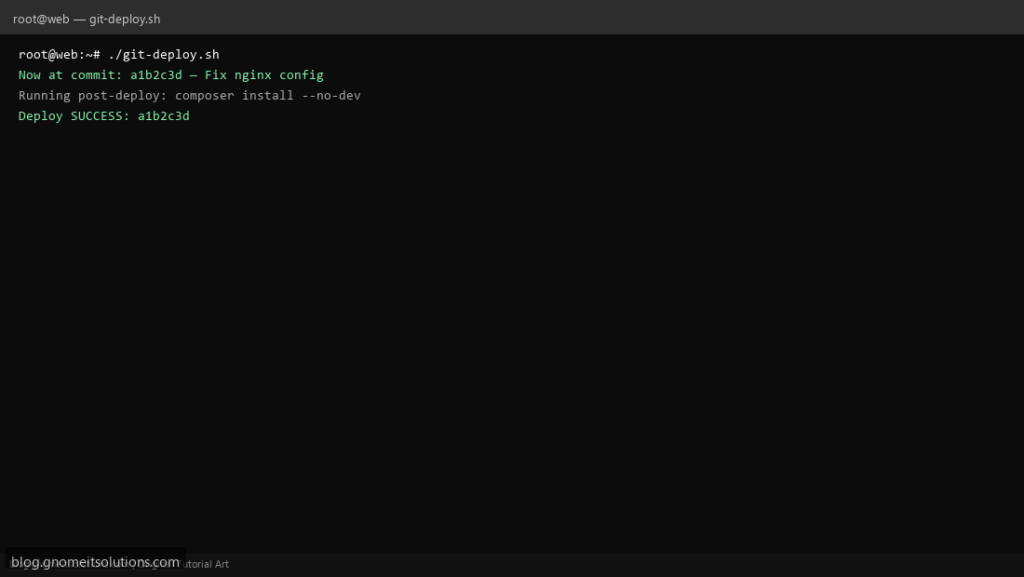
Deploy updates to your Linux web server with a simple git pull deploy script — fetch code, build assets, and reload services.
What this script does
- Pulls latest code from origin main branch
- Optional composer/npm install hooks
- Runs pre/post deploy commands from config
- Reloads nginx or php-fpm after success
- Logs deploy time and git commit hash
Prerequisites
- Git repo cloned on server
- SSH deploy key or HTTPS credentials
- Write access to app directory
Step 1: Save the script
sudo nano /usr/local/bin/git-deploy.sh
sudo chmod +x /usr/local/bin/git-deploy.sh
Step 2: Full script (scroll to read)
git-deploy.sh
#!/usr/bin/env bash
set -euo pipefail

APP_DIR="/var/www/myapp"
BRANCH="main"
POST_DEPLOY="composer install --no-dev -o 2>/dev/null || true"
RELOAD_CMD="systemctl reload nginx"
LOG="/var/log/git-deploy.log"

log(){ echo "[$(date '+%F %T')] $*" | tee -a "$LOG"; }
die(){ log "ERROR: $*"; exit 1; }

[[ -d "$APP_DIR/.git" ]] || die "Not a git repo: $APP_DIR"
cd "$APP_DIR"

log "Deploy started in $APP_DIR (branch: $BRANCH)"
git fetch origin
git checkout "$BRANCH"
git reset --hard "origin/$BRANCH"
COMMIT=$(git rev-parse --short HEAD)
log "Now at commit: $COMMIT — $(git log -1 --pretty=%s)"

if [[ -n "$POST_DEPLOY" ]]; then
  log "Running post-deploy: $POST_DEPLOY"
  eval "$POST_DEPLOY"
fi

if [[ -n "$RELOAD_CMD" ]]; then
  log "Reloading services: $RELOAD_CMD"
  eval "$RELOAD_CMD"
fi

log "Deploy SUCCESS: $COMMIT"
Scroll inside the box to read the full script.
Step 3: Configure settings
APP_DIR— path to git repository on serverBRANCH— branch to deploy (default main)POST_DEPLOY— command after pull (e.g. composer install –no-dev)
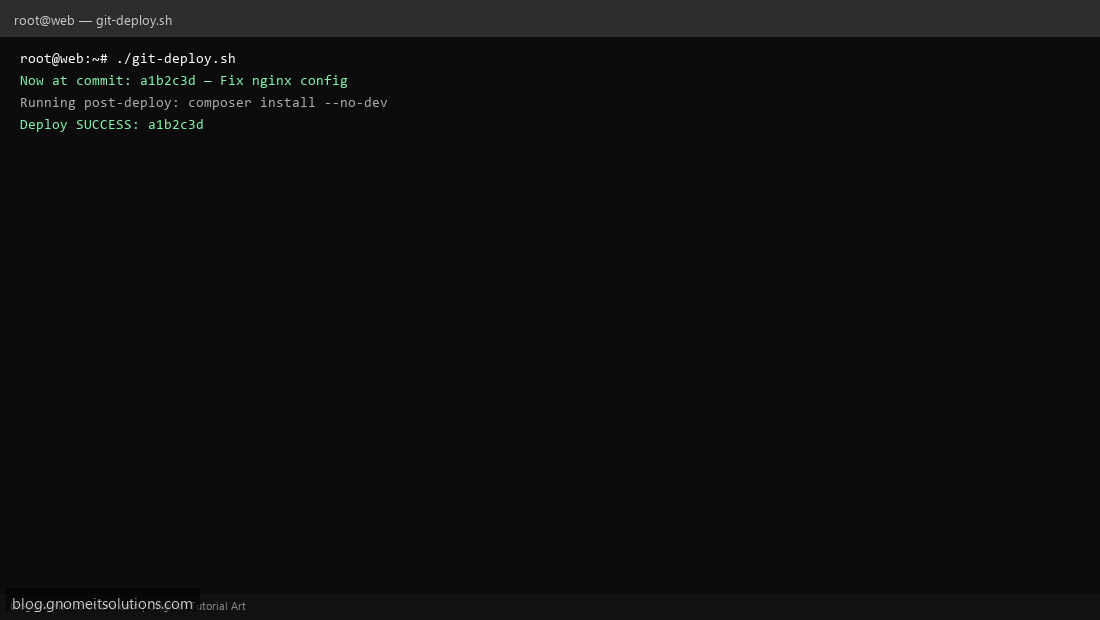
Step 4: Test manually
cd /var/www/app && git statussudo /usr/local/bin/git-deploy.shRelated tutorials
- Linux Backup Shell Script: Files & Database to Remote Server
- Cron Jobs in Linux: Schedule Tasks with crontab
- SSH Key Authentication on Linux Servers
Terminal screenshot is an original illustration created for Gnome IT Solutions (blog.gnomeitsolutions.com).