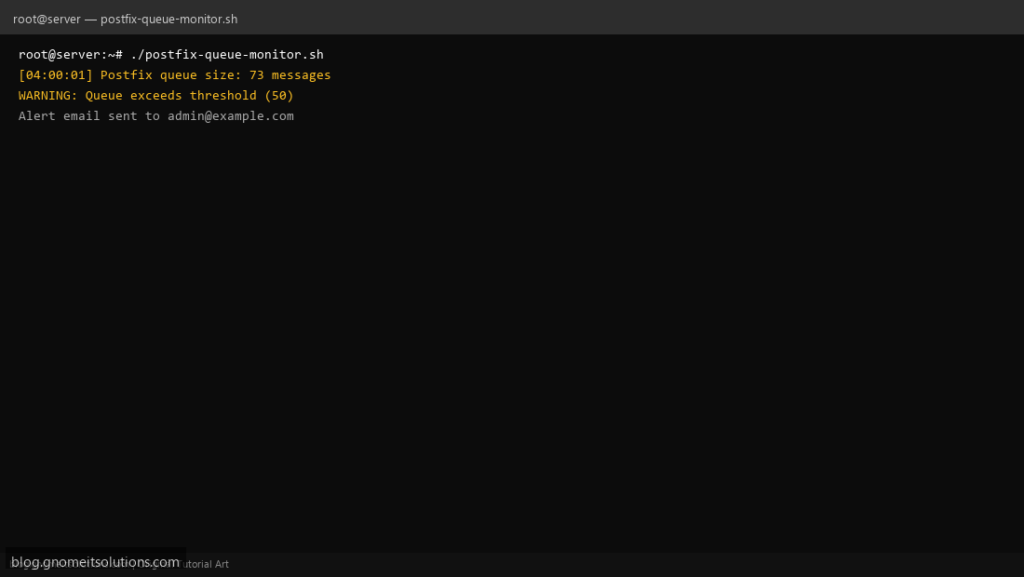
Monitor your Postfix mail queue with a Bash script — detect backlog, stuck messages, and mail server issues before users complain.
What this script does
- Reports current Postfix queue size
- Alerts when queue exceeds configurable threshold
- Lists oldest messages in queue
- Optional flush of deferred queue
- Logs results for cron monitoring
Prerequisites
- Postfix installed
- mailq/postqueue commands available
- Root or postfix group access
Step 1: Save the script
sudo nano /usr/local/bin/postfix-queue-monitor.sh
sudo chmod +x /usr/local/bin/postfix-queue-monitor.sh
Step 2: Full script (scroll to read)
postfix-queue-monitor.sh
#!/usr/bin/env bash
set -euo pipefail

MAX_QUEUE=50
ALERT_EMAIL="[email protected]"
FLUSH_DEFERRED=false
LOG="/var/log/postfix-queue.log"

log(){ echo "[$(date '+%F %T')] $*" | tee -a "$LOG"; }

QUEUE=$(mailq | tail -n1 | awk '{print $5}' | tr -d '!' || echo 0)
QUEUE=${QUEUE:-0}
log "Postfix queue size: $QUEUE messages"

if (( QUEUE > MAX_QUEUE )); then
  log "WARNING: Queue exceeds threshold ($MAX_QUEUE)"
  mailq | head -20 | tee -a "$LOG"
  if $FLUSH_DEFERRED; then
    log "Flushing deferred queue..."
    postqueue -f
  fi
  [[ -n "$ALERT_EMAIL" ]] && command -v mail >/dev/null && \
    echo "Postfix queue has $QUEUE messages on $(hostname -s)" | \
    mail -s "Postfix queue alert" "$ALERT_EMAIL"
  exit 1
fi
log "Queue OK"
exit 0
Scroll inside the box to read the full script.
Step 3: Configure settings
MAX_QUEUE— alert when messages exceed this countALERT_EMAIL— admin notificationFLUSH_DEFERRED— true to run postqueue -f
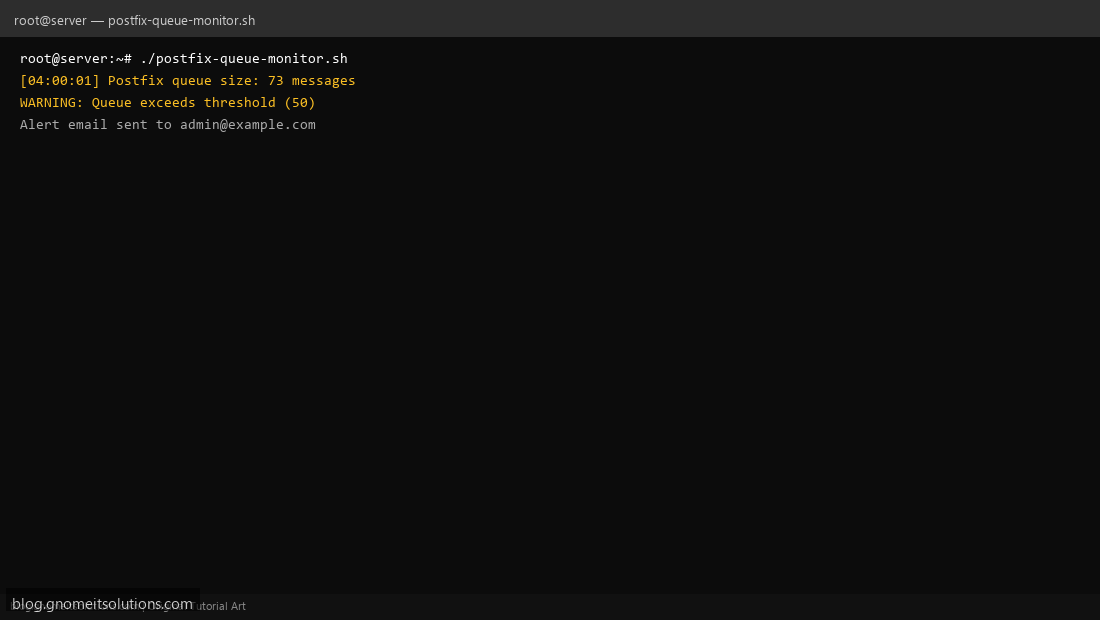
Step 4: Test manually
sudo /usr/local/bin/postfix-queue-monitor.shmailq | headSchedule with cron
sudo crontab -eAdd:
*/30 * * * * /usr/local/bin/postfix-queue-monitor.sh >> /var/log/postfix-queue.log 2>&1Related tutorials
- Linux Backup Shell Script: Files & Database to Remote Server
- Cron Jobs in Linux: Schedule Tasks with crontab
- SSH Key Authentication on Linux Servers
Terminal screenshot is an original illustration created for Gnome IT Solutions (blog.gnomeitsolutions.com).