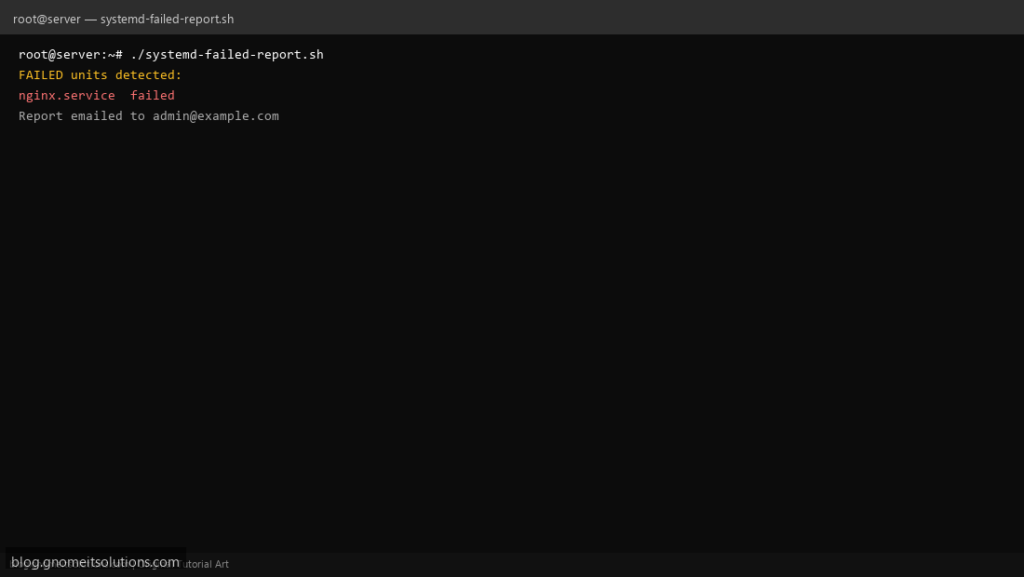
Find broken services fast with a systemd failed units report — lists failed services, timers, and mounts on your Linux server.
What this script does
- Lists all failed systemd units
- Shows status and last log lines per unit
- Email report when failures exist
- Exit code 1 if any unit failed (for monitoring hooks)
- Ideal for daily cron on production servers
Prerequisites
- systemd-based Linux
- systemctl command
- Optional: mail for alerts
Step 1: Save the script
sudo nano /usr/local/bin/systemd-failed-report.sh
sudo chmod +x /usr/local/bin/systemd-failed-report.sh
Step 2: Full script (scroll to read)
systemd-failed-report.sh
#!/usr/bin/env bash
set -euo pipefail

ALERT_EMAIL="[email protected]"
LOG_LINES=5
LOG="/var/log/systemd-failed.log"

log(){ echo "[$(date '+%F %T')] $*" | tee -a "$LOG"; }

FAILED=$(systemctl --failed --no-legend --no-pager | awk '{print $1}' || true)

if [[ -z "$FAILED" ]]; then
  log "No failed systemd units on $(hostname -s)"
  exit 0
fi

REPORT="Failed systemd units on $(hostname -s) at $(date)\n\n"
while read -r unit; do
  [[ -z "$unit" ]] && continue
  REPORT+="$unit\n"
  REPORT+=$(systemctl status "$unit" --no-pager -l 2>/dev/null | tail -n "$LOG_LINES")
  REPORT+="\n---\n"
done <<< "$FAILED"

log "FAILED units detected:"
echo -e "$REPORT" | tee -a "$LOG"

if [[ -n "$ALERT_EMAIL" ]] && command -v mail >/dev/null; then
  echo -e "$REPORT" | mail -s "Systemd failures: $(hostname -s)" "$ALERT_EMAIL"
fi
exit 1
Scroll inside the box to read the full script.
Step 3: Configure settings
ALERT_EMAIL— send report when failures foundLOG_LINES— journal lines per failed unit (default 5)
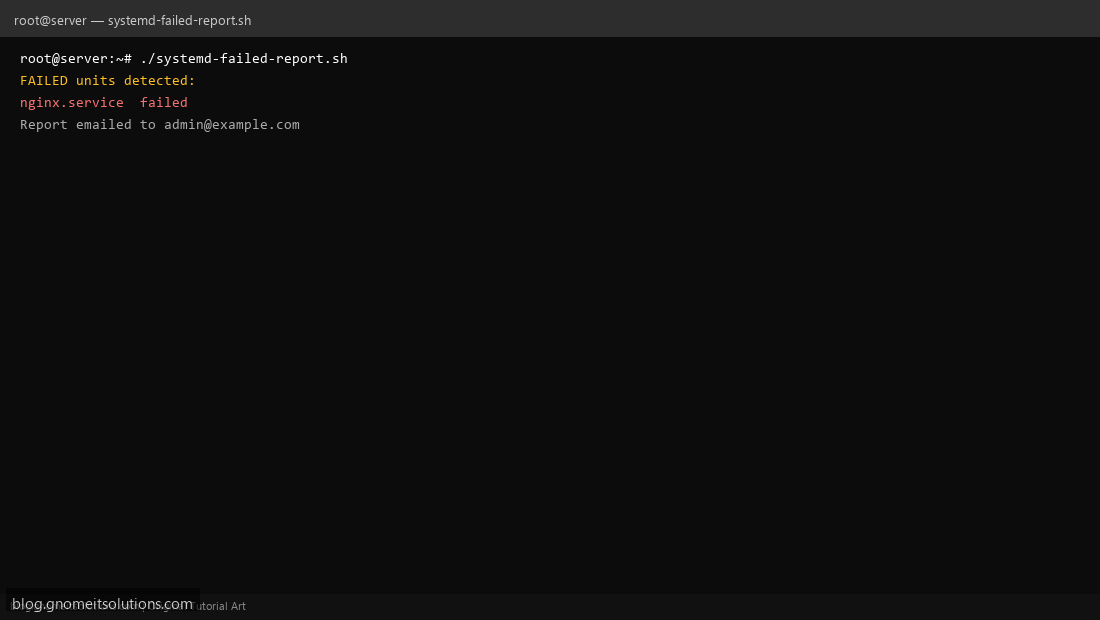
Step 4: Test manually
systemctl --failedsudo /usr/local/bin/systemd-failed-report.shSchedule with cron
sudo crontab -eAdd:
0 7 * * * /usr/local/bin/systemd-failed-report.sh >> /var/log/systemd-failed.log 2>&1Related tutorials
- Linux Backup Shell Script: Files & Database to Remote Server
- Cron Jobs in Linux: Schedule Tasks with crontab
- SSH Key Authentication on Linux Servers
Terminal screenshot is an original illustration created for Gnome IT Solutions (blog.gnomeitsolutions.com).