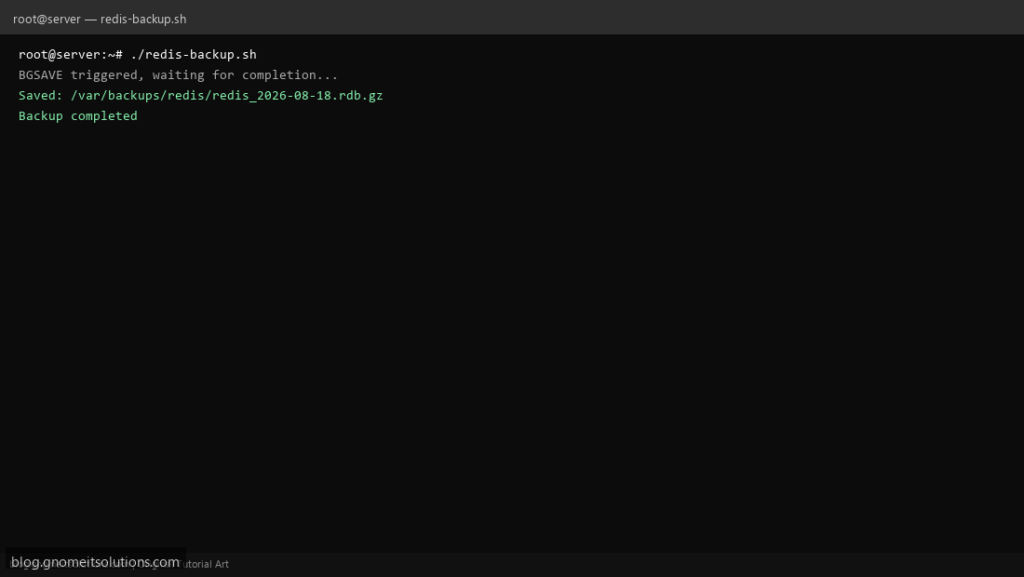
Automate Redis backups on Linux with a Bash script that triggers BGSAVE, copies dump.rdb, and rotates old snapshots.
What this script does
- Triggers Redis BGSAVE and waits for completion
- Copies RDB file to dated backup directory
- Compresses backup with gzip
- Deletes backups older than retention days
- Logs every run and exits non-zero on failure
Prerequisites
- Redis server running
- redis-cli available
- Read access to Redis data dir or redis-cli AUTH
Step 1: Save the script
sudo nano /usr/local/bin/redis-backup.sh
sudo chmod +x /usr/local/bin/redis-backup.sh
Step 2: Full script (scroll to read)
redis-backup.sh
#!/usr/bin/env bash
set -euo pipefail

REDIS_CLI="redis-cli"
BACKUP_DIR="/var/backups/redis"
RETENTION_DAYS=7
LOG="/var/log/redis-backup.log"
DATE=$(date +%F_%H-%M-%S)

log(){ echo "[$(date '+%F %T')] $*" | tee -a "$LOG"; }
die(){ log "ERROR: $*"; exit 1; }

mkdir -p "$BACKUP_DIR"
log "Starting Redis backup on $(hostname -s)"

$REDIS_CLI ping >/dev/null || die "Redis not responding"
LASTSAVE=$($REDIS_CLI LASTSAVE)
$REDIS_CLI BGSAVE >/dev/null
log "BGSAVE triggered, waiting for completion..."

for i in $(seq 1 60); do
  NOW=$($REDIS_CLI LASTSAVE)
  [[ "$NOW" != "$LASTSAVE" ]] && break
  sleep 1
done

RDB=$($REDIS_CLI CONFIG GET dir | tail -1)/dump.rdb
[[ -f "$RDB" ]] || die "RDB not found: $RDB"

OUT="${BACKUP_DIR}/redis_${DATE}.rdb.gz"
gzip -c "$RDB" > "$OUT"
log "Saved: $OUT ($(du -h "$OUT" | awk '{print $1}'))"

find "$BACKUP_DIR" -name 'redis_*.rdb.gz' -mtime +"$RETENTION_DAYS" -delete
log "Backup completed"
Scroll inside the box to read the full script.
Step 3: Configure settings
REDIS_CLI— path to redis-cli (add -a password if needed)BACKUP_DIR— destination for .rdb.gz filesRETENTION_DAYS— auto-delete old backups
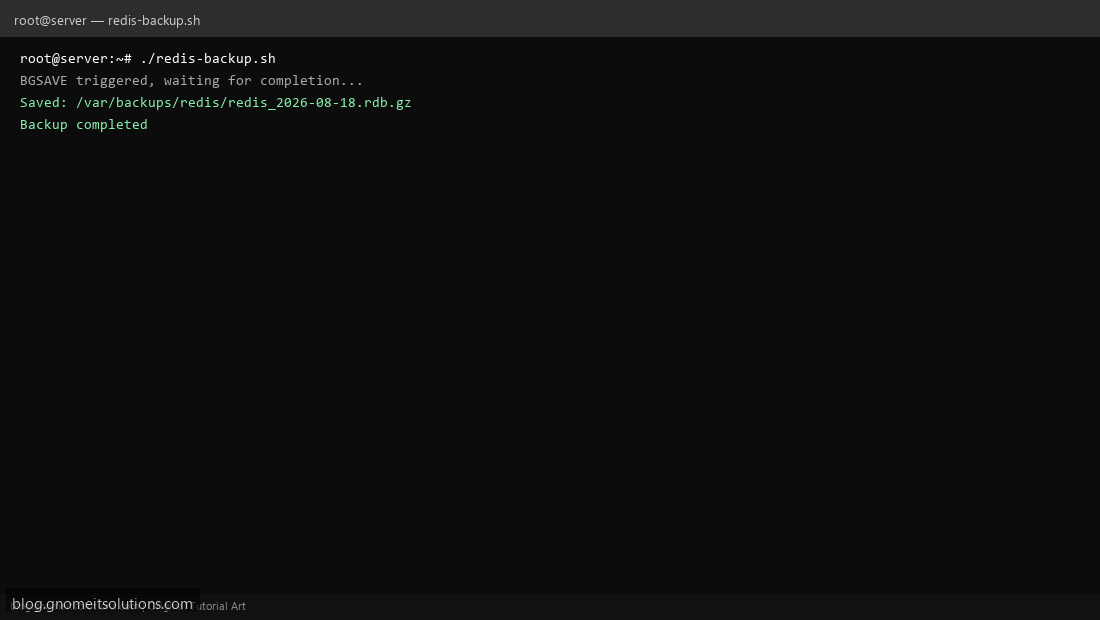
Step 4: Test manually
redis-cli pingsudo /usr/local/bin/redis-backup.shls -lah /var/backups/redis/Schedule with cron
sudo crontab -eAdd:
0 3 * * * /usr/local/bin/redis-backup.sh >> /var/log/redis-backup.log 2>&1Related tutorials
- Linux Backup Shell Script: Files & Database to Remote Server
- Cron Jobs in Linux: Schedule Tasks with crontab
- SSH Key Authentication on Linux Servers
Terminal screenshot is an original illustration created for Gnome IT Solutions (blog.gnomeitsolutions.com).