Jenkins is a popular open-source CI/CD server for building, testing, and deploying code. This guide installs Jenkins on Linux with systemd and prepares your first pipeline job.
Step 1: Install Java and Jenkins
Install OpenJDK 17 then Jenkins package: sudo apt install openjdk-17-jre and add Jenkins repo per official docs, or on AlmaLinux: dnf install jenkins.
Step 2: Start Jenkins and Get Admin Password
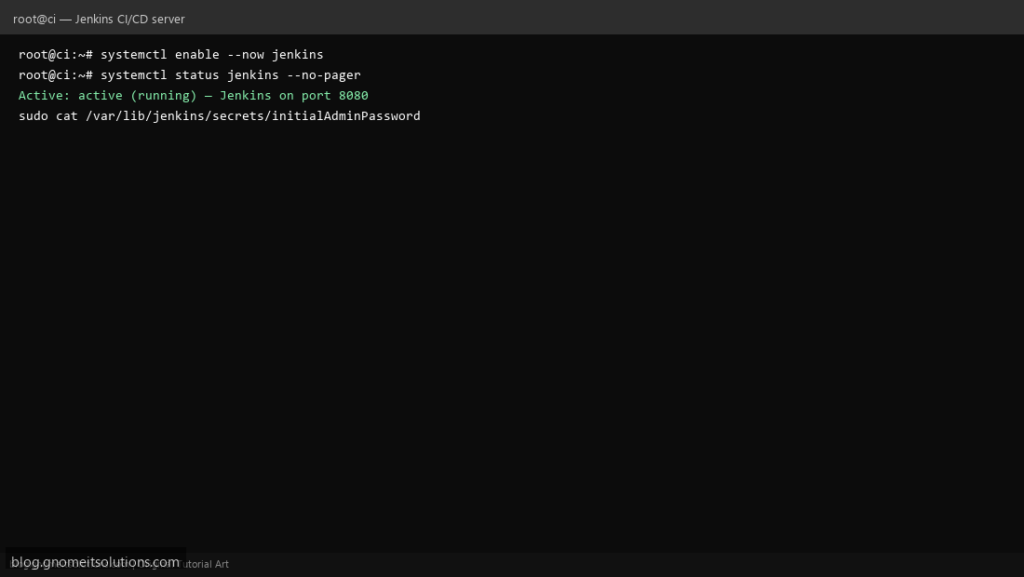
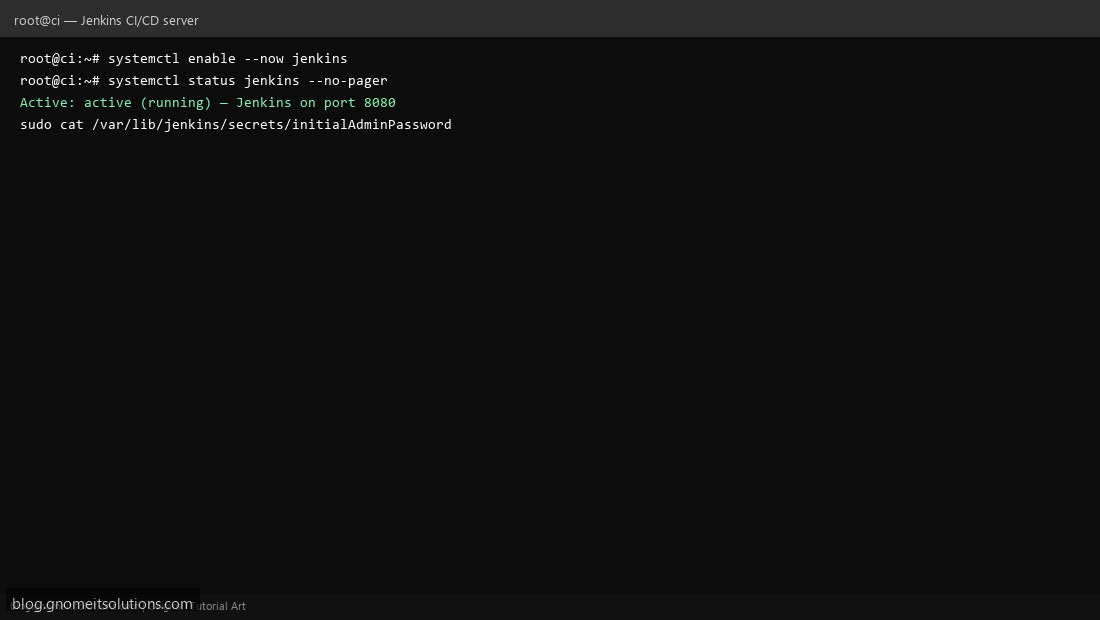
Enable service: systemctl enable --now jenkins. Read initial password: sudo cat /var/lib/jenkins/secrets/initialAdminPassword. Open http://server-ip:8080 in browser.
Step 3: Install Plugins and Create First Job
Complete setup wizard — install suggested plugins. Create a Pipeline or Freestyle job pointing to your Git repo. Allow port 8080 in firewall if remote access needed.
Allow Jenkins through firewall
sudo ufw allow 8080/tcp
# or firewalld:
sudo firewall-cmd --add-port=8080/tcp --permanent
sudo firewall-cmd --reload
Related tutorials
Terminal screenshots are original illustrations created for Gnome IT Solutions (blog.gnomeitsolutions.com).