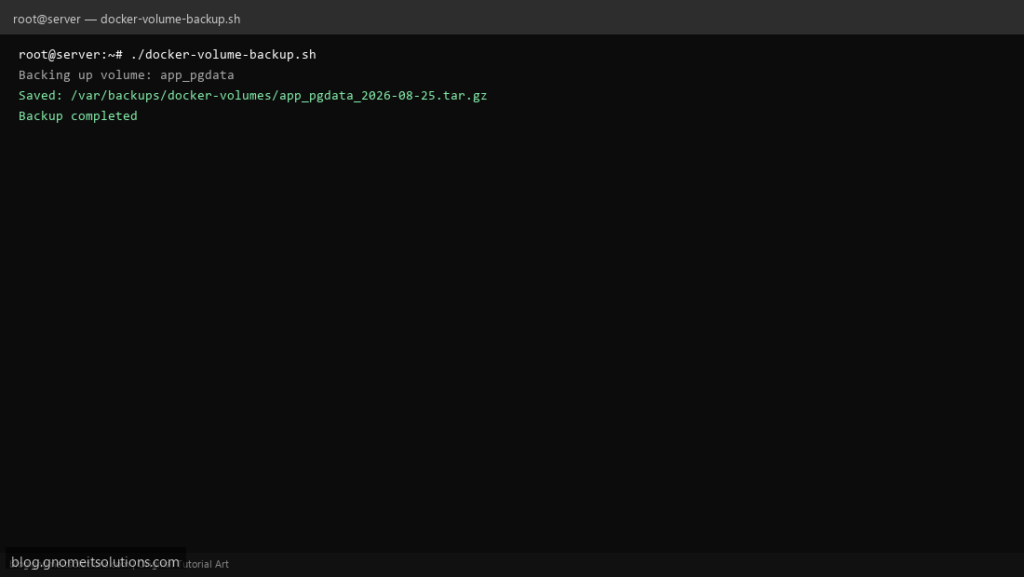
Database backup tools like mysqldump or pg_dump only cover the database itself — not every Docker volume has an app-aware export option. This script backs up any named Docker volume generically, by mounting it into a throwaway container and tarring its contents.
What this script does
- Backs up any named Docker volume without needing an app-specific dump tool
- Uses a disposable Alpine container to read the volume — no downtime for most workloads
- Compresses each volume to a dated
.tar.gzarchive - Includes a restore mode that extracts an archive back into a (new or existing) volume
- Deletes archives older than N days
Prerequisites
- Docker installed and the current user in the docker group
- Enough free disk space in the backup directory for the largest volume
- Know the exact volume name (`docker volume ls`)
Step 1: Save the script
sudo nano /usr/local/bin/docker-volume-backup.sh
sudo chmod +x /usr/local/bin/docker-volume-backup.sh
Step 2: Full script (scroll to read)
docker-volume-backup.sh
#!/usr/bin/env bash
set -euo pipefail

BACKUP_DIR="/var/backups/docker-volumes"
VOLUMES=("app_pgdata" "app_uploads")
RETENTION_DAYS=14
DATE=$(date +%F)
LOG="/var/log/docker-volume-backup.log"
MODE="${1:-backup}"

log(){ echo "[$(date '+%F %T')] $*" | tee -a "$LOG"; }
mkdir -p "$BACKUP_DIR"

backup_volume(){
  local vol="$1"
  local out="${BACKUP_DIR}/${vol}_${DATE}.tar.gz"
  log "Backing up volume: $vol"
  docker run --rm -v "${vol}:/data:ro" -v "${BACKUP_DIR}:/backup" alpine \
    tar czf "/backup/$(basename "$out")" -C /data .
  log "Saved: $out"
}

restore_volume(){
  local vol="$1"
  local archive="$2"
  log "Restoring $archive into volume: $vol"
  docker volume create "$vol" >/dev/null
  docker run --rm -v "${vol}:/data" -v "$(dirname "$archive"):/backup" alpine \
    sh -c "rm -rf /data/* && tar xzf /backup/$(basename "$archive") -C /data"
  log "Restore completed into volume: $vol"
}

case "$MODE" in
  backup)
    for vol in "${VOLUMES[@]}"; do backup_volume "$vol"; done
    find "$BACKUP_DIR" -name "*.tar.gz" -mtime +"$RETENTION_DAYS" -delete
    log "Backup completed"
    ;;
  restore)
    restore_volume "$2" "$3"
    ;;
  *)
    echo "Usage: $0 backup | restore <volume_name> <archive_path>"
    exit 1
    ;;
esac
Scroll inside the box to read the full script.
Step 3: Configure settings
BACKUP_DIR— where volume archives are storedVOLUMES— space-separated list of volume names to back upRETENTION_DAYS— auto-delete old archives- For consistency on databases, stop the writing container briefly or use its native dump tool instead
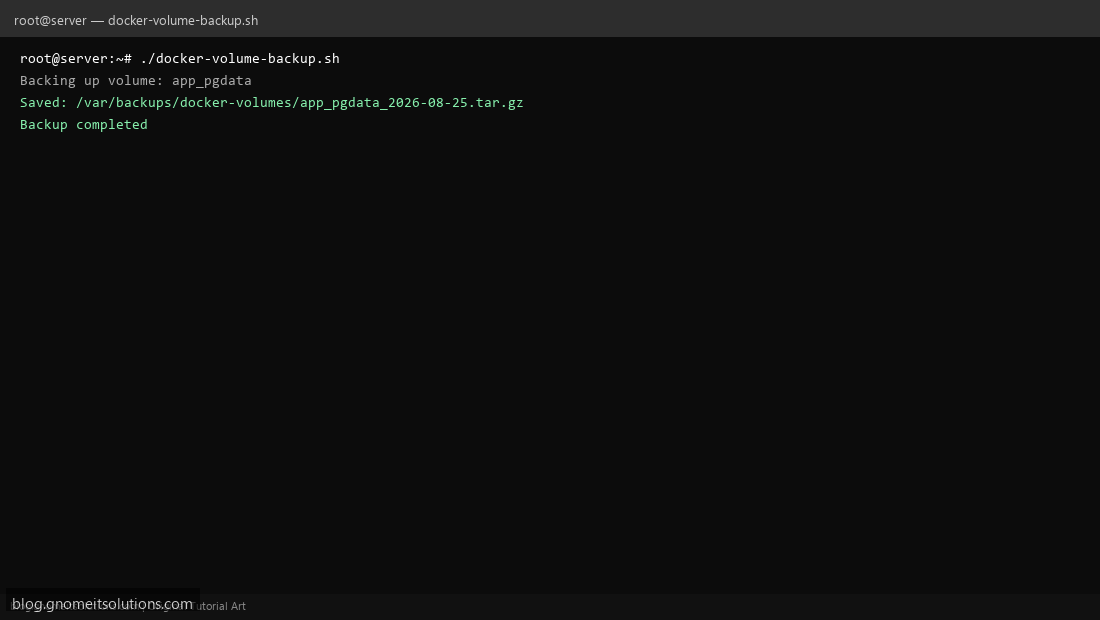
Step 4: Test manually
sudo /usr/local/bin/docker-volume-backup.sh backupsudo /usr/local/bin/docker-volume-backup.sh restore app_pgdata /var/backups/docker-volumes/app_pgdata_2026-08-25.tar.gzSchedule with cron
sudo crontab -eAdd:
15 2 * * * /usr/local/bin/docker-volume-backup.sh backup >> /var/log/docker-volume-backup.log 2>&1Related tutorials
- Linux Backup Shell Script: Files & Database to Remote Server
- Cron Jobs in Linux: Schedule Tasks with crontab
- SSH Key Authentication on Linux Servers
Terminal screenshot is an original illustration created for Gnome IT Solutions (blog.gnomeitsolutions.com).