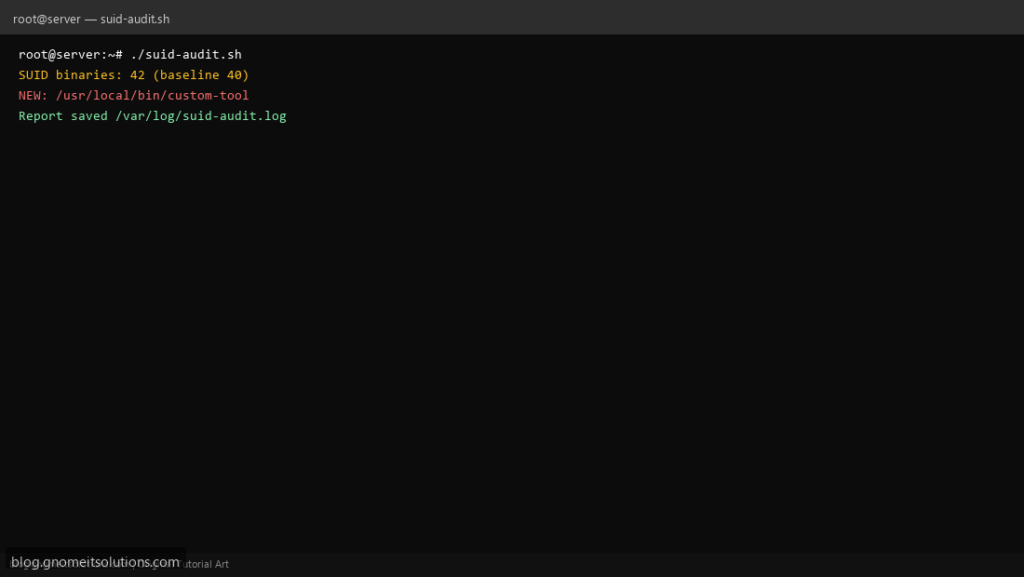
After incidents, teams search find SUID binaries Linux script — unexpected setuid roots are a classic persistence path. This script lists SUID/SGID files, diffs against a baseline, and highlights new entries.
What this script does
- Finds
-perm -4000and-2000files - Prunes
/proc,/sys, remote mounts where possible - Stores sorted baseline under
/var/lib/suid-audit - Prints NEW lines compared to last run
- Suitable for weekly cron with email or Slack wrapper
Prerequisites
- find and sort
- Root required for full filesystem walk
- Initial run creates baseline — review before trusting alerts
Step 1: Save the script
sudo nano /usr/local/bin/suid-audit.sh
sudo chmod +x /usr/local/bin/suid-audit.sh
Step 2: Full script (scroll to read)
suid-audit.sh
#!/usr/bin/env bash
set -euo pipefail

BASE="/var/lib/suid-audit"
BASELINE="$BASE/baseline.txt"
LATEST="$BASE/latest.txt"
LOG="/var/log/suid-audit.log"

log(){ echo "[$(date '+%F %T')] $*" | tee -a "$LOG"; }

mkdir -p "$BASE"

find / -xdev \( -perm -4000 -o -perm -2000 \) -type f 2>/dev/null | sort -u >"$LATEST" || true

if [[ ! -f "$BASELINE" ]]; then
  cp "$LATEST" "$BASELINE"
  log "Initial baseline created ($(wc -l <"$BASELINE") files)"
  exit 0
fi

new=$(comm -13 "$BASELINE" "$LATEST" || true)
removed=$(comm -23 "$BASELINE" "$LATEST" || true)

if [[ -n "$new" ]]; then
  log "NEW SUID/SGID binaries:"
  echo "$new" | tee -a "$LOG"
fi
if [[ -n "$removed" ]]; then
  log "Removed since baseline:"
  echo "$removed" | tee -a "$LOG"
fi

cp "$LATEST" "$BASELINE"
log "Audit complete ($(wc -l <"$LATEST") files)"
Scroll inside the box to read the full script.
Step 3: Configure settings
- Related hardening: SSH hardening
- Pair alerts with Slack notify script (see related posts on this blog)
- Large servers: restrict find to
/usr /bin /sbin /optif full scan is too slow
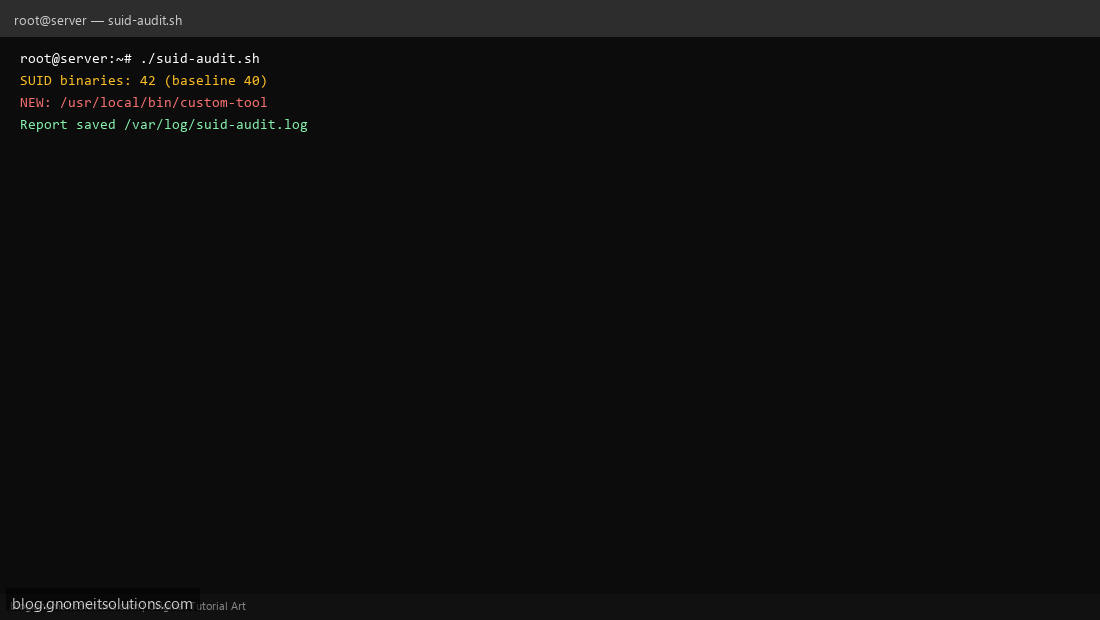
Step 4: Test manually
sudo /usr/local/bin/suid-audit.shsudo diff /var/lib/suid-audit/baseline.txt /var/lib/suid-audit/latest.txt || trueSchedule with cron
sudo crontab -eAdd:
0 4 * * 0 /usr/local/bin/suid-audit.sh >> /var/log/suid-audit.log 2>&1Related tutorials
- Linux Backup Shell Script: Files & Database to Remote Server
- Cron Jobs in Linux: Schedule Tasks with crontab
- SSH Key Authentication on Linux Servers
Terminal screenshot is an original illustration created for Gnome IT Solutions (blog.gnomeitsolutions.com).