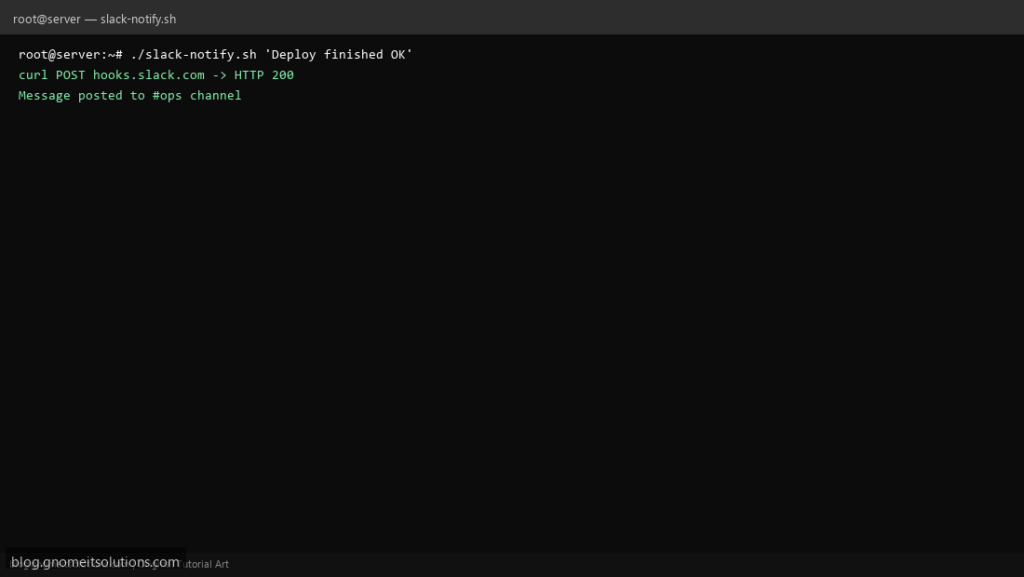
Slack webhook shell scripts are the fastest way to get cron and backup jobs out of email silos — one curl POST with JSON {"text": "..."} and your channel sees failures in real time.
What this script does
- Accepts message as arguments or stdin
- Builds JSON safely with Python one-liner (no broken escapes)
- Configurable
WEBHOOK_URLenv var - Optional username and emoji for bot appearance
- Non-zero curl exit fails the script for cron wrappers
Prerequisites
- curl and python3
- Slack incoming webhook URL from app settings
- Outbound HTTPS
Step 1: Save the script
sudo nano /usr/local/bin/slack-notify.sh
sudo chmod +x /usr/local/bin/slack-notify.sh
Step 2: Full script (scroll to read)
slack-notify.sh
#!/usr/bin/env bash
set -euo pipefail

WEBHOOK_URL="${WEBHOOK_URL:?set WEBHOOK_URL to Slack incoming webhook}"
USER_NAME="${SLACK_USER:-server-bot}"
EMOJI="${SLACK_EMOJI:-:computer:}"

if [[ $# -gt 0 ]]; then
  text="$*"
else
  text="$(cat)"
fi

payload=$(TEXT="$text" USER_NAME="$USER_NAME" EMOJI="$EMOJI" python3 -c 'import json,os; print(json.dumps({"text":os.environ["TEXT"],"username":os.environ.get("USER_NAME","server-bot"),"icon_emoji":os.environ.get("EMOJI",":computer:")}))')

curl -fsS -X POST -H 'Content-type: application/json' --data "$payload" "$WEBHOOK_URL"
echo
Scroll inside the box to read the full script.
Step 3: Configure settings
- Store webhook in
/etc/slack-webhook.envmode 600 — source from scripts - Combine with log error alert scripts on this blog
- Do not log full webhook URL in world-readable files
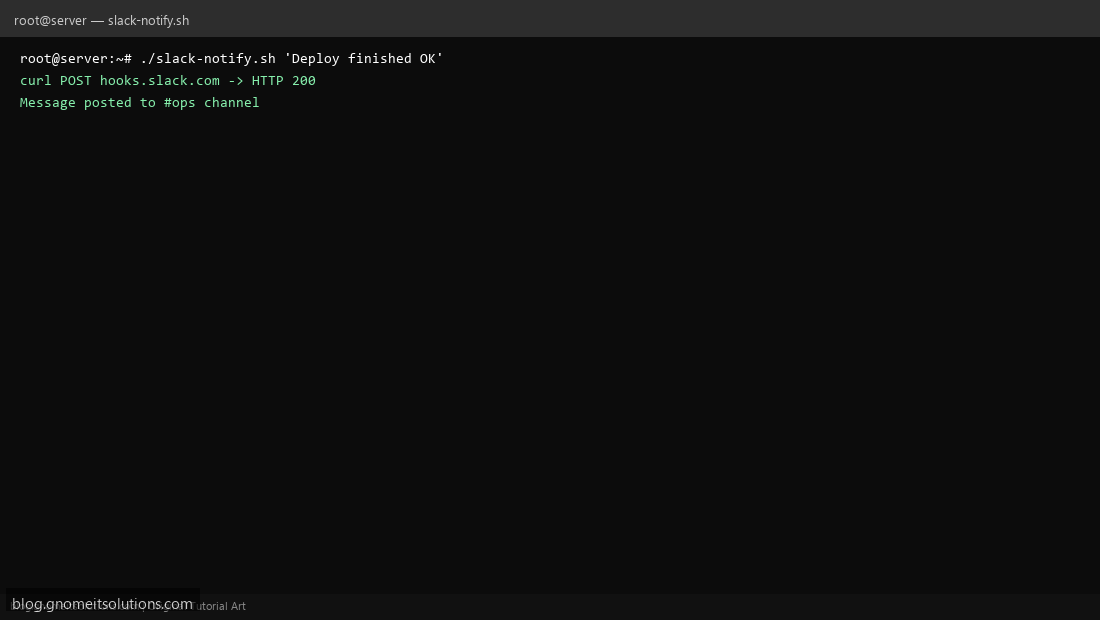
Step 4: Test manually
WEBHOOK_URL='https://hooks.slack.com/services/XXX' ./slack-notify.sh 'Test from server'echo exit=$?Schedule with cron
sudo crontab -eAdd:
# at end of backup: /usr/local/bin/slack-notify.sh 'MySQL backup OK on $(hostname -s)'Related tutorials
- Linux Backup Shell Script: Files & Database to Remote Server
- Cron Jobs in Linux: Schedule Tasks with crontab
- SSH Key Authentication on Linux Servers
Terminal screenshot is an original illustration created for Gnome IT Solutions (blog.gnomeitsolutions.com).