
Tired of typing ssh -i key -p 2222 [email protected]? The SSH client config file
~/.ssh/config stores defaults per host alias. It is one of the most searched SSH topics after key generation.
Pair with SSH keys and
tunneling.
Basic Host Block
Each Host stanza matches the name you type after ssh.
Host web1
    HostName web1.internal.example
    User deploy
    Port 22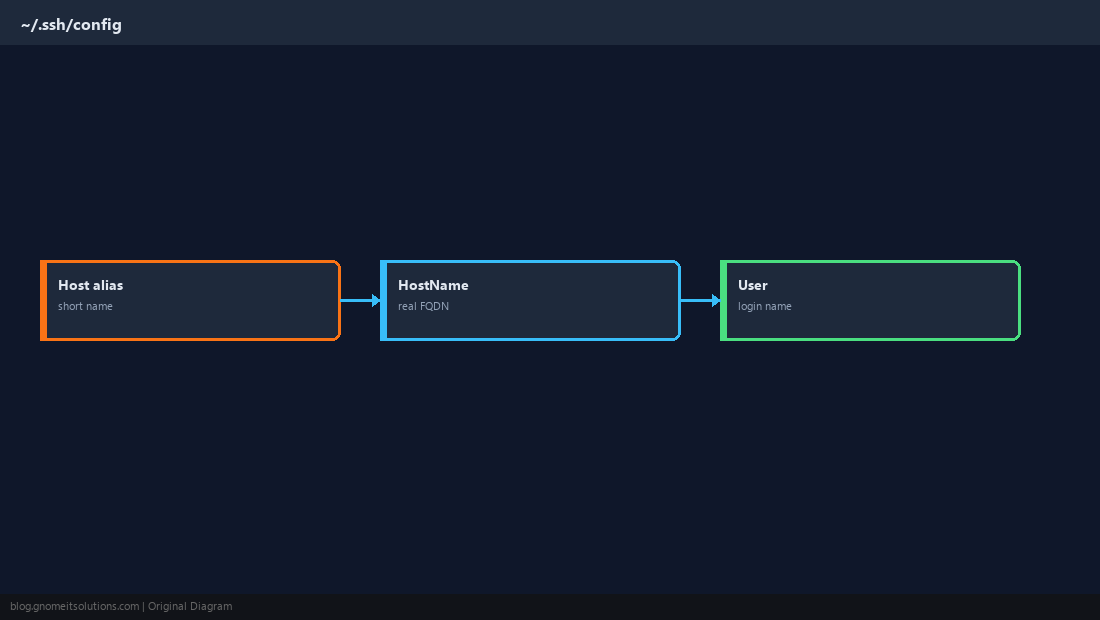
Per-Host Private Keys
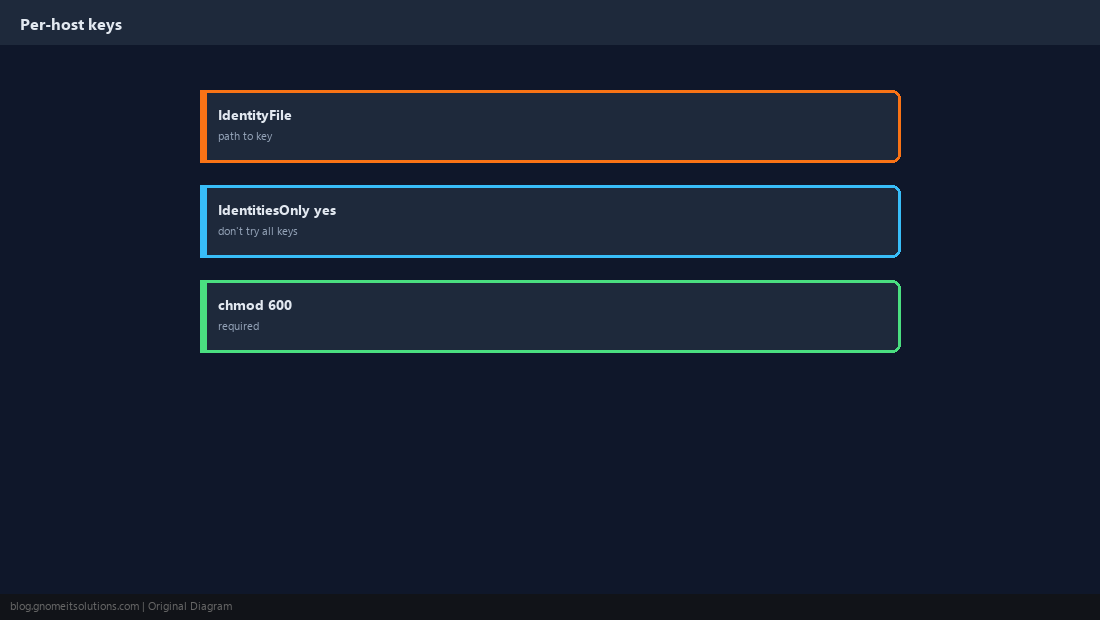
Use IdentityFile when you have multiple keys; add IdentitiesOnly yes to stop SSH offering every key.
ProxyJump Through a Bastion
Modern syntax for jumping through a jump host in one command.
Host db-via-bastion
    HostName 10.0.0.50
    User deploy
    ProxyJump bastion.example
    IdentityFile ~/.ssh/deploy_ed25519
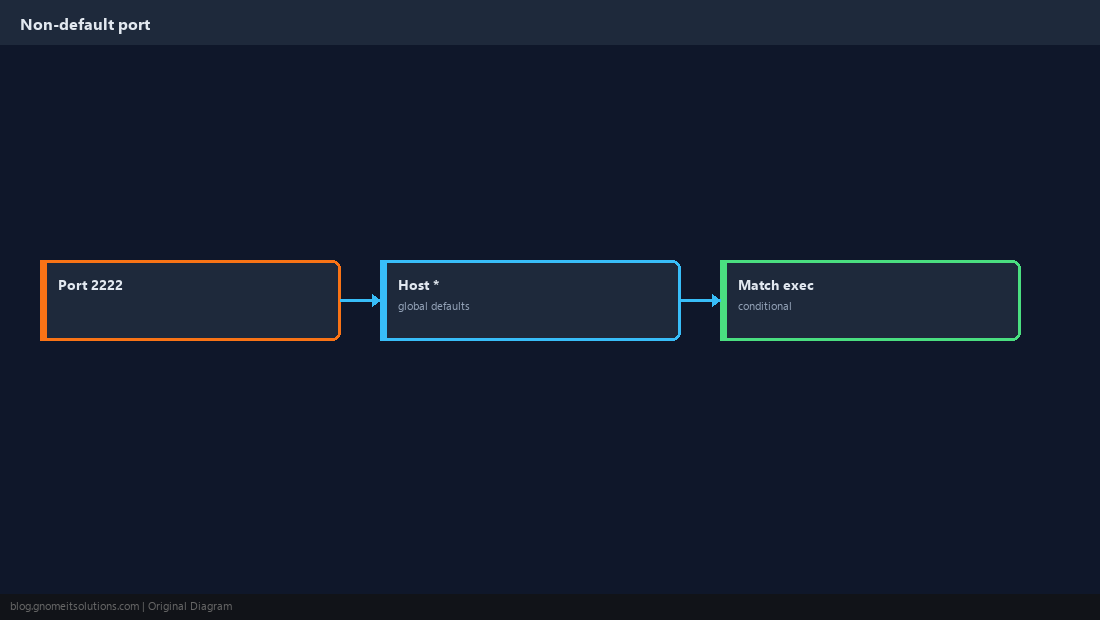
Custom SSH Port
Set Port in the matching Host block — global Host * defaults are possible but use carefully.
Agent Forwarding Caution
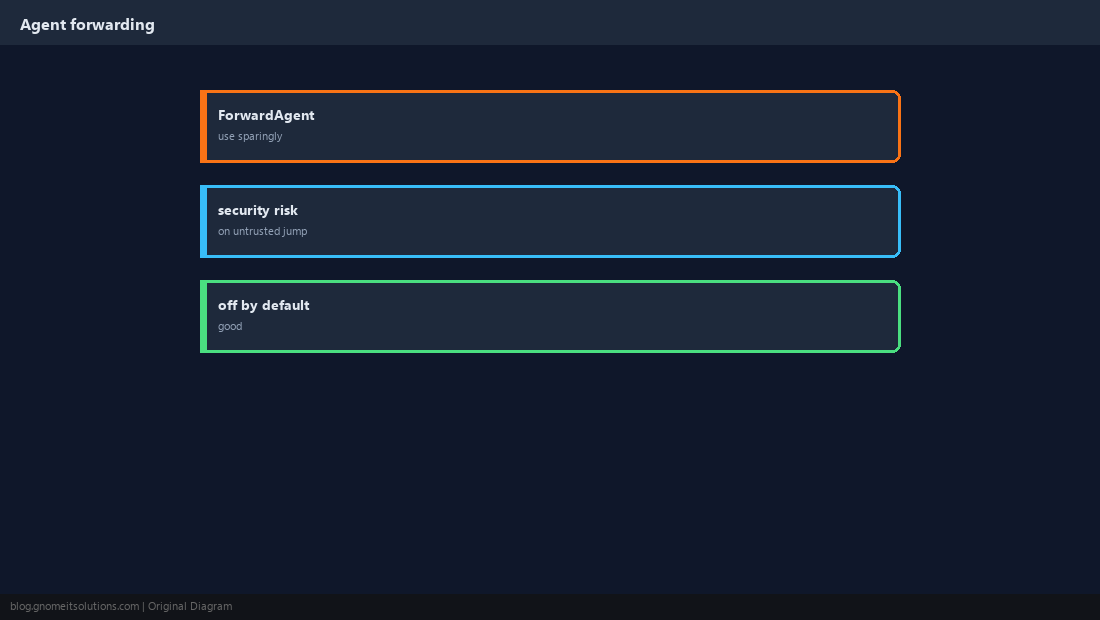
ForwardAgent yes is convenient and risky on untrusted jump boxes — leave off unless you understand the tradeoff.
Test Resolved Config
ssh -G hostname prints the effective configuration after merges.
ssh -G web1 | grep -E '^(hostname|user|port|identityfile) '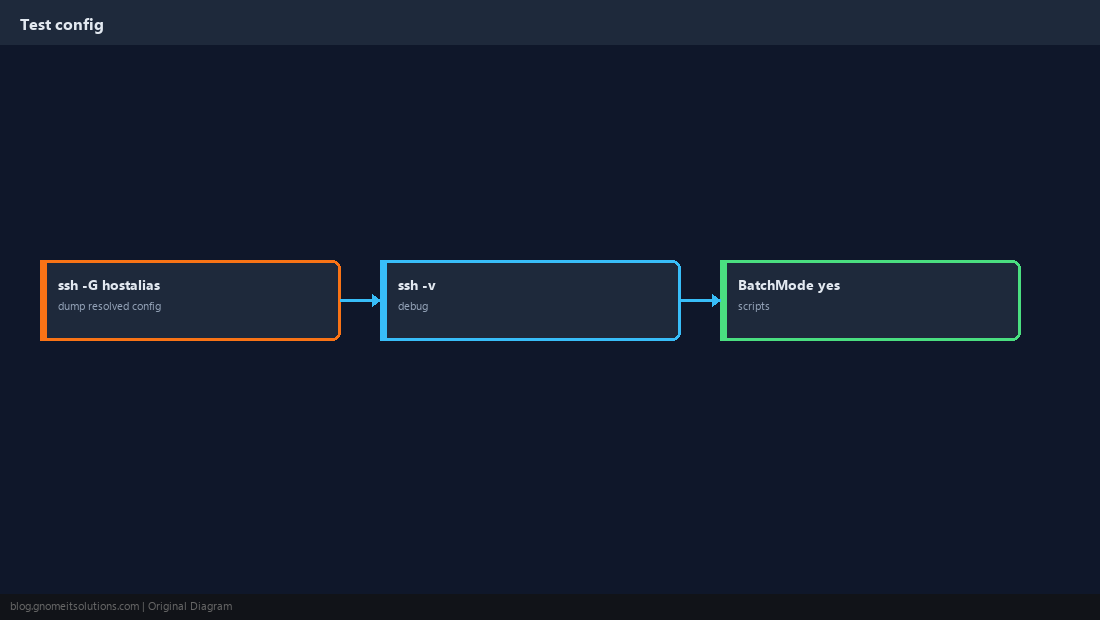
Permissions Matter
OpenSSH ignores config if permissions are too open.
chmod 700 ~/.ssh
chmod 600 ~/.ssh/config ~/.ssh/id_*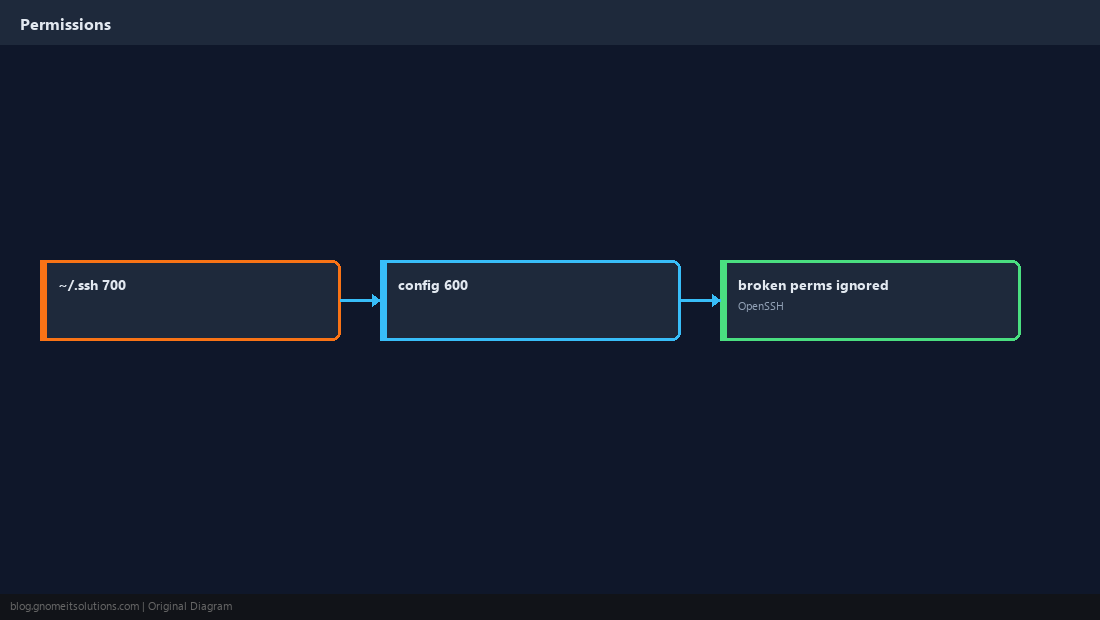
Quick Reference
Host alias+HostName+UserProxyJumpfor bastion accesschmod 600on config and keys
Related tutorials
Diagrams are original illustrations by Gnome IT Solutions. Tutorial text © Gnome IT Solutions.