
When a site “works on your laptop but not on the server,” the gap is often DNS — wrong resolver, stale TTL, or a typo in the zone. dig is the tool operators reach for first;
nslookup still appears in older runbooks.
Combine with ss and open ports and
nmcli/netplan networking when the issue is connectivity, not names.
Three Tools, Same Job
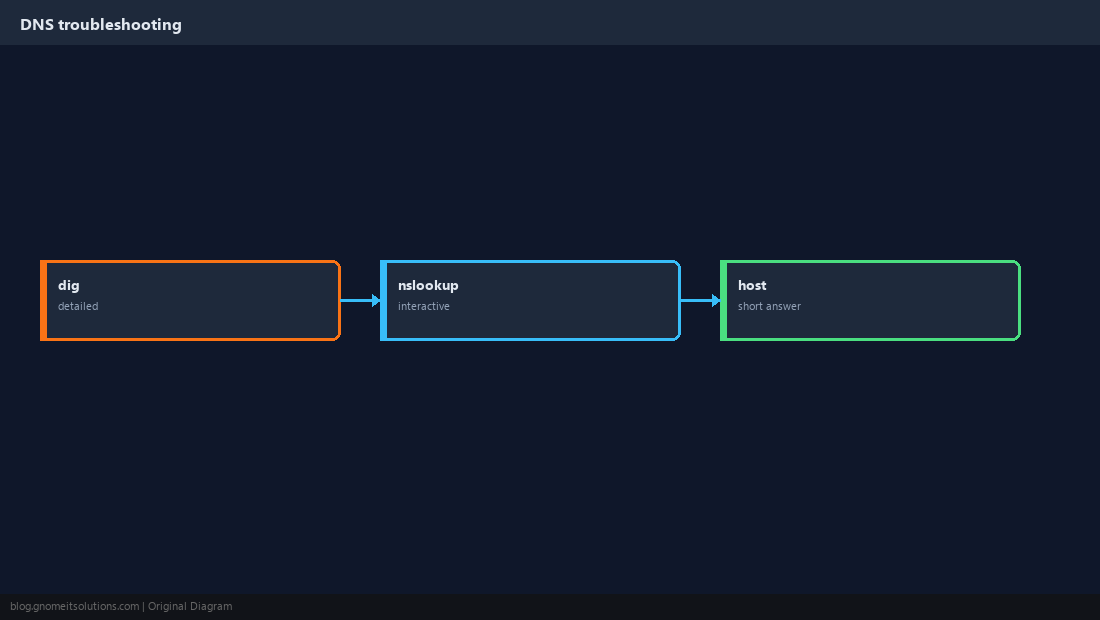
dig is script-friendly; host is terse; nslookup is interactive.
Check the Resolver
Applications use /etc/resolv.conf (or systemd-resolved stub). Know which nameserver the host actually queries.
cat /etc/resolv.conf
resolvectl status 2>/dev/null | head -20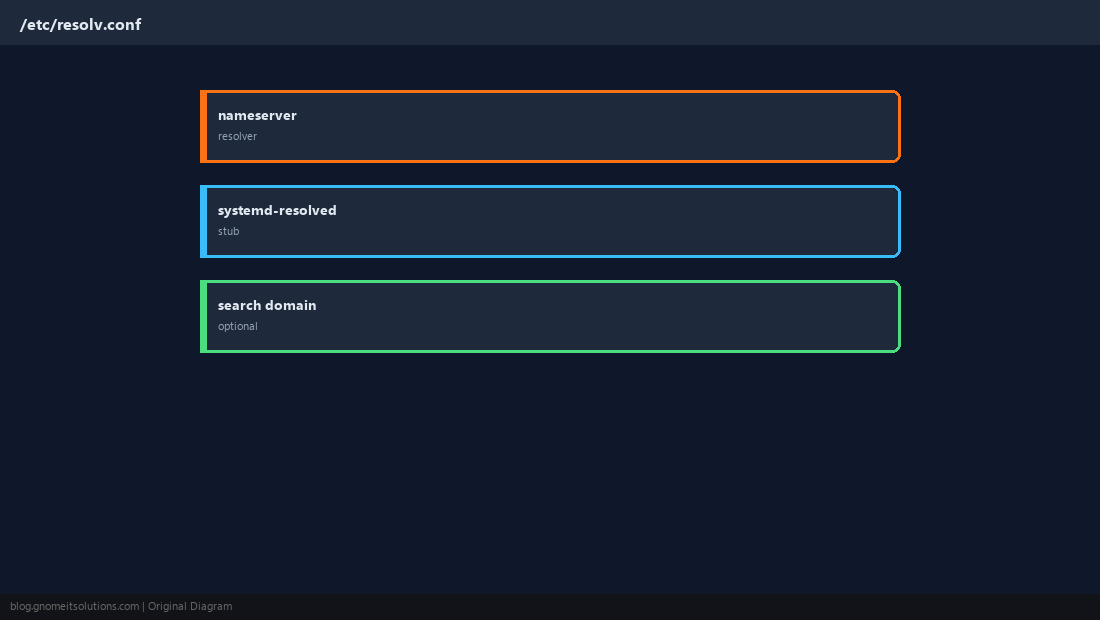
Query A Records with dig
Start simple, then add +short for scripts.
dig example.com A +short
dig @1.1.1.1 example.com A +short
dig example.com +trace | tail -30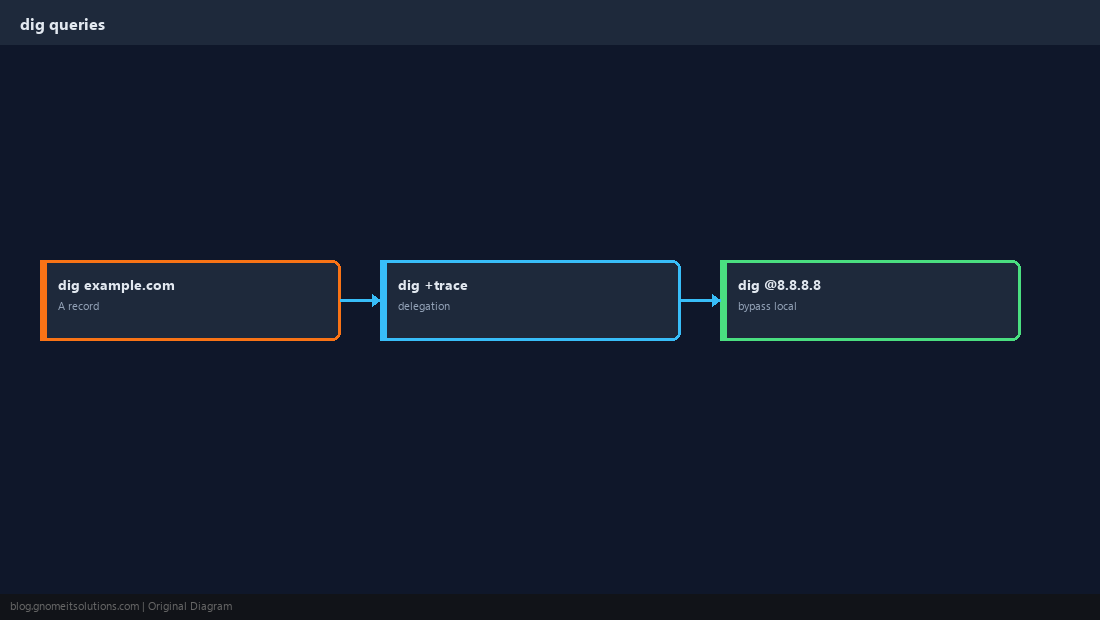
MX and Mail Troubleshooting
Mail delivery failures often show up as missing or wrong MX/TXT.
dig example.com MX +short
dig example.com TXT +short | grep -i spf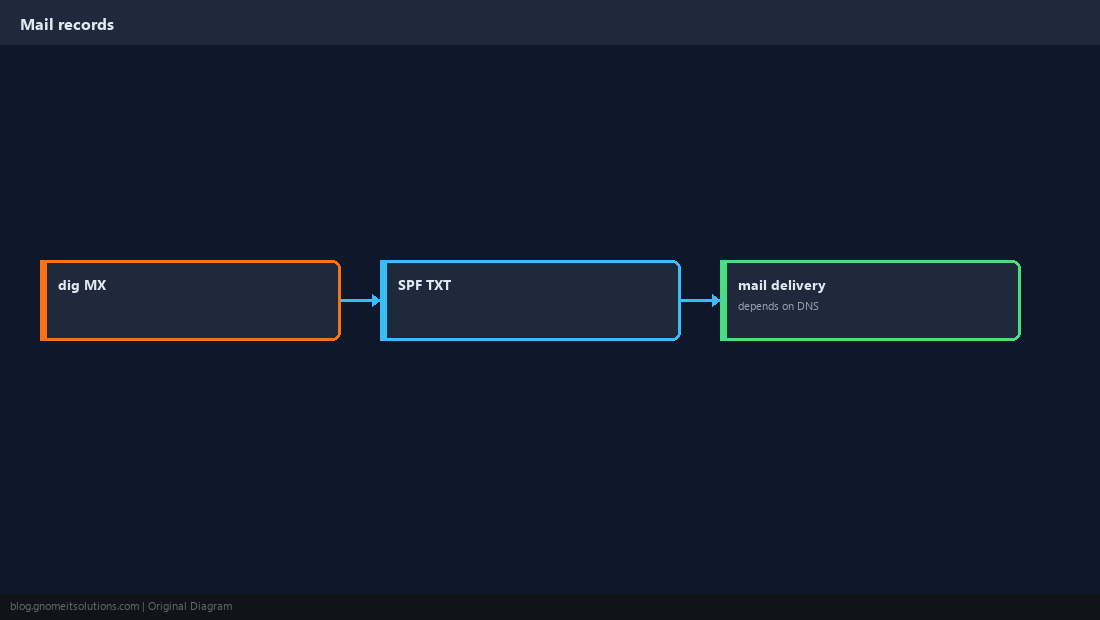
TTL and Stale Answers
After migrating IP, clients cache the old address until TTL expires.
dig example.com A +noall +answer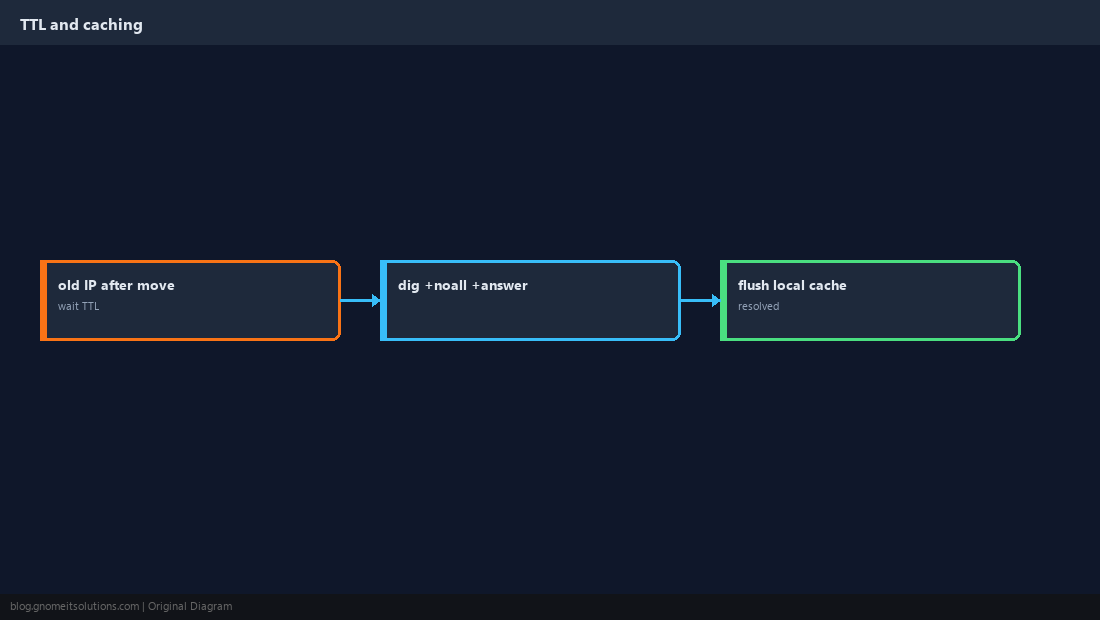
NXDOMAIN vs SERVFAIL
NXDOMAIN means the name does not exist in DNS; SERVFAIL often means broken authoritative servers or resolver issues.
dig @8.8.8.8 with your local resolver to spot split-DNS or firewall blocking UDP/53.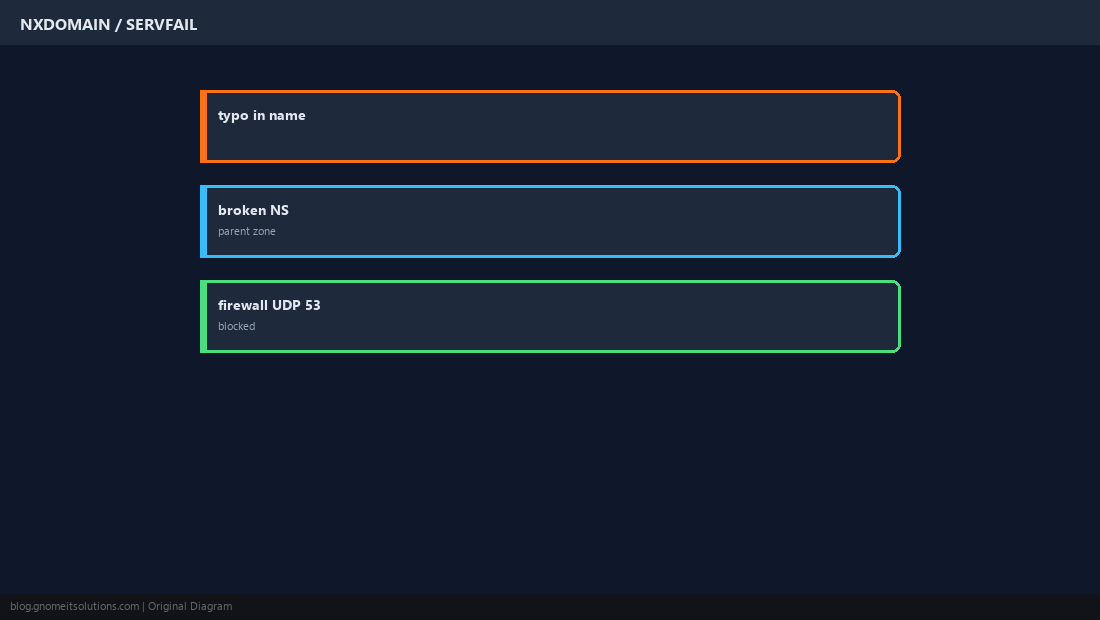
Verify From the App Host
Use getent hosts to see what glibc resolves — it should match what you expect from dig.
getent hosts db.internal.example
dig db.internal.example +short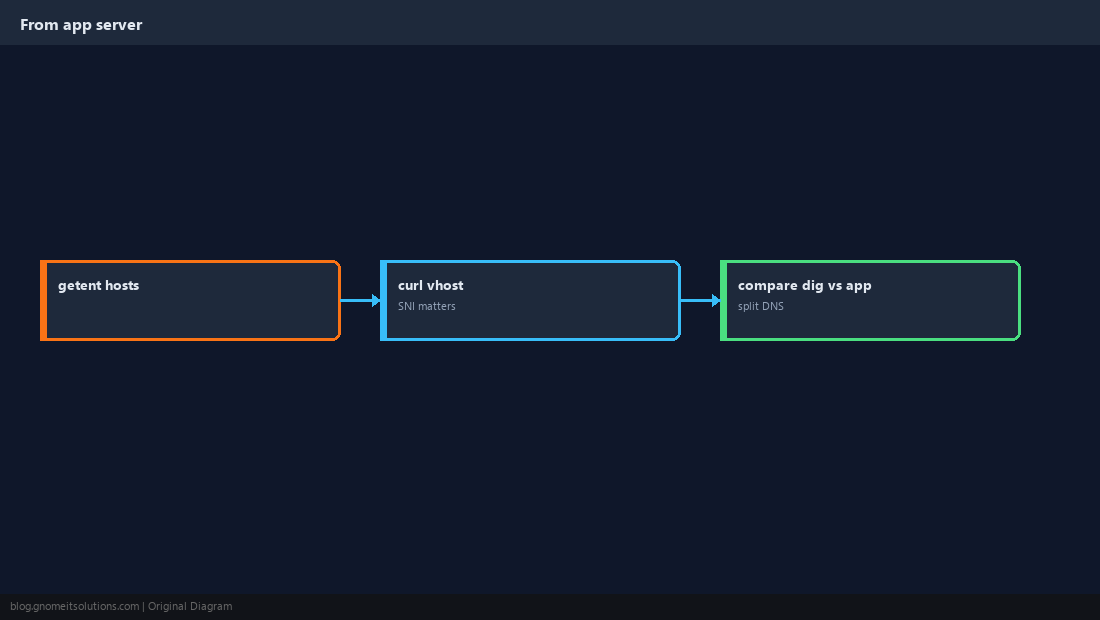
Quick Reference
dig domain A +shortfor quick checks- Bypass local DNS:
dig @1.1.1.1 ... - After IP changes, wait for TTL or lower it before cutover
Related tutorials
Diagrams are original illustrations by Gnome IT Solutions. Tutorial text © Gnome IT Solutions.