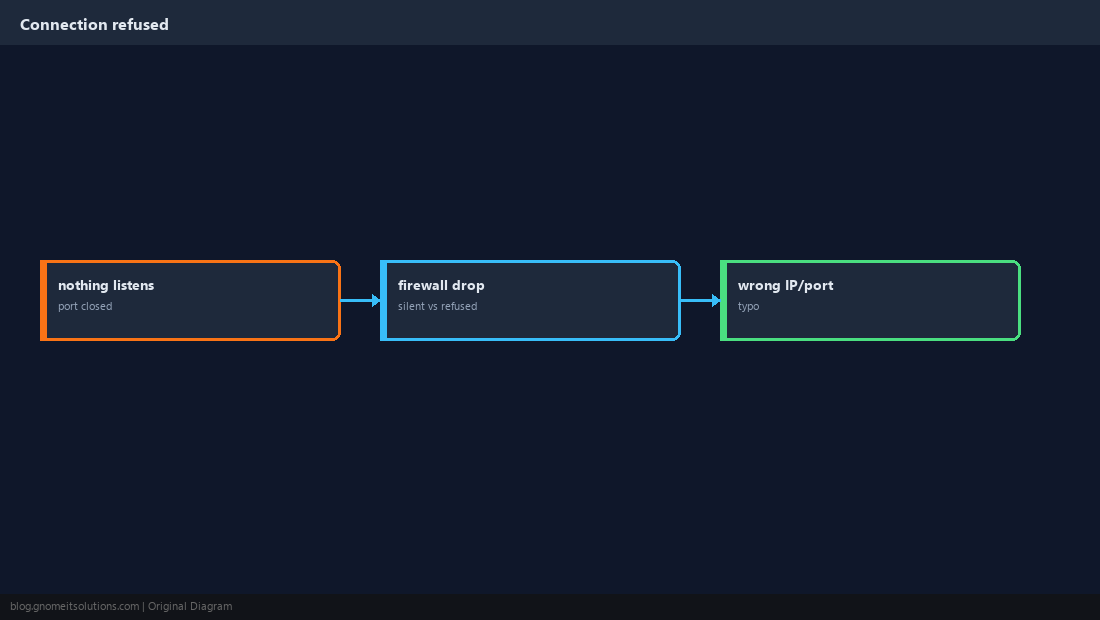
Connection refused means nothing accepted the TCP handshake on that IP:port — different from timeout (filtered) or permission denied (auth failed). The checklist is: is sshd running, on which port, and is a firewall blocking it?
Start from SSH keys,
SSH config, and
hardening OpenSSH.
Refused vs Timed Out
Refused = RST from host (no listener or explicit reject). Timeout often means a middle firewall drops packets.
Confirm Something Listens on Port 22
Use ss on the server — if empty, sshd is down or on another port.
sudo ss -lntp | grep ssh
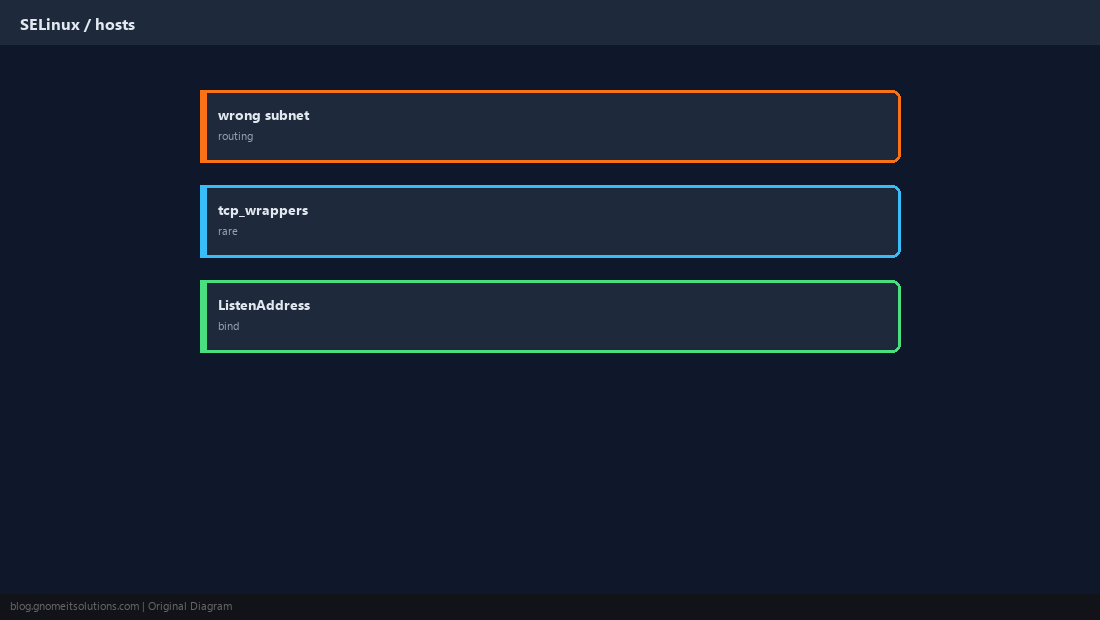
sudo grep -E '^Port|^ListenAddress' /etc/ssh/sshd_config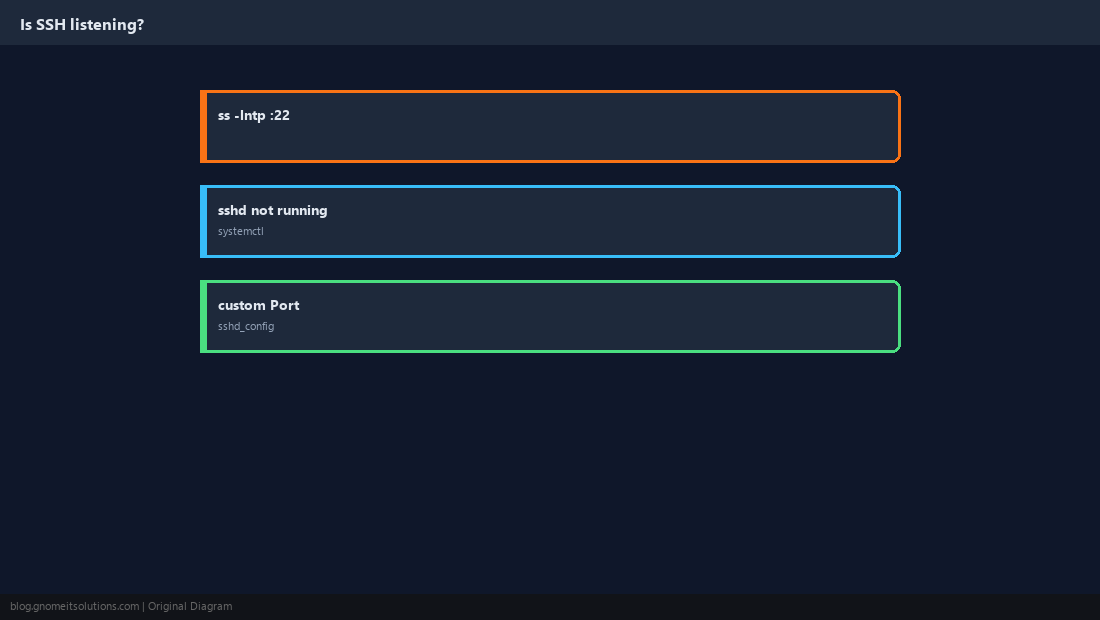
Start and Debug sshd
Config errors prevent start; logs show the exact line.
sudo systemctl status sshd --no-pager
sudo journalctl -u sshd -b --no-pager | tail -30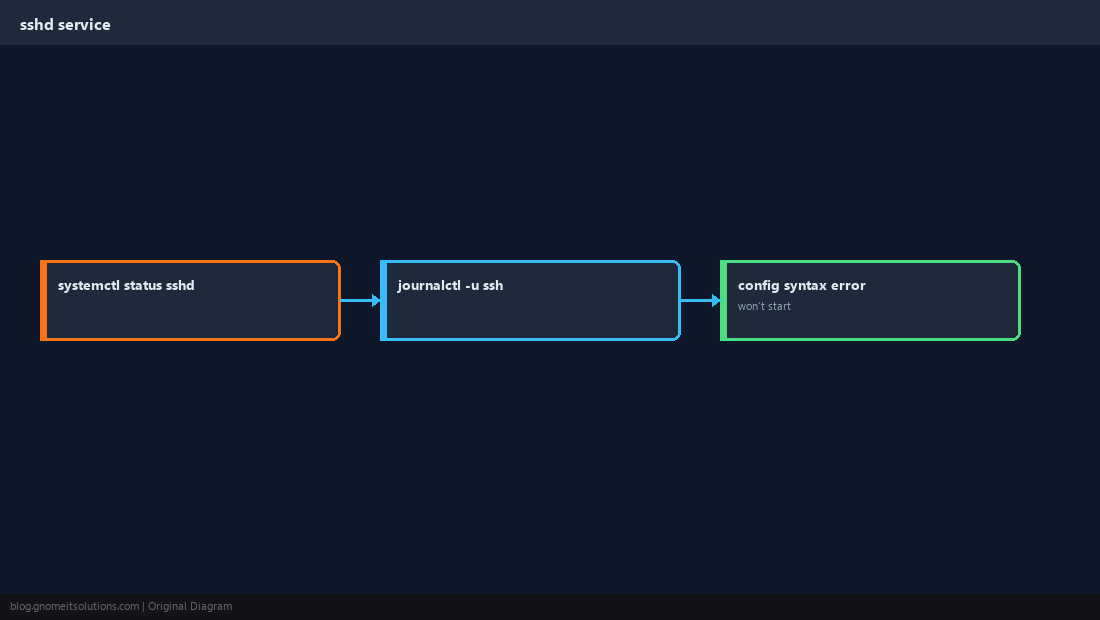
Host Firewall
UFW on Ubuntu, firewalld on RHEL — and do not forget cloud security groups.
sudo ufw status 2>/dev/null
sudo firewall-cmd --list-services 2>/dev/null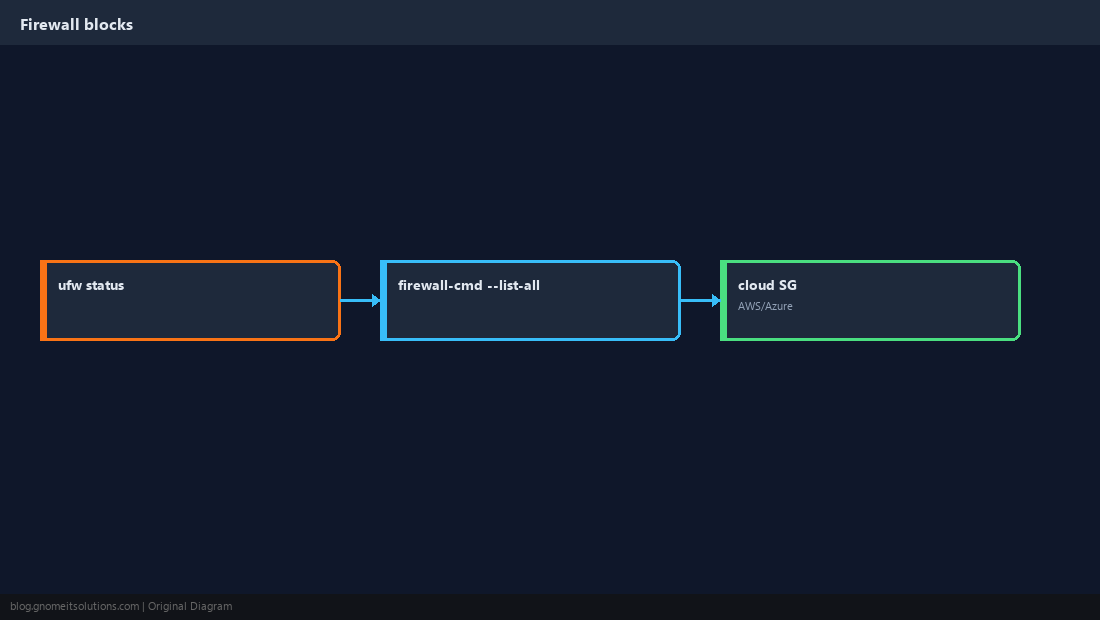
Custom SSH Port
If Port 2222 is set, clients must use ssh -p 2222 or a ~/.ssh/config block.
ssh -p 2222 [email protected]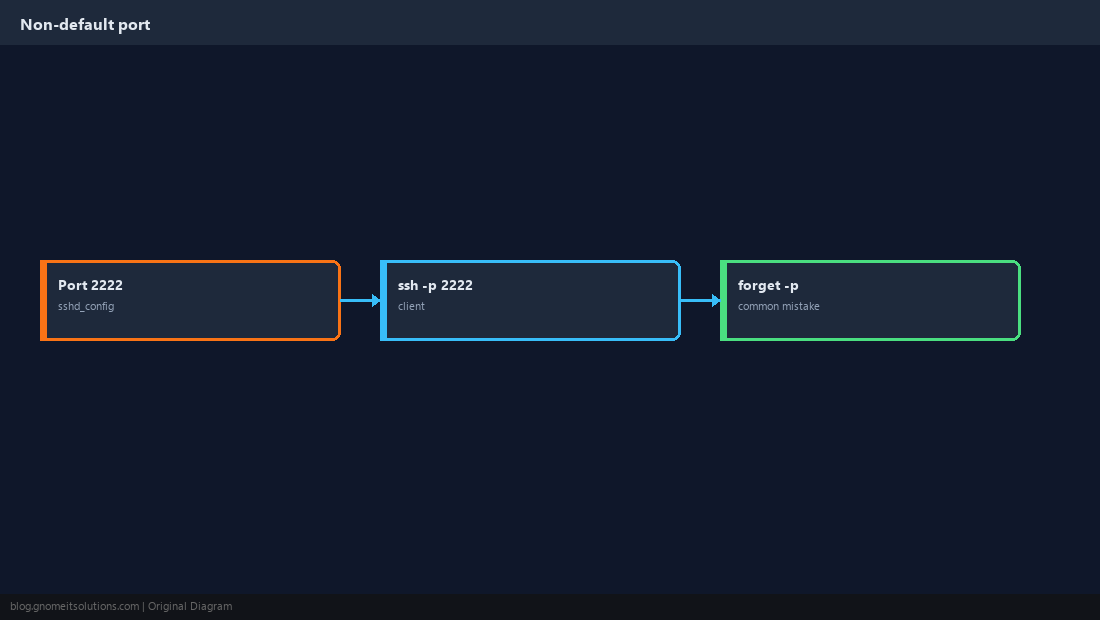
ListenAddress and Routing
Binding only to a management IP or wrong VLAN breaks access from other subnets.
Test With nc and ssh -vvv
From a client: nc -zv host 22 then verbose SSH for the last mile.
nc -zv server.example 22
ssh -vvv [email protected]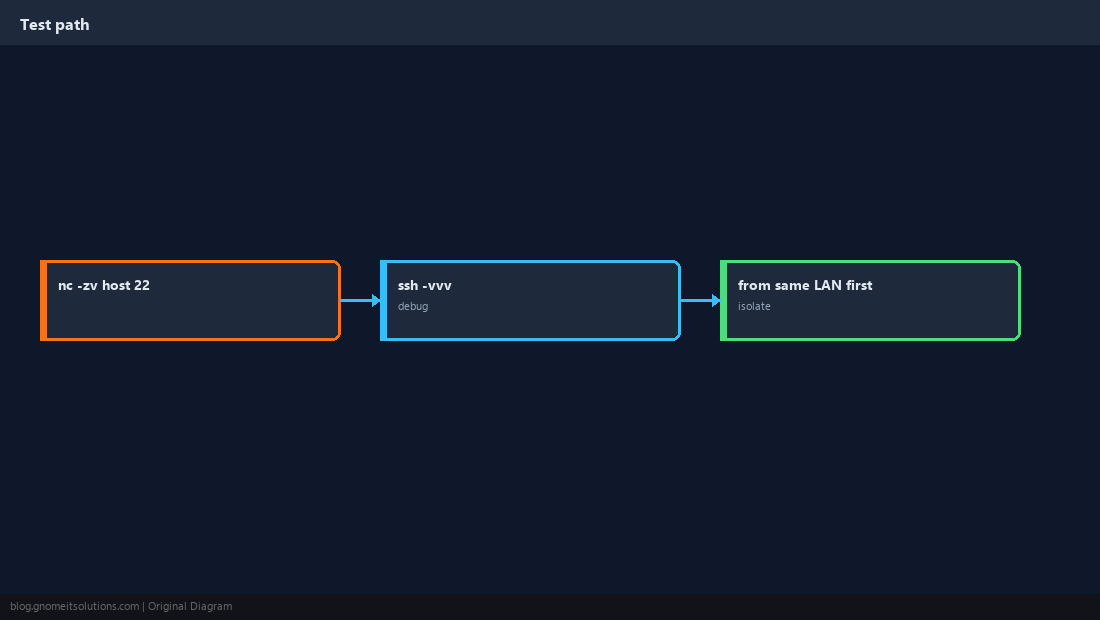
Quick Reference
- Server:
ss -lntp | grep ssh - Firewall + cloud SG must allow the same port
- Custom port →
ssh -p PORT
Related tutorials
Diagrams are original illustrations by Gnome IT Solutions. Tutorial text © Gnome IT Solutions.