Adding a data volume — cloud extra disk, SAN LUN, or local SSD — follows the same steps: identify the block device, partition (optional), create a filesystem once, mount, then persist in /etc/fstab with UUID so reboots are safe.
Related: fdisk & parted,
df and du, and
mdadm RAID when the disk is part of an array.
Identify the Block Device
Use lsblk and serial/size — never guess /dev/sd? on a live system with data.
lsblk -o NAME,SIZE,TYPE,FSTYPE,MOUNTPOINT
sudo fdisk -l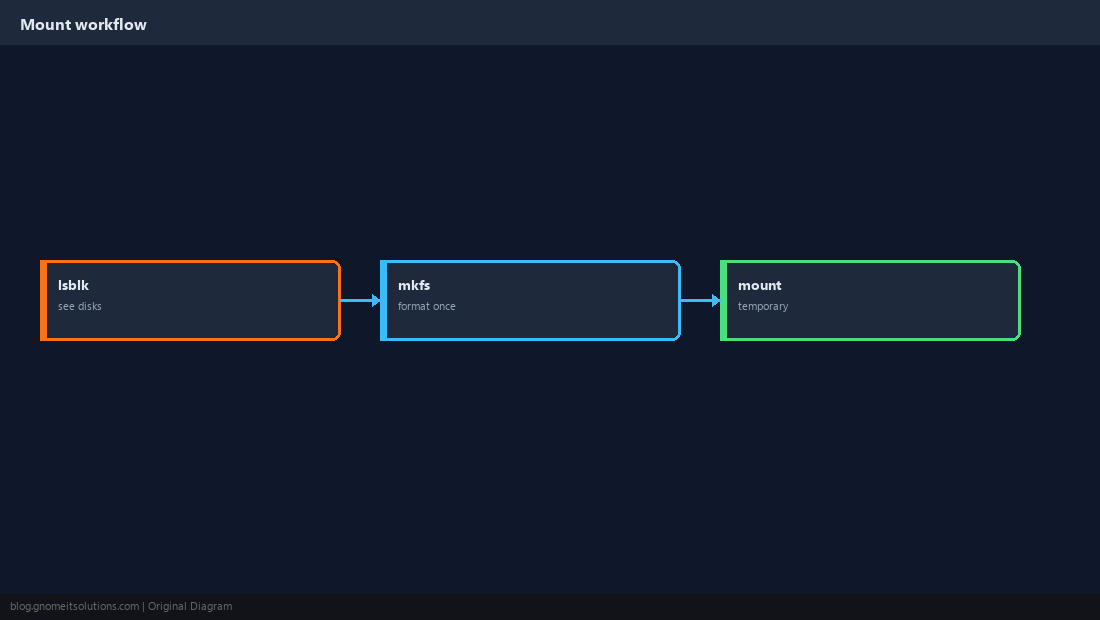
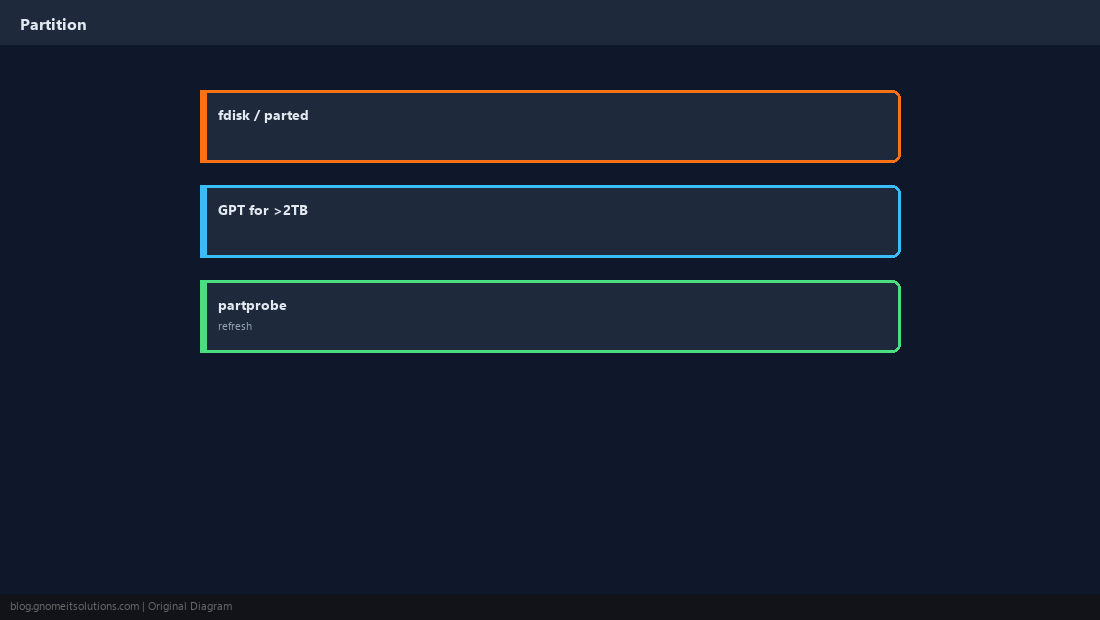
Create a Partition (Optional)
Whole-disk filesystems are fine for data volumes; partitions help multi-tenant layouts.
Create ext4 (or xfs)
Run once on empty space.
sudo mkfs.ext4 -L data1 /dev/sdb1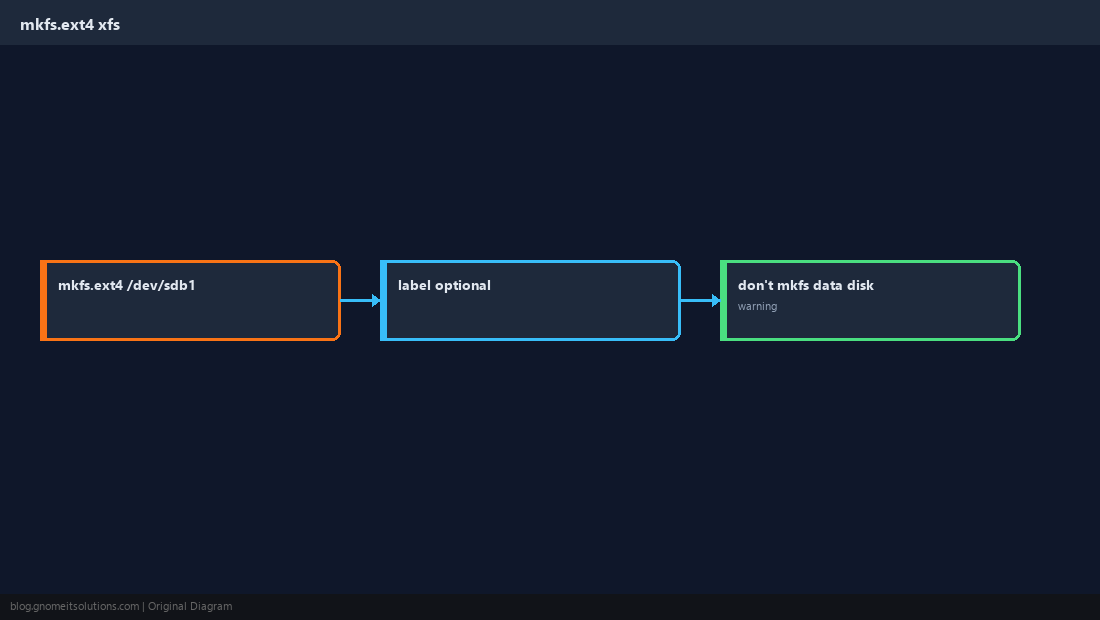
Mount Temporarily
Create mount point and mount to test before fstab.
sudo mkdir -p /data
sudo mount /dev/sdb1 /data
df -h /data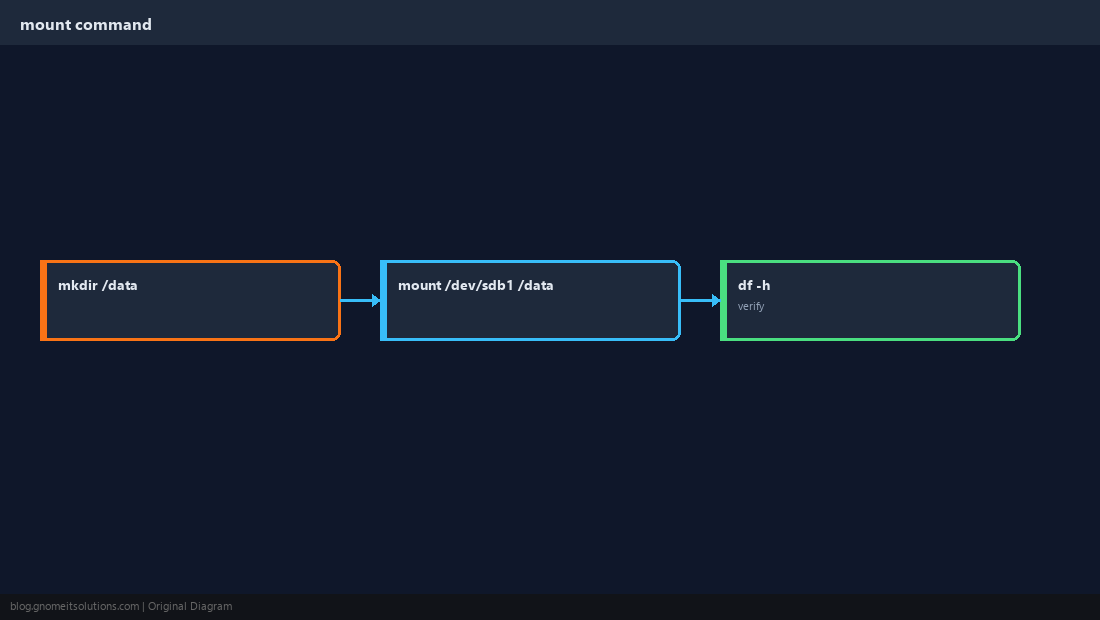
fstab Entry
Use UUID; defaults,nofail avoids boot hang if disk is missing.
UUID=abc123-def456 /data ext4 defaults,nofail 0 2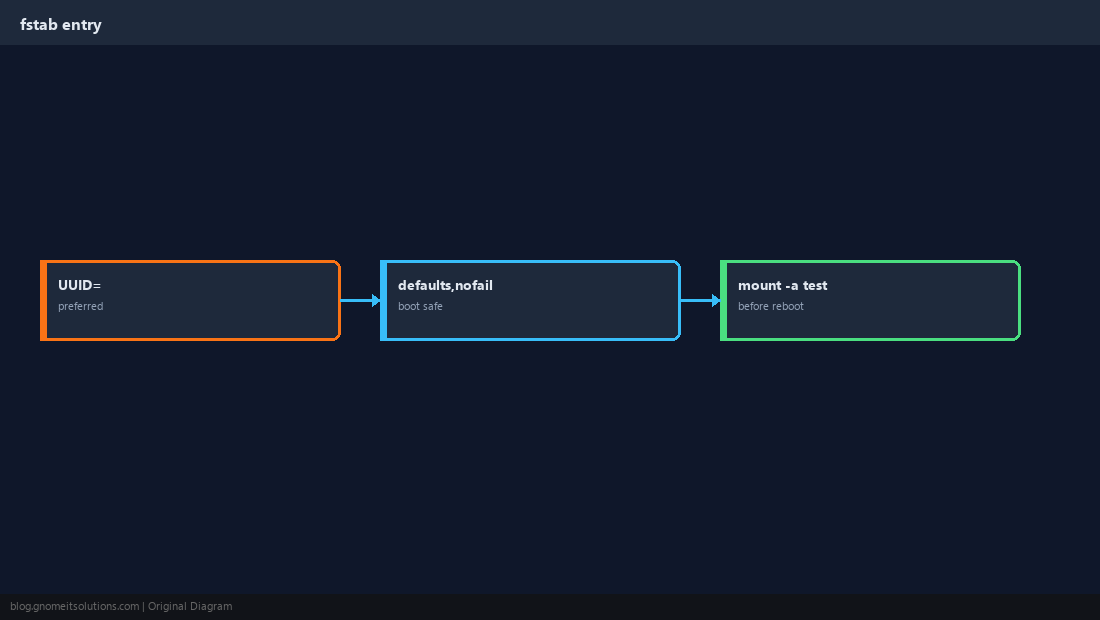
Get UUID with blkid
Prefer UUID over /dev/sdb1 names that can shift.
sudo blkid /dev/sdb1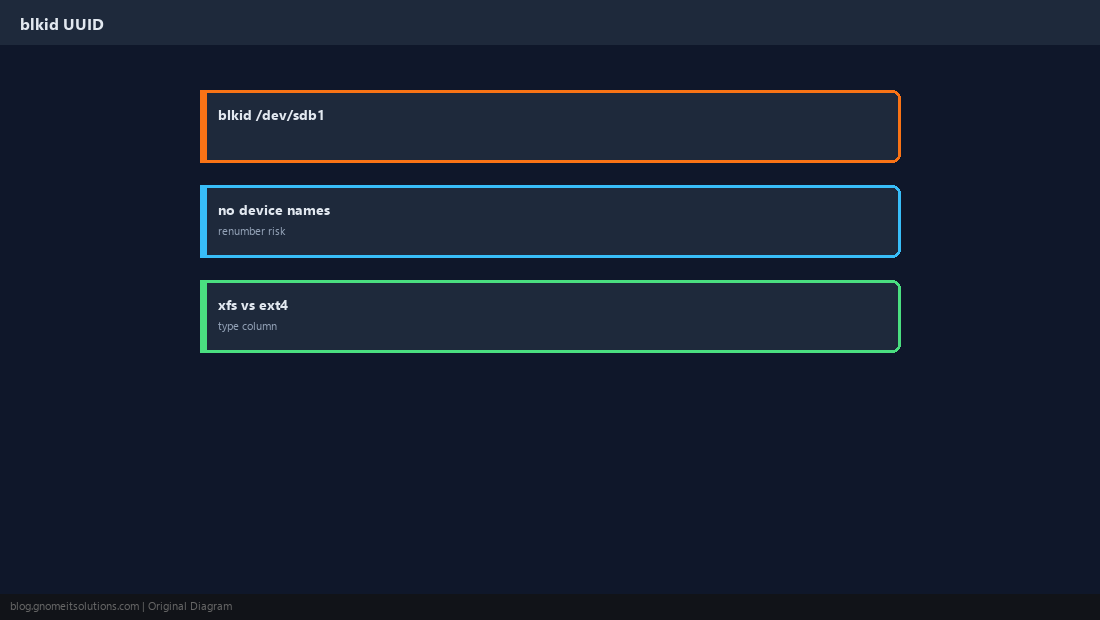
Test Before Reboot
mount -a applies fstab; findmnt confirms.
sudo mount -a
findmnt /data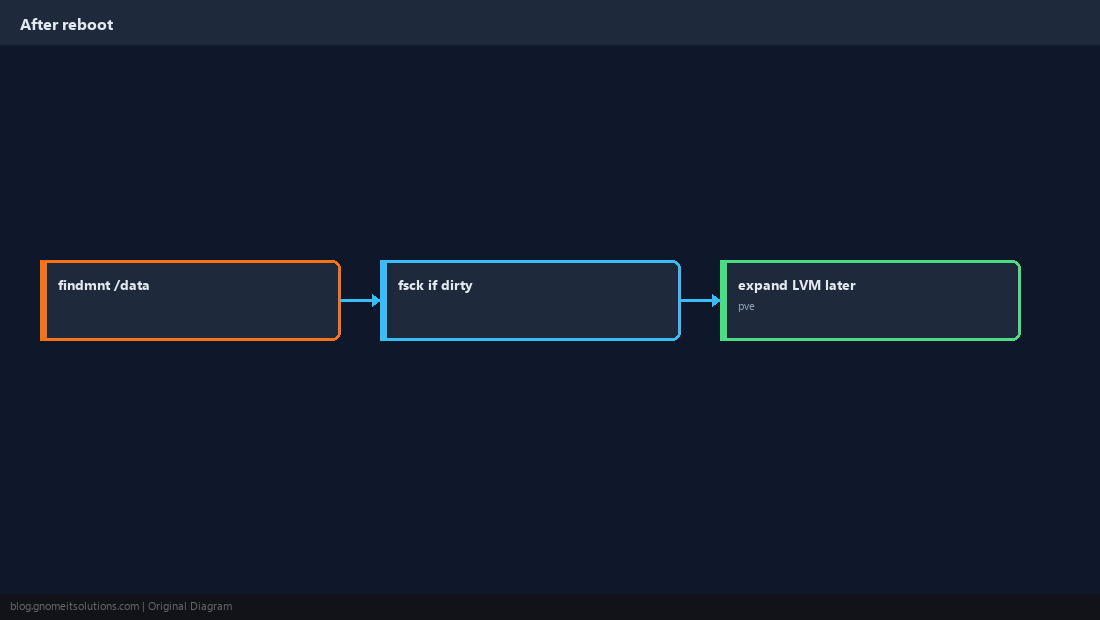
Quick Reference
lsblk→mkfsonce →mount→ fstab with UUIDmount -abefore rebootnofailfor optional data disks
Related tutorials
Diagrams are original illustrations by Gnome IT Solutions. Tutorial text © Gnome IT Solutions.