
Before you restart services, confirm the host has an IP, a default route, and basic reachability. ping, traceroute, and mtr are still the fastest checks operators search for daily.
Deeper config: nmcli and netplan,
DNS with dig, and
ss for listening ports.
Start With ip addr and ip route
Know your addresses and gateway before blaming applications.
bashsnapshot
ip -br addr
ip route show default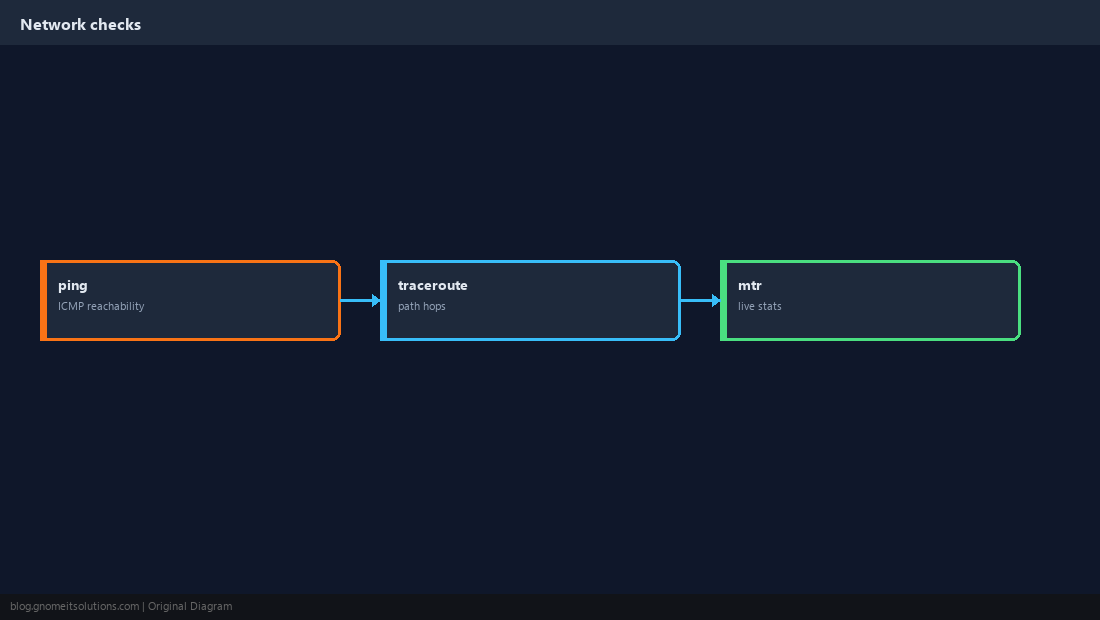
Link State
No carrier = cable/VLAN/cloud NIC issue.
bashlink
ip link show eth0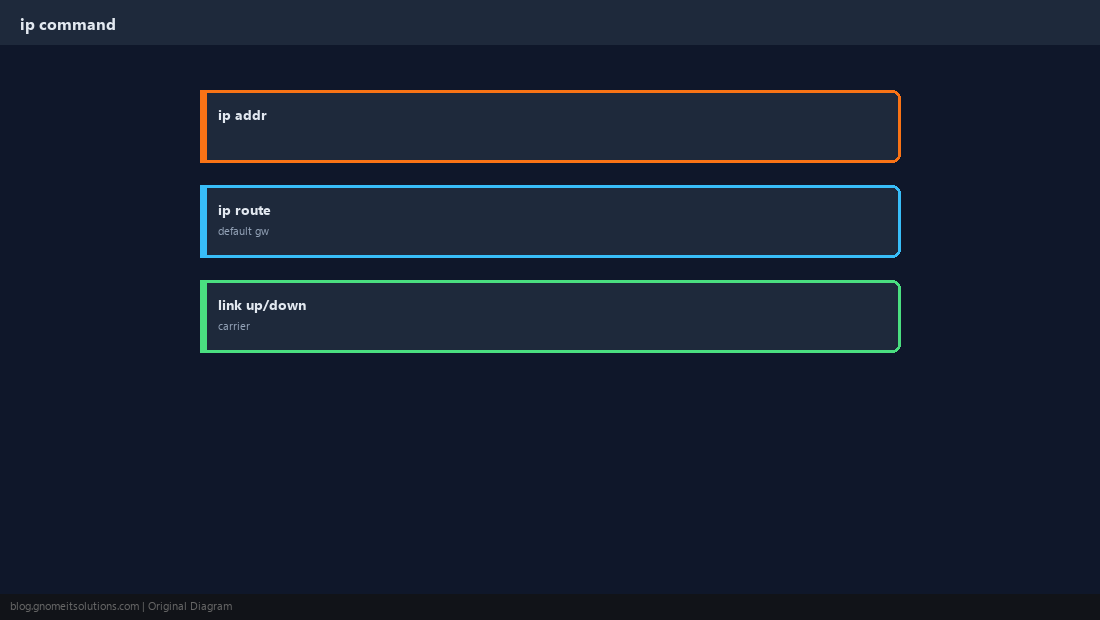
ping for Reachability
ICMP may be blocked on some paths — try gateway first, then external IP.
bashping
ping -c 4 192.168.1.1
ping -c 4 1.1.1.1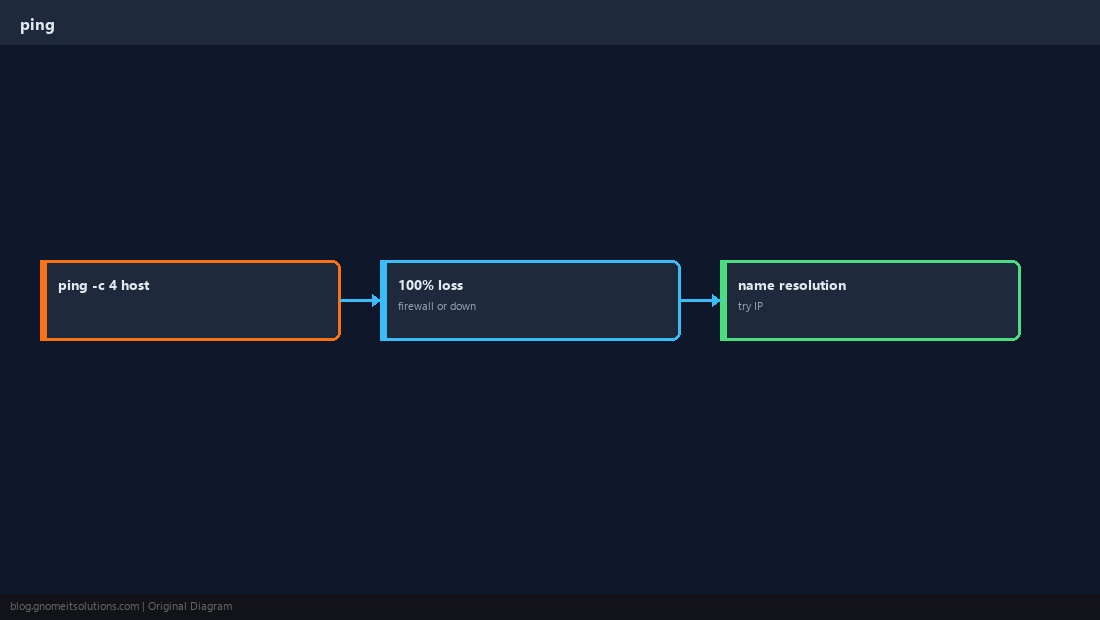
traceroute for Path
See where hops stop — useful for ISP or firewall issues.
bashtrace
traceroute -n 8.8.8.8 2>/dev/null | head -15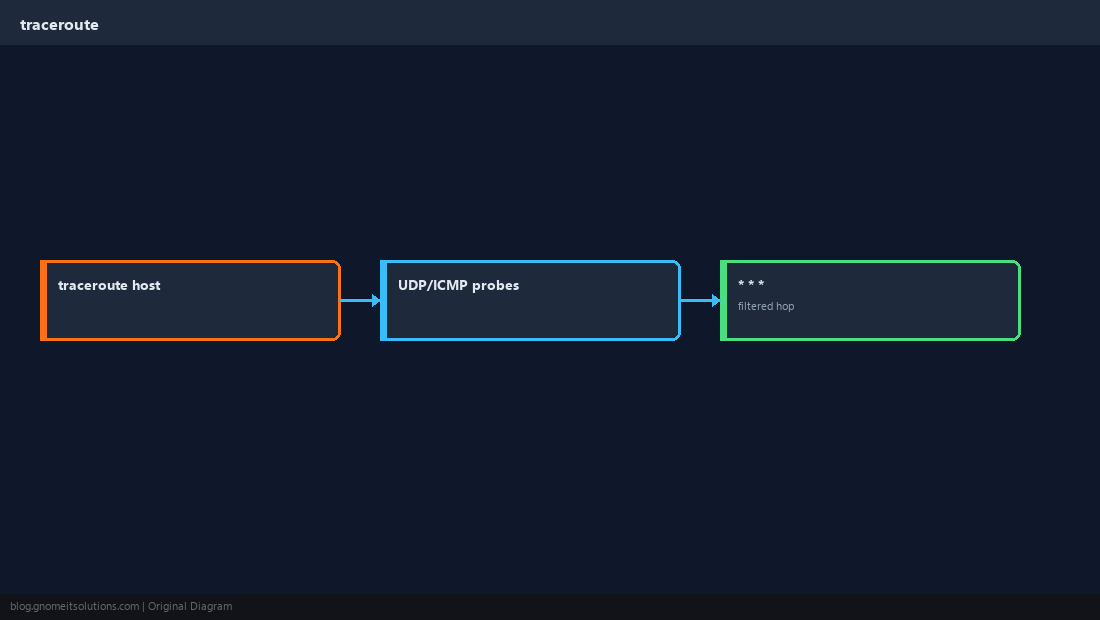
mtr for Loss and Latency
Combines ping and trace — install mtr if missing.
bashmtr report
mtr -rwzbc20 1.1.1.1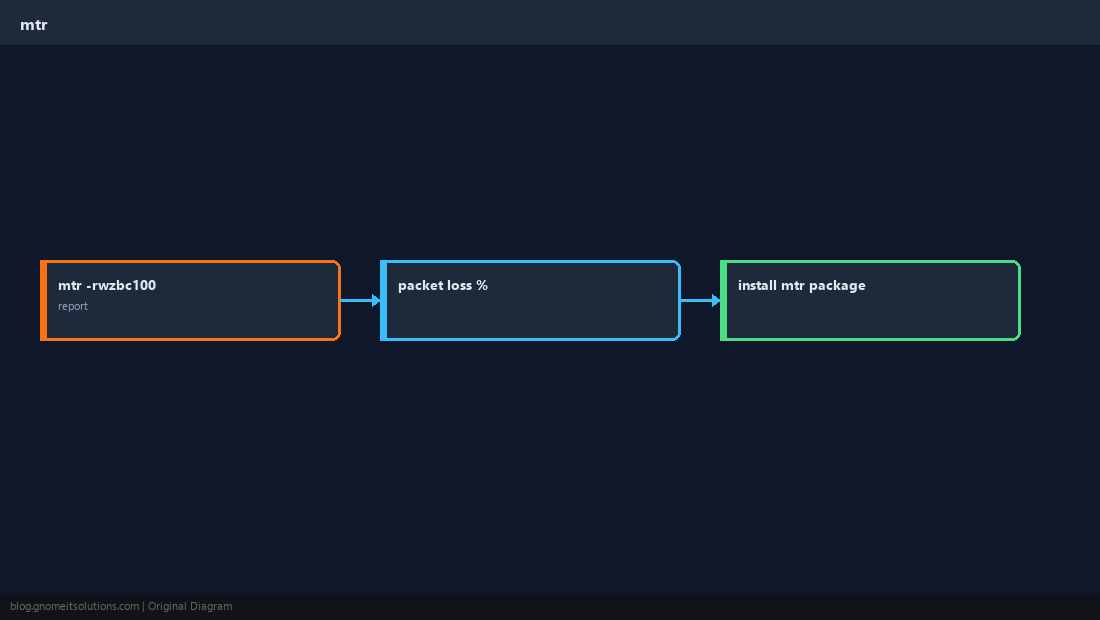
Name Fails but IP Works
Points to DNS, not routing — use dig/getent.
bashcompare
ping -c 2 example.com
ping -c 2 $(dig +short example.com | head -1)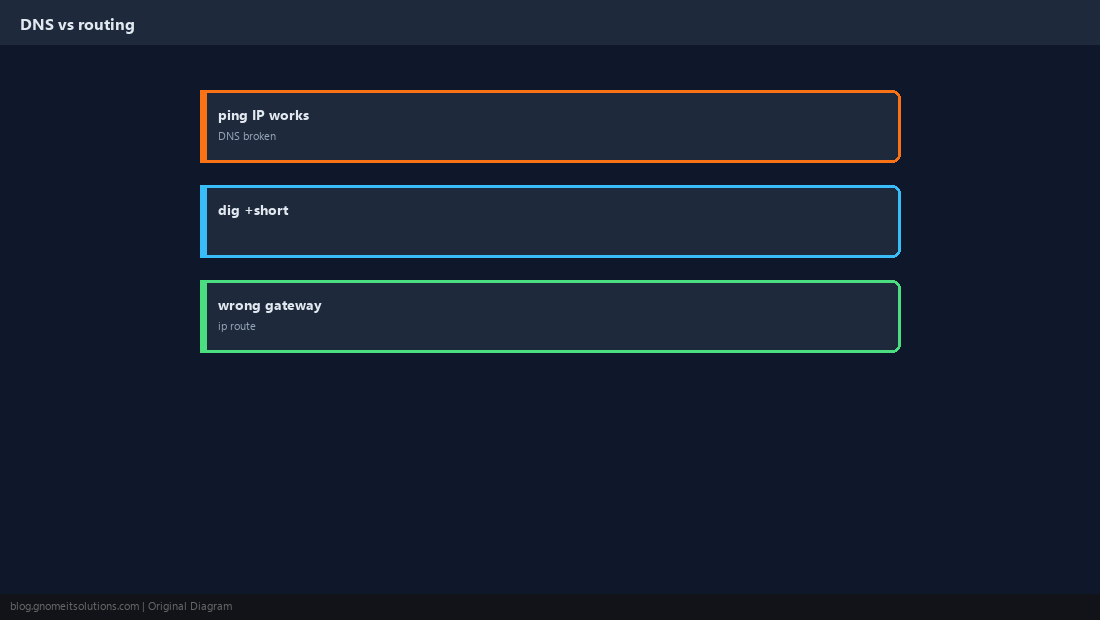
Server-Side Checklist
Gateway ping, external ping, HTTP curl — narrows the break.
bashegress test
curl -sI --max-time 5 https://example.com/ | head -3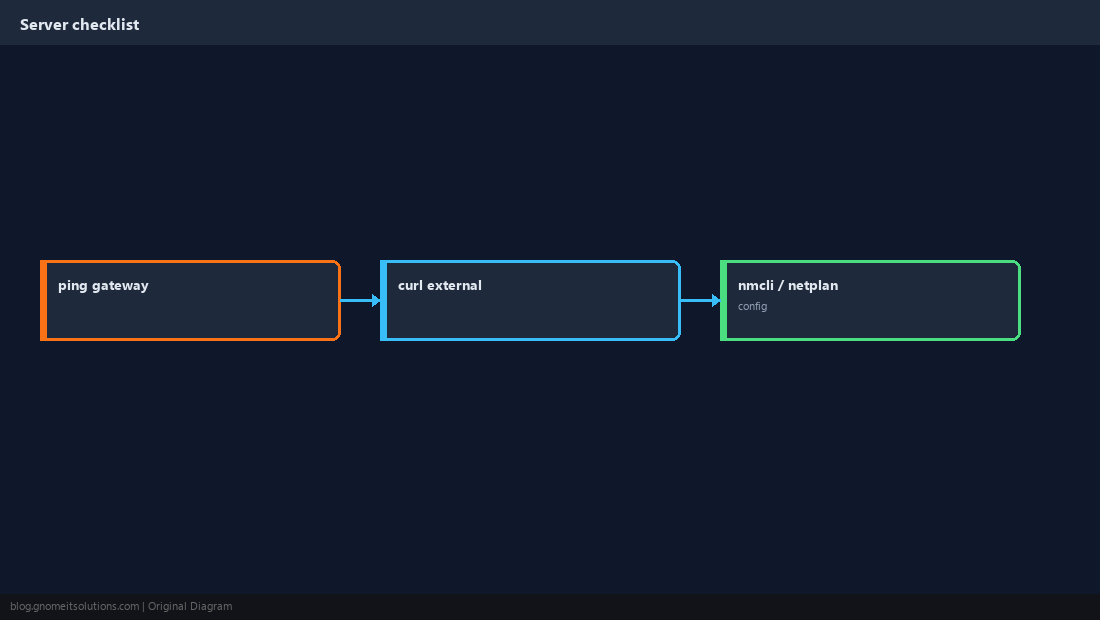
Quick Reference
ip route→ ping gateway → ping internettraceroute/mtrfor path and loss- IP works, name fails → DNS (dig)
Related tutorials
Diagrams are original illustrations by Gnome IT Solutions. Tutorial text © Gnome IT Solutions.