
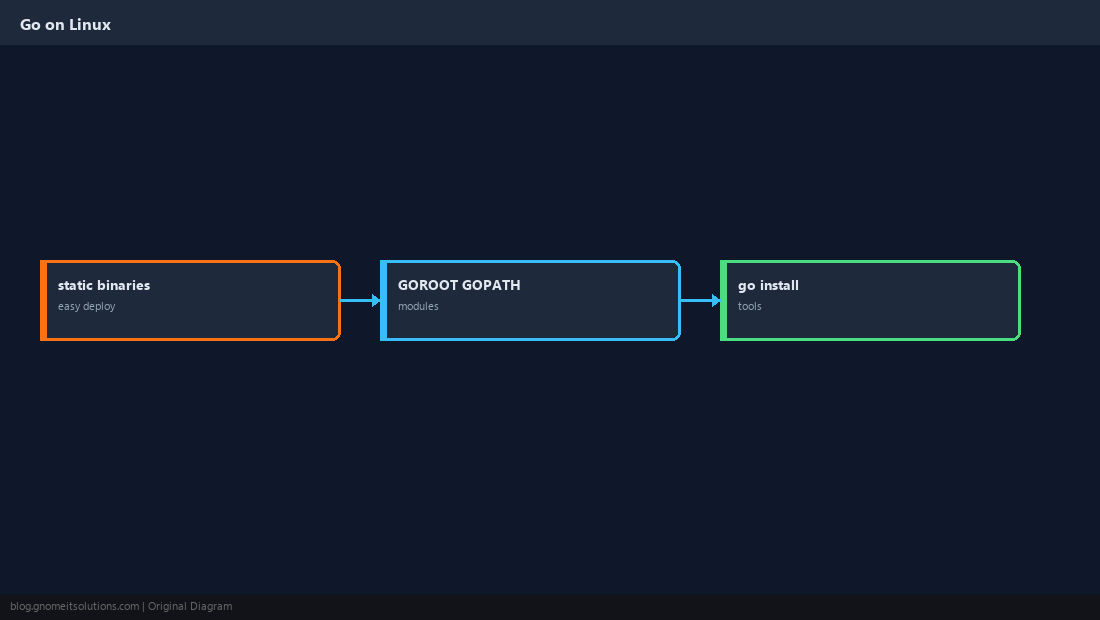
Install Go on Linux is searched by developers building CLIs, microservices, and Kubernetes tooling (many projects ship as static Go binaries). The official tarball from go.dev is the usual install path — faster than waiting for distro packages to catch up.
Containers: Docker.
Kubernetes CLI: kubectl install.
Why the Official Tarball
Single directory under /usr/local/go; easy upgrades by replacing the tree.
Download and Extract
Pick stable or a specific minor from go.dev/dl.
GO_VER=1.23.2
curl -LO https://go.dev/dl/go${GO_VER}.linux-amd64.tar.gz
sudo rm -rf /usr/local/go
sudo tar -C /usr/local -xzf go${GO_VER}.linux-amd64.tar.gz
echo 'export PATH=$PATH:/usr/local/go/bin' | sudo tee /etc/profile.d/golang.sh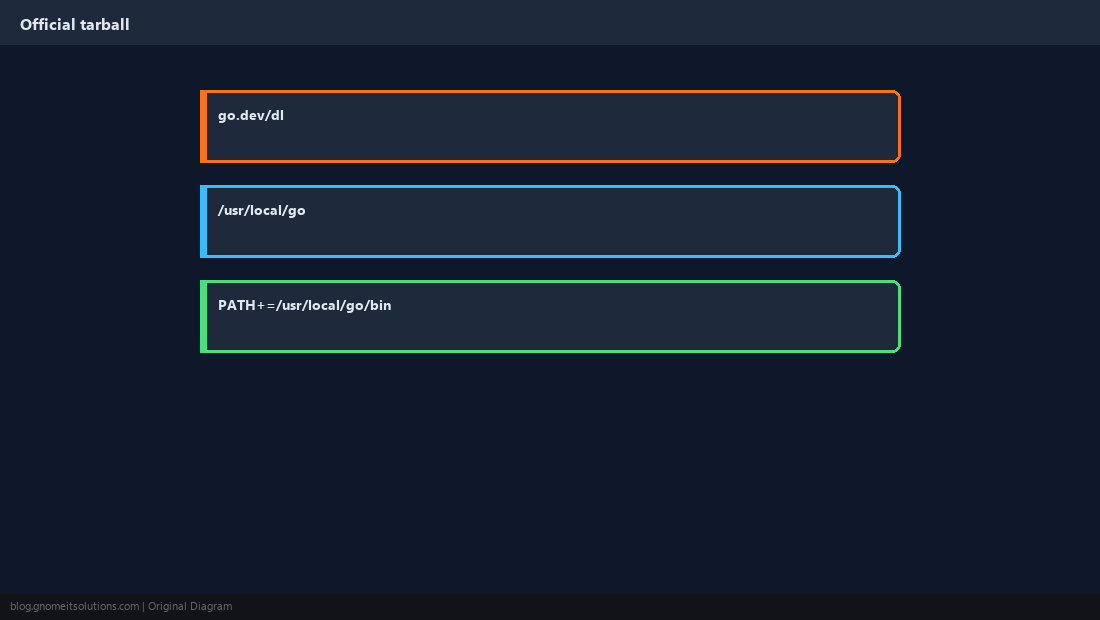
go version and go env
Confirm architecture and module mode defaults.
source /etc/profile.d/golang.sh
go version
go env GOPATH GOMOD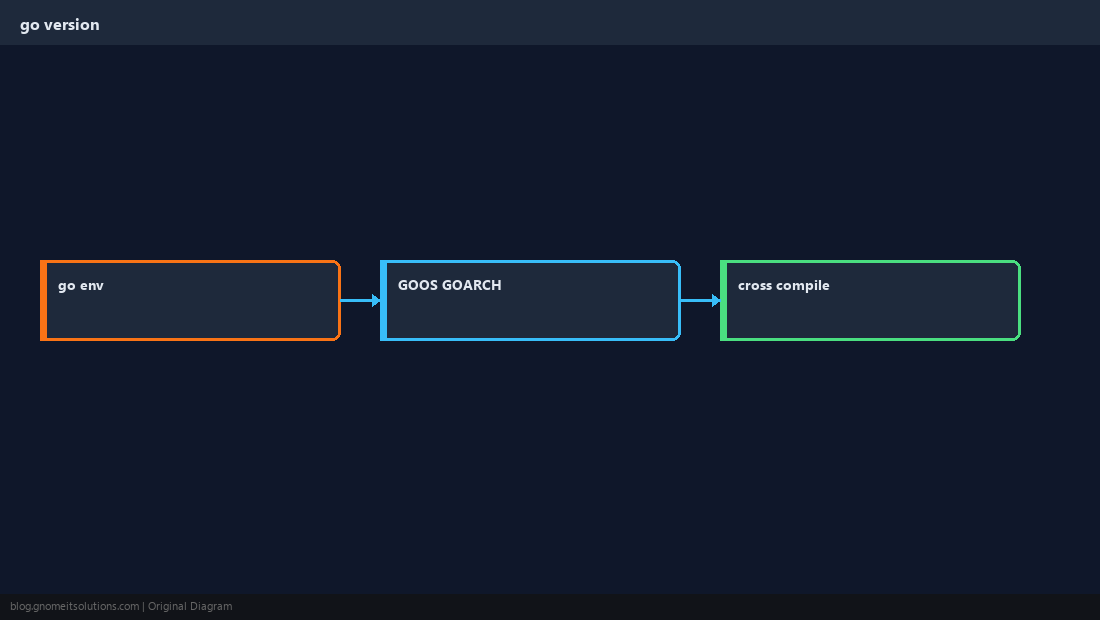
Go Modules Workflow
Modern Go uses modules — no GOPATH src layout required for new projects.
mkdir -p ~/hello && cd ~/hello
go mod init example.com/hello
echo 'package main
import "fmt"
func main(){fmt.Println("ok")}' > main.go
go build -o hello .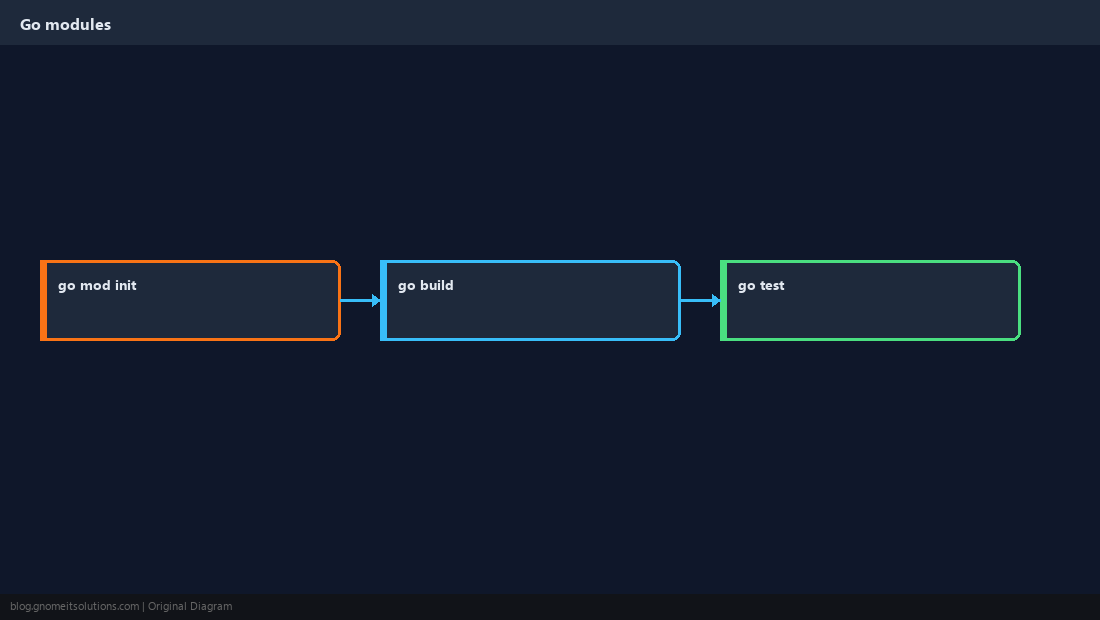
go install for Tools
Installs binaries to $HOME/go/bin by default — add to PATH.
go install golang.org/x/tools/gopls@latest
export PATH=$PATH:$HOME/go/bin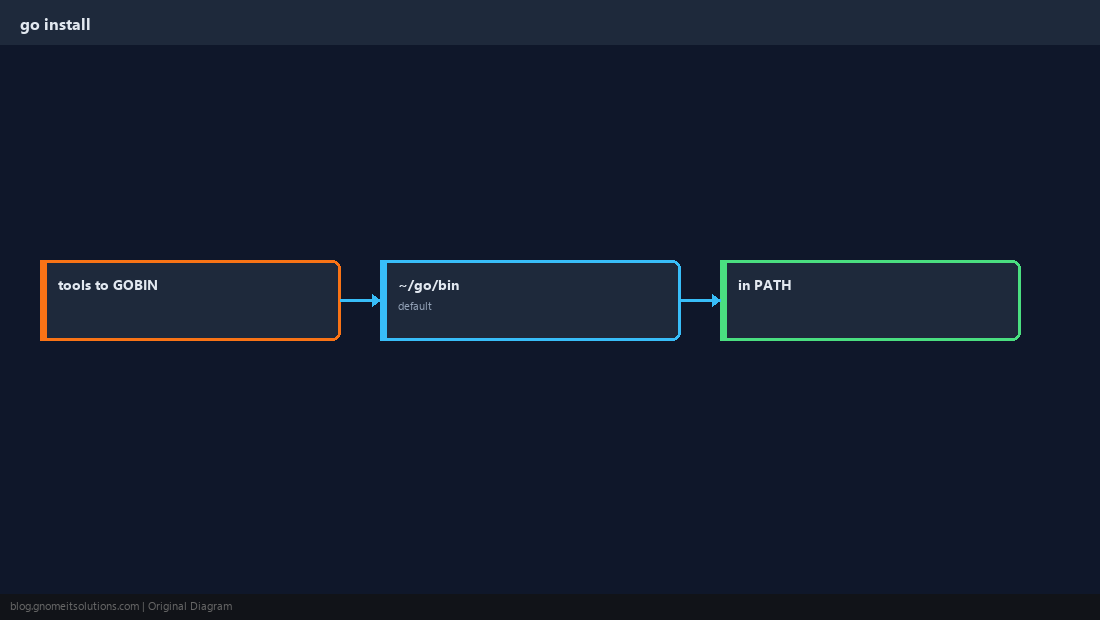
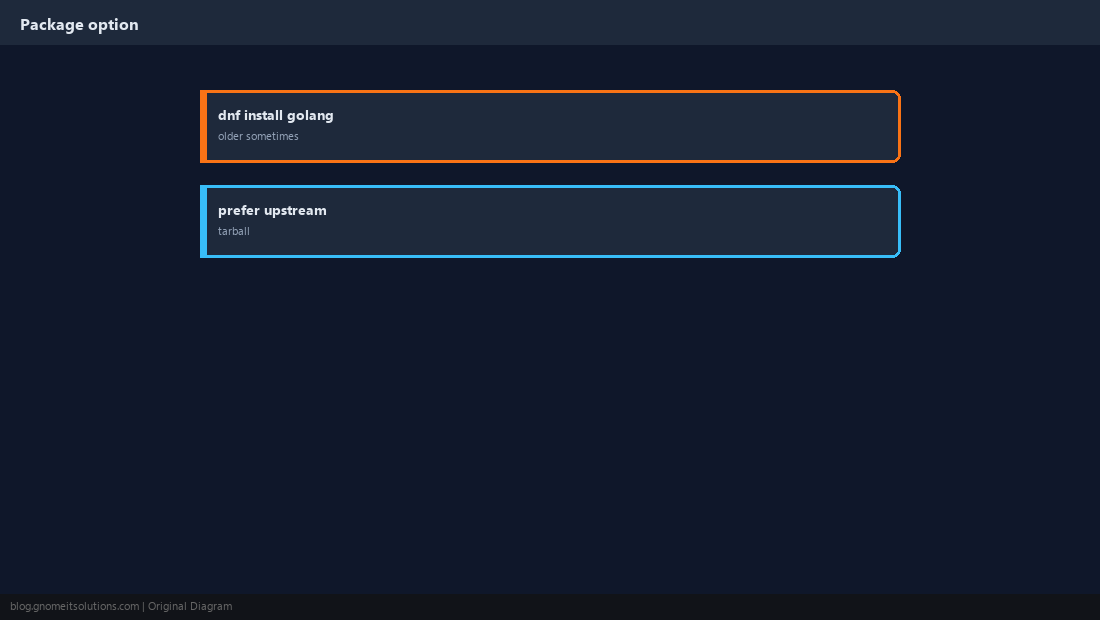
Distro Package Alternative
dnf install golang is fine for quick tests; versions may lag.
Verify
Run your binary; confirm IDE remote uses the same go on PATH.
which go
go run .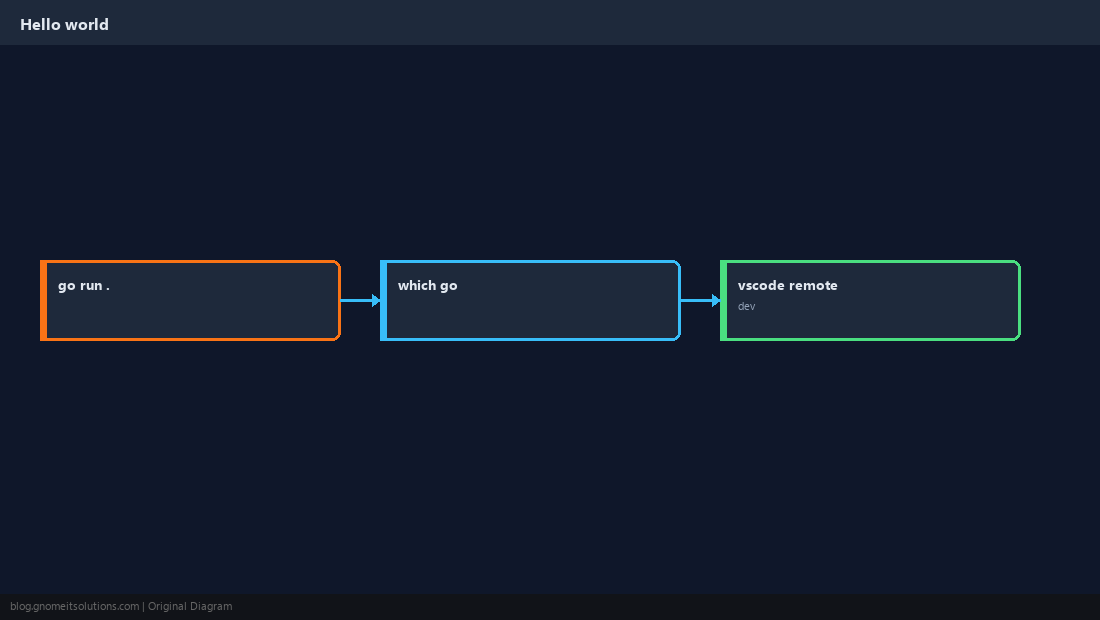
Quick Reference
- Official: extract to
/usr/local/go, PATH inprofile.d - Projects:
go mod init+go build - Tools:
go install→~/go/bin
Related tutorials
Diagrams are original illustrations by Gnome IT Solutions. Tutorial text © Gnome IT Solutions.