Install kubectl spikes whenever teams adopt Kubernetes — it is the CLI for every cluster API call. You need a working binary plus a kubeconfig with credentials for your cluster (kubeadm, managed EKS/GKE, or k3s).
Go deeper: kubeadm cluster setup,
Helm basics,
Docker on Linux.
kubectl and the API Server
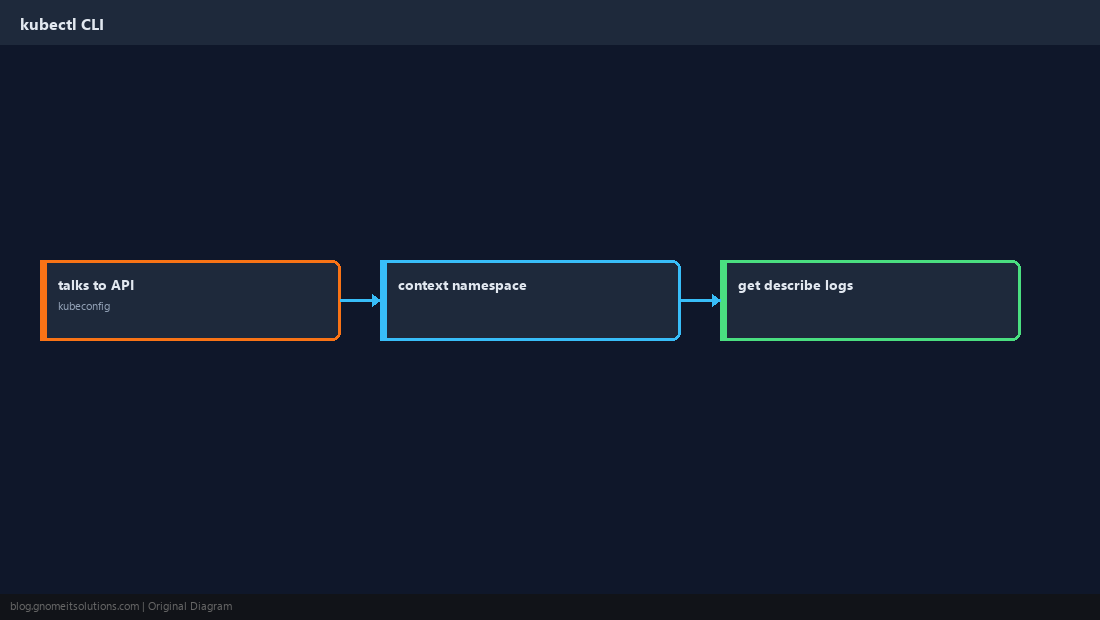
kubectl sends HTTPS requests defined in your kubeconfig; context selects cluster and user.
Install the Binary
Official Kubernetes SIG release binaries are the common Linux install path.
curl -LO "https://dl.k8s.io/release/$(curl -L -s https://dl.k8s.io/release/stable.txt)/bin/linux/amd64/kubectl"
chmod +x kubectl
sudo mv kubectl /usr/local/bin/
kubectl version --client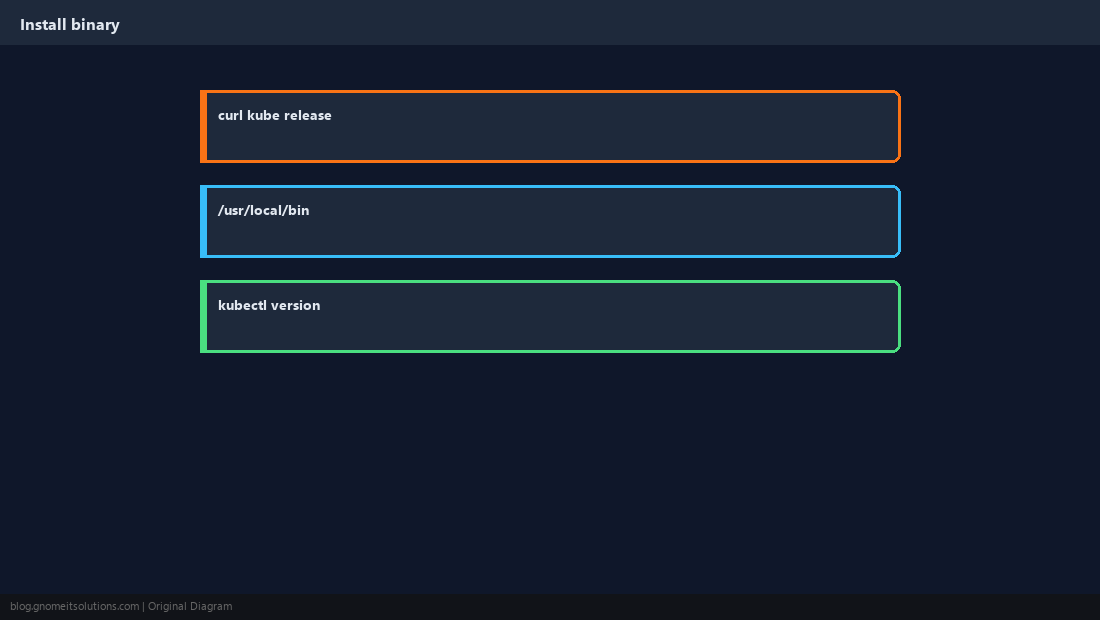
kubeconfig and Context
Copy admin kubeconfig from the control plane or cloud console into ~/.kube/config.
kubectl config get-contexts
kubectl config use-context my-cluster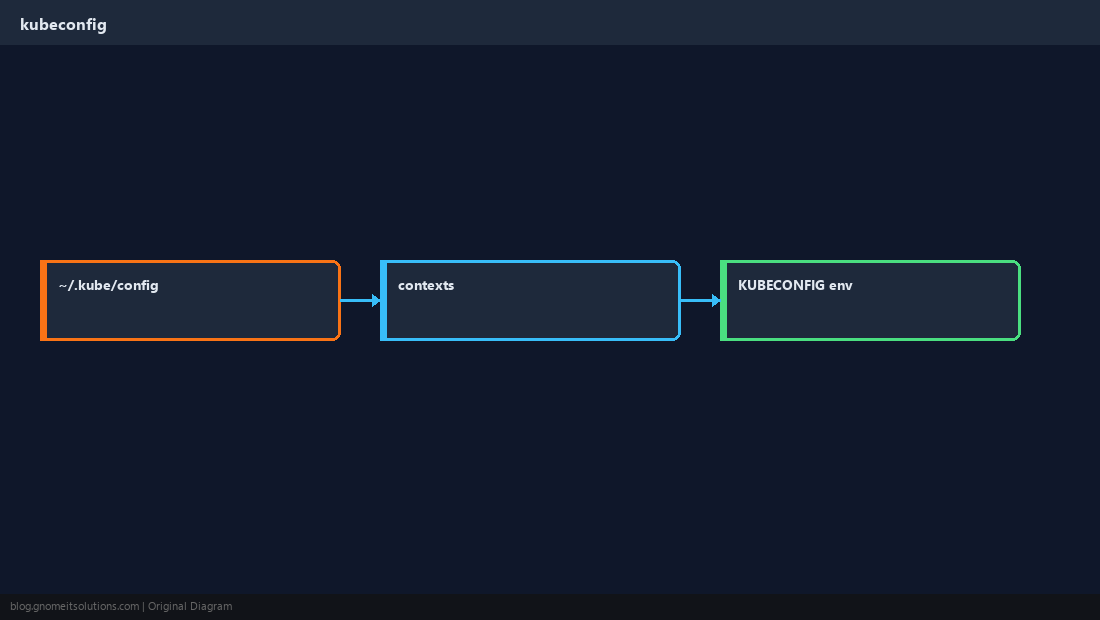
kubectl get
List nodes, namespaces, pods — add -o wide for node IP and pod IP.
kubectl get nodes
kubectl get pods -A -o wide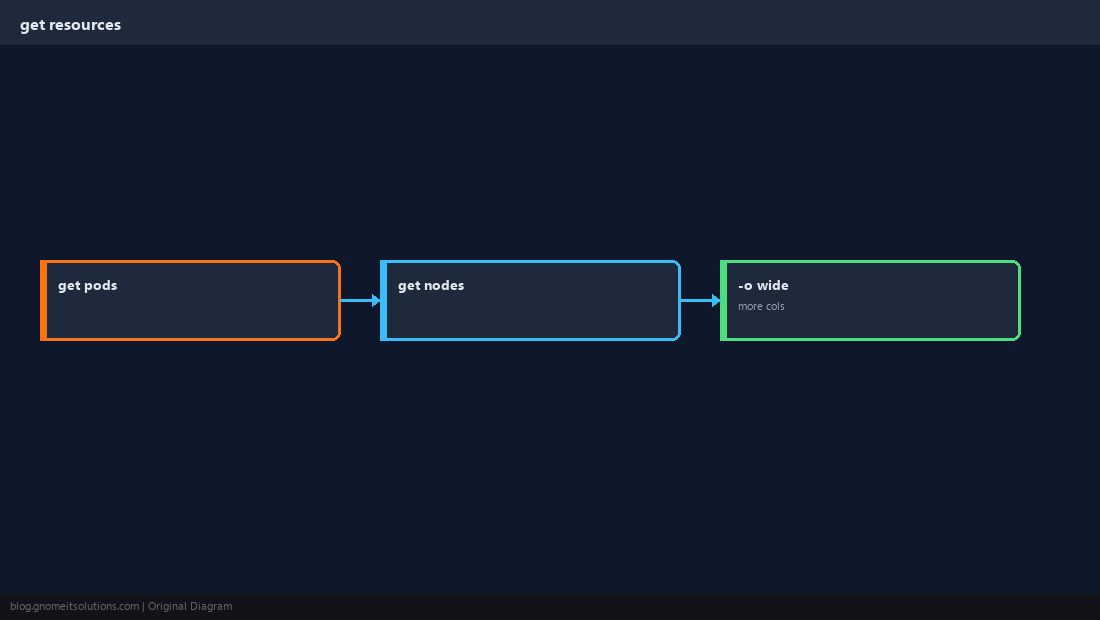
describe and logs
Events explain scheduling failures; logs show container stdout.
kubectl describe pod mypod -n default
kubectl logs mypod --tail=100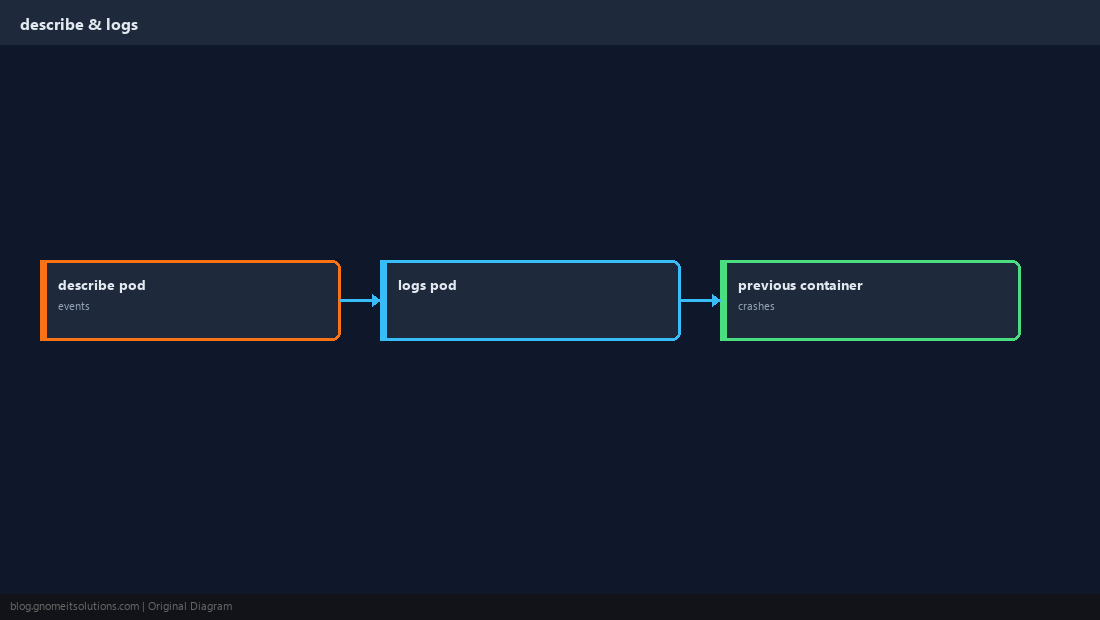
exec and port-forward
Quick debugging without exposing services publicly.
kubectl exec -it mypod -- sh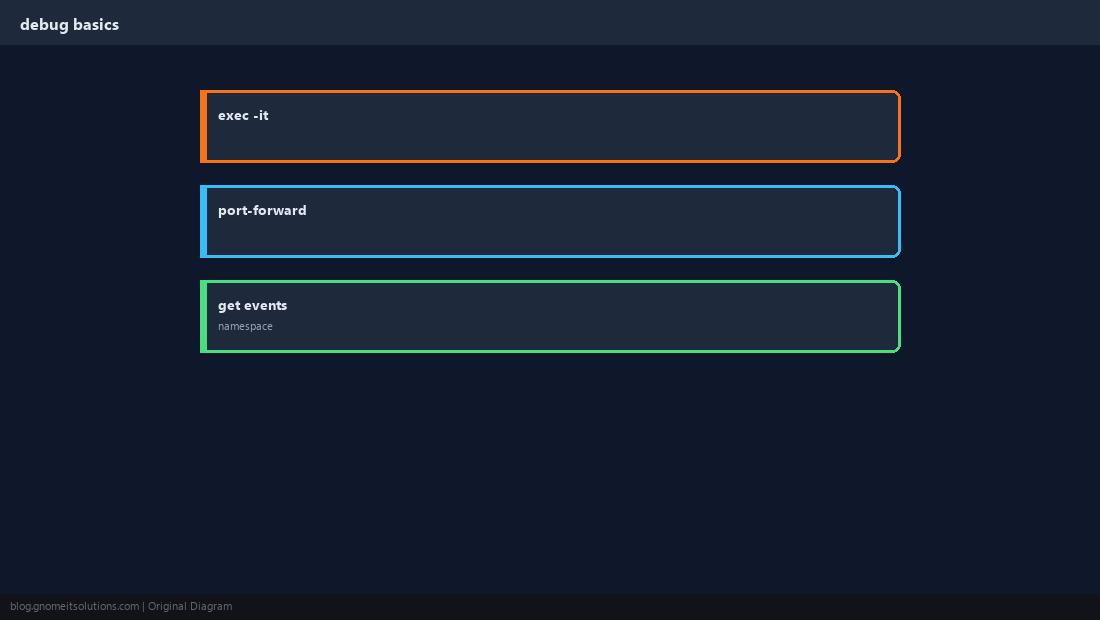
Verify Cluster Access
cluster-info confirms API reachability; auth errors mean fix kubeconfig or RBAC.
kubectl cluster-info
kubectl get --raw='/readyz?verbose' 2>/dev/null | head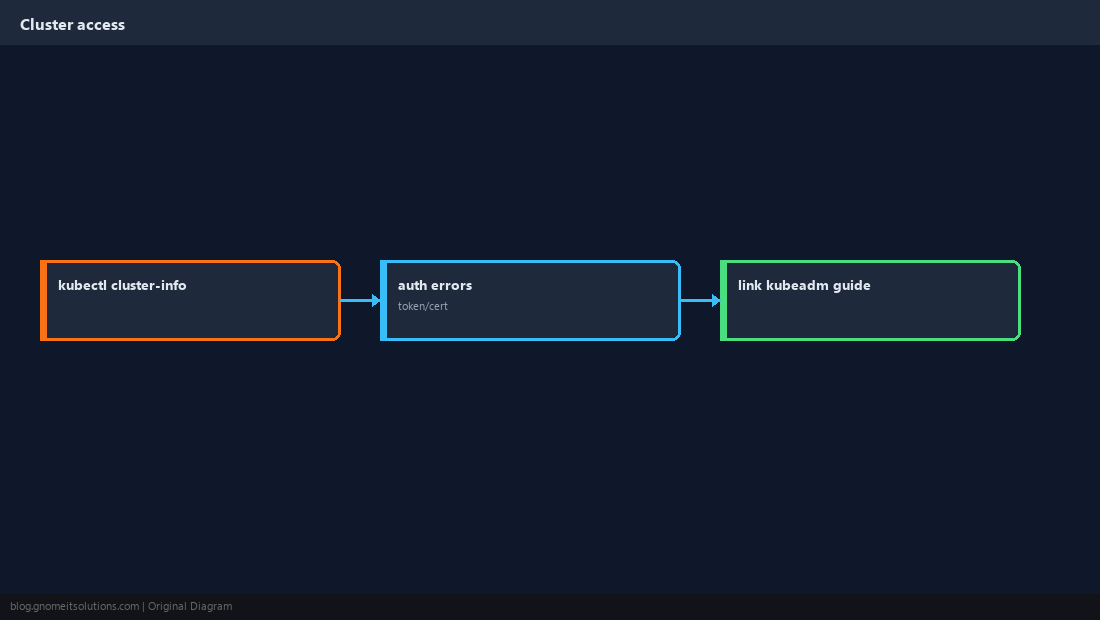
Quick Reference
- Install: official
kubectlbinary in/usr/local/bin ~/.kube/configmust match your cluster- Debug:
describe+logs+get events
Related tutorials
Diagrams are original illustrations by Gnome IT Solutions. Tutorial text © Gnome IT Solutions.