ESXi networking confuses newcomers because port groups are not physical switch ports — they are labels on a virtual switch that can carry a VLAN ID to the physical uplink. Get this right and VMs land on the correct subnet; get it wrong and you chase “works on one host only” bugs.
Linux fundamentals: IP & ping,
nmcli & netplan (guest side),
firewalld concepts.
Physical vs Virtual
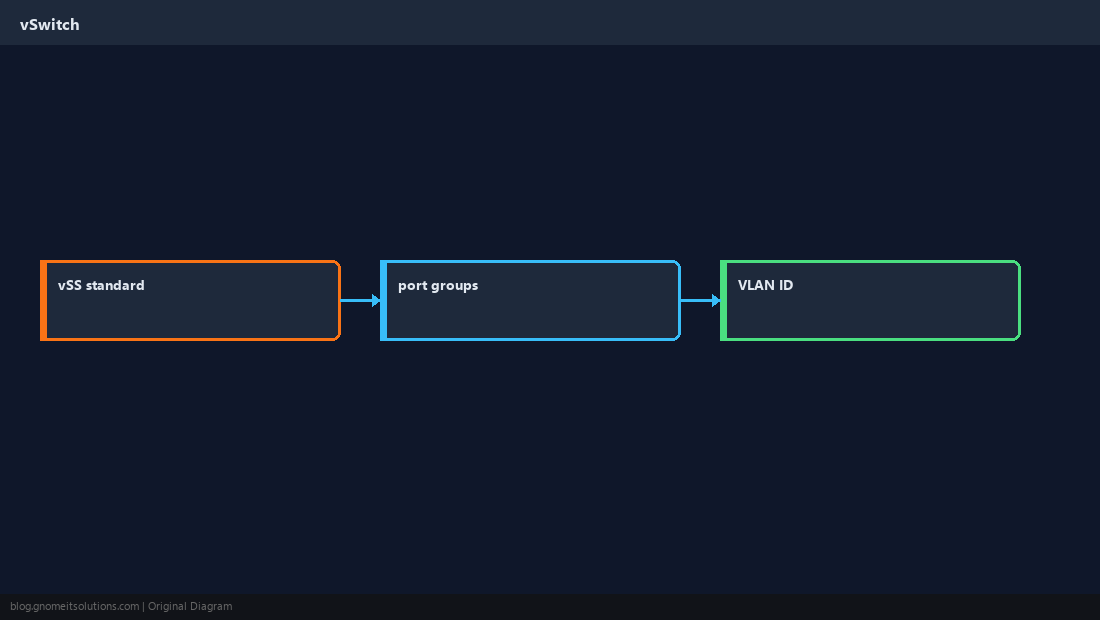
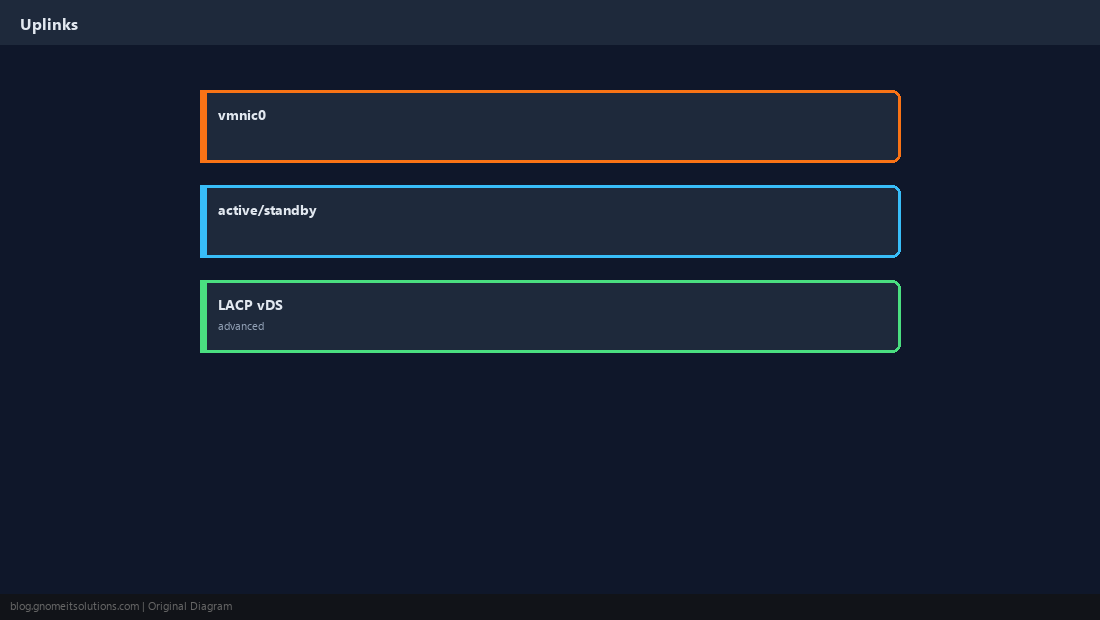
Physical NICs (vmnic) uplink to a vSwitch; VMs connect to port groups on that switch.
Standard Switch on One Host
Without vCenter, you use a vSphere Standard Switch (vSS) per host — fine for labs and single-node edge.
Create or Edit a Port Group
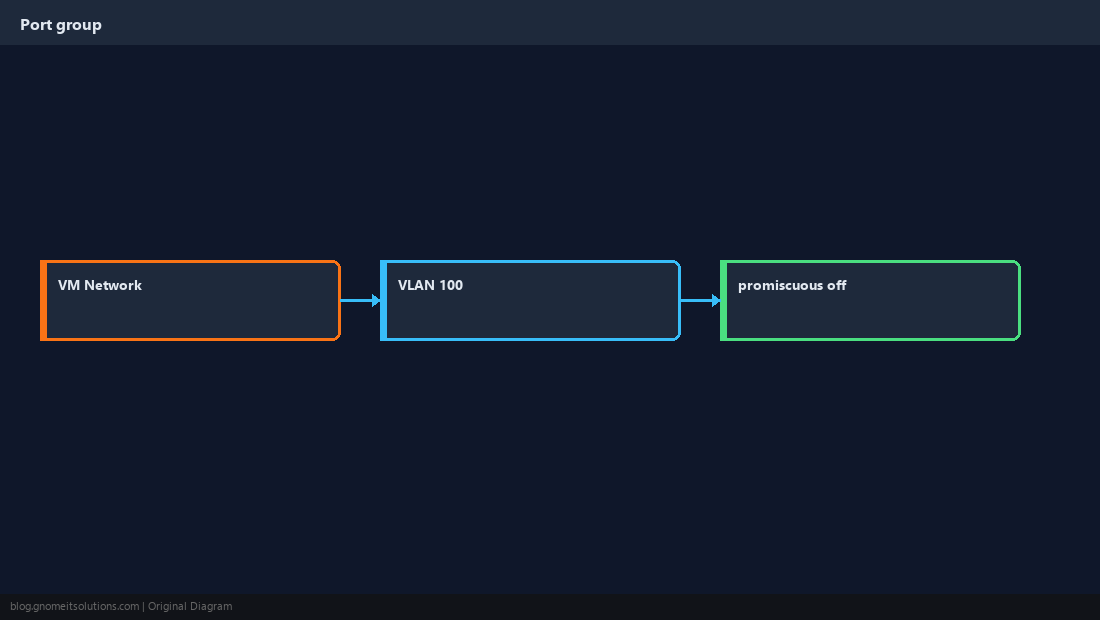
Example: VM-Production-VLAN100 with VLAN ID 100 — VMs on this group tag frames for that VLAN.
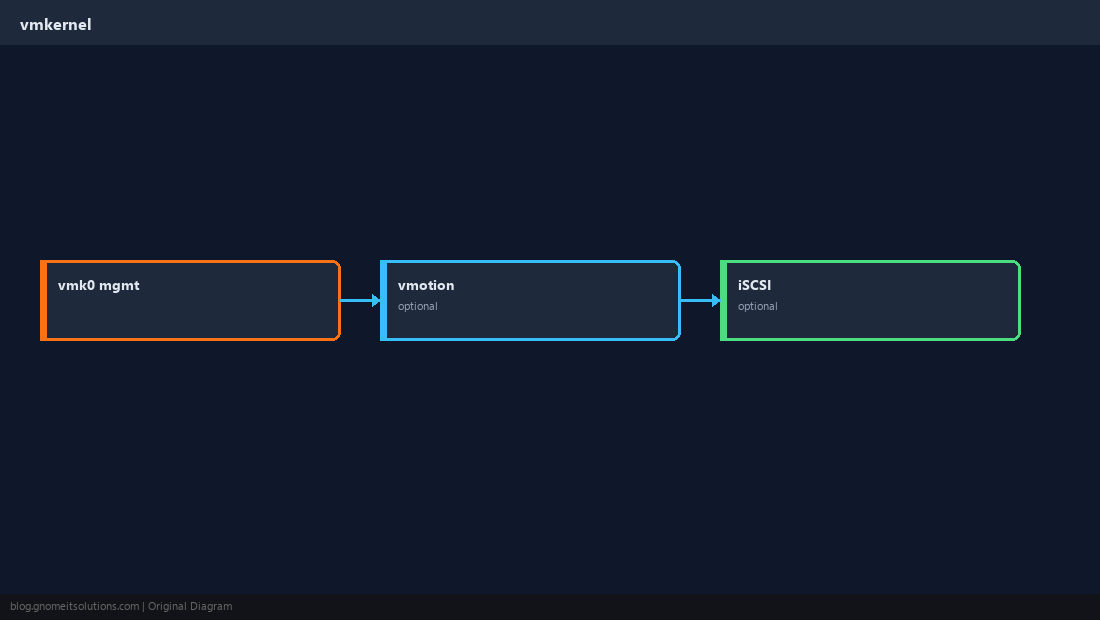
Management vmkernel
vmk0 stays on a management port group — do not mix untagged VM traffic with management without a design.
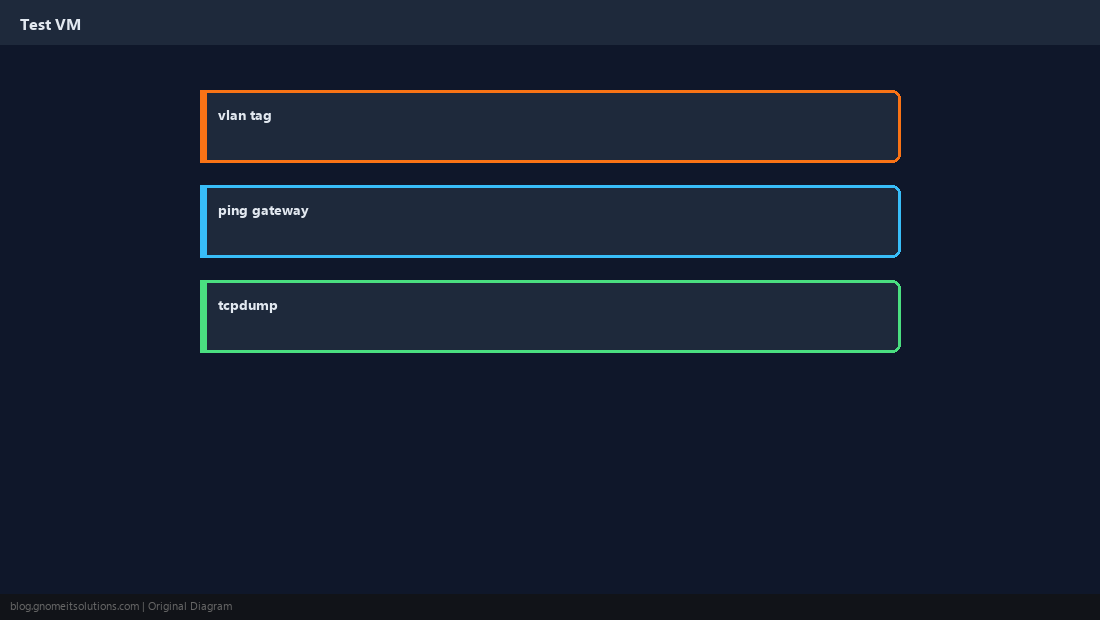
Test with a Small VM
Deploy a Linux VM, set static IP in guest, ping gateway and another host on the same VLAN.
ESXi Firewall
Management services listen on vmk0; restrict who can reach TCP 443 on the management network.
esxcli network firewall get
esxcli network firewall ruleset list | head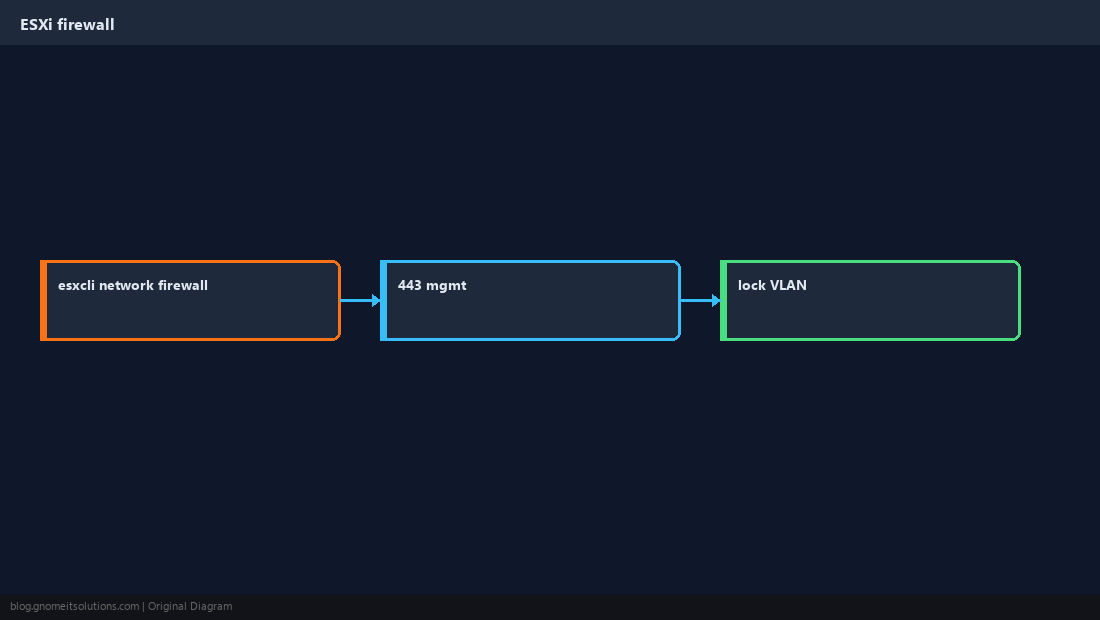
Document Your Diagram
Before production changes, sketch uplinks, VLANs, and which port group each VM class uses.
Quick Reference
- Port group = VM-facing network label + optional VLAN ID
- Uplinks = physical
vmnicto the switch - Keep management on isolated VLAN/firewall rules
Related tutorials
Diagrams are original illustrations by Gnome IT Solutions. Tutorial text © Gnome IT Solutions.