
sort on Linux powers log analysis one-liners — IP counts, disk usage lists, and package versions all start with sort before uniq -c. Getting numeric sort (-n) and field keys (-k) right avoids misleading “9 before 10” results.
Basic alphabetical
Default locale rules affect order — use LC_ALL=C for predictable ASCII sort in scripts.
bashnames
sort names.txt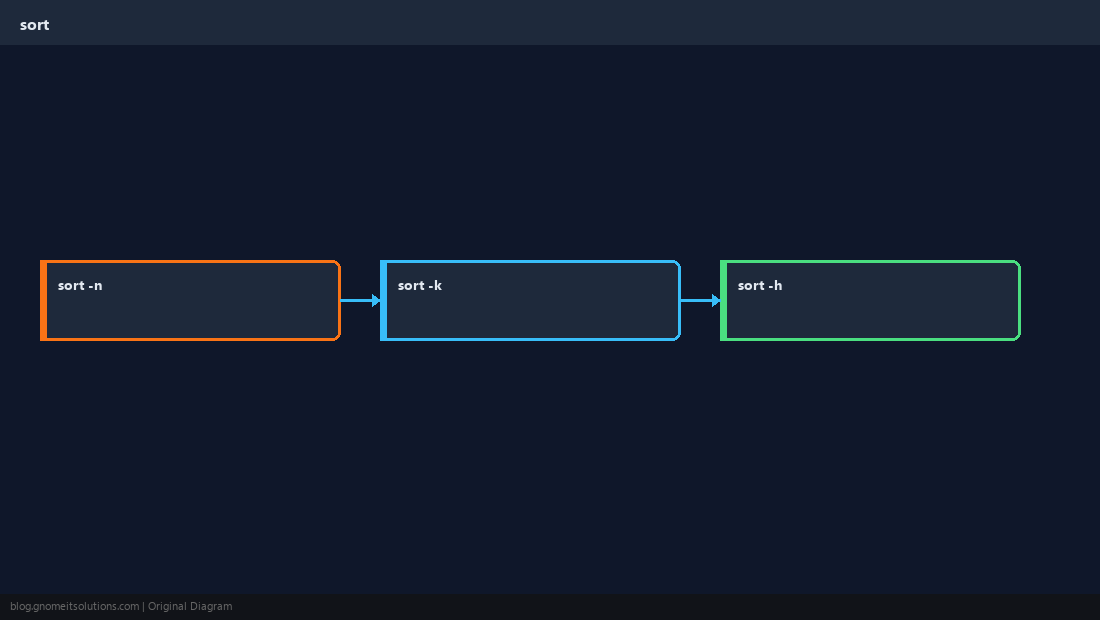
Numeric sort
-n compares as numbers, not strings — required for version-like columns.
bashnumbers
printf '%s\n' 9 10 2 | sort -nSort by field
-k picks the key after delimiter — pair with -t tab or comma.
bashcolumn
sort -t, -k3 -n data.csvHuman-readable sizes
-h understands K, M, G suffixes from du output.
TipPipeline pattern:
awk ... | sort | uniq -c | sort -nr for top-N counts in access logs.Quick Reference
- Text:
sort file - Numbers:
sort -n - Field:
sort -k2 -n
Related tutorials
Diagrams are original illustrations by Gnome IT Solutions. Tutorial text © Gnome IT Solutions.