
split on Linux shows up when a single file exceeds upload limits, email attachment caps, or backup window size. You create partaa, partab chunks (or numeric suffixes with -d) and reassemble with cat.
Related: wc,
tar & gzip,
rsync backup.
Split by bytes
-b accepts K, M, G suffixes.
bash100M
split -b 100M huge.iso upload_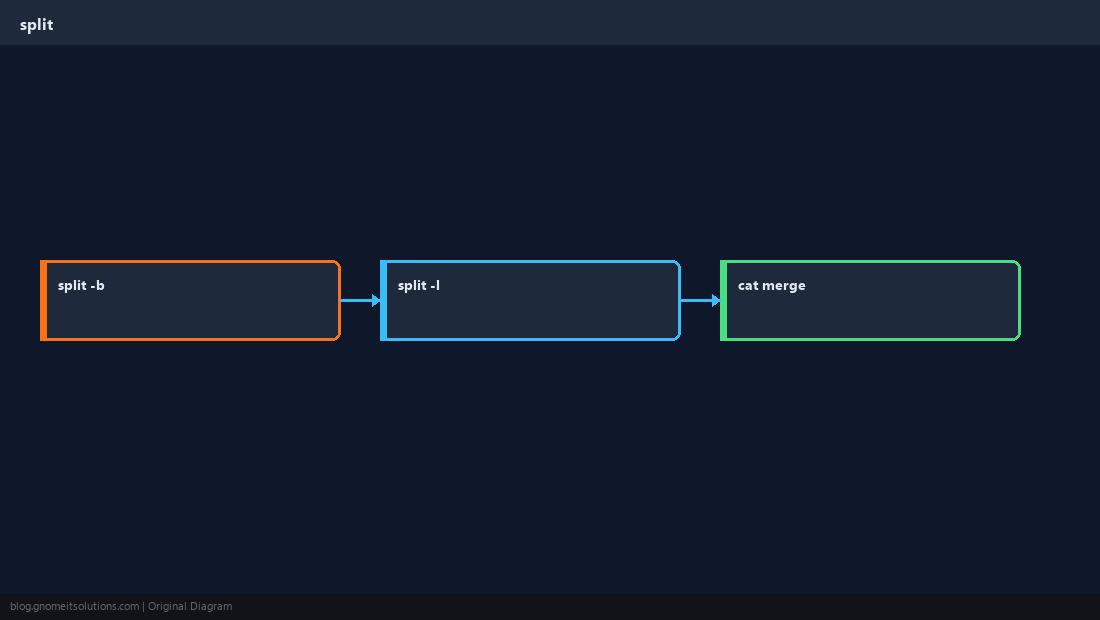
Split by lines
-l N splits text logs into manageable pieces.
bashlog parts
split -l 500000 /var/log/syslog chunk_Numeric suffixes
-d uses 00, 01 — easier to script than aa/ab.
bashnumeric
split -b 50M -d backup.tar backup_part_Rejoin safely
Concatenate in order; verify checksum before deleting parts.
WarningRecord the original checksum (
sha256sum) before split; verify after cat.Quick Reference
- Size:
split -b 100M file prefix_ - Lines:
split -l N file - Restore:
cat prefix_* > file
Related tutorials
Diagrams are original illustrations by Gnome IT Solutions. Tutorial text © Gnome IT Solutions.