
Archiving is how you move a directory tree, ship logs to support, or snapshot config before a change. tar bundles files;
gzip compresses the bundle; zip is what Windows colleagues can open without extra tools.
For scheduled off-site backups, see rsync backups or
restic; tar is still the right tool for one-off bundles and vendor tarballs.
Archive vs Compress
tar creates an archive (one file, many members). -z runs gzip on the archive. zip combines both steps in a Windows-friendly format.
ls -lh backup-*.tar.gz site.zip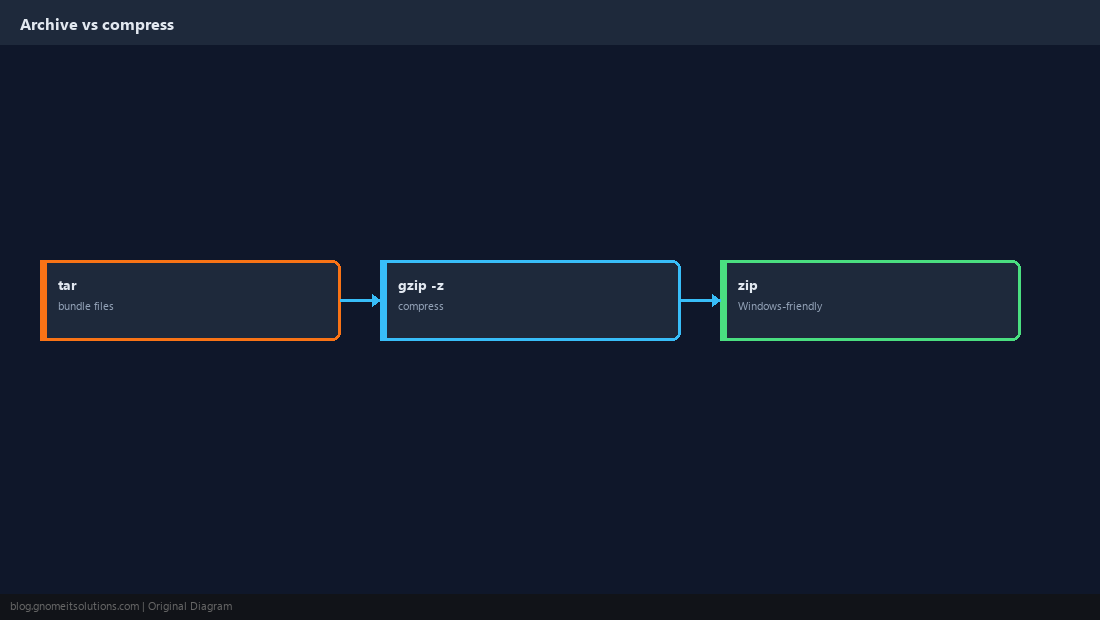
Create a .tar.gz
Use -c create, -z gzip, -v verbose, -f file name. The -C flag changes directory first so paths stay clean.
tar -czvf /backup/etc-$(date +%F).tar.gz -C / etc/nginx etc/ssl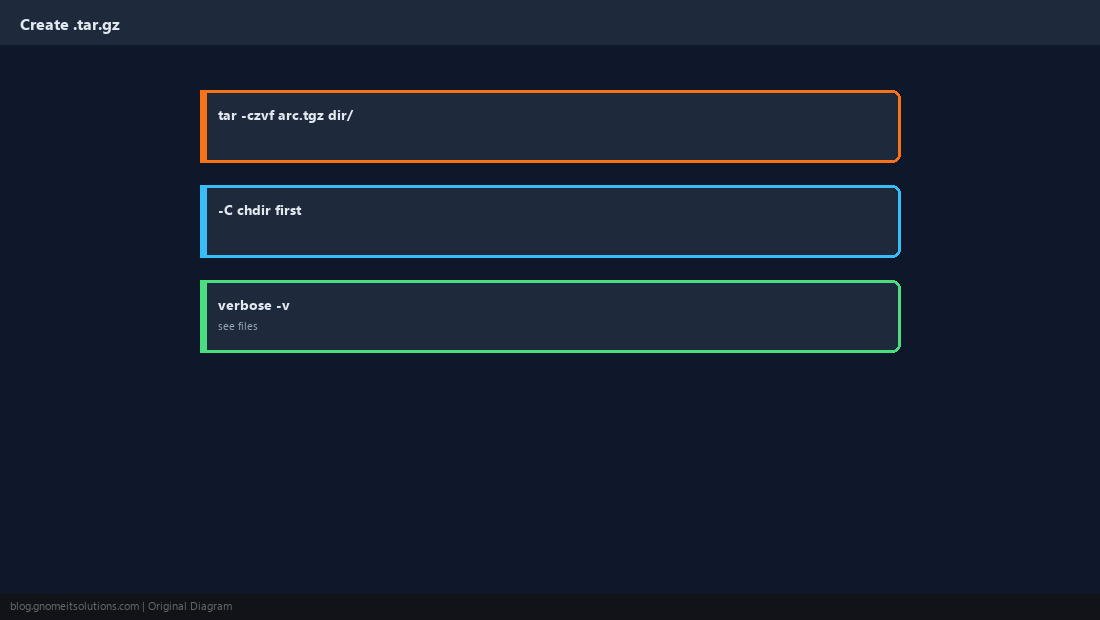
List Before You Extract
Never extract untrusted archives as root without looking. -t lists members; check for absolute paths or ../ tricks.
tar -tzf bundle.tar.gz | head
tar -xzf bundle.tar.gz -C /tmp/restore-test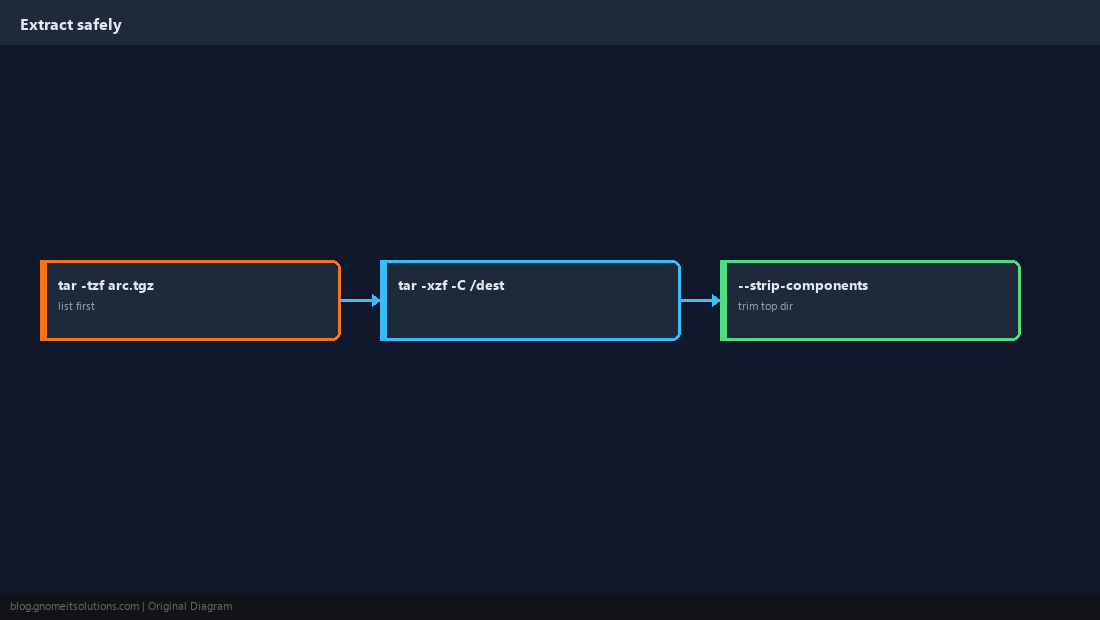
Exclude Noise
Skip caches, node_modules, and VCS metadata to keep archives small and restores fast.
tar -czvf site.tgz --exclude='*.log' --exclude='node_modules' -C /var/www mysite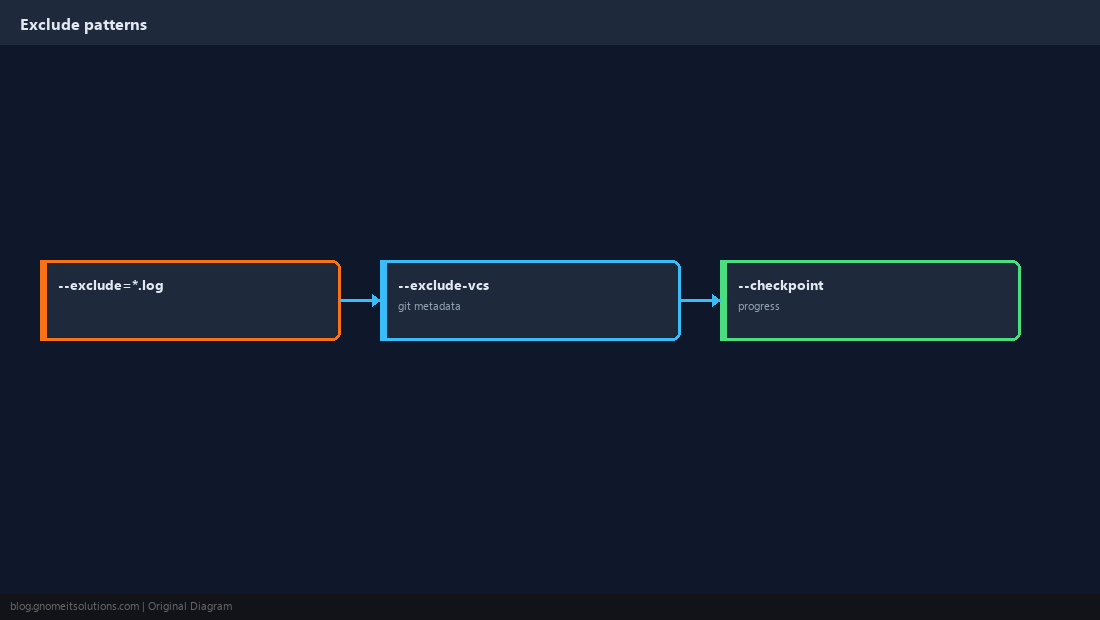
zip and unzip
Handy when recipients are on Windows. unzip -l lists without extracting.
zip -r docs.zip project/docs/
unzip -l docs.zip | head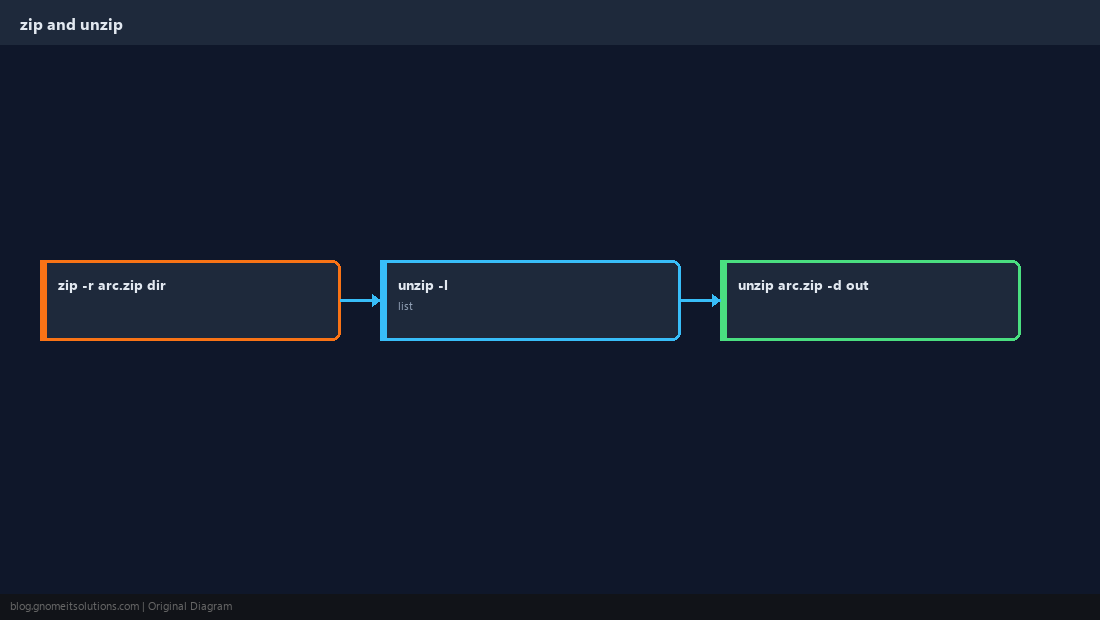
Permissions and Ownership
Extracting as root preserves owners from the archive. For untrusted input, use --no-same-owner or extract as your user.
mkdir -p ~/restore && tar -xzf bundle.tar.gz -C ~/restore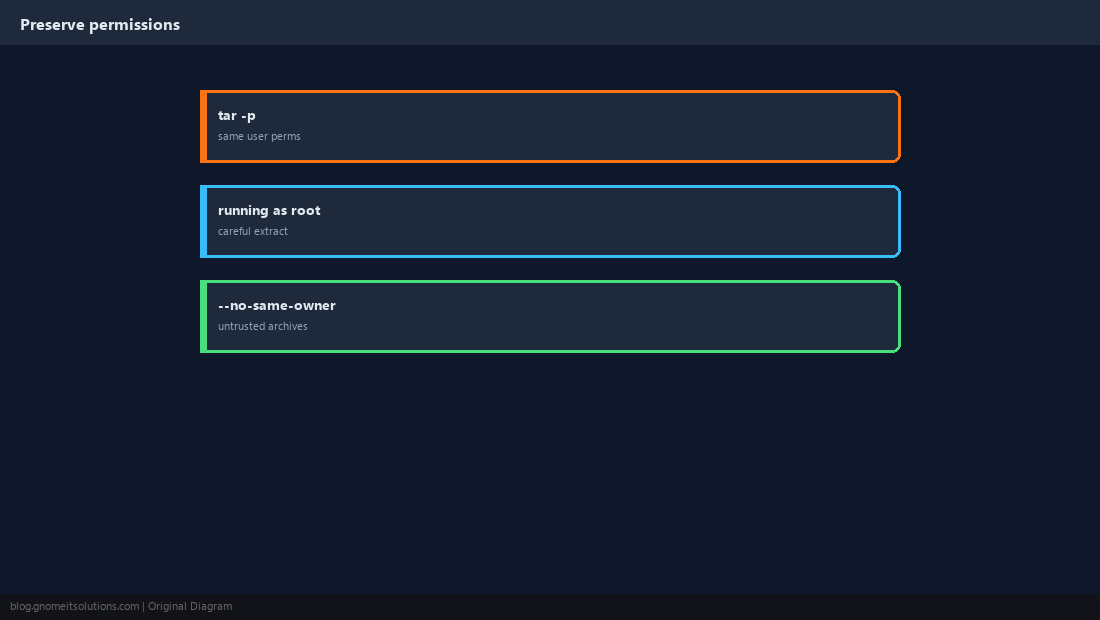
Backup Habit: Name, Test, Move
Timestamp archives, verify listing, and periodically restore into /tmp. Copy off-site with rsync or object storage.
sha256sum /backup/etc-*.tar.gz > /backup/sha256sum.txt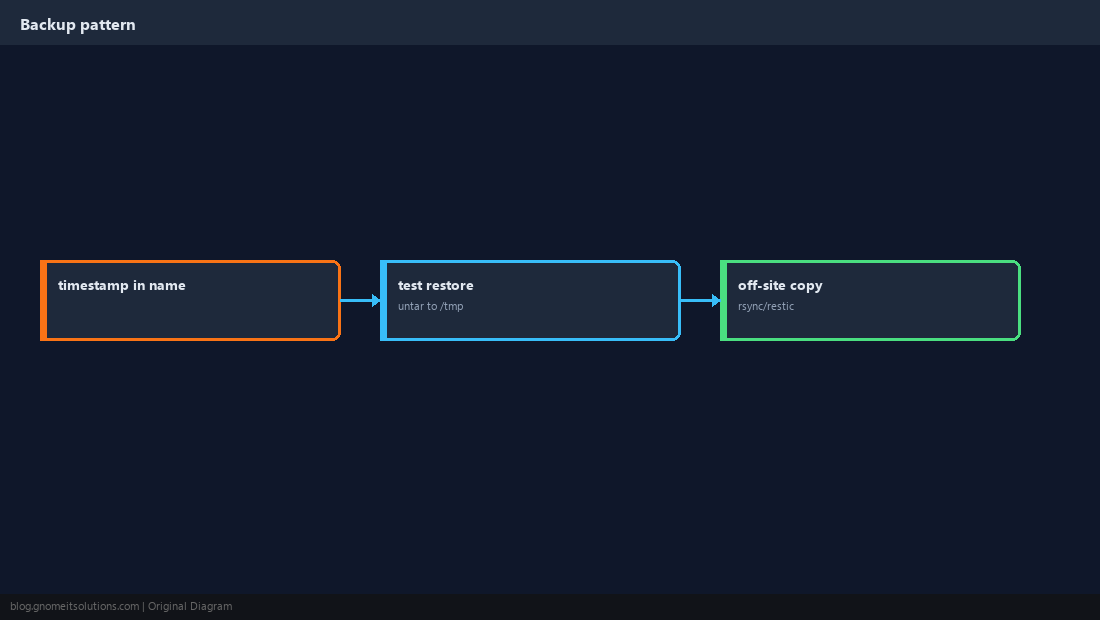
Quick Reference
tar -tzfbeforetar -xzfon unknown filestar -czvfcreate;zip -rfor Windows users- Test restores, not just archives
Related tutorials
Diagrams are original illustrations by Gnome IT Solutions. Tutorial text © Gnome IT Solutions.