
Queries for sysctl persistent rank well in position — admins need files, not temporary sysctl -w. See also sysctl tuning guide and network stack.
Test in memory
sysctl -w for a quick experiment.
bashtest
sudo sysctl -w net.core.somaxconn=4096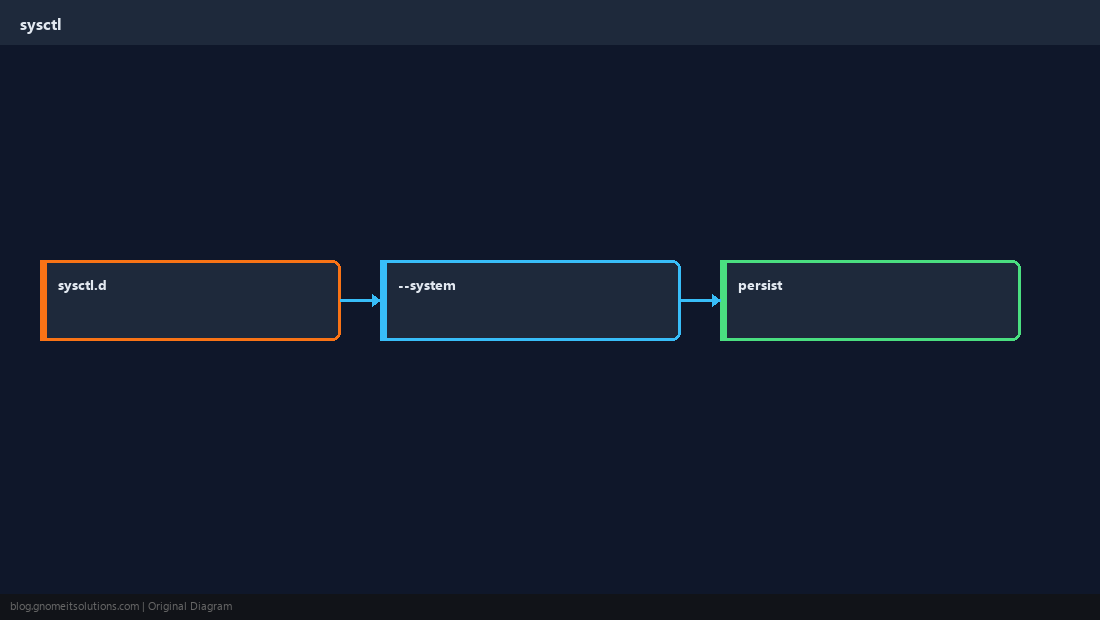
Drop-in file
Use /etc/sysctl.d/99-name.conf — one knob per line.
bashfile
echo 'net.core.somaxconn = 4096' | sudo tee /etc/sysctl.d/99-somaxconn.confLoad all
sysctl --system on modern distros.
bashapply
sudo sysctl --system | tailReboot check
Verify with sysctl net.core.somaxconn after restart.
TipOn Proxmox hosts, document sysctl alongside Ceph network tuning — reboot order matters after kernel updates.
Quick Reference
- Persist:
/etc/sysctl.d/*.conf - Apply:
sysctl --system - Avoid editing deprecated
/etc/sysctl.confonly
Related tutorials
Diagrams are original illustrations by Gnome IT Solutions. Tutorial text © Gnome IT Solutions.