Every Ceph pool is divided into placement groups (PGs). They are the unit Ceph uses to place, replicate and recover data, and almost every
Ceph health message mentions them. Get the PG count wrong and the cluster is either unbalanced or wastes memory; misread a PG state and you can chase the wrong problem.
This guide explains PGs from the ground up, then covers sizing, the autoscaler, the states you will see in ceph -s, and how to fix stuck and inconsistent PGs.
It applies to Ceph on Proxmox and to standalone clusters.
Quick answer: leave the PG autoscaler on (it is the default since Ceph Octopus), give large pools a target_size_ratio, and investigate any PG that is not active+clean.
How Objects Map to PGs and OSDs
Ceph hashes each object’s name to pick a placement group, then the CRUSH algorithm maps that PG to a set of OSDs (one per replica). Clients compute this themselves, so there is no central lookup table.
  object 'rbd_data.1a2b.0000000000000042'
     --hash--> PG 2.3f (pool 2)
     --CRUSH--> [osd.4, osd.9, osd.1]   (primary first, size=3)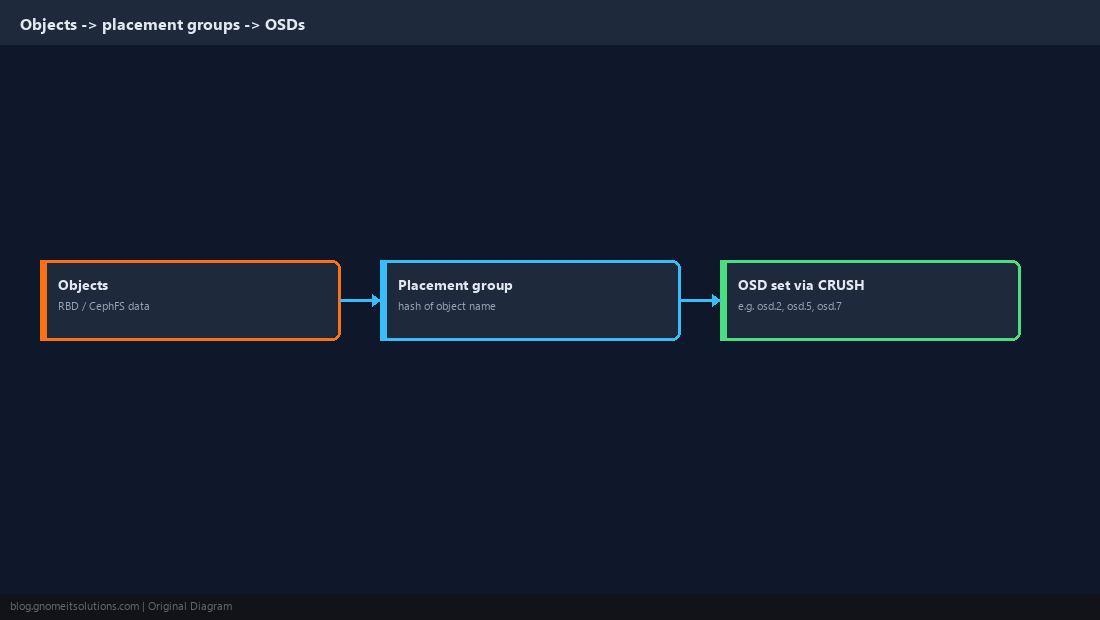
Why Ceph Uses PGs at All
Tracking millions of individual objects would be far too much bookkeeping. Grouping them into a few thousand PGs keeps metadata small, and when an OSD fails, Ceph recovers PG by PG across many OSDs in parallel instead of copying one disk to another.
ceph osd pool ls detail
ceph pg stat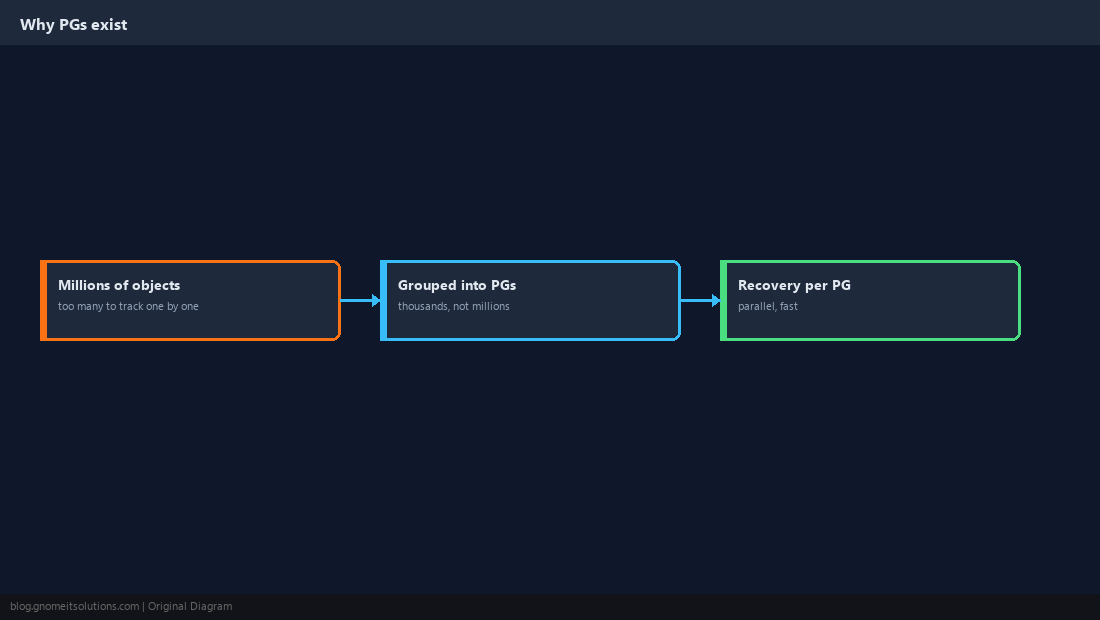
How Many PGs a Pool Needs
The classic rule targets about 100 PGs per OSD across all pools: total PGs ~ (number of OSDs x 100) / replica size, rounded to a power of two and divided between pools by how much data each will hold. Too few PGs balance data poorly; too many waste OSD memory and CPU.
(12 x 100) / 3 = 400  ->  nearest power of two = 512
(the autoscaler may choose 256 or 512 for you)pg_num should be a power of two (64, 128, 256, 512 …). Other values work but leave PGs unevenly sized.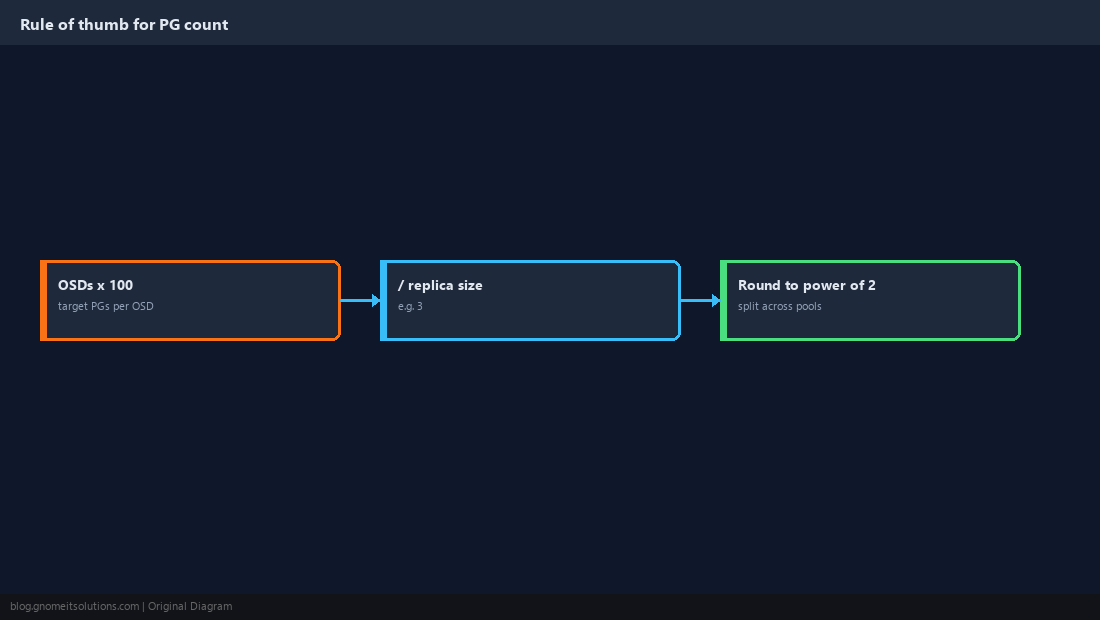
Let the PG Autoscaler Do the Work
Since Octopus the pg_autoscaler manager module is on by default and adjusts pg_num as pools grow. Check what it plans, and tell it how big each pool is expected to become so it sizes PGs up front instead of after the data arrives.
ceph osd pool autoscale-status
ceph osd pool set vm-pool pg_autoscale_mode on      # on | warn | off
ceph osd pool set vm-pool target_size_ratio 0.8     # expect ~80% of the cluster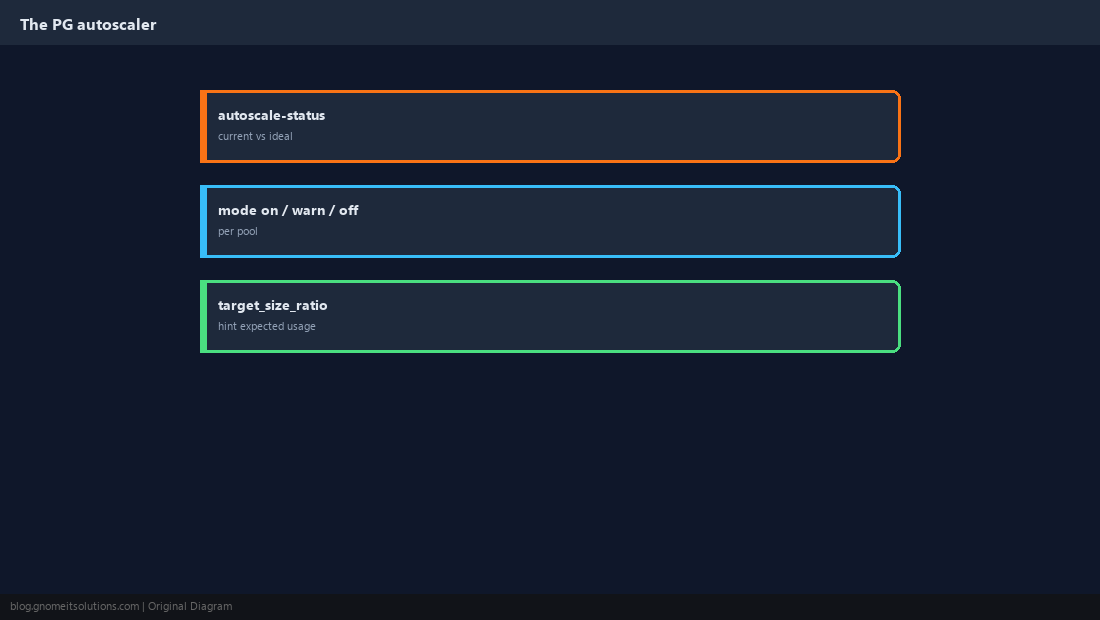
Change pg_num Manually (When You Must)
With the autoscaler set to warn or off, you set pg_num yourself. Since Nautilus, pgp_num follows automatically and Ceph can also reduce PG counts by merging. Changes cause data movement, so do them in quiet hours and watch recovery.
ceph osd pool set vm-pool pg_num 256
watch -n 5 ceph -s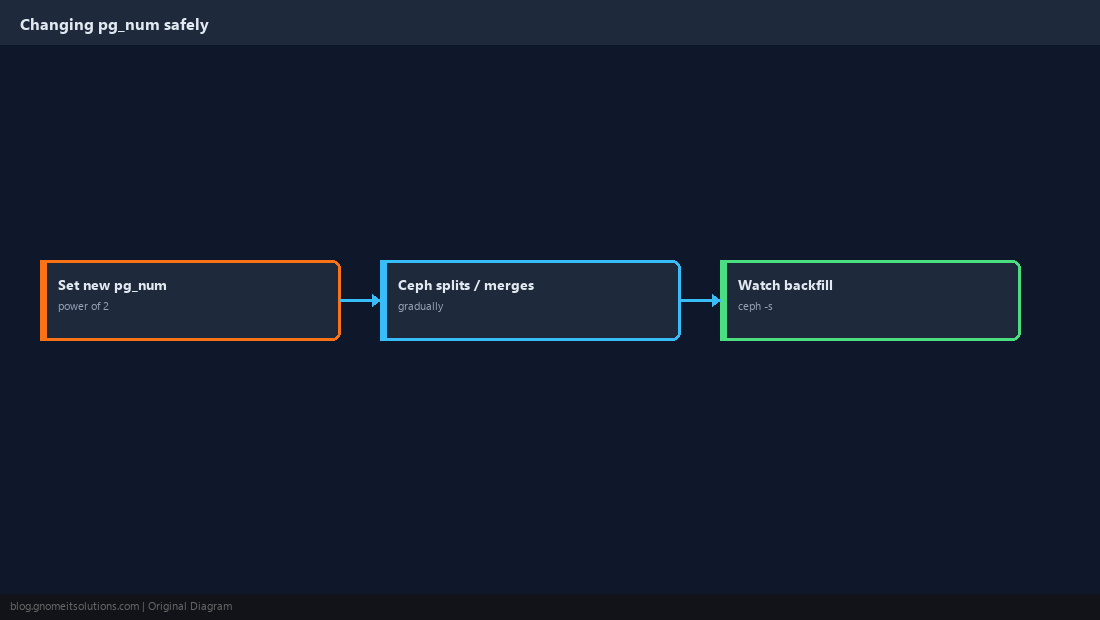
Read PG States Correctly
A PG’s state tells you what Ceph is doing with it. active+clean is the goal. degraded or undersized means some replicas are missing (usually a down OSD). peering, remapped, backfilling and recovering are normal while the cluster heals. inconsistent means a scrub found replicas that do not match.
ceph pg stat
ceph pg ls degraded
ceph pg ls inconsistent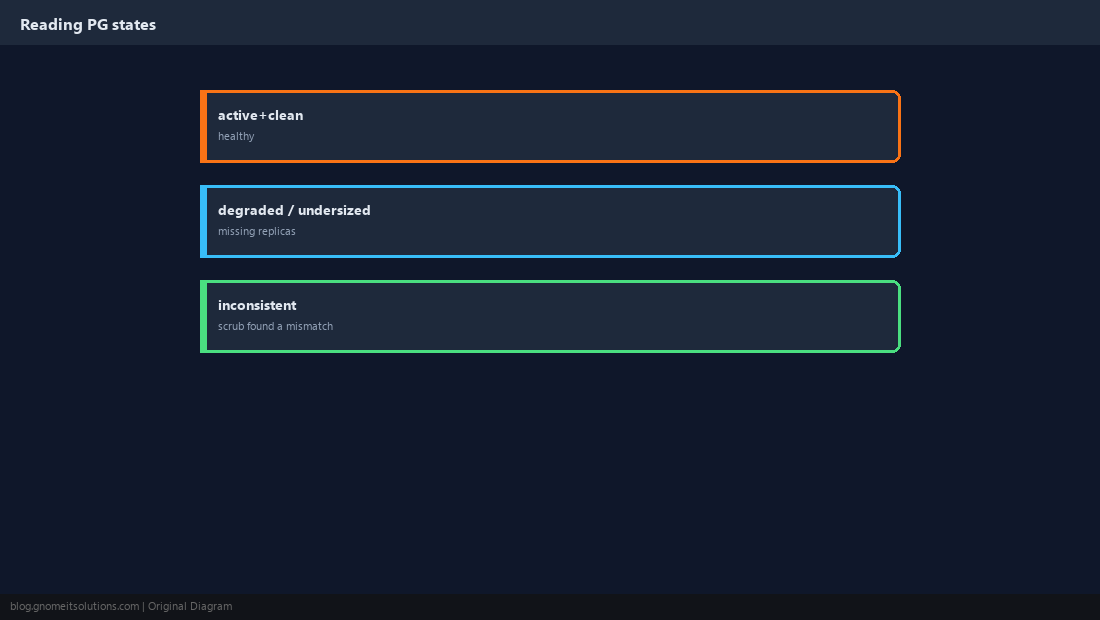
Find and Diagnose Stuck PGs
PGs that stay in a non-clean state are reported as stuck. Query one to see which OSDs it is waiting for; the fix is almost always to bring that OSD back or replace it.
ceph pg dump_stuck unclean
ceph pg dump_stuck inactive
ceph pg 2.3f query | less    # look at 'recovery_state' and 'blocked_by'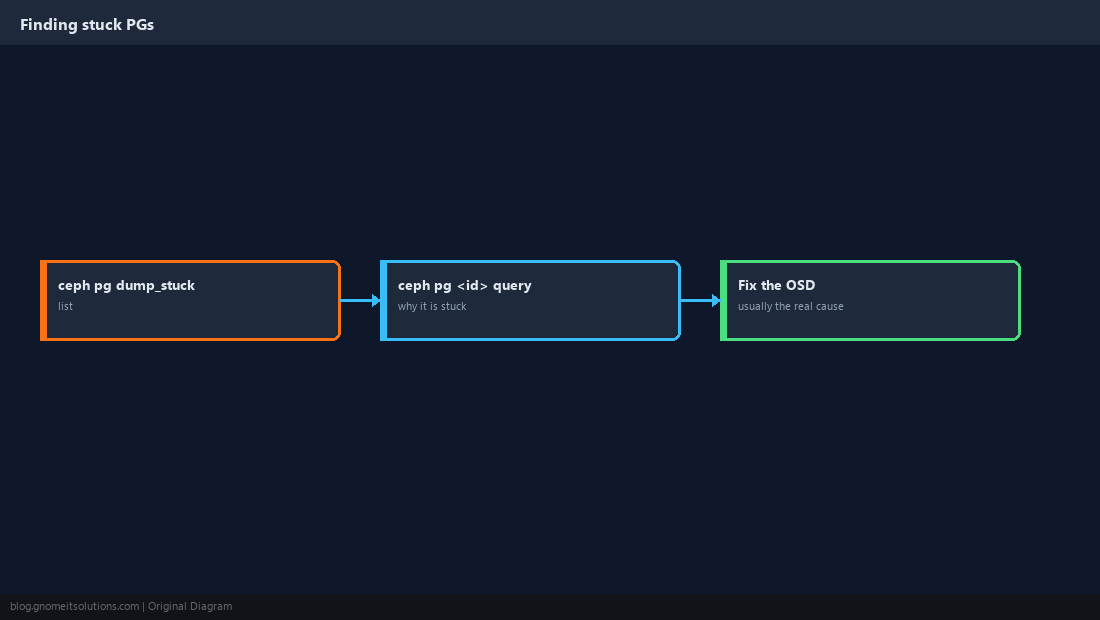
Repair an Inconsistent PG
Scrubs compare replicas. When they disagree, health shows OSD_SCRUB_ERRORS and PG_DAMAGED. Check which object differs (often a failing disk, so check SMART too), then let Ceph repair from the good copies.
ceph health detail | grep inconsistent
rados list-inconsistent-obj 2.3f --format=json-pretty
ceph pg repair 2.3f
ceph pg deep-scrub 2.3f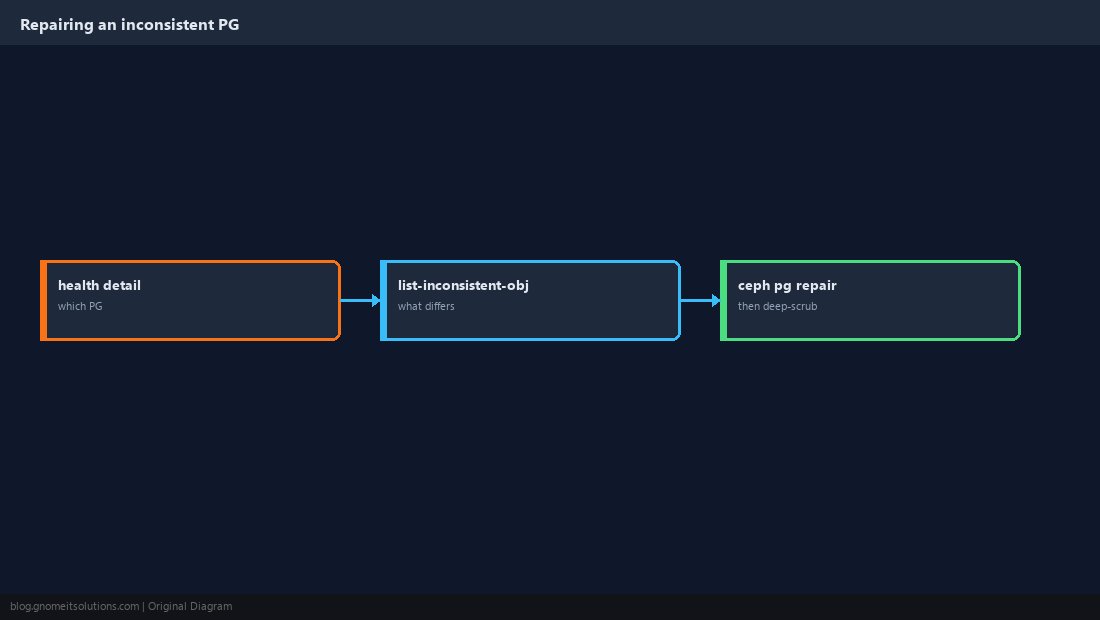
Quick Reference
What is a placement group in Ceph?
A placement group is a slice of a pool. Ceph hashes each object into a PG, and the CRUSH algorithm maps each PG to a set of OSDs. Replication, recovery and scrubbing all happen per PG.
How many placement groups should a Ceph pool have?
A common starting point is about 100 PGs per OSD across all pools: (OSDs x 100) / replica size, rounded to a power of two. With the PG autoscaler enabled, Ceph adjusts this for you.
Should I enable the Ceph PG autoscaler?
Yes for most clusters. It is on by default since Octopus. Set target_size_ratio on large pools so it sizes them correctly before data arrives.
What does active+clean mean?
The PG is serving I/O and all replicas are present and consistent. That is the healthy state every PG should return to.
How do I fix an inconsistent PG?
Run ceph health detail to find it, inspect it with rados list-inconsistent-obj, then run ceph pg repair on it and check the disk behind the affected OSD.
Cheat Sheet
ceph osd pool autoscale-status,ceph pg stat,ceph pg dump_stuckceph pg <id> query,ceph pg repair <id>
Related tutorials
Diagrams are original illustrations by Gnome IT Solutions. Tutorial text © Gnome IT Solutions.