
A Ceph cluster tells you exactly what is wrong — if you know where to look. Most problems surface as HEALTH_WARN or HEALTH_ERR
in ceph -s, with a short code such as OSD_DOWN, OSD_NEARFULL or MON_CLOCK_SKEW.
This guide is a practical runbook for the warnings you will actually meet on a Proxmox or standalone cluster, with the command that diagnoses each one and the fix. For PG-specific states,
see Ceph placement groups explained.
Quick answer: run ceph health detail first. Every warning it lists has a code; fix the root cause (usually one OSD or one host) before anything else.
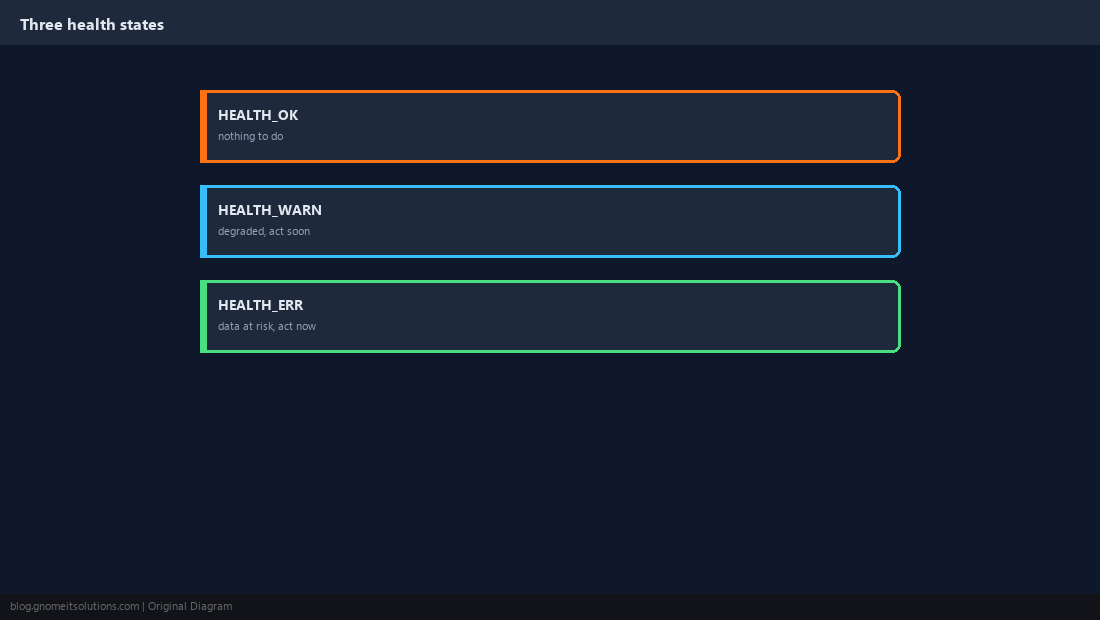
Know the Three Health States
HEALTH_OK means nothing needs attention. HEALTH_WARN means the cluster is degraded or approaching a limit but still serving data. HEALTH_ERR means data availability or integrity is at risk and needs immediate action.
Always Start With These Commands
ceph -s gives the summary, ceph health detail explains each warning with its code, and ceph osd tree shows which OSDs are up or down on which host. On Proxmox, pveceph status and the Ceph panel show the same data.
ceph -s
ceph health detail
ceph osd tree
ceph osd df tree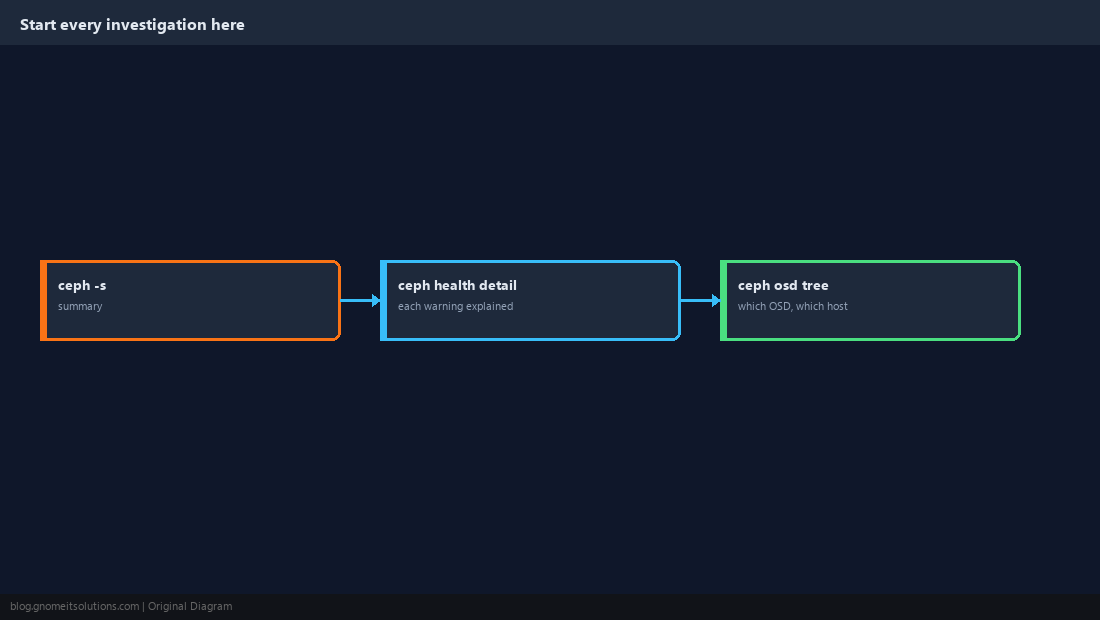
OSD Down
An OSD reported down is the most common warning. Find it, check its service and the disk behind it, then restart or replace. If it stays down for 10 minutes by default (mon_osd_down_out_interval), Ceph marks it out and starts re-replicating its data elsewhere.
ceph osd tree | grep down
systemctl status ceph-osd@3
journalctl -u ceph-osd@3 --since '1 hour ago' | tail -40
systemctl restart ceph-osd@3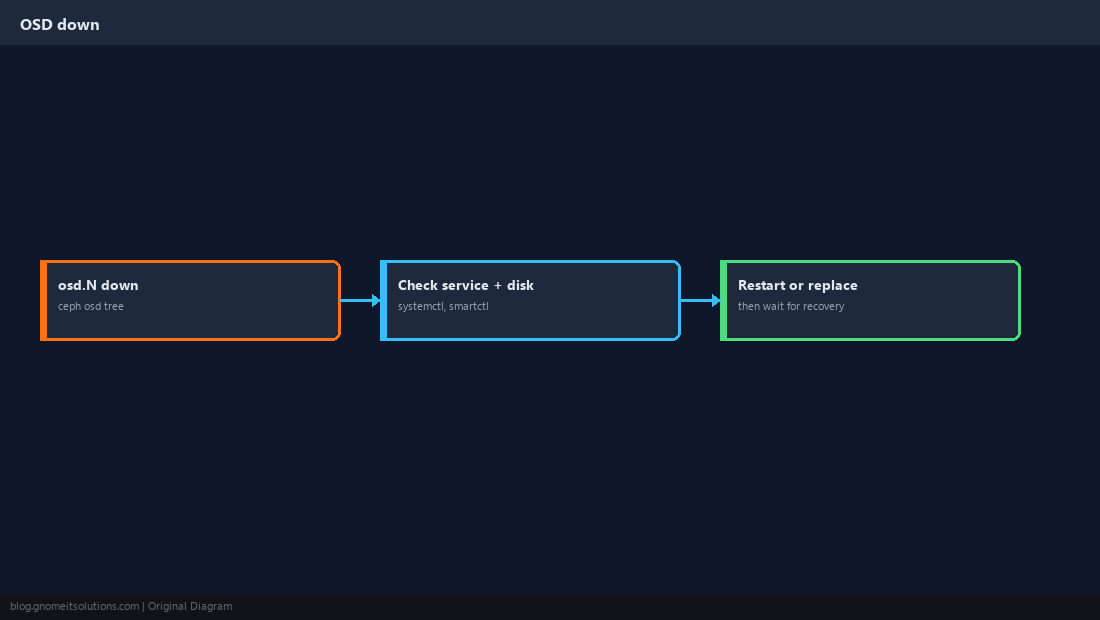
Reboot a Node Without Triggering Rebalancing
Rebooting a node takes its OSDs down. Setting noout first stops Ceph from marking them out and copying data around for a short planned outage.
ceph osd set noout
# reboot / patch the node, wait for its OSDs to come back up
ceph osd unset noout
ceph -snoout itself shows as a warning. Always unset it afterwards; left on, a real failure will not trigger recovery.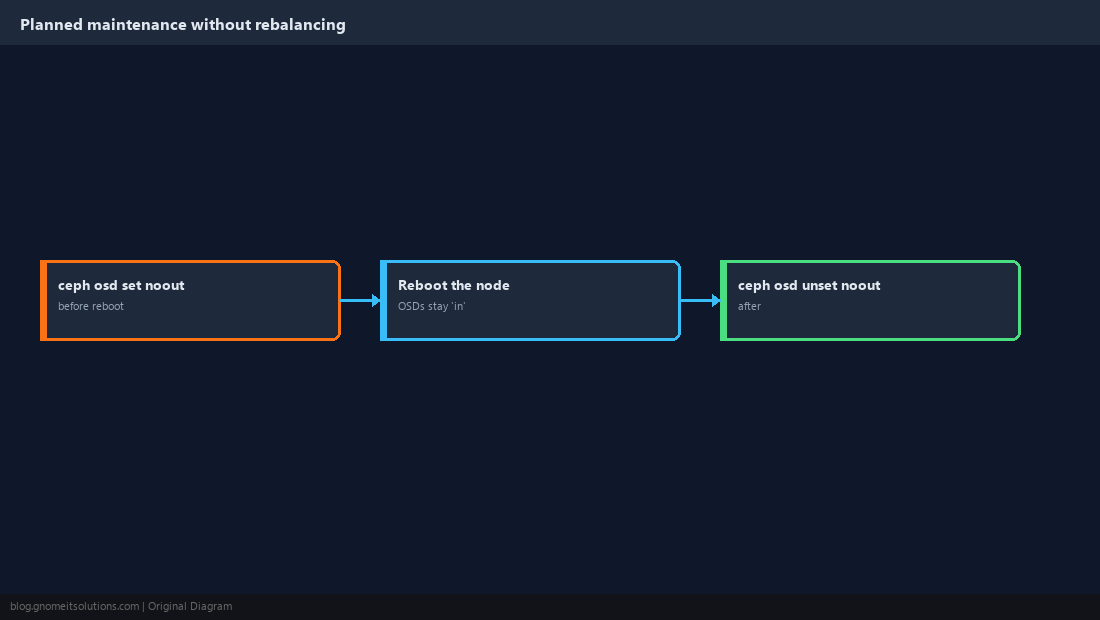
Nearfull, Backfillfull and Full
Ceph protects itself with capacity thresholds: nearfull at 85% warns, backfillfull at 90% stops data moving onto an OSD, and full at 95% stops writes to the cluster. One unbalanced OSD can trigger these while the cluster as a whole looks fine.
ceph df
ceph osd df tree | sort -nk 17 | tail
ceph balancer statusceph balancer on). Raising the ratios only buys time.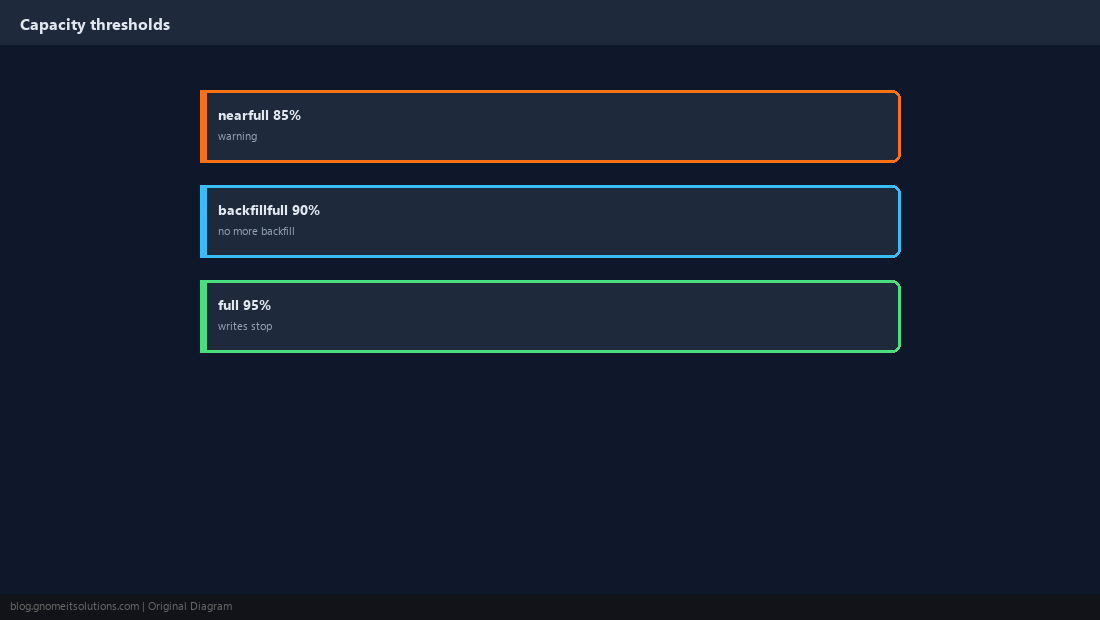
Monitor Clock Skew
Monitors need closely synchronised clocks to keep quorum. MON_CLOCK_SKEW means at least one node’s clock has drifted. Fix time sync on every node, not just the one reported.
ceph time-sync-status
chronyc tracking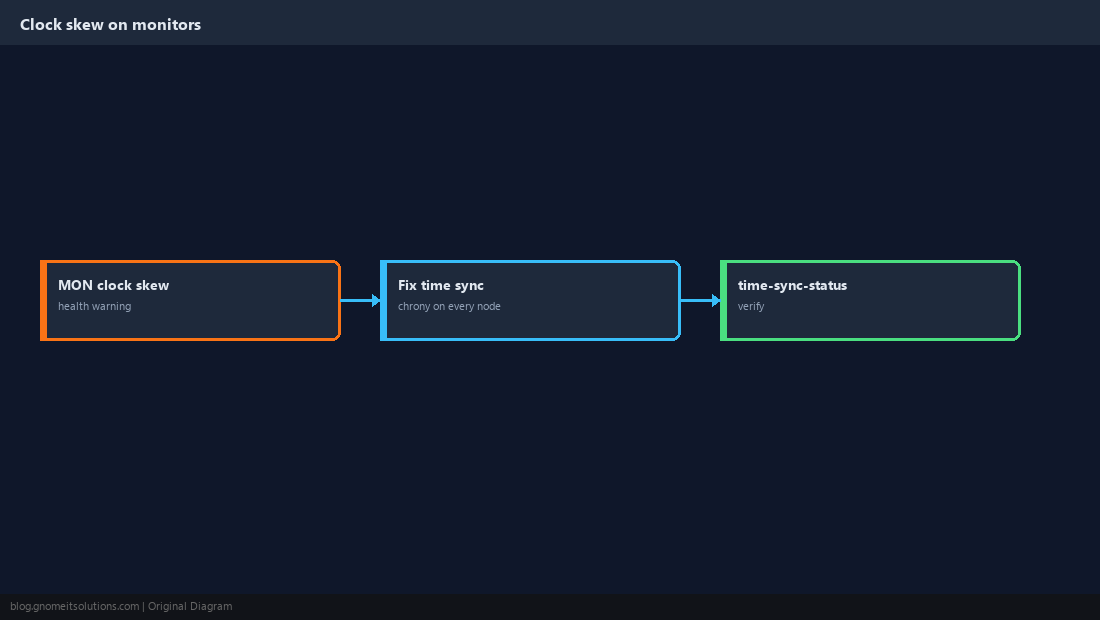
Common Pool Warnings
POOL_APP_NOT_ENABLED means a pool has no application tag; label it so Ceph knows how it is used. Pool size 1 (POOL_NO_REDUNDANCY) means no copies at all. PG count warnings come from the autoscaler.
ceph osd pool application enable vm-pool rbd
ceph osd pool get vm-pool size
ceph osd pool set vm-pool size 3
ceph osd pool autoscale-status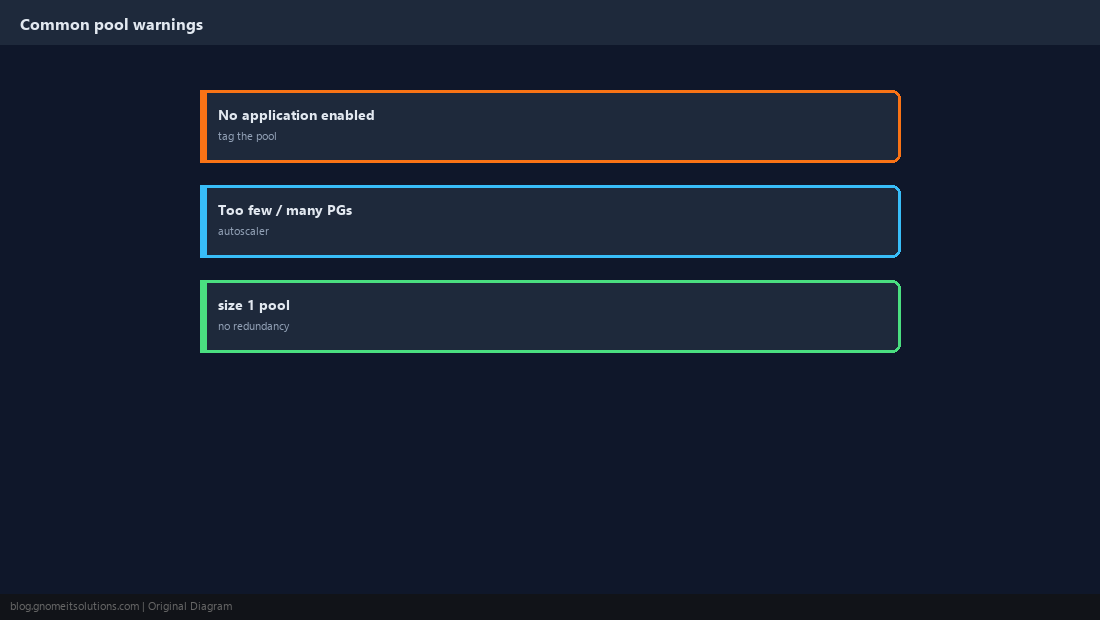
Recent Crash Reports
RECENT_CRASH appears after any Ceph daemon crashed. Read the report to see whether it is a one-off or a recurring problem, then archive it to clear the warning.
ceph crash ls
ceph crash info <crash-id>
ceph crash archive-all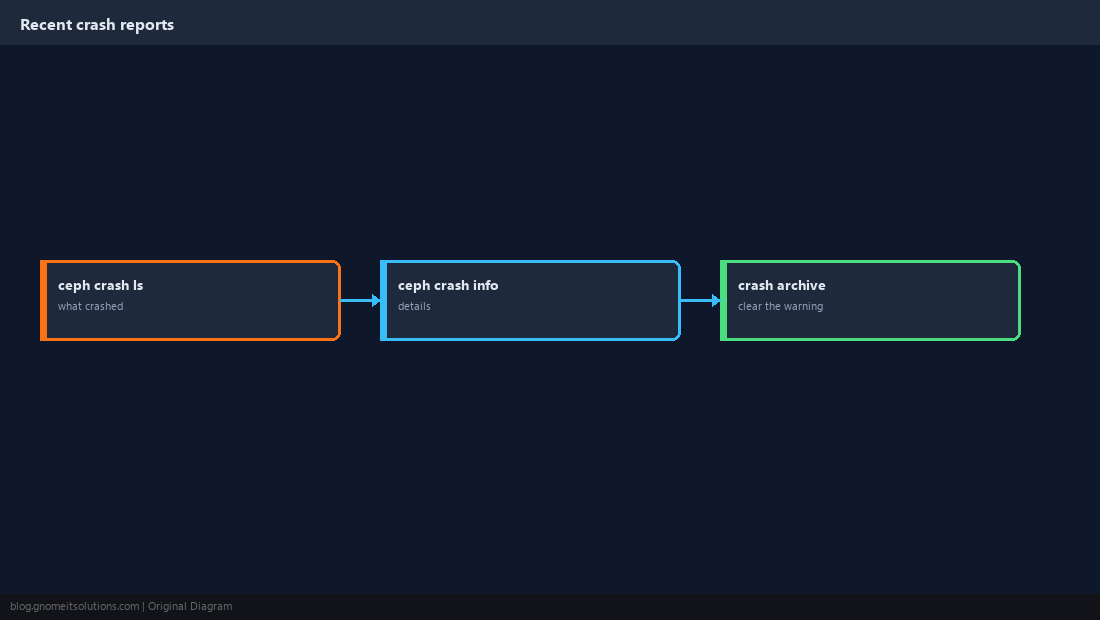
Quick Reference
How do I check Ceph cluster health?
Run ceph -s for a summary and ceph health detail for each warning with its code. On Proxmox, pveceph status and the Ceph panel show the same information.
What is the difference between HEALTH_WARN and HEALTH_ERR?
HEALTH_WARN means the cluster is degraded or approaching a limit but still serving data. HEALTH_ERR means data availability or integrity is at risk and needs immediate action.
How do I restart a down Ceph OSD?
Check it with ceph osd tree and its logs with journalctl, then run systemctl restart ceph-osd@ID. If the disk shows errors, replace it instead.
What does ceph osd set noout do?
It stops Ceph from marking down OSDs as out, so a planned reboot does not trigger data rebalancing. Unset it with ceph osd unset noout afterwards.
What happens when a Ceph OSD reaches 95% full?
At the full ratio (95% by default) Ceph blocks writes to protect data. Add capacity or free space; nearfull (85%) is the warning to act on before that.
Cheat Sheet
ceph -s,ceph health detail,ceph osd tree,ceph osd df treeceph osd set/unset noout,ceph crash ls,ceph time-sync-status
Related tutorials
Diagrams are original illustrations by Gnome IT Solutions. Tutorial text © Gnome IT Solutions.