The QEMU Guest Agent enables clean shutdowns, IP reporting, and better backups. This guide uses the official Proxmox VM creation screens.
Step 1: Enable Qemu Guest Agent During VM Creation
On the System tab when creating or editing a VM, enable Qemu Guest Agent.
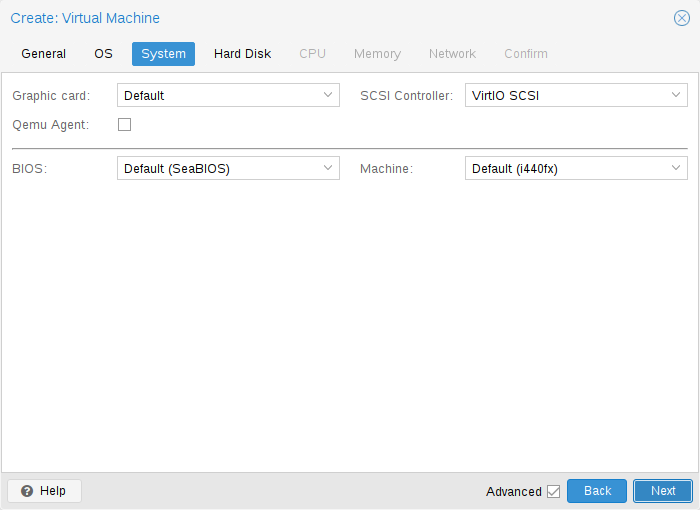
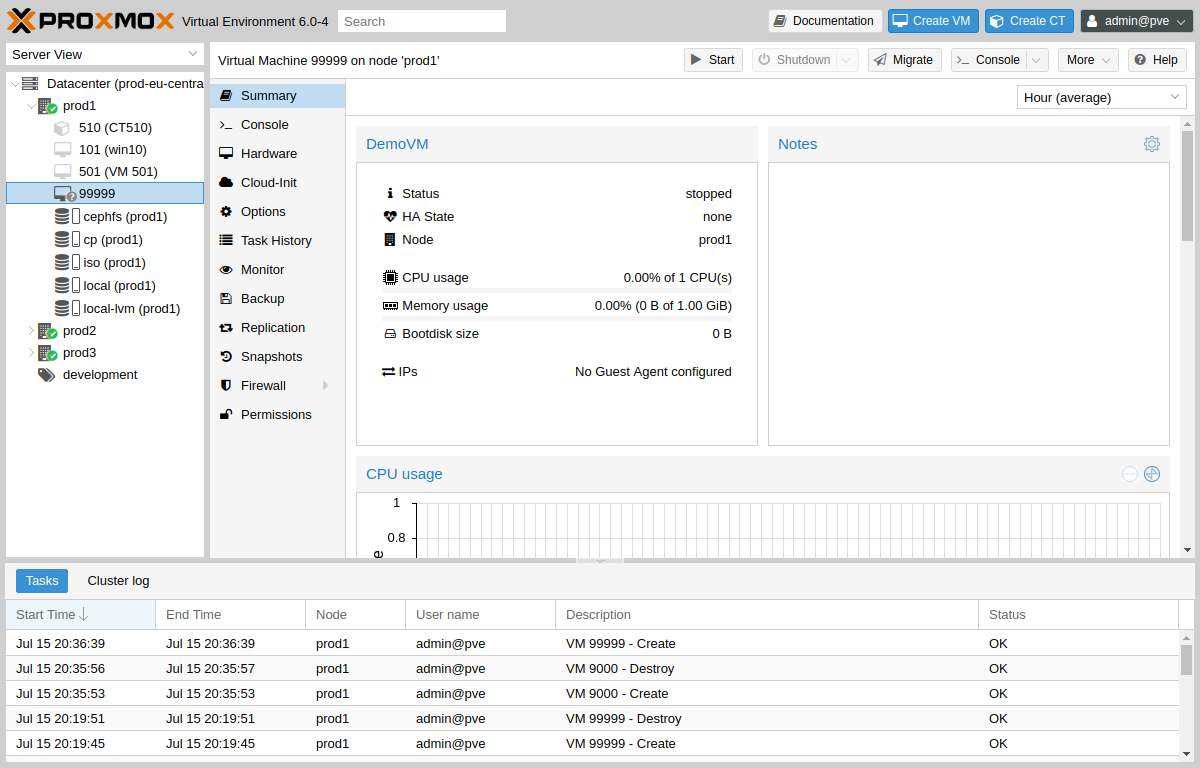
Step 2: Review VM Summary After Agent Is Running
Once installed inside the guest, the Summary tab displays the VM IP address.
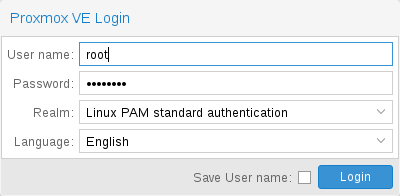
Step 3: Verify Login and Management Access
Access Proxmox web UI to confirm VM status and management options.
Install Guest Agent Inside Linux VM
apt update && apt install qemu-guest-agent -y
systemctl enable --now qemu-guest-agent
systemctl status qemu-guest-agent
Add Agent to Existing VM
Shut down VM → Hardware → Add → QEMU Guest Agent → install package inside guest → start VM.
Image credits: Screenshots are from the official
Proxmox VE documentation
(Proxmox GmbH), used for educational purposes.