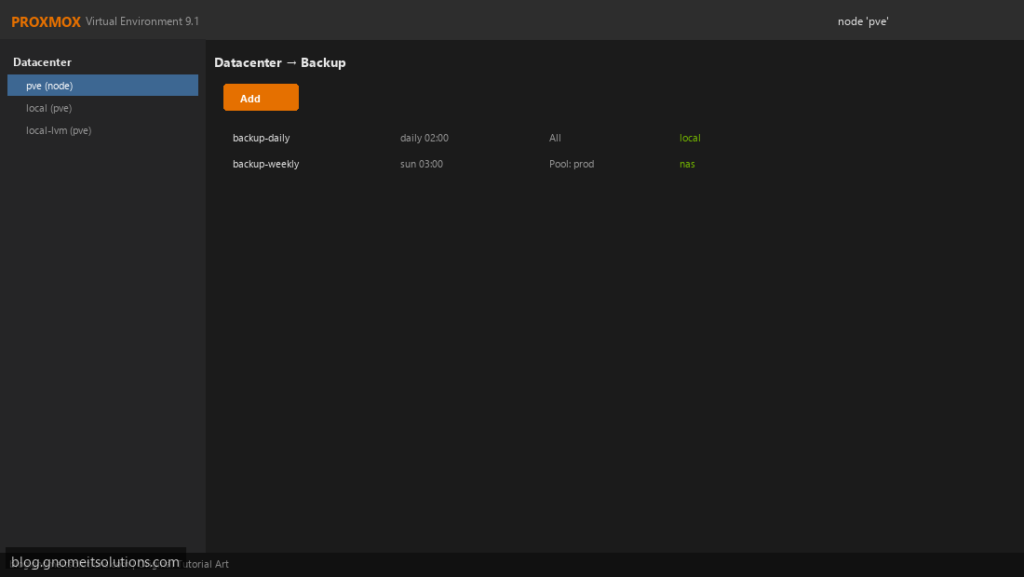
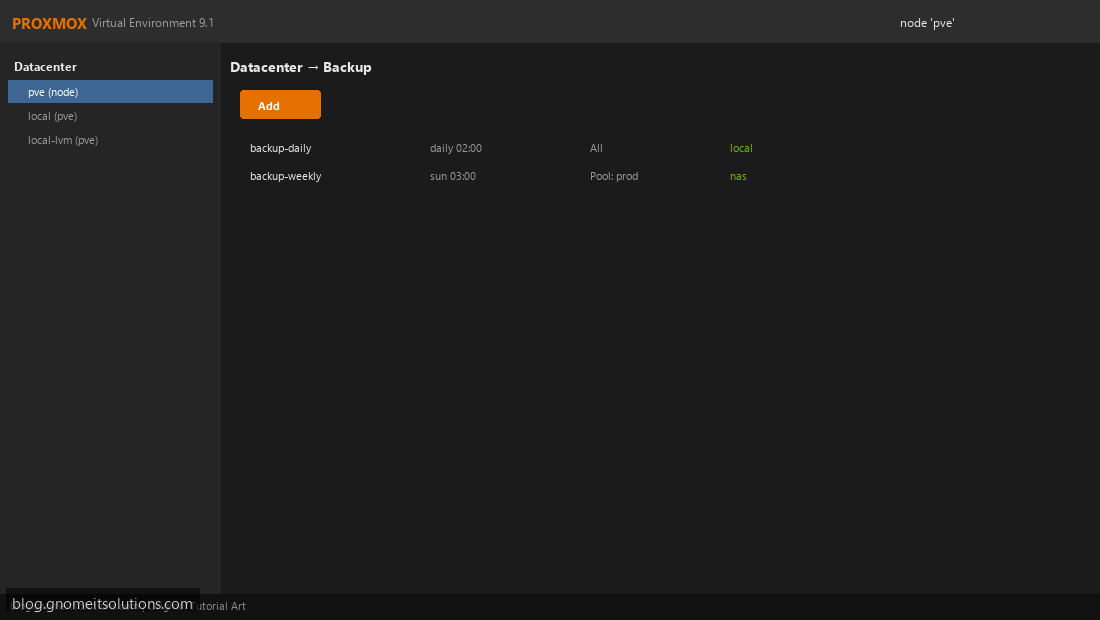
Automate VM protection with Proxmox scheduled backup jobs from Datacenter → Backup.
Step 1: Open Backup Job Overview
Datacenter → Backup. View existing jobs or click Add.
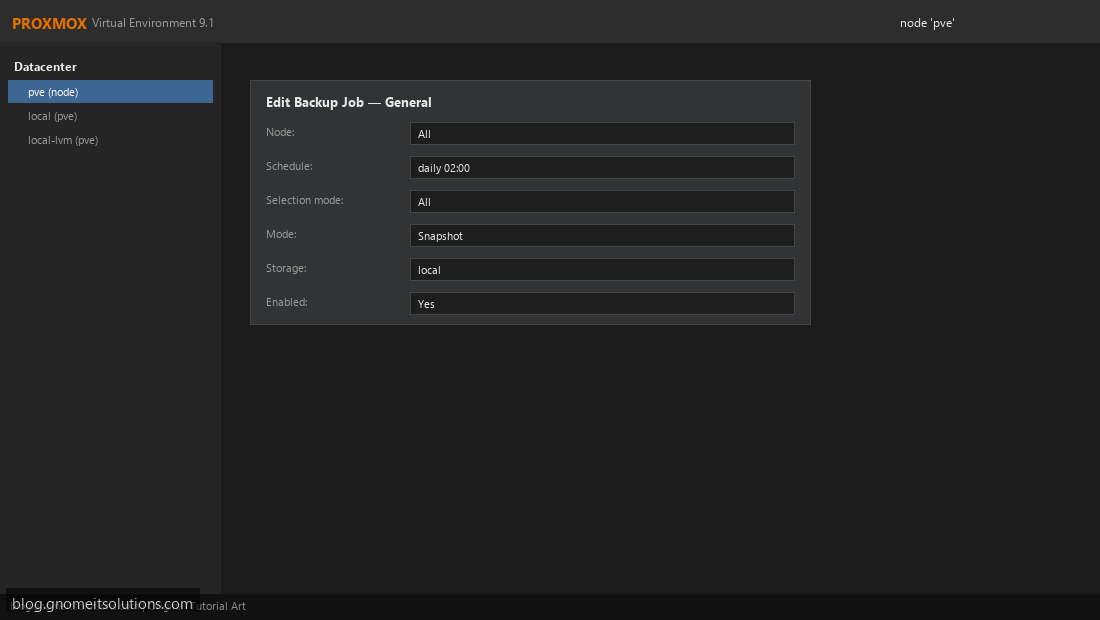
Step 2: General Backup Job Settings
Set schedule, VM selection, backup mode (snapshot/stop), and storage.
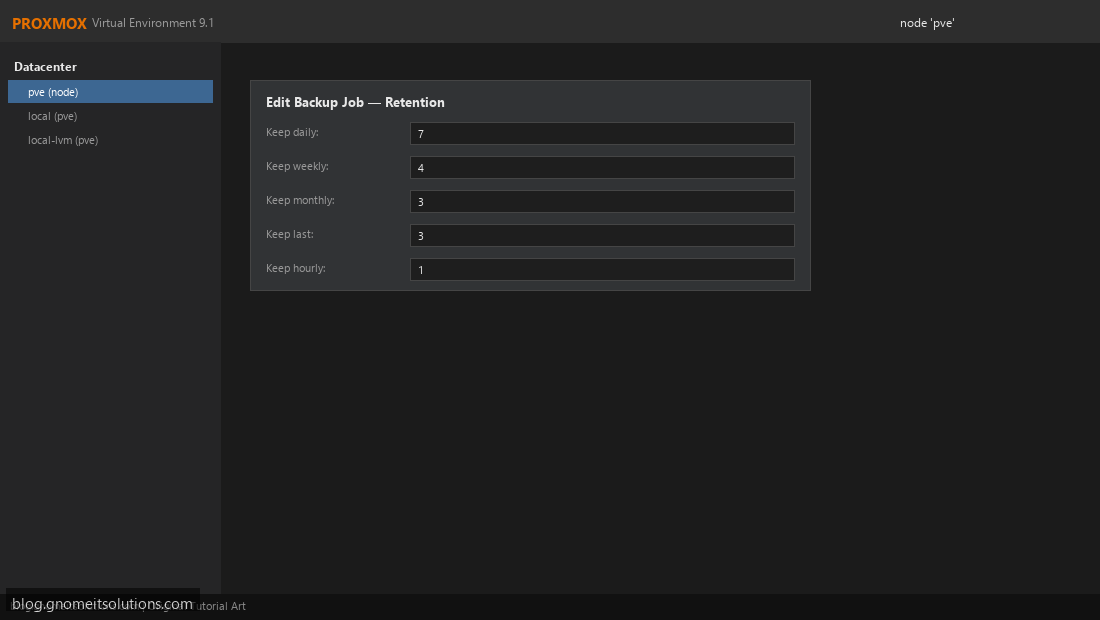
Step 3: Configure Retention Policy
Set keep daily, weekly, monthly, and keep-last values.
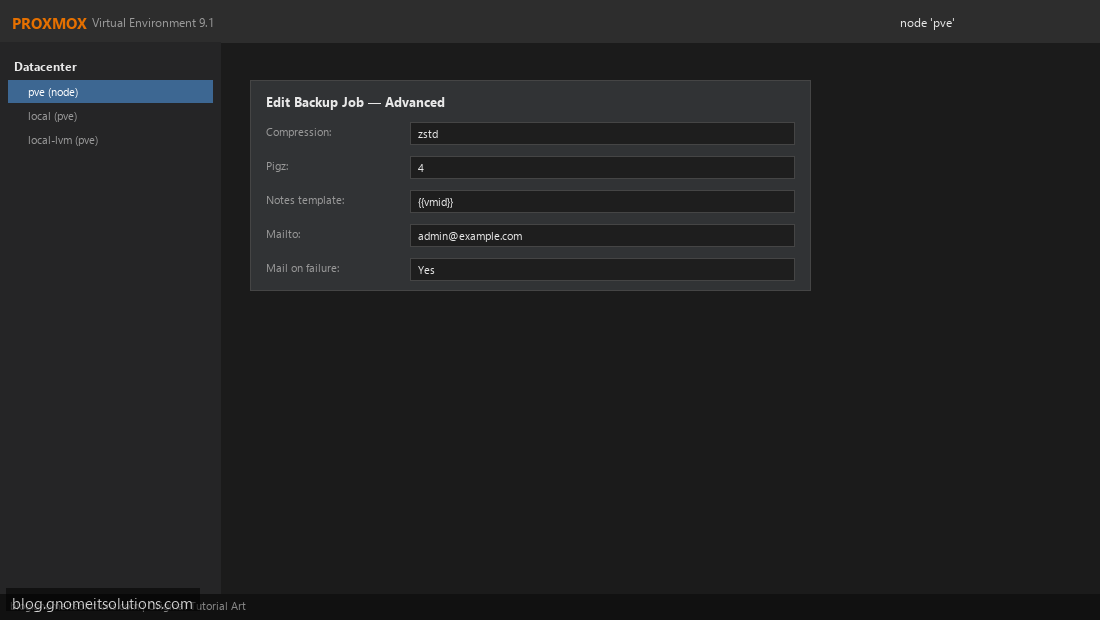
Step 4: Advanced Options and Notifications
Configure compression, pigz threads, and email on failure.
vzdump 101 --storage local --mode snapshot --compress zstdImage credits: All screenshots are original Proxmox VE 9.1-style illustrations
created for Gnome IT Solutions. Each image matches its tutorial step. Not copied from third-party sources.
Image credits: Screenshots are from the official
Proxmox VE documentation
(Proxmox GmbH), used under open documentation terms for educational purposes.
Tutorial text and layout © Gnome IT Solutions.