curl and wget are the standard way to pull a file, probe a URL, or talk to an HTTP API from a server that has no browser.
wget is ideal for mirroring and simple downloads; curl shines when you need headers, methods, or tight control in scripts.
If you are debugging a web stack, combine this with Nginx reverse proxy and
Certbot TLS on the same host.
Pick curl or wget
Both speak HTTP and HTTPS. wget defaults to saving files; curl defaults to printing the body to stdout unless you use -O or -o.
curl -fsS https://example.com/ | head -c 200
wget -qO- https://example.com/ | head -c 200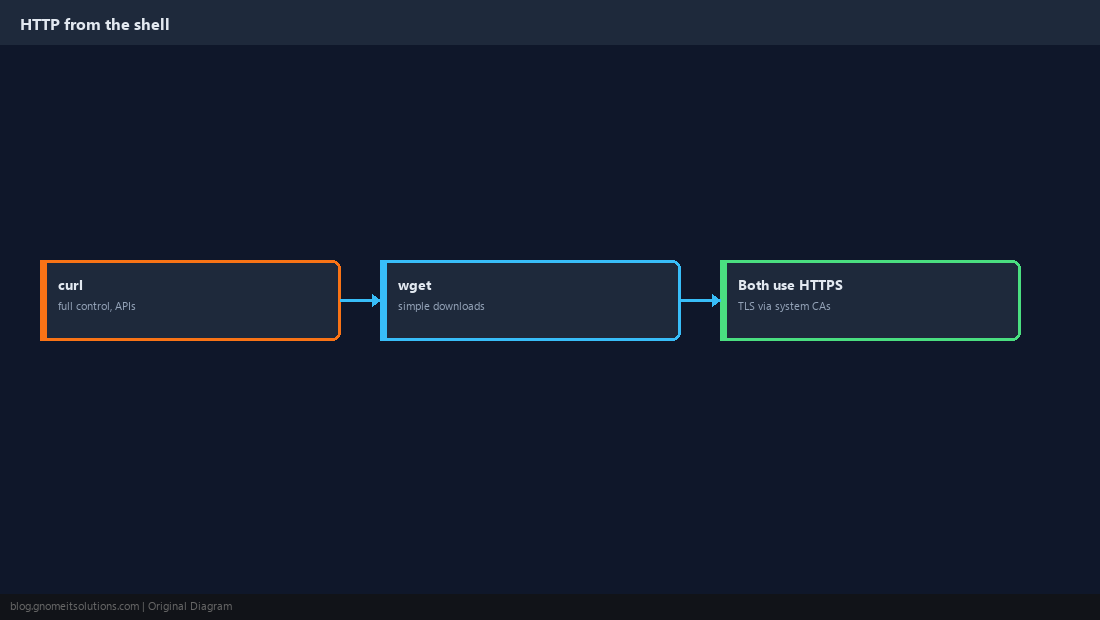
Inspect Headers and Timing
A HEAD request (-I) shows status and headers without downloading the body. -v is invaluable for TLS or redirect problems.
curl -sI https://example.com/curl -o /dev/null -s -w 'dns:%{{time_namelookup}} connect:%{{time_connect}} ttfb:%{{time_starttransfer}} total:%{{time_total}}\n' https://example.com/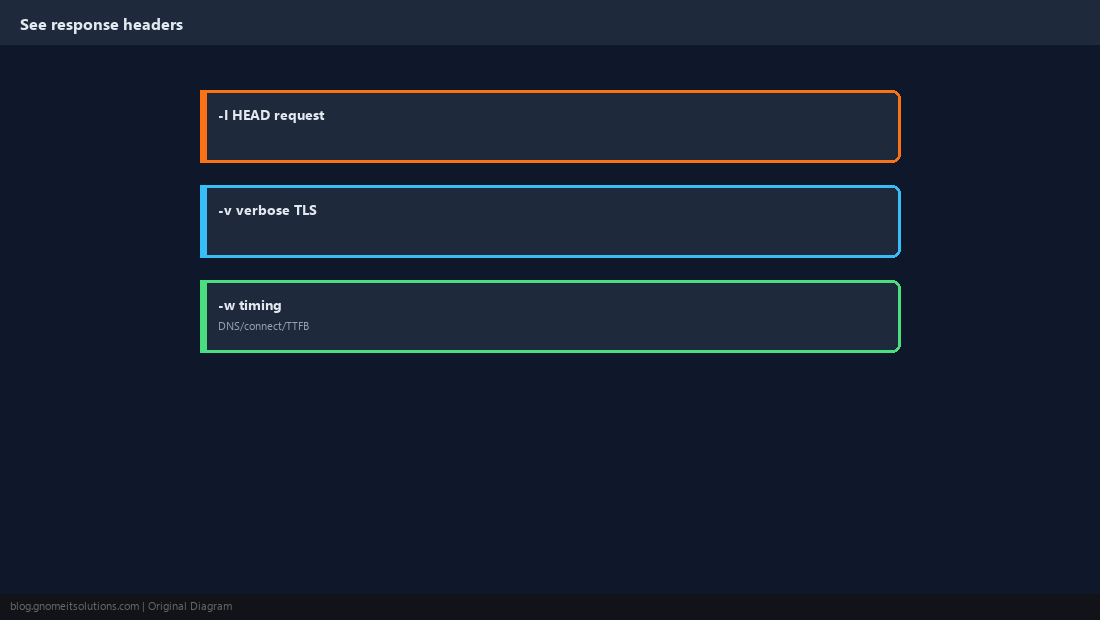
POST JSON to an API
Set Content-Type, send a body with -d, and pass bearer tokens in Authorization when required.
curl -fsS -X POST https://api.example.com/v1/items \
  -H 'Content-Type: application/json' \
  -H 'Authorization: Bearer TOKEN' \
  -d '{"name":"demo","enabled":true}'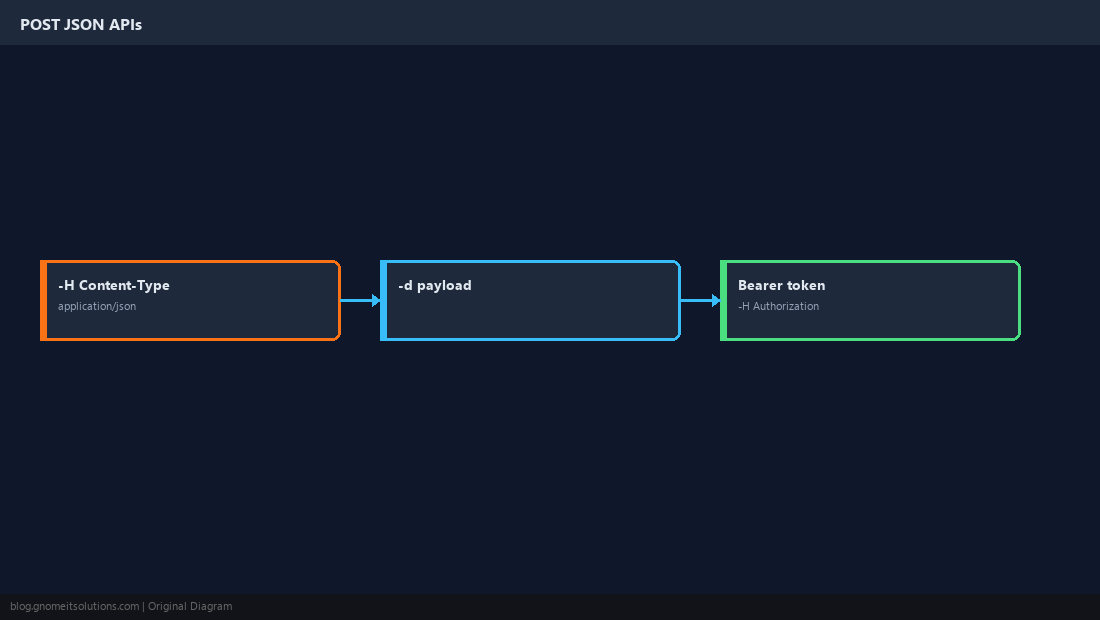
Download and Resume
Name the local file explicitly in scripts. wget -c continues a partial download.
curl -fsS -o /tmp/installer.sh https://example.com/install.sh
chmod +x /tmp/installer.shwget -c https://example.com/large.iso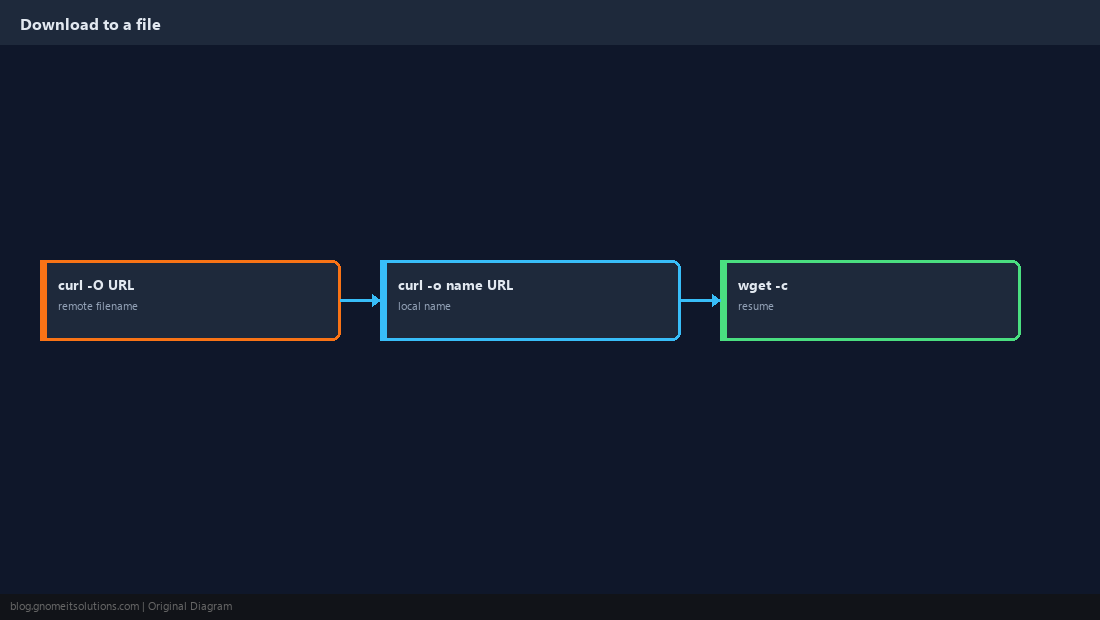
Auth, Proxies and TLS
Use -u for basic auth sparingly; prefer tokens. In lab only, -k skips certificate verification — never in production scripts.
curl --cacert /etc/ssl/private/my-ca.pem https://internal.example/-k in cron jobs that touch production data.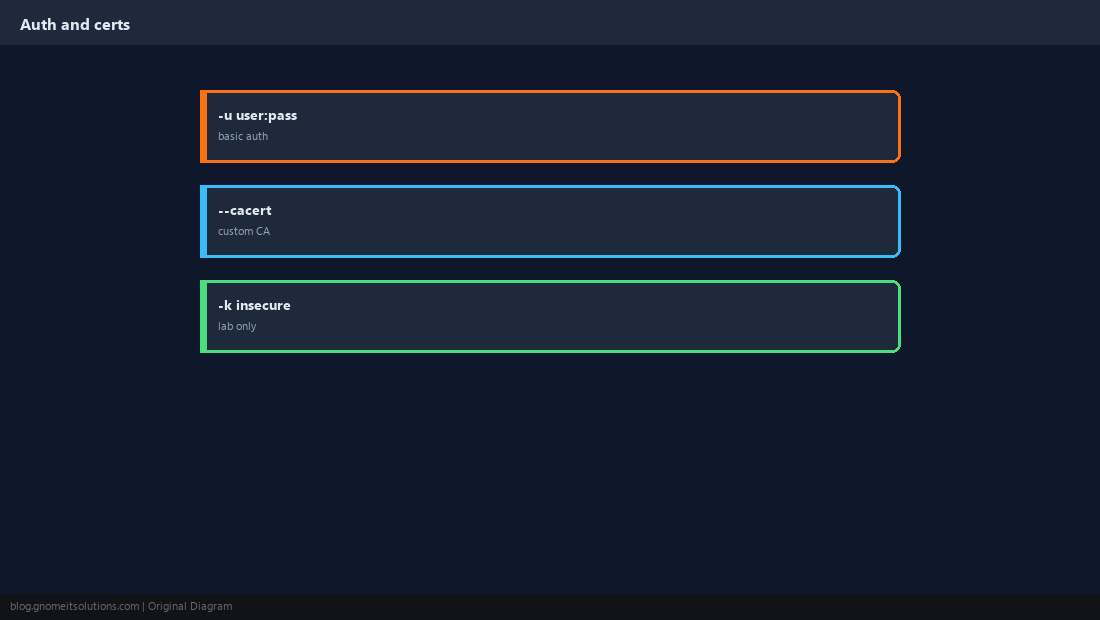
Reliable Script Patterns
curl -fsS fails on HTTP errors and prints errors to stderr. Check exit codes and log responses you care about.
code=$(curl -fsS -o /tmp/body.txt -w '%{http_code}' https://app.example/health || echo 000)
[ "$code" = 200 ] || { echo "bad health: $code"; exit 1; }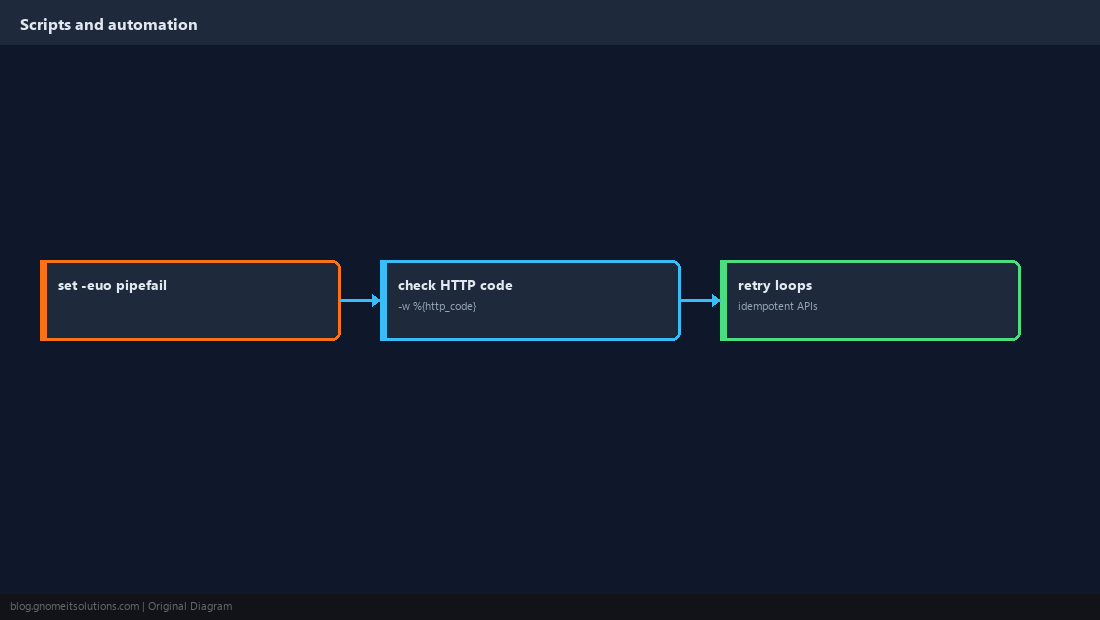
Verify Reachability
wget --spider checks existence without keeping the file. Combine with checksums when integrity matters.
wget --spider -S https://example.com/file.zip 2>&1 | head -5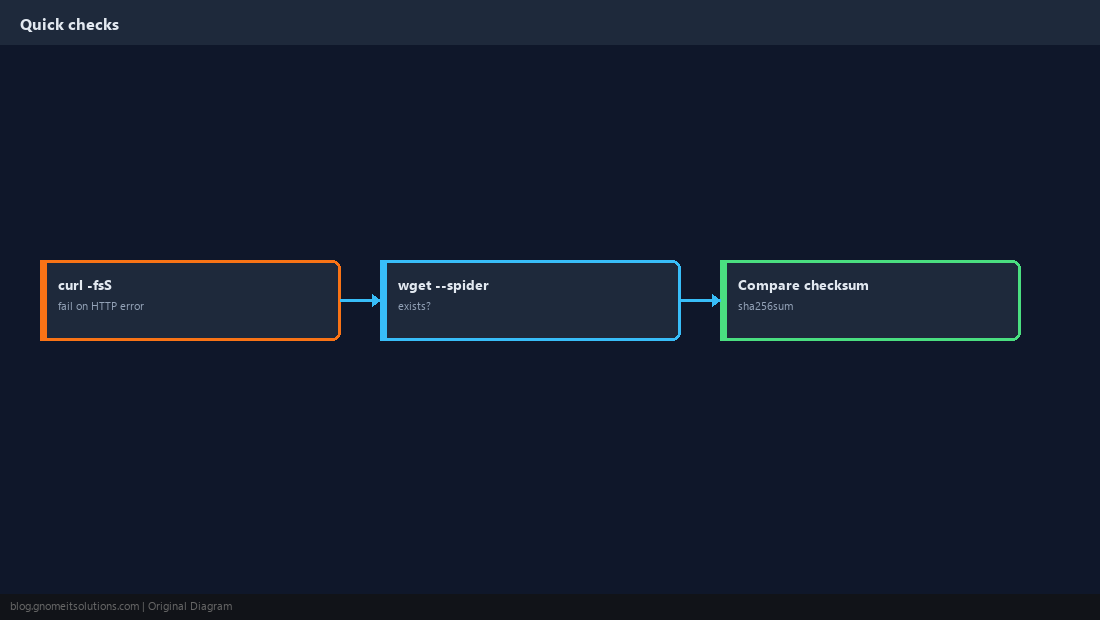
Quick Reference
curl -fsSfor scripts;wget -cto resume-Ifor headers;-d+ JSON for APIs- Avoid
-koutside lab
Related tutorials
Diagrams are original illustrations by Gnome IT Solutions. Tutorial text © Gnome IT Solutions.