Install Helm on Linux follows kubectl in most Kubernetes learning paths — Helm packages manifests into versioned charts so you can install Prometheus, ingress controllers, or your own app with one command and a values file.
Prerequisites: kubectl,
kubeadm cluster,
Helm basics article (concepts).
Helm vs Raw YAML
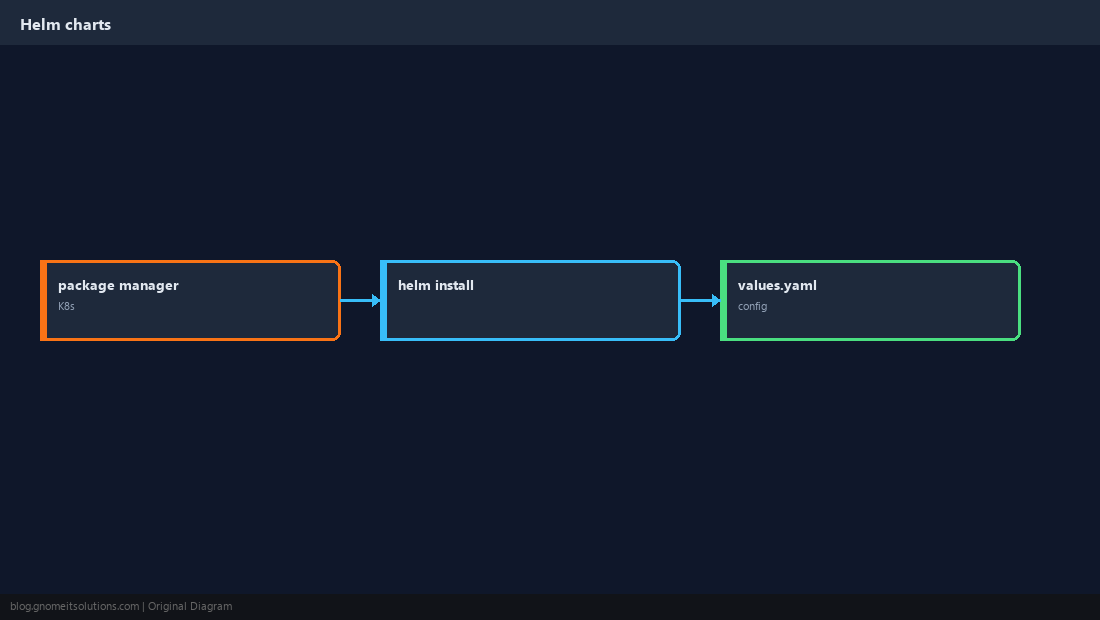
Charts template Kubernetes objects; releases track installed instances.
Install Helm 3 CLI
Official install script or tarball — Helm 2 is legacy.
bashinstall
curl -fsSL https://raw.githubusercontent.com/helm/helm/main/scripts/get-helm-3 | bash
helm version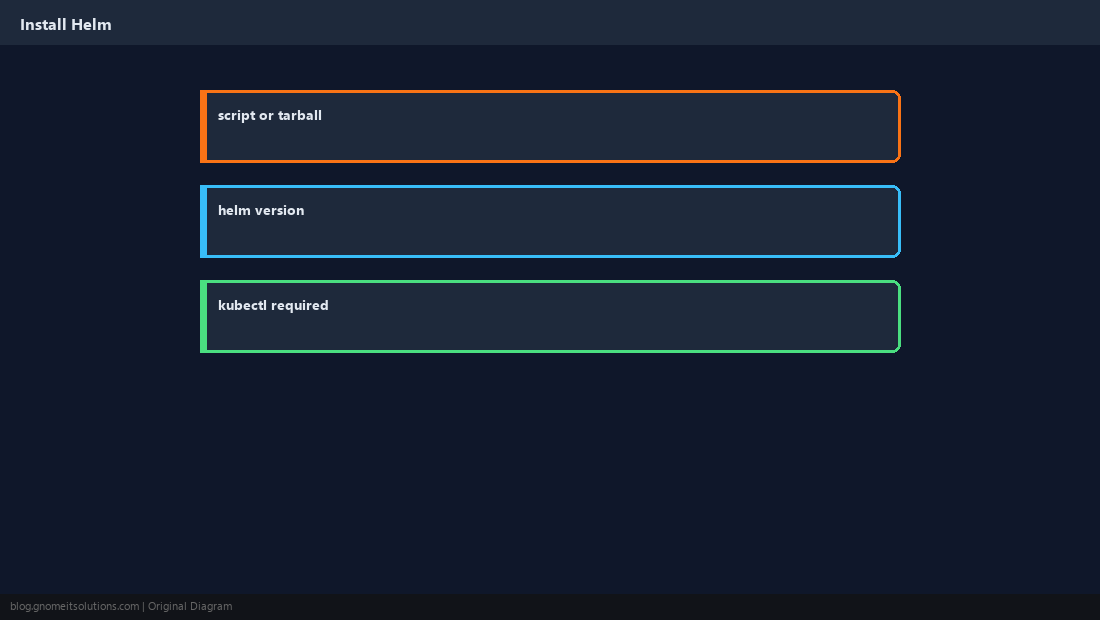
Add a Chart Repository
Like apt repos — update before install.
bashrepo
helm repo add bitnami https://charts.bitnami.com/bitnami
helm repo update
helm search repo nginx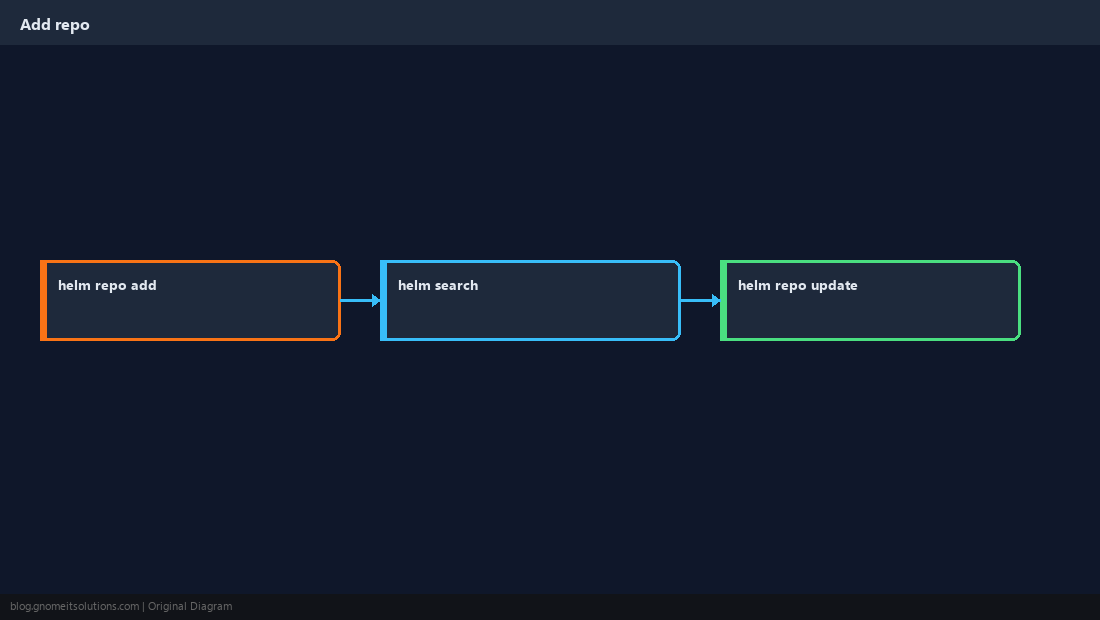
helm install a Release
Release name + chart + namespace.
bashexample
helm install my-nginx bitnami/nginx --namespace web --create-namespace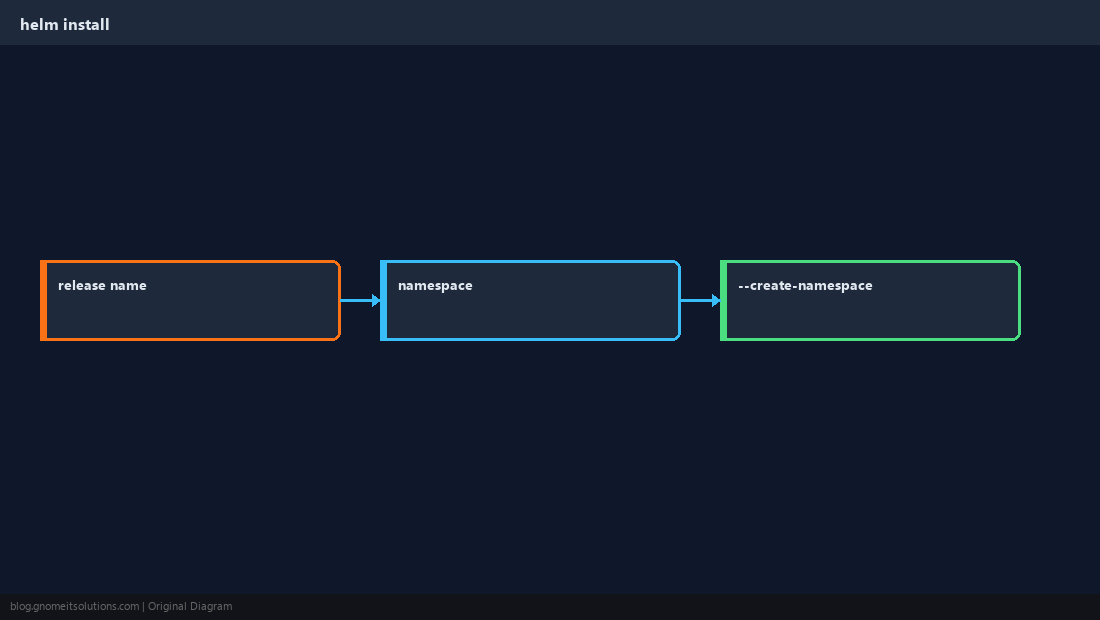
values.yaml Overrides
Tune replicas, image tag, resources — keep secrets out of git.
bashoverride
helm install my-nginx bitnami/nginx -n web --set service.type=ClusterIP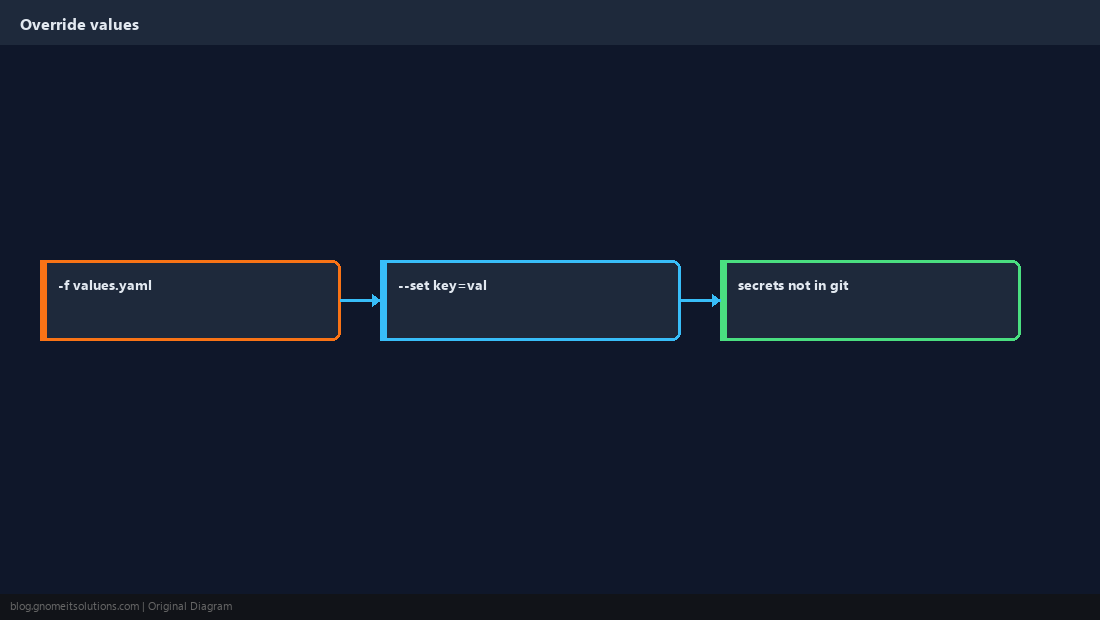
upgrade and rollback
Helm tracks revision history per release.
bashlifecycle
helm upgrade my-nginx bitnami/nginx -n web --reuse-values
helm history my-nginx -n web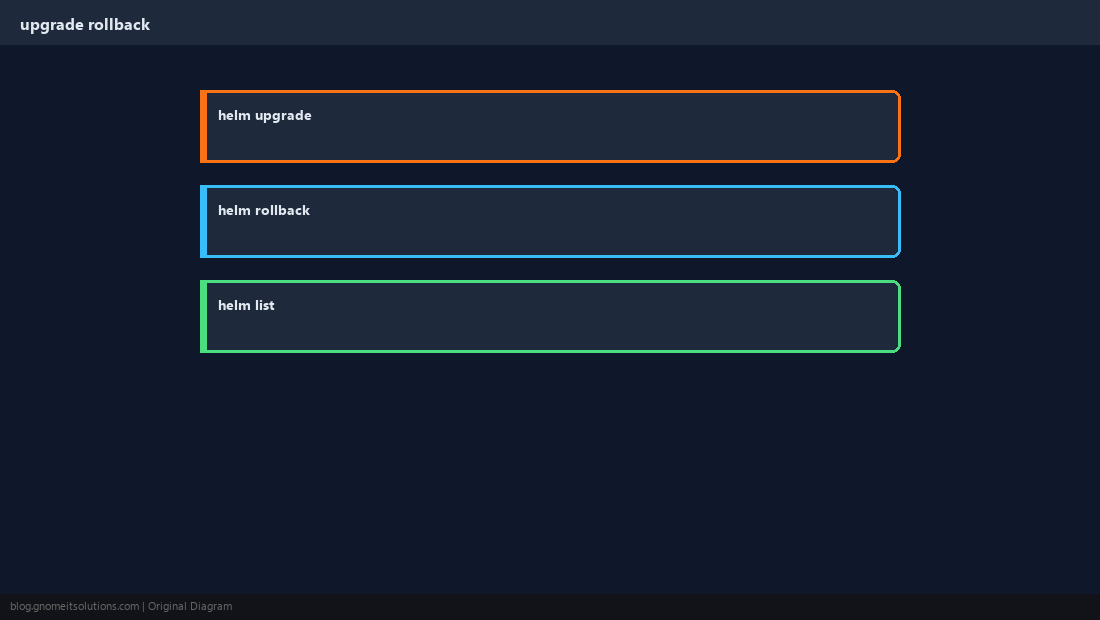
Verify Pods
Helm success still means Kubernetes must schedule pods.
bashverify
kubectl get pods -n web
helm status my-nginx -n web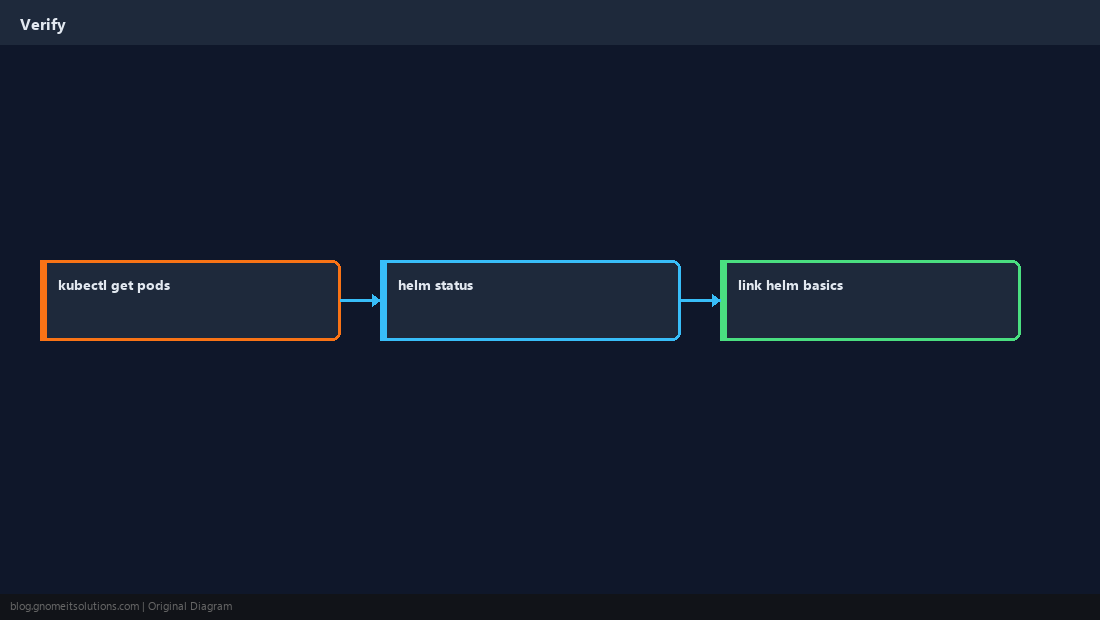
Quick Reference
- Install Helm 3 →
helm repo add && helm repo update helm install RELEASE CHART -n NS --create-namespace- Verify with
kubectl get pods
Related tutorials
Diagrams are original illustrations by Gnome IT Solutions. Tutorial text © Gnome IT Solutions.