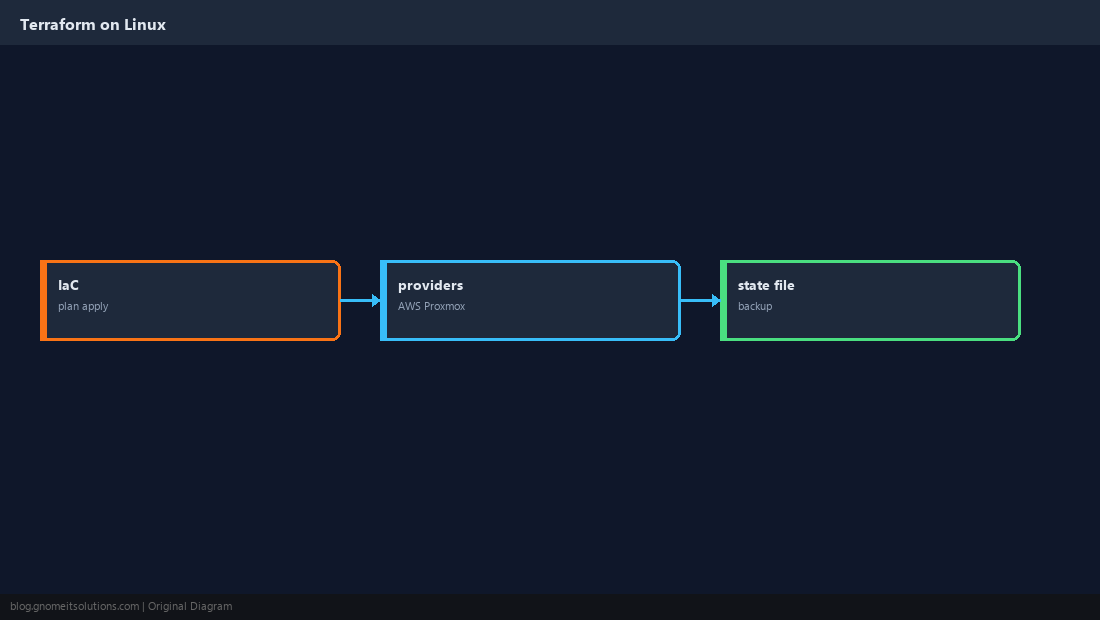
Install Terraform on Linux is one of the most common DevOps searches — teams use it to declare VMs, DNS, firewalls, and cloud resources as code. The workflow is always init → plan → apply.
Compare approaches in our Terraform vs Ansible guide and scan configs with
tfsec/Checkov before merge.
What Terraform Does
Providers talk to APIs (AWS, Azure, Proxmox, Cloudflare). State tracks what Terraform already created.
Install the CLI Binary
Use official releases; package managers often lag versions.
TF_VER=1.9.0
curl -LO "https://releases.hashicorp.com/terraform/${TF_VER}/terraform_${TF_VER}_linux_amd64.zip"
unzip terraform_${TF_VER}_linux_amd64.zip
sudo mv terraform /usr/local/bin/
terraform version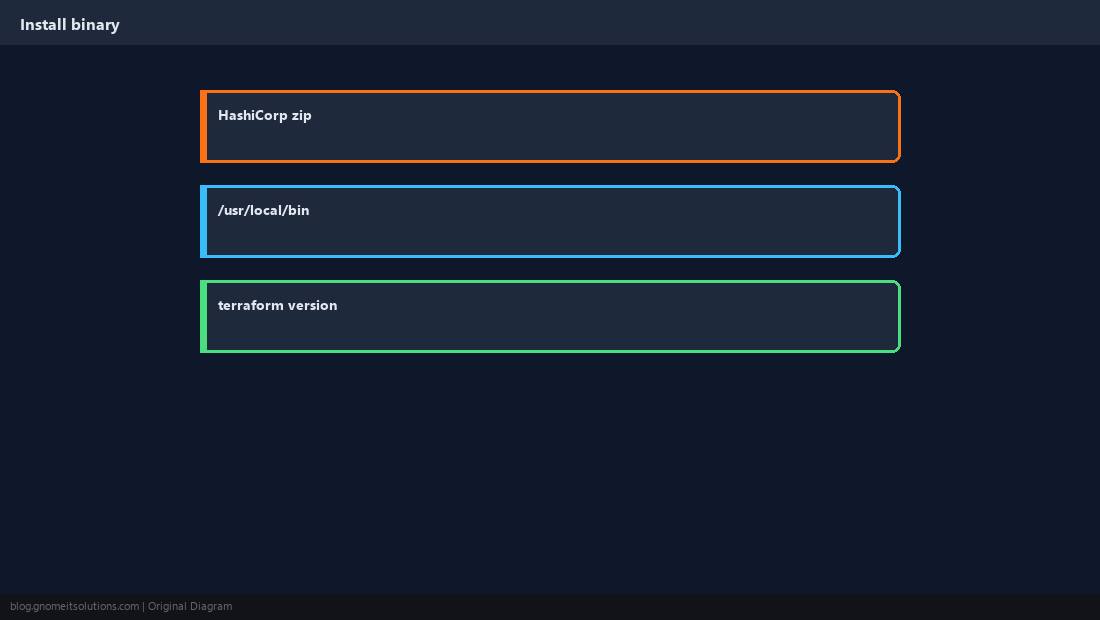
terraform init
Downloads provider plugins and configures backends for remote state.
mkdir -p ~/tf-demo && cd ~/tf-demo
terraform init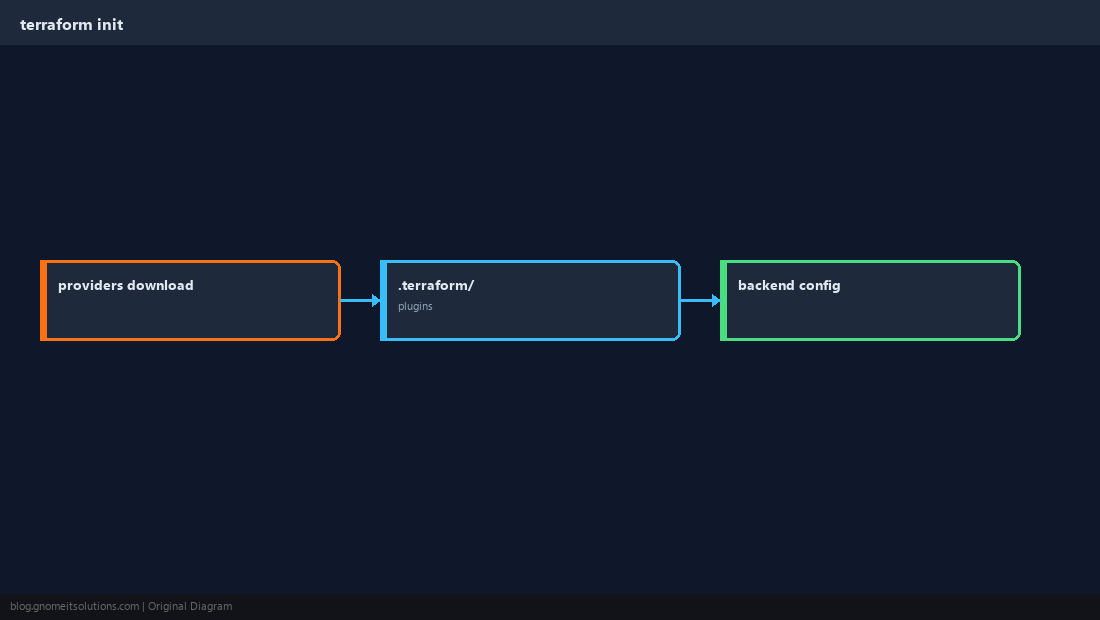
Always plan First
Review the diff — destroys are explicit in the plan output.
terraform plan -out=tfplan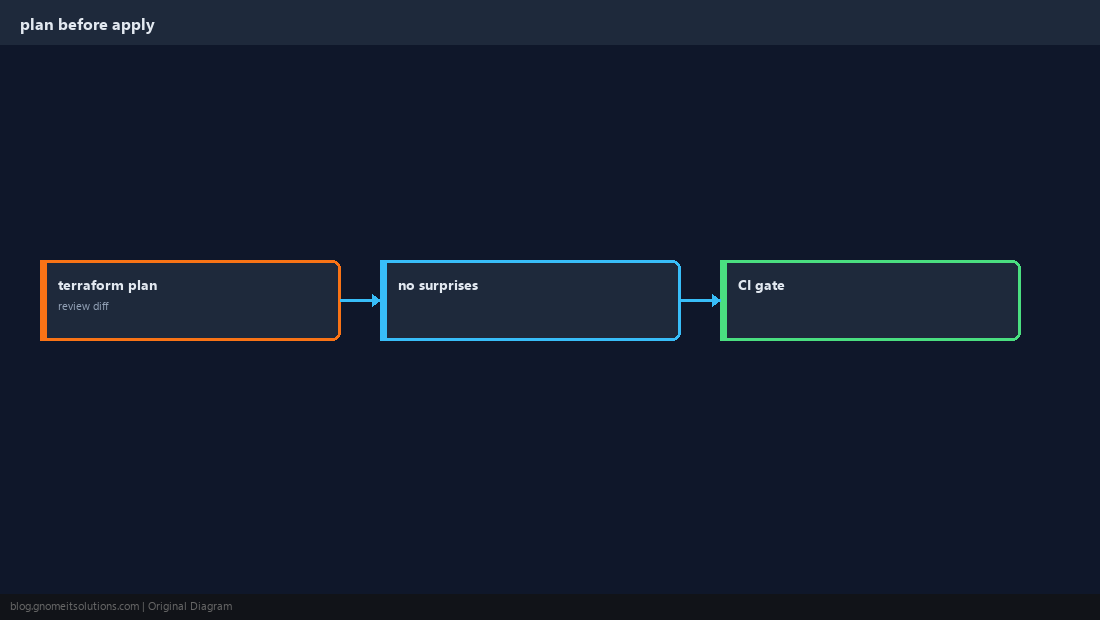
apply and destroy
Apply saves state; destroy removes managed resources — treat it like production DDL.
terraform apply on shared state without a reviewed plan in CI.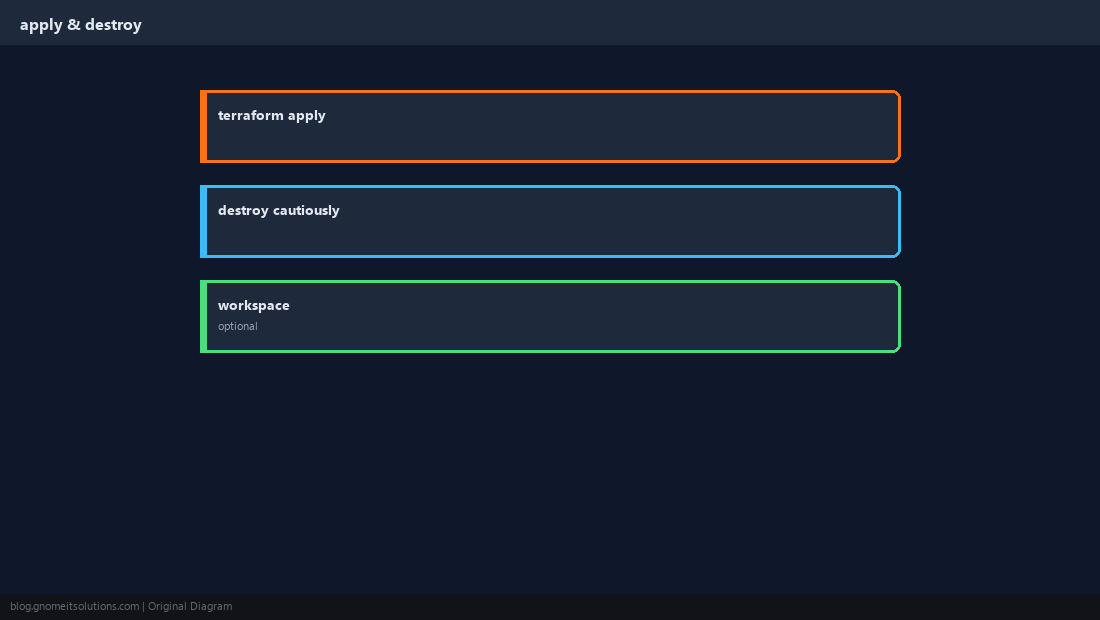
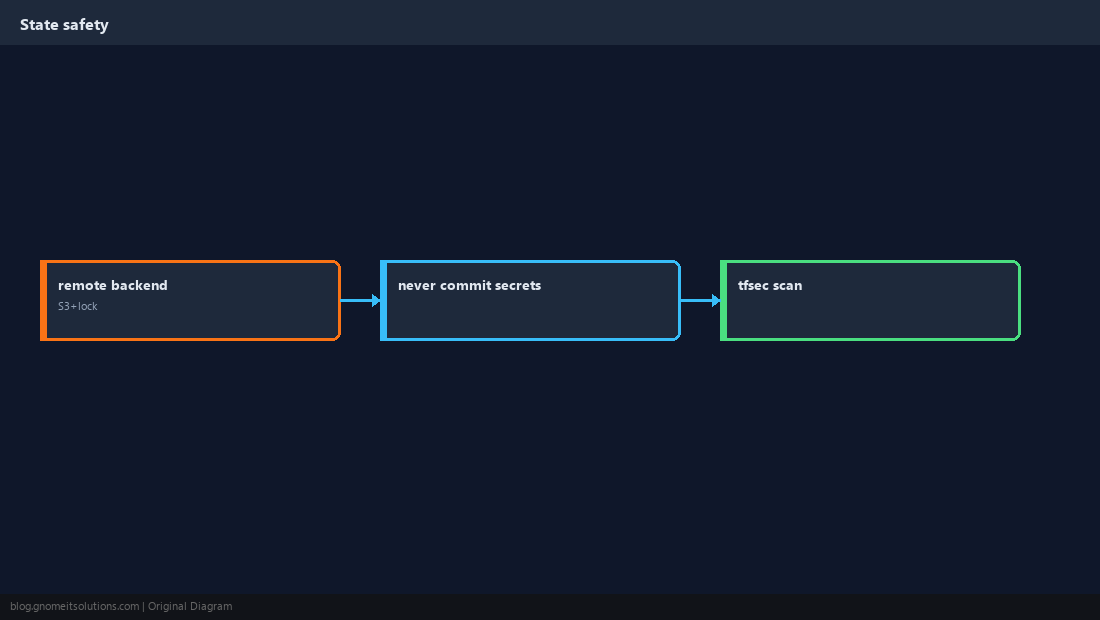
Protect State
Local terraform.tfstate contains secrets metadata — use remote backend with locking.
Validate in CI
terraform fmt -check and validate catch syntax errors early.
terraform fmt -check
terraform validate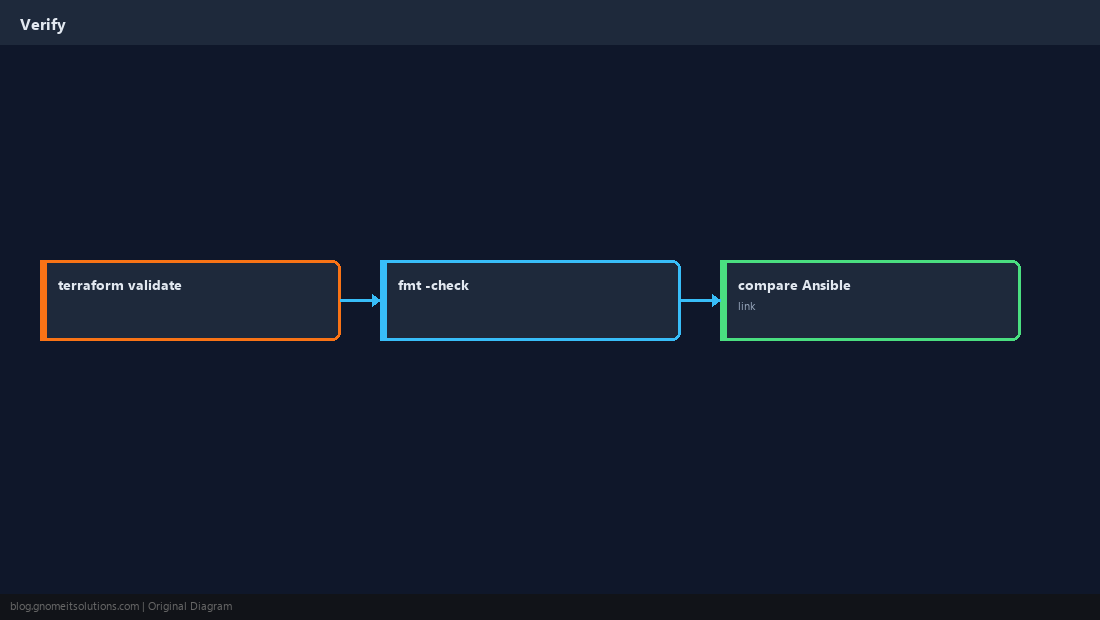
Quick Reference
- Install official binary →
terraform init - Always
planbeforeapply - Remote state + lock for teams
Related tutorials
Diagrams are original illustrations by Gnome IT Solutions. Tutorial text © Gnome IT Solutions.